How-to guides
How-to guides for real estate photos and videos
Step-by-step guides with the real screens and a short video each: listing photos, videos, floor plans and the free tools.
Rooms
Stage, redesign, empty and repaint a room from one photo.
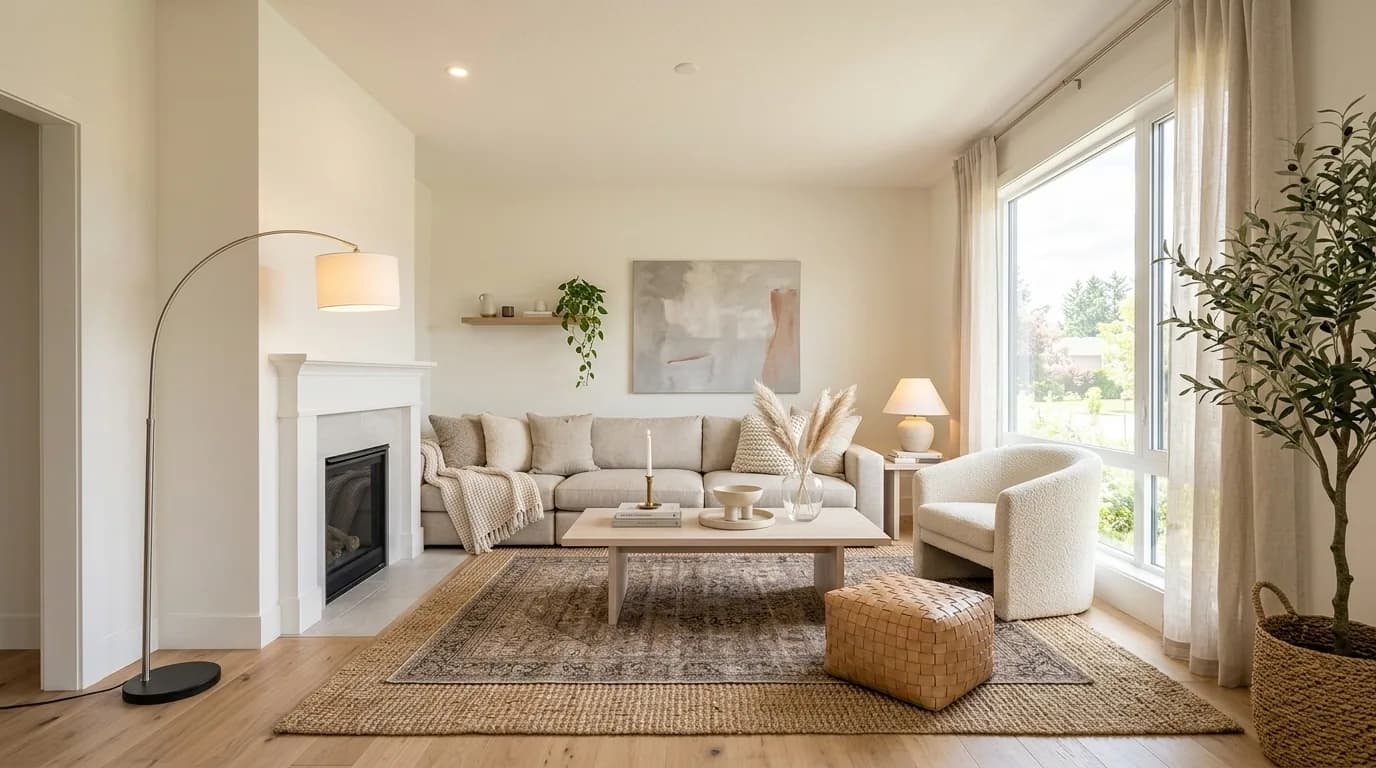
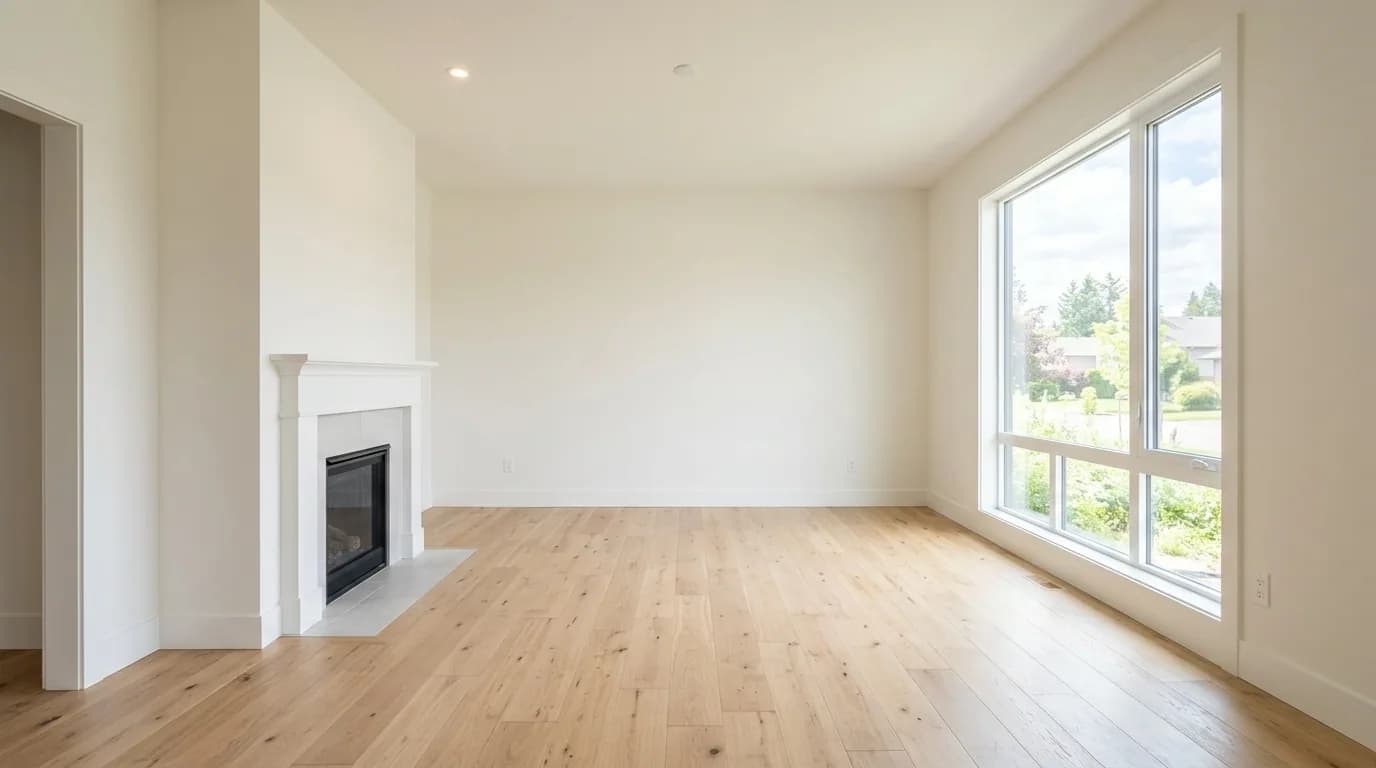
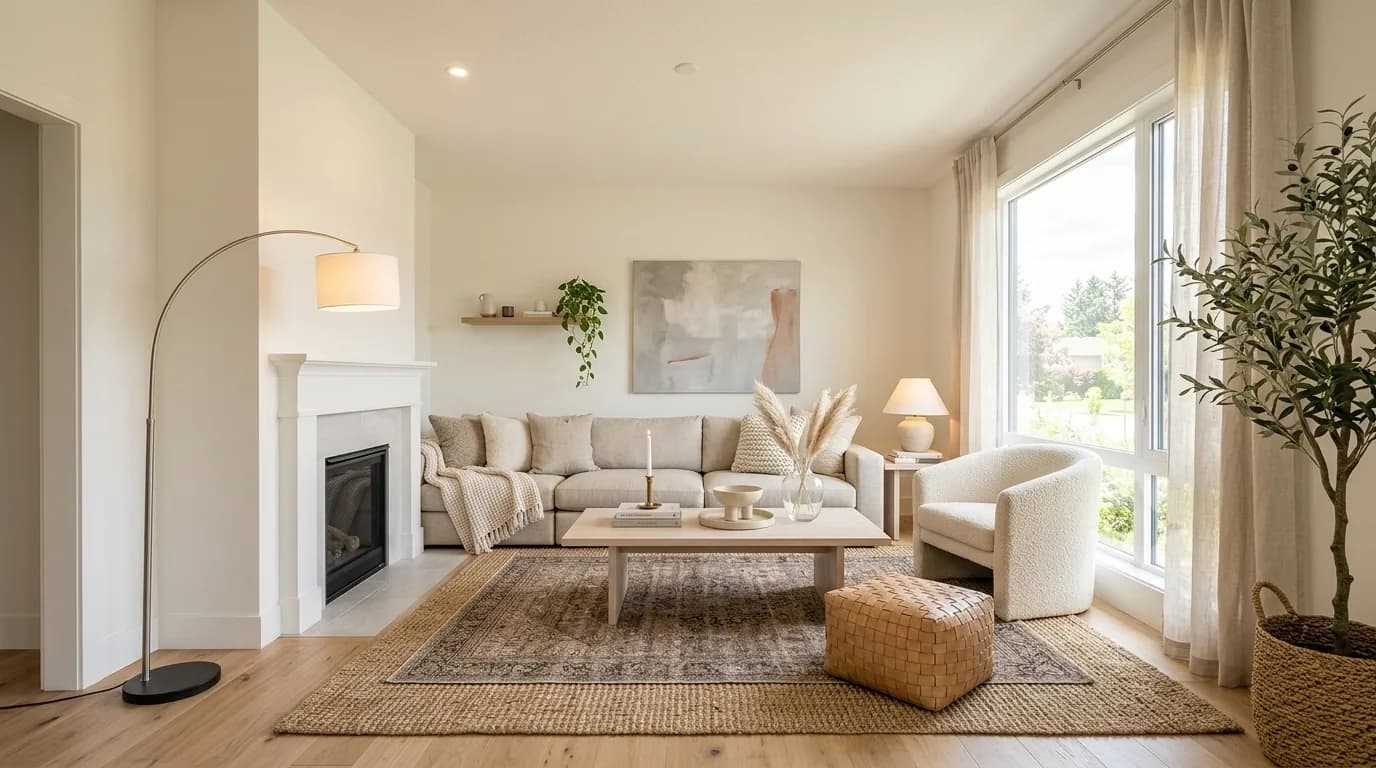
How to virtually stage a room
Read the guide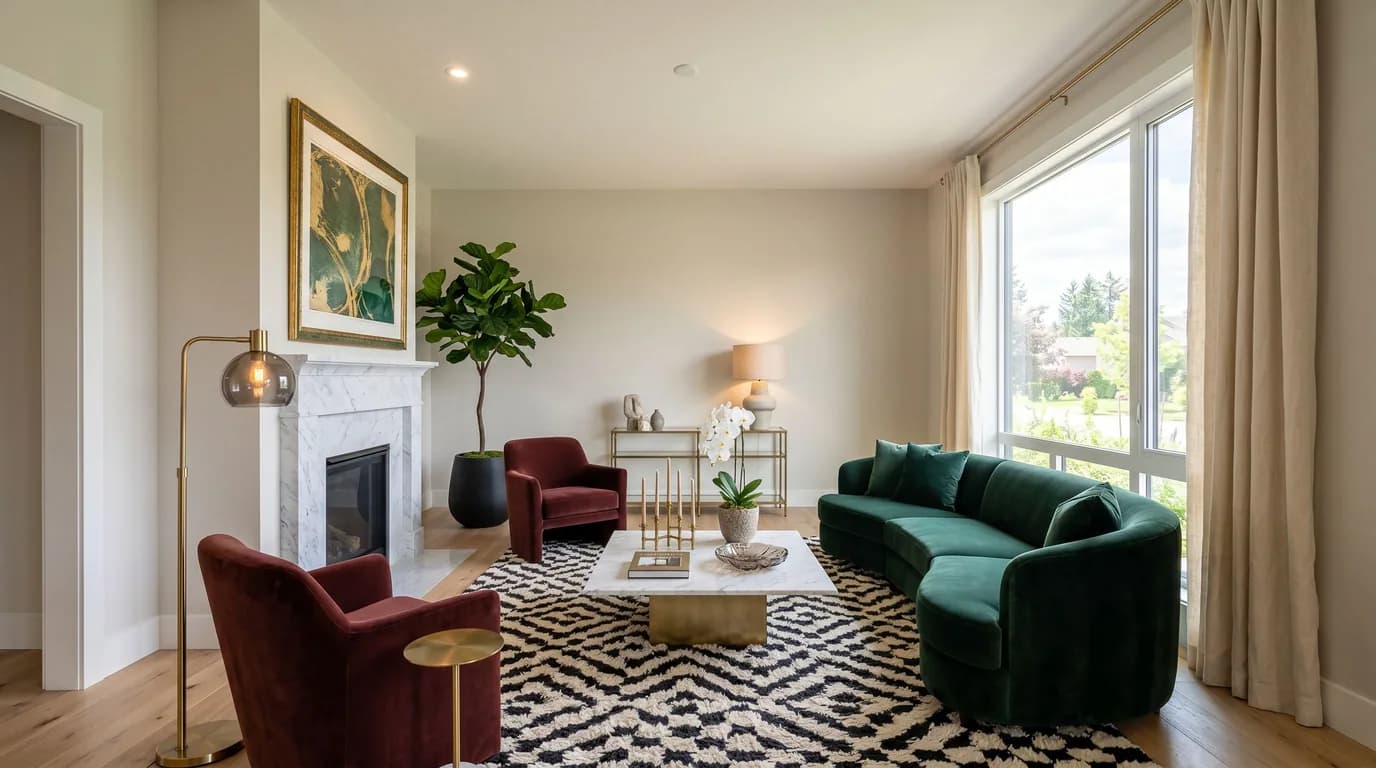
How to redesign a room with AI
Read the guideHow to remove furniture from a photo
Read the guide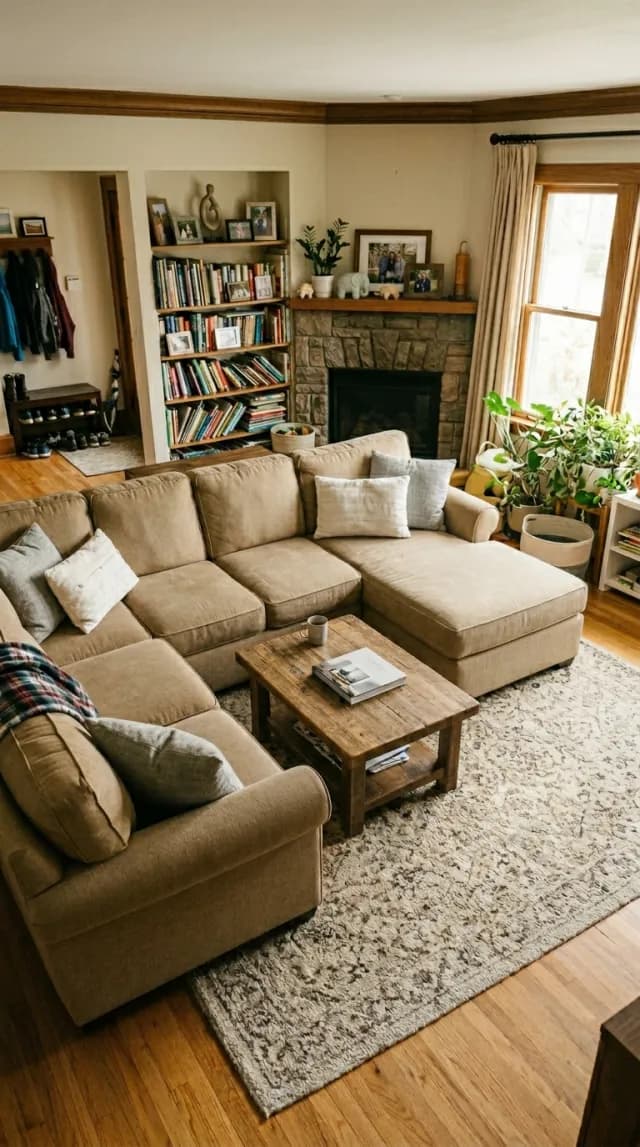

How to remove clutter from a photo
Read the guide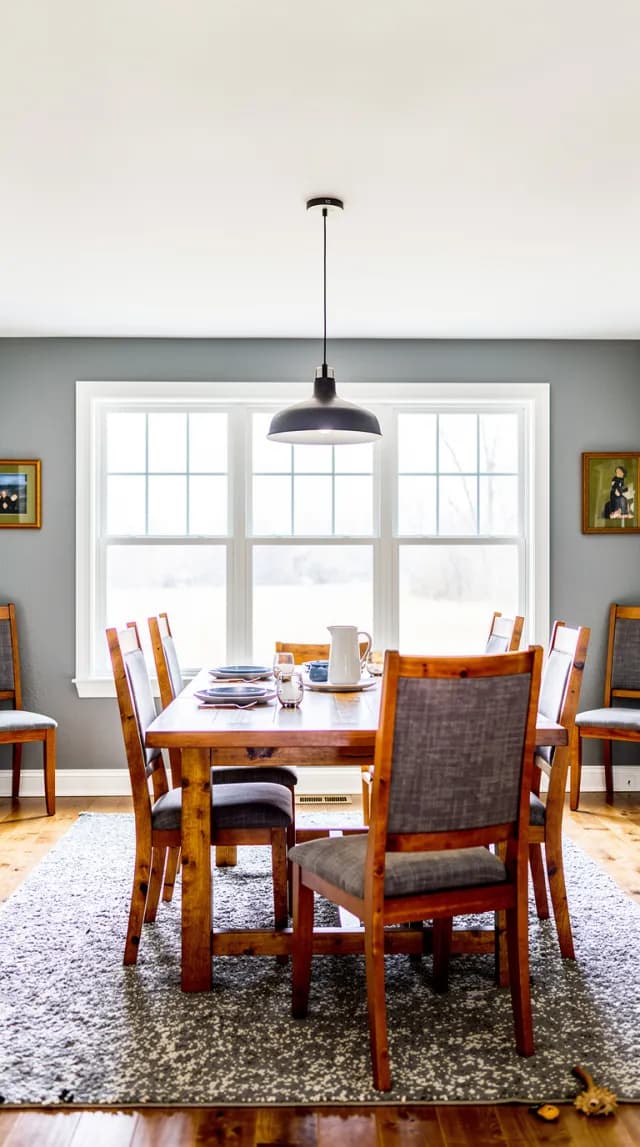
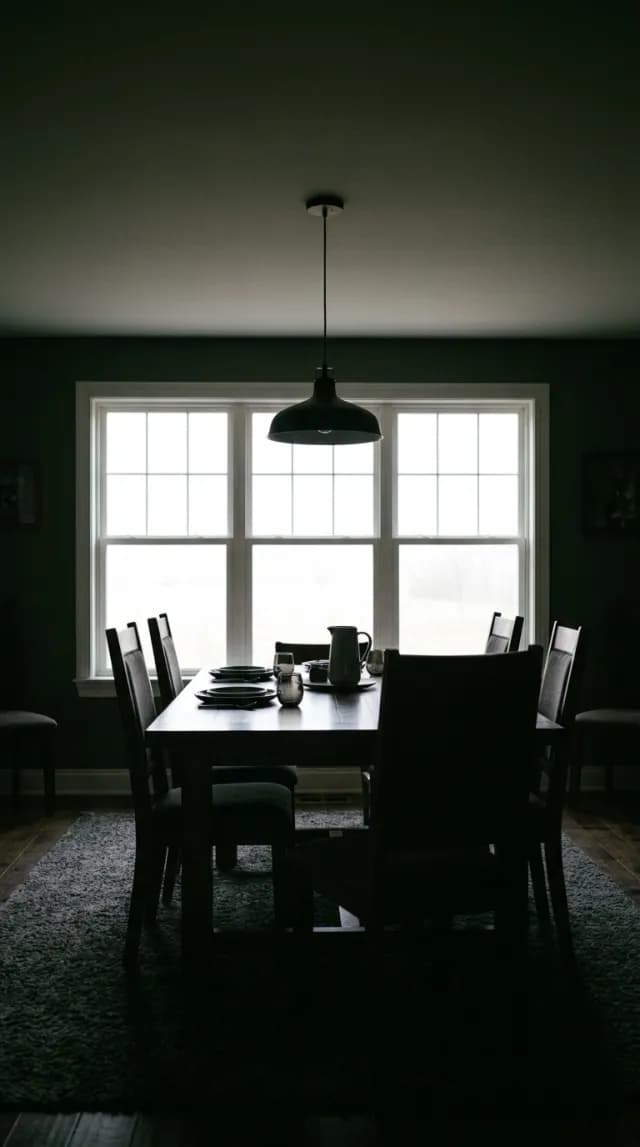
How to edit real estate photos with AI
Read the guide

How to upscale an image without losing quality
Read the guide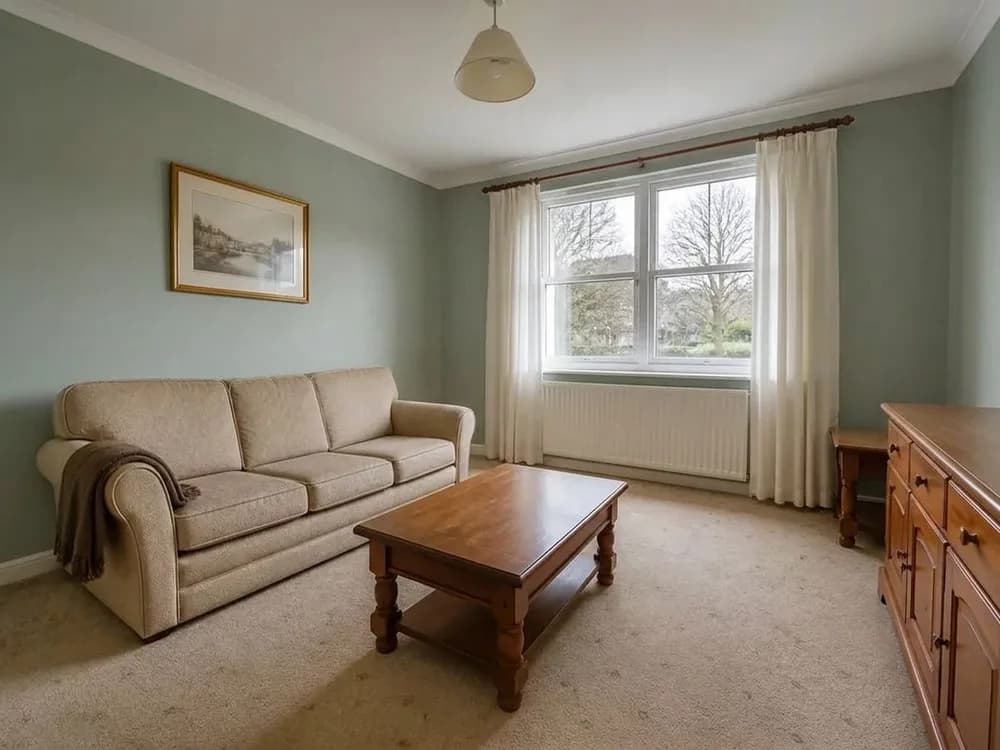
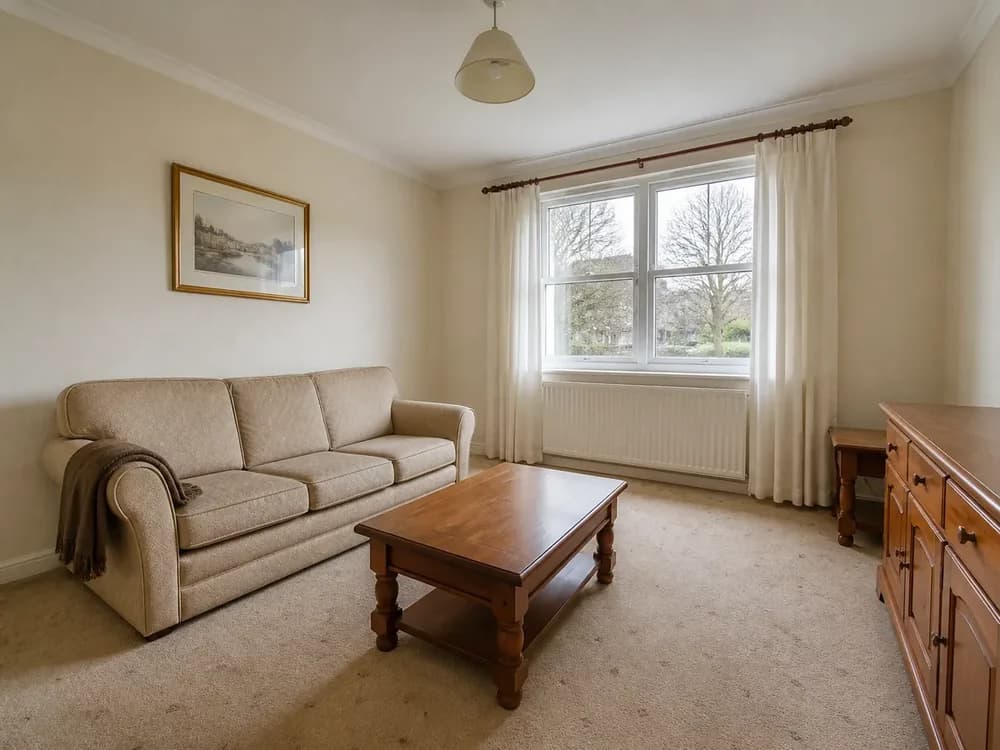
How to change wall colour in a photo
Read the guideExterior
Sky, lawn, season, dusk and the garden — the outside shots.
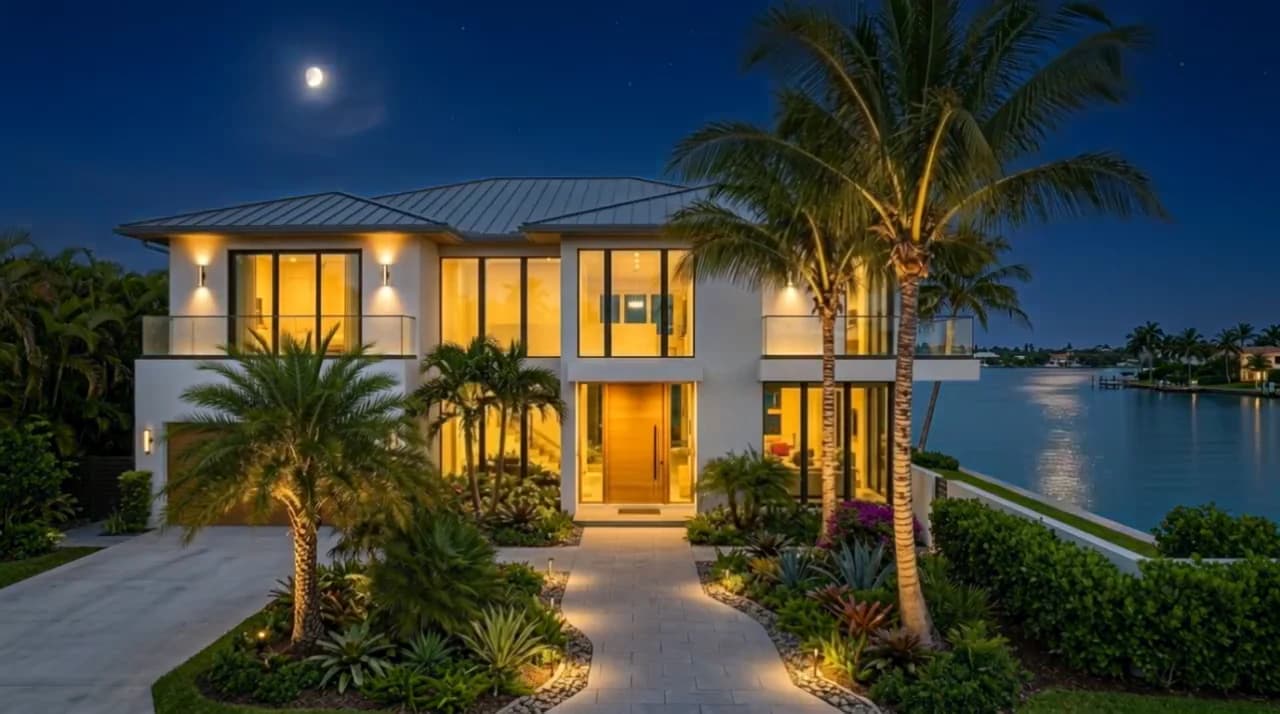
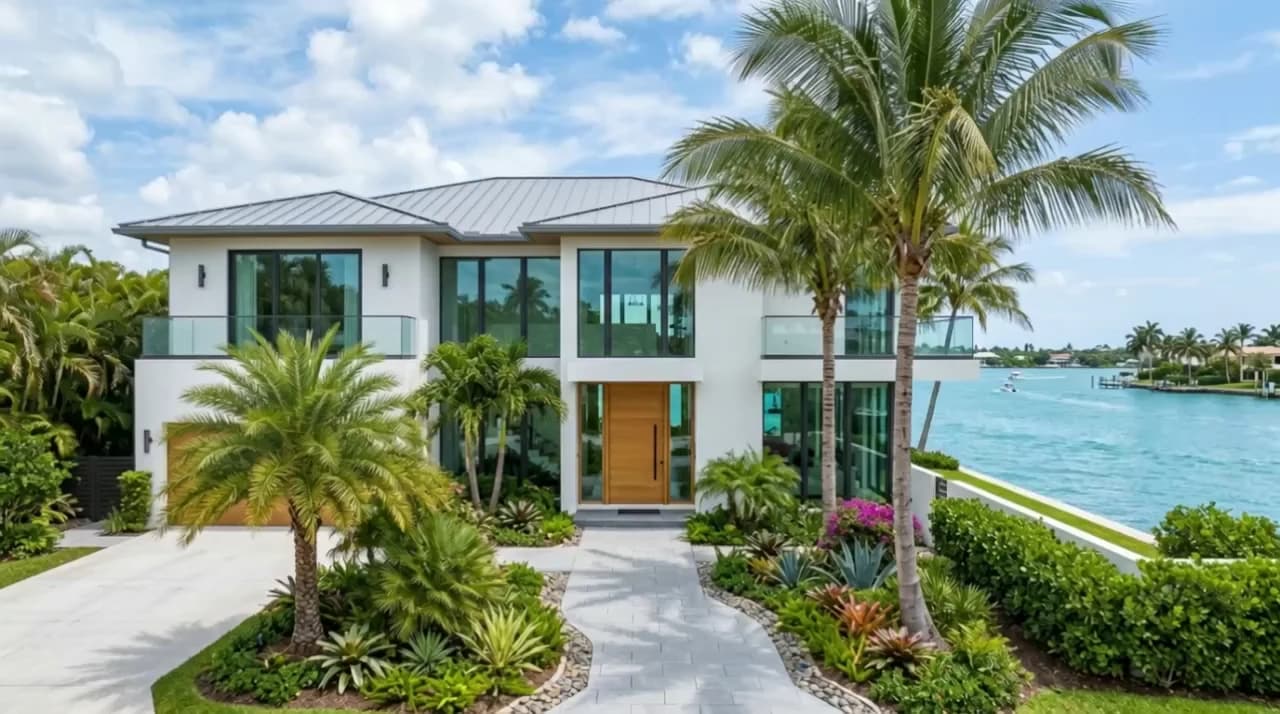
How to make a daytime photo look like night
Read the guide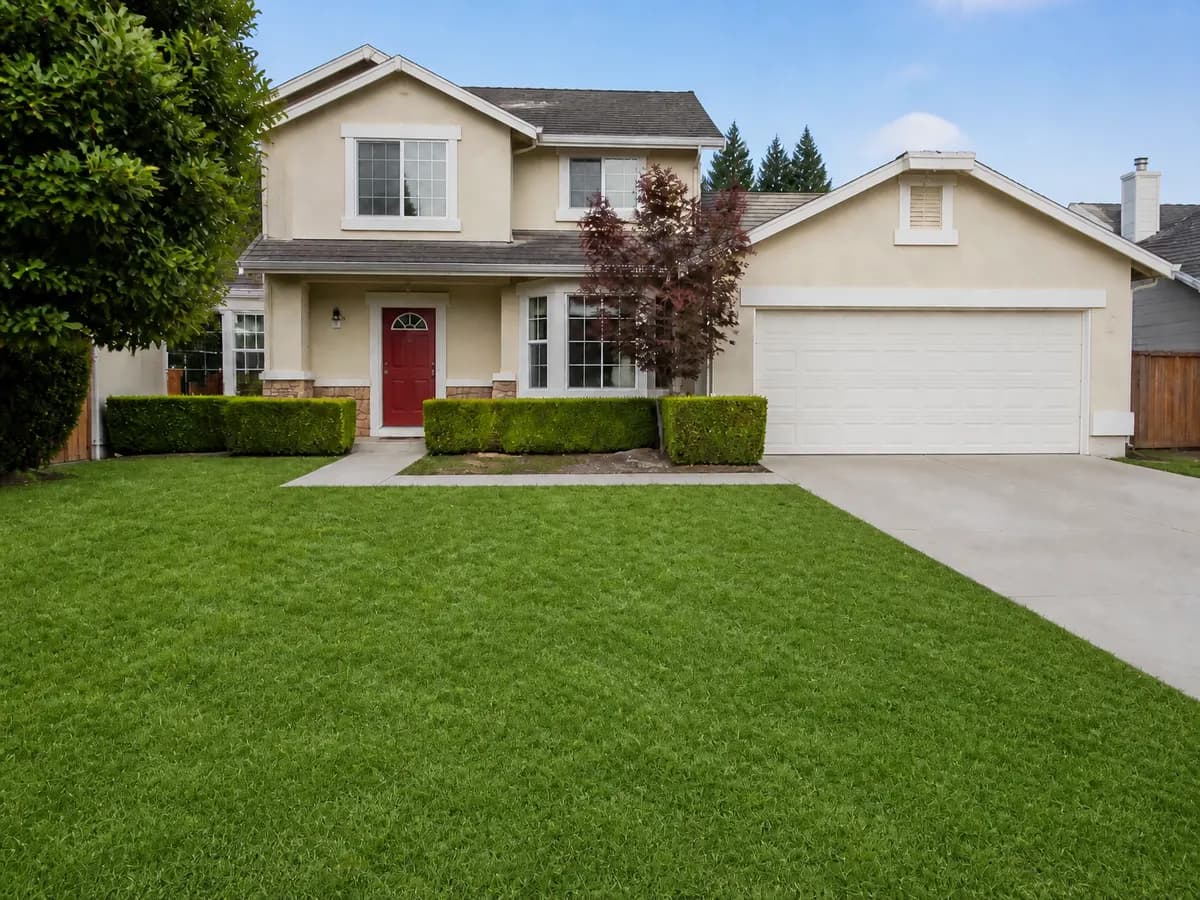
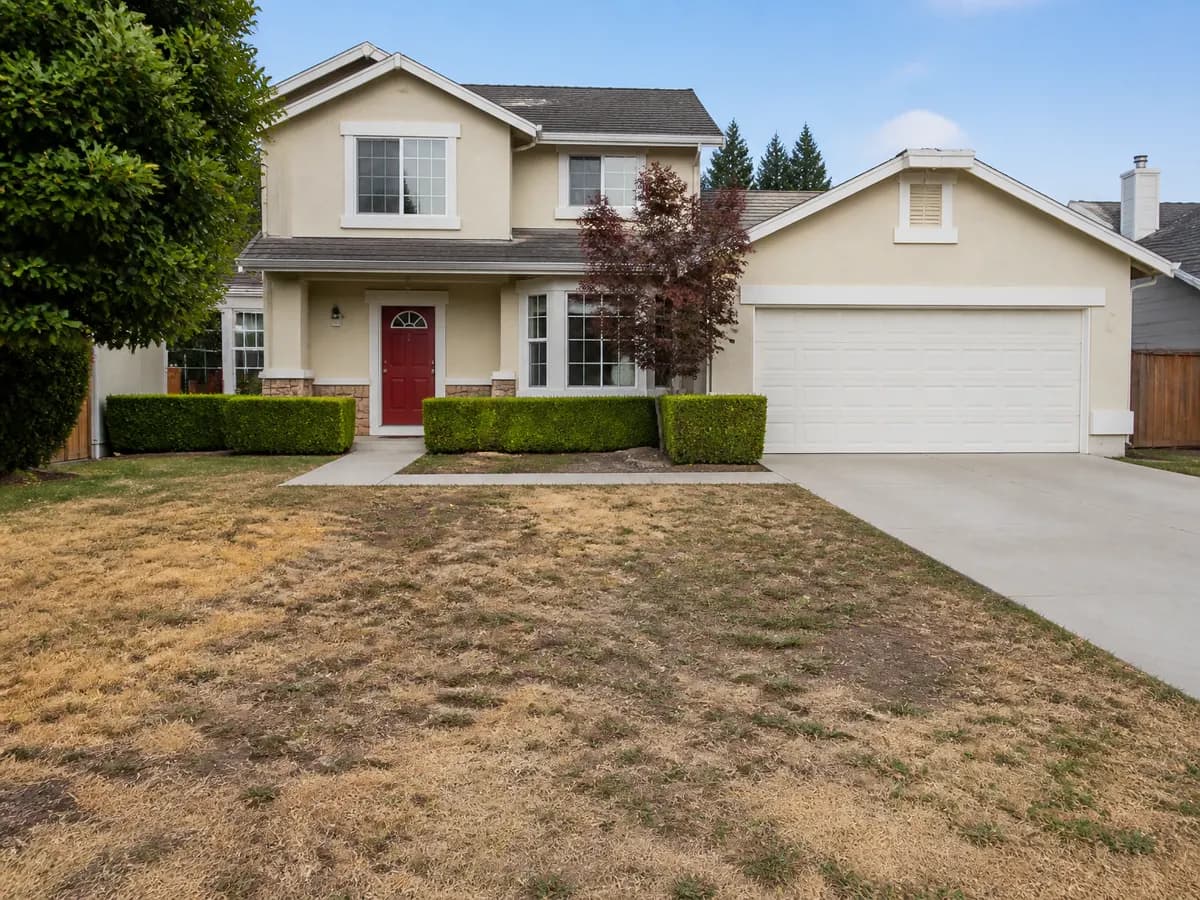
How to make grass greener in a photo
Read the guide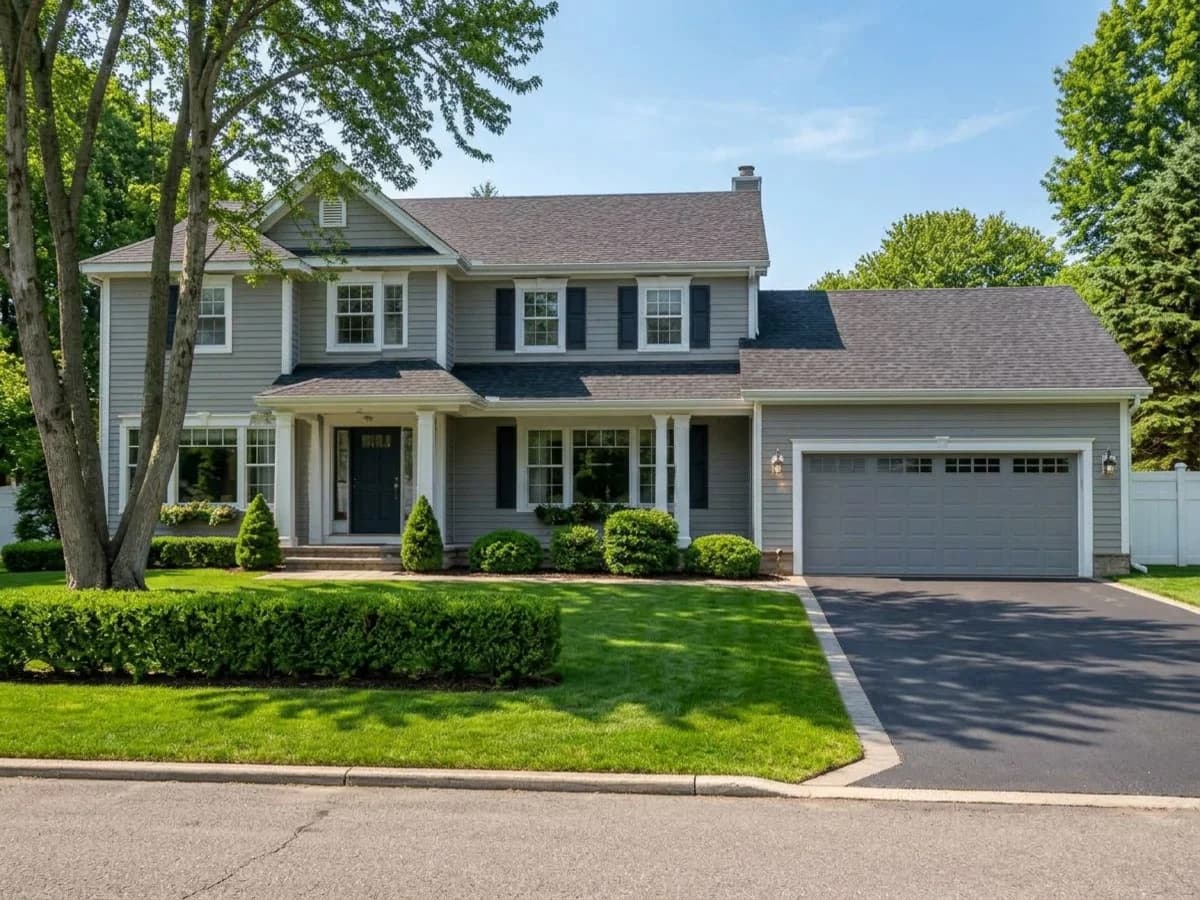
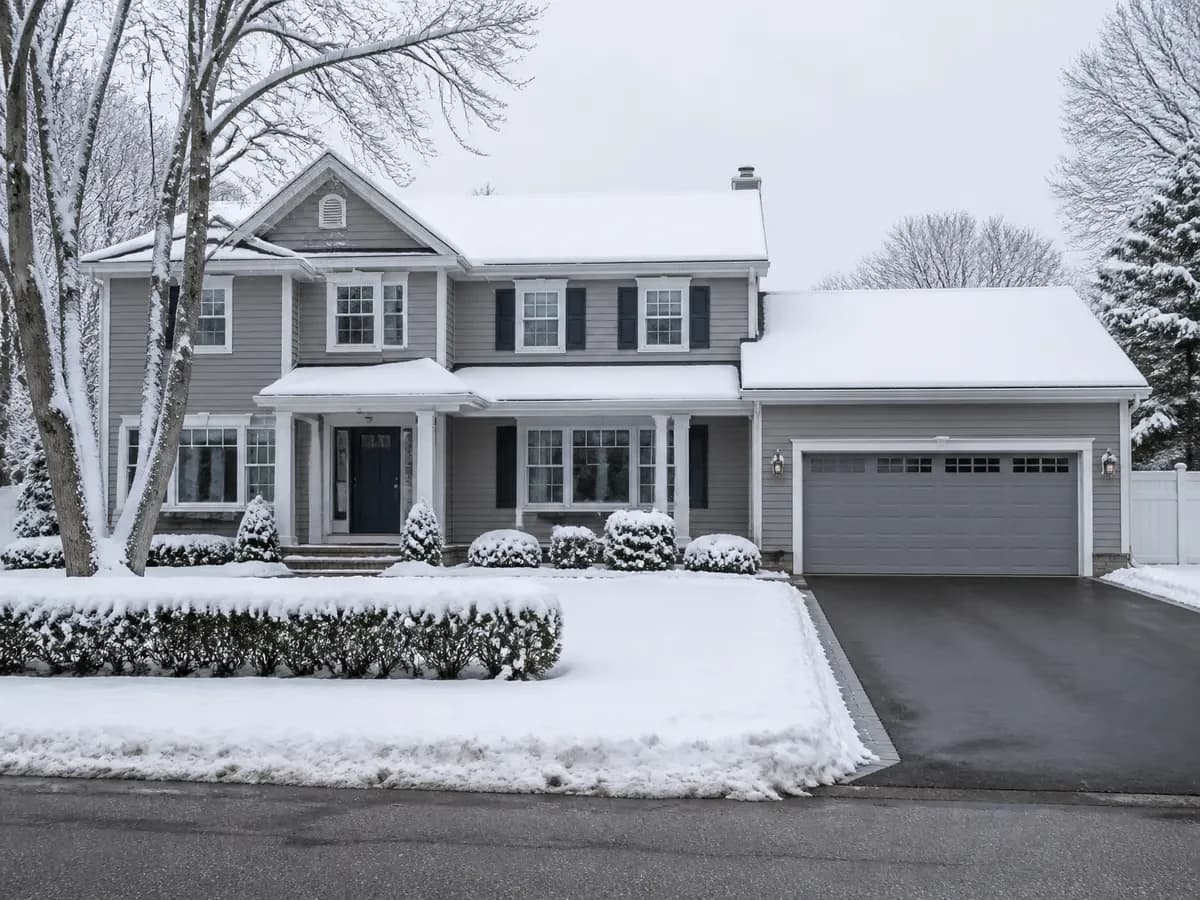
How to remove snow from a photo
Read the guide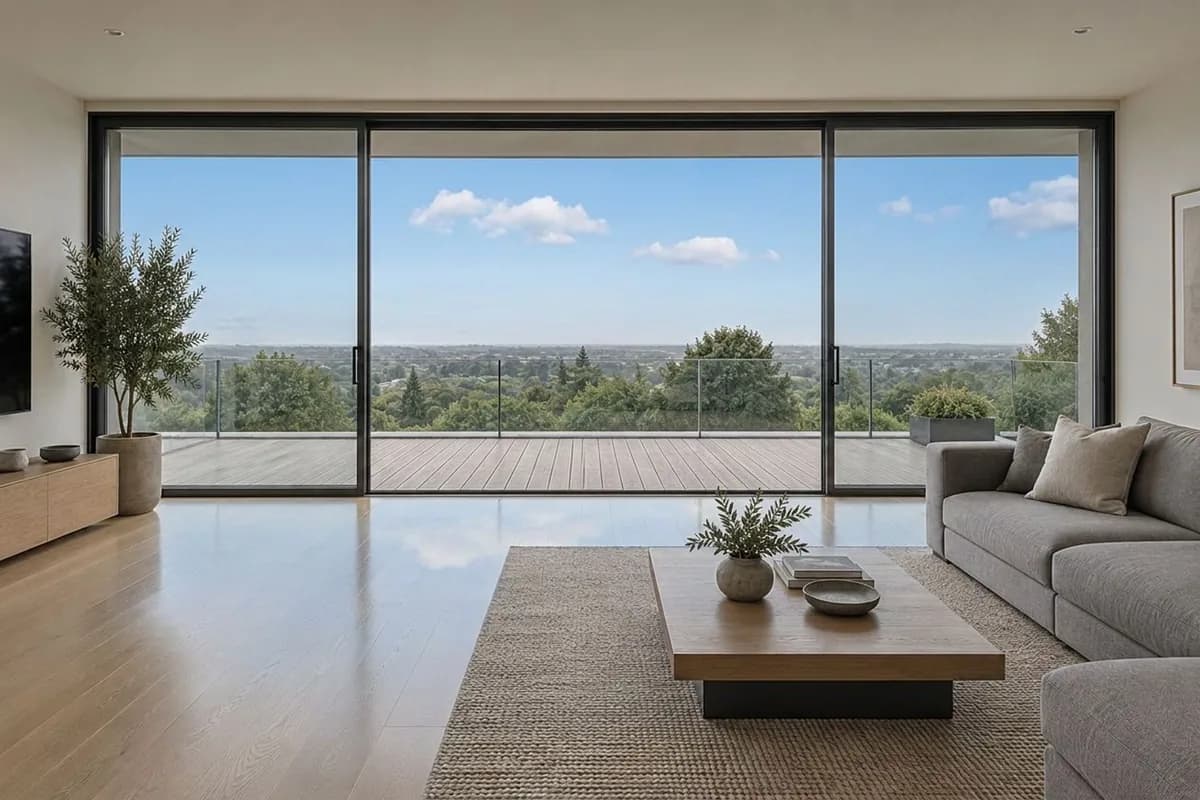
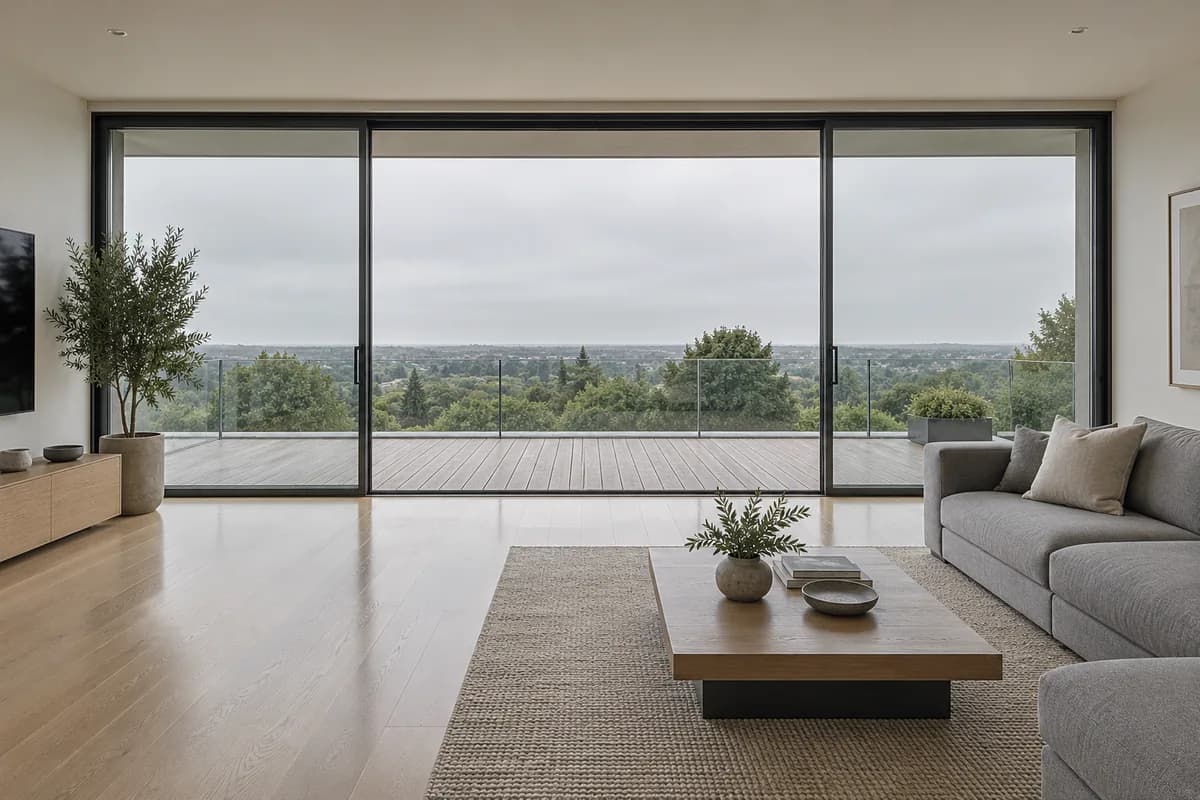
How to replace the sky in a photo
Read the guide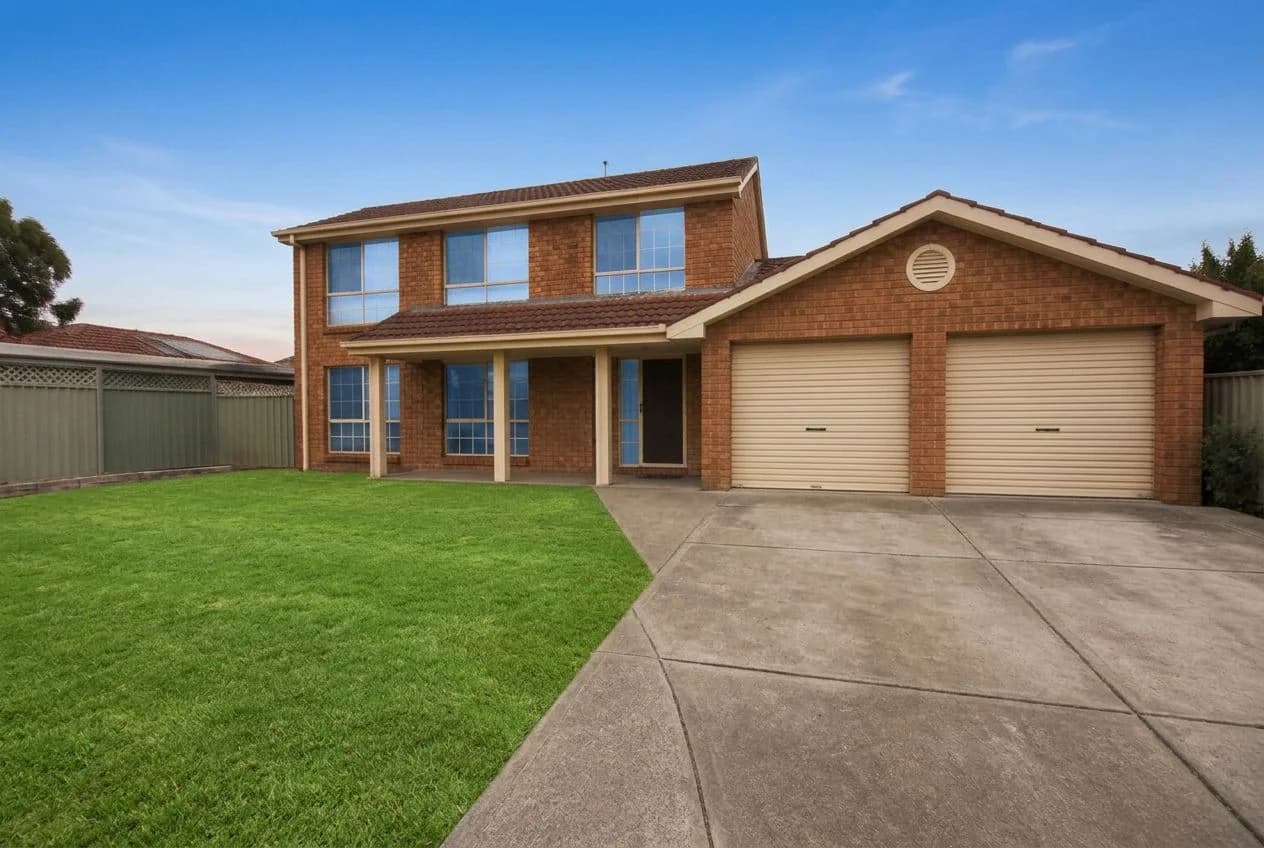
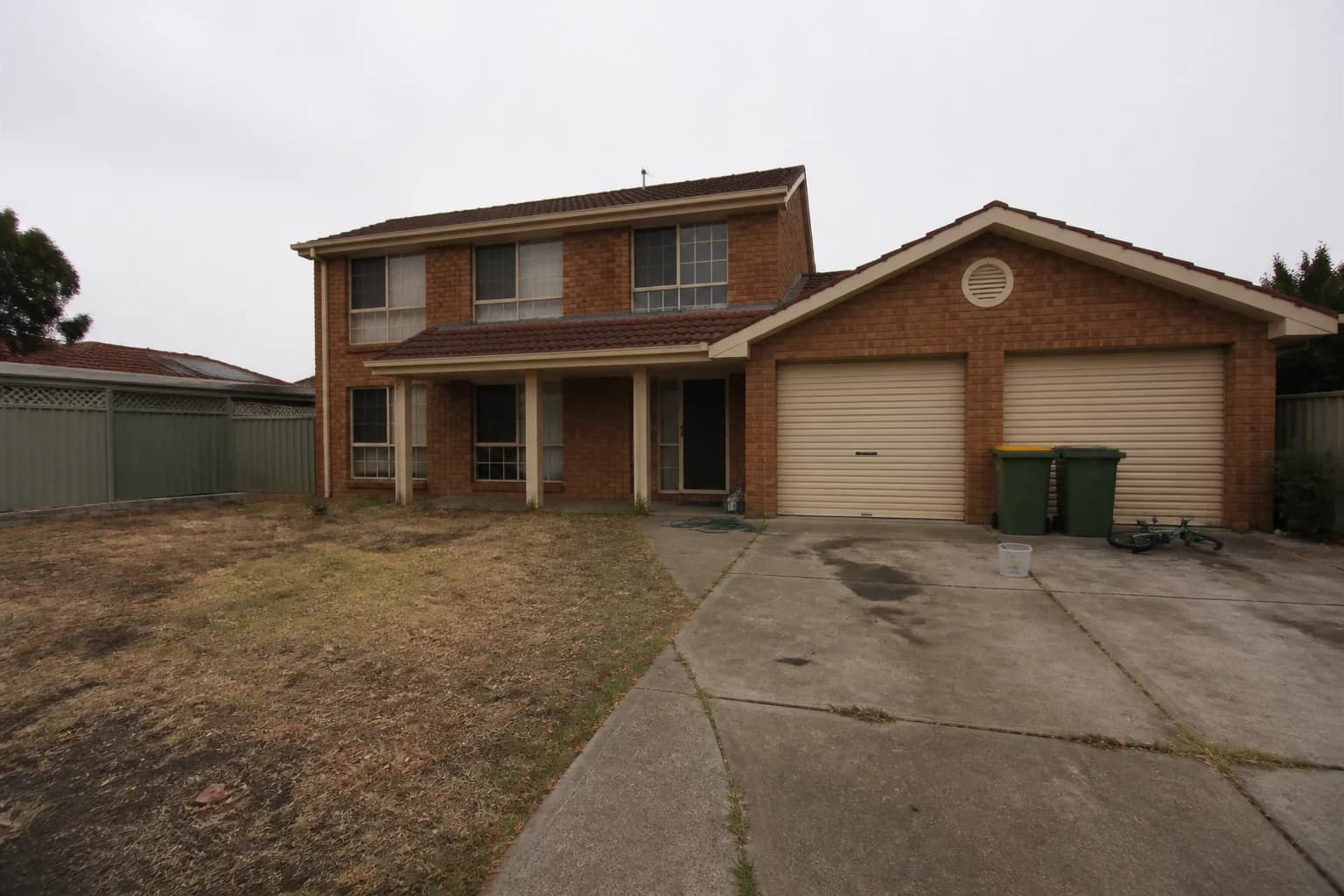
How to edit exterior real estate photos
Read the guide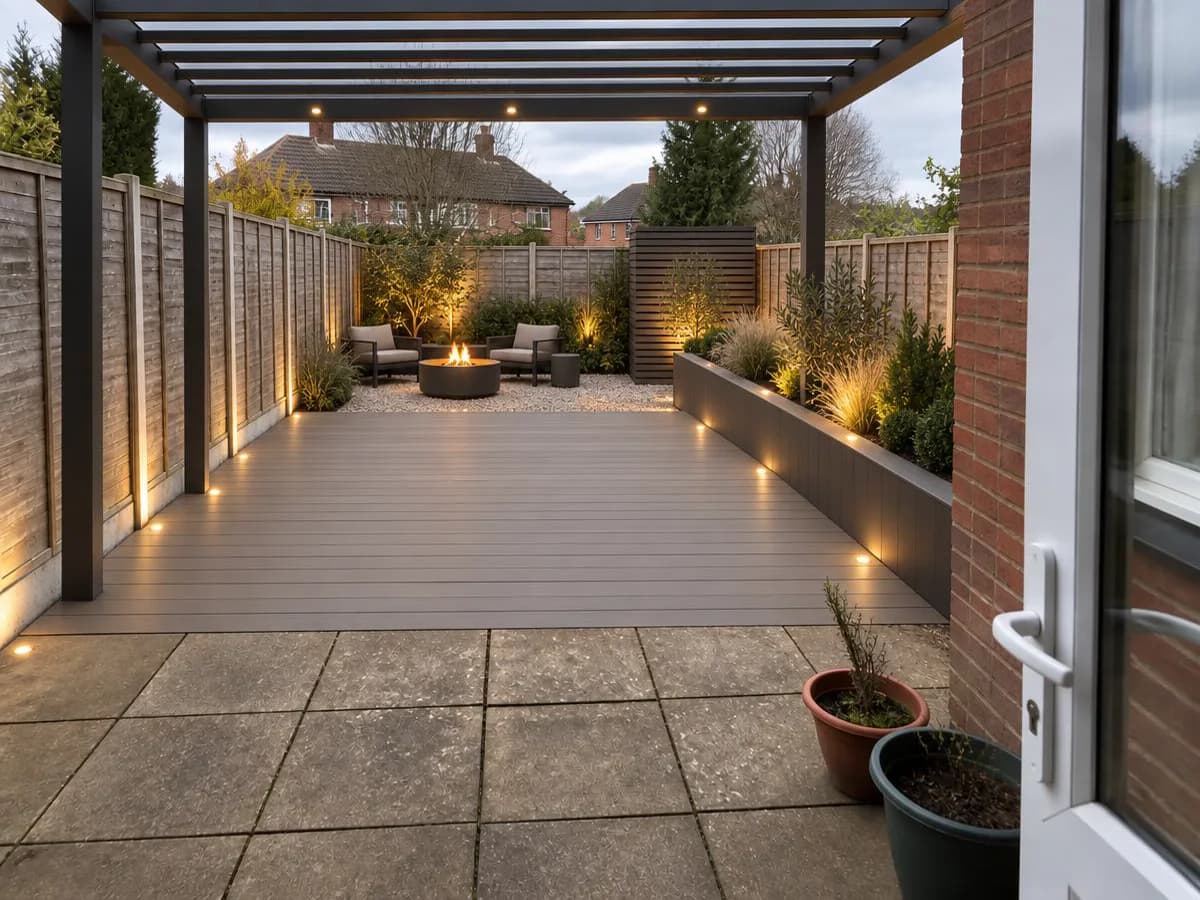
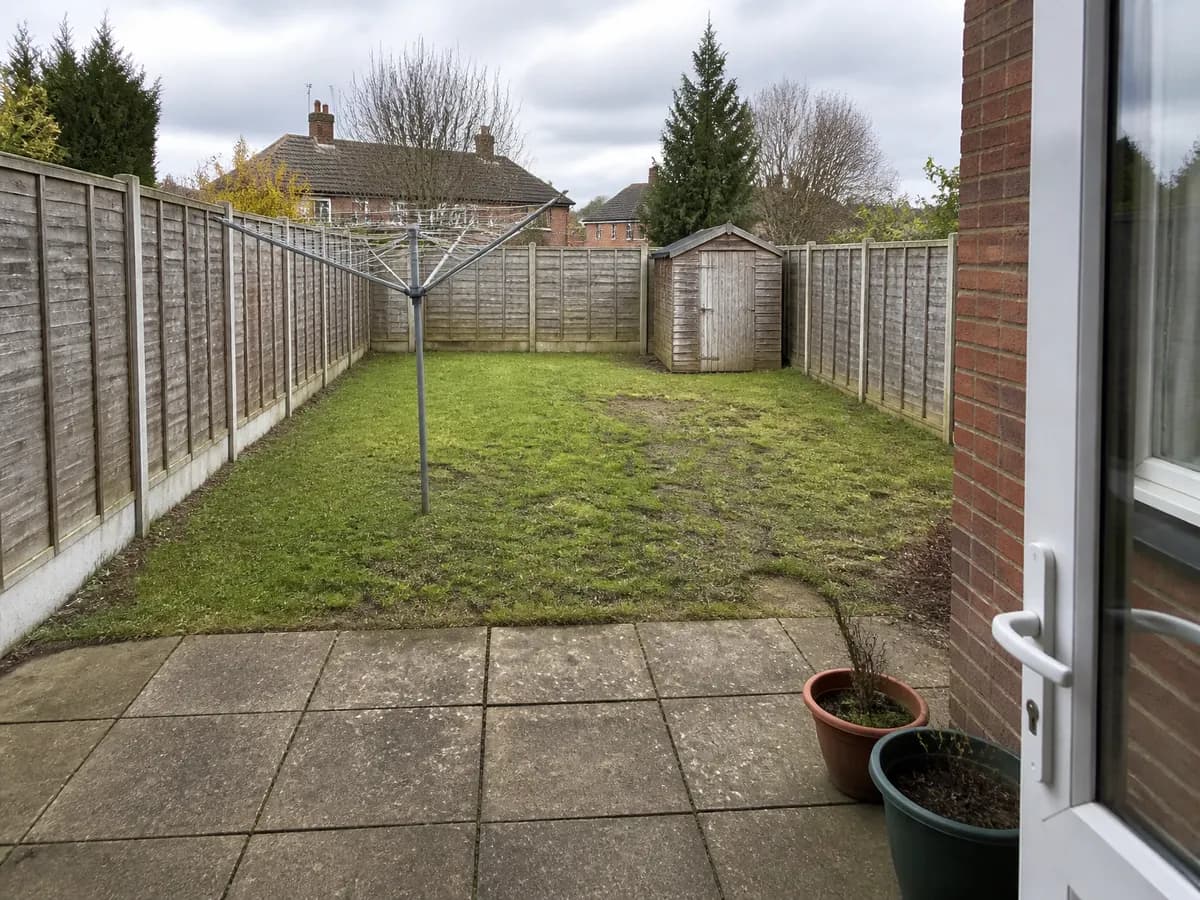
How to design a backyard from a photo
Read the guideVideos
Turn listing photos into walkthroughs, reveals and reels.
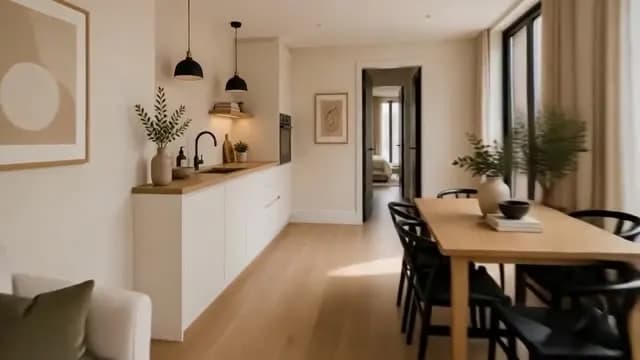
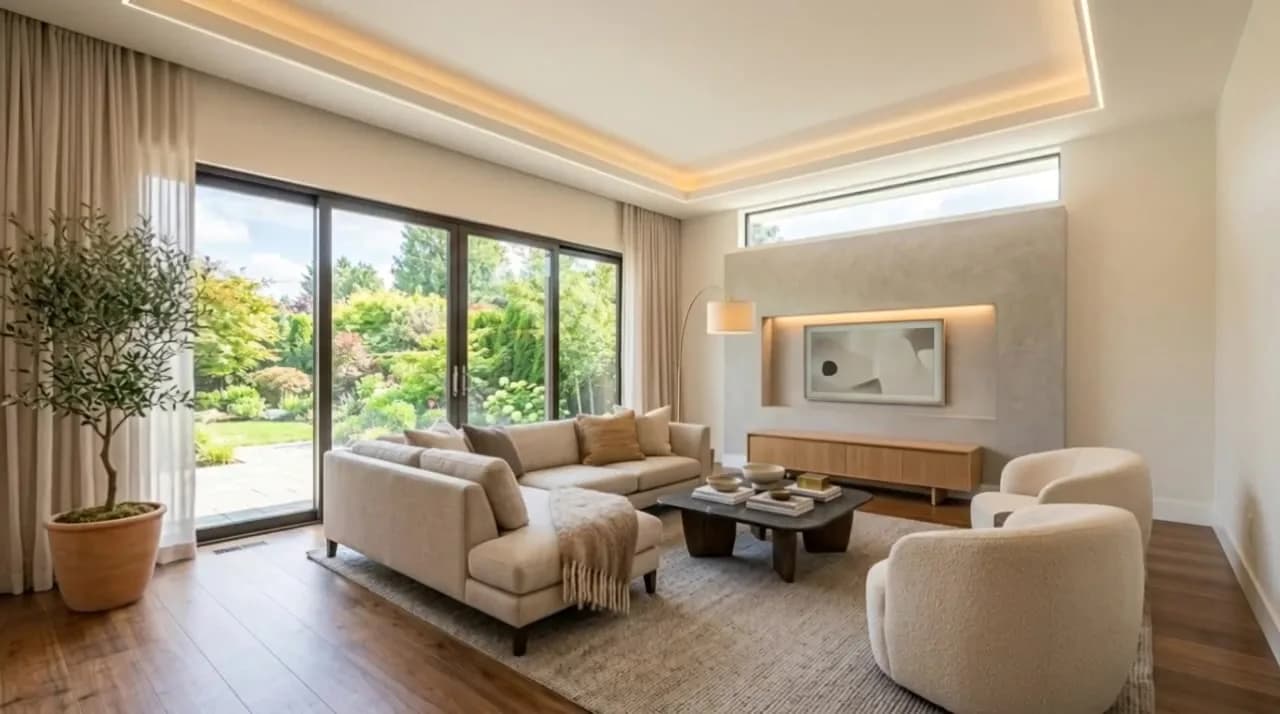
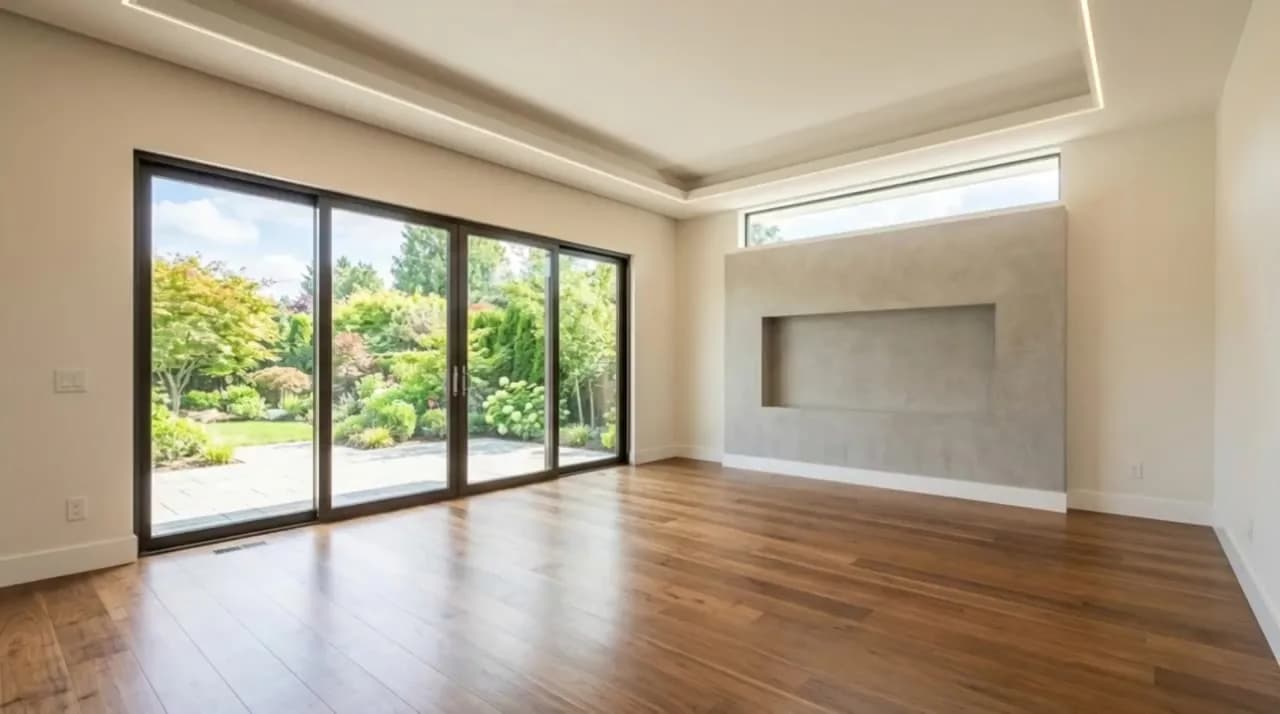
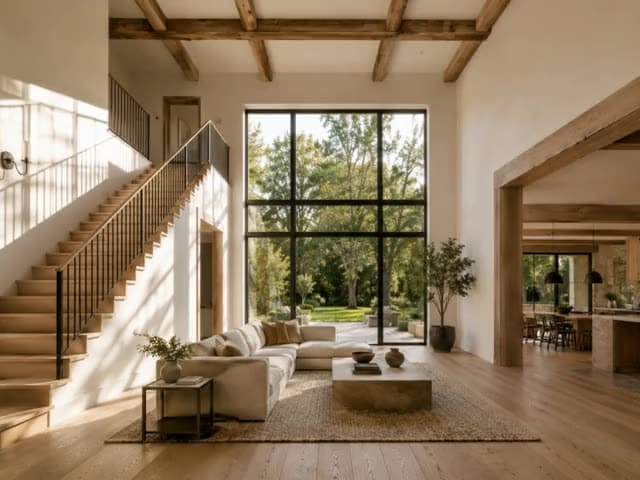
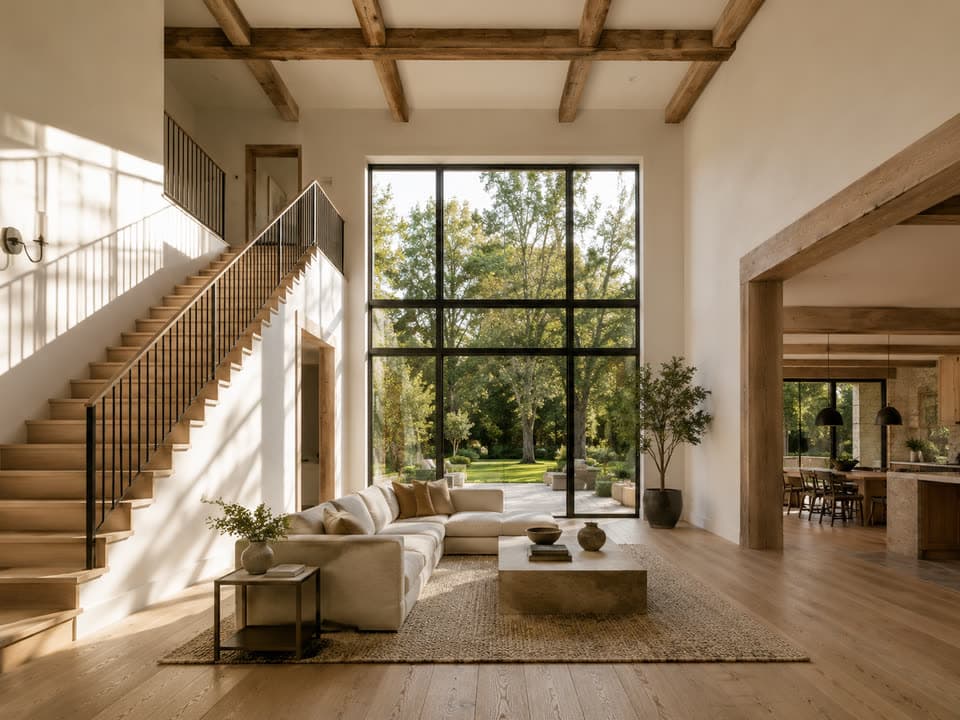
Plans
From a sketch or a blank page to a floor plan, in 2D or 3D.
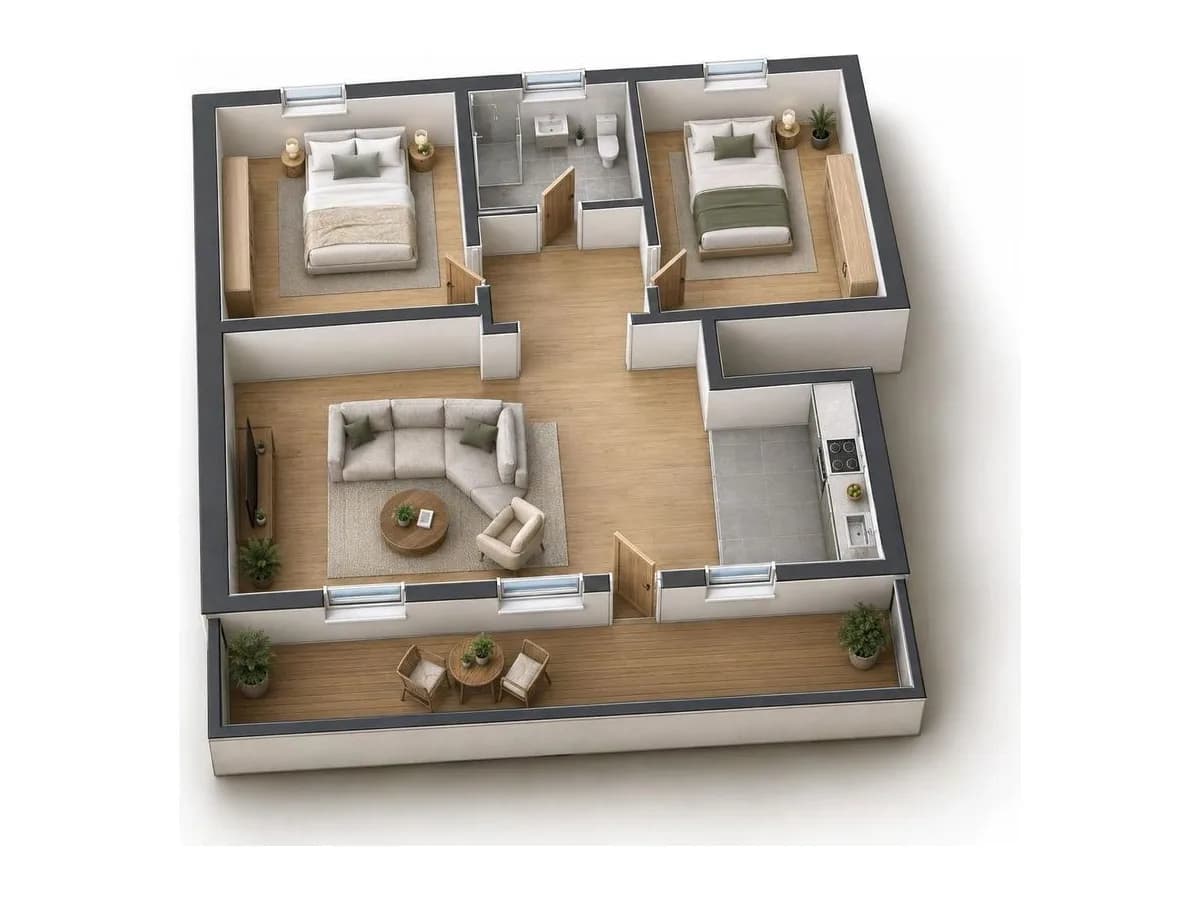
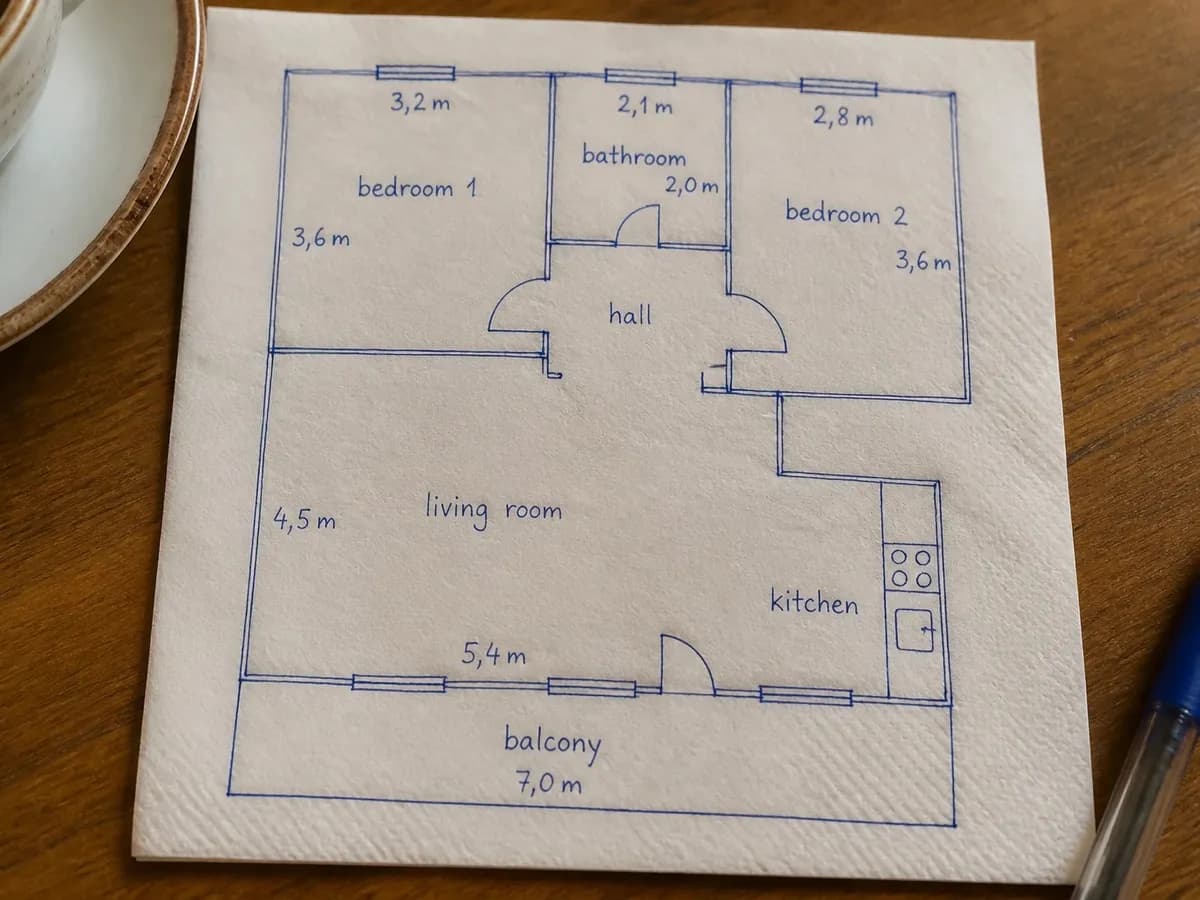
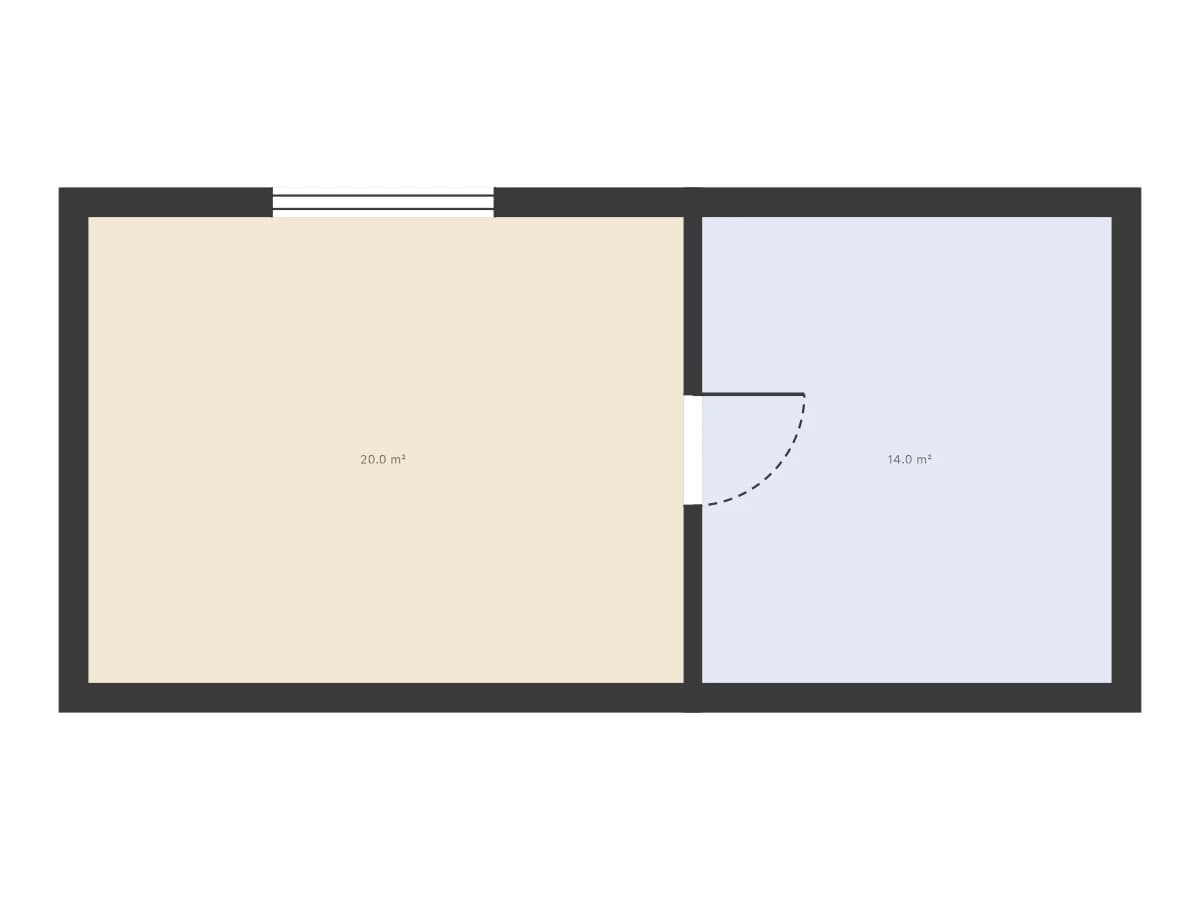

Free tools
Free browser tools: nothing to install.
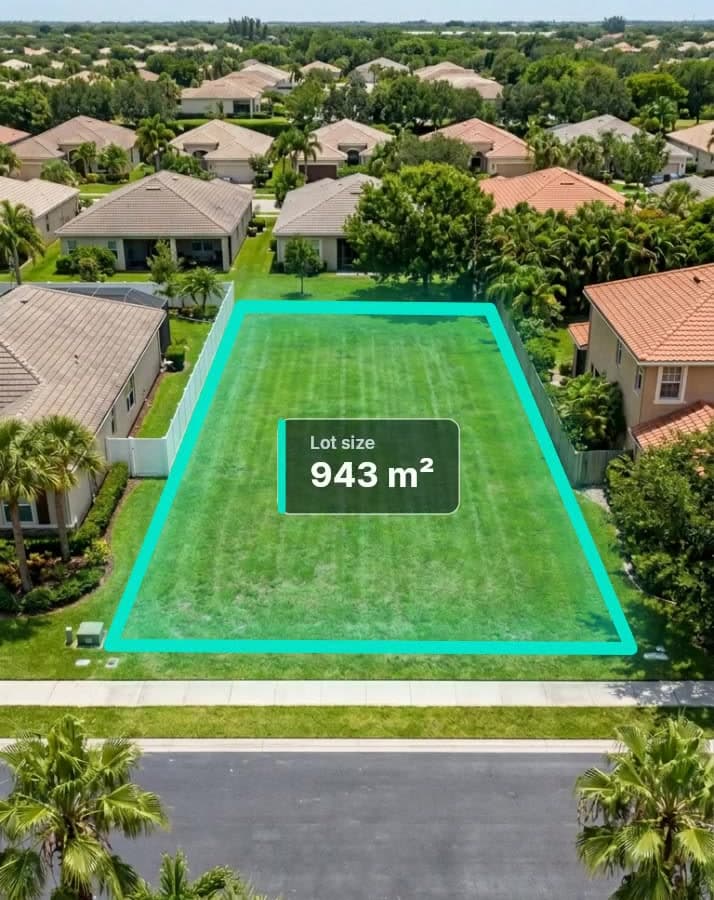
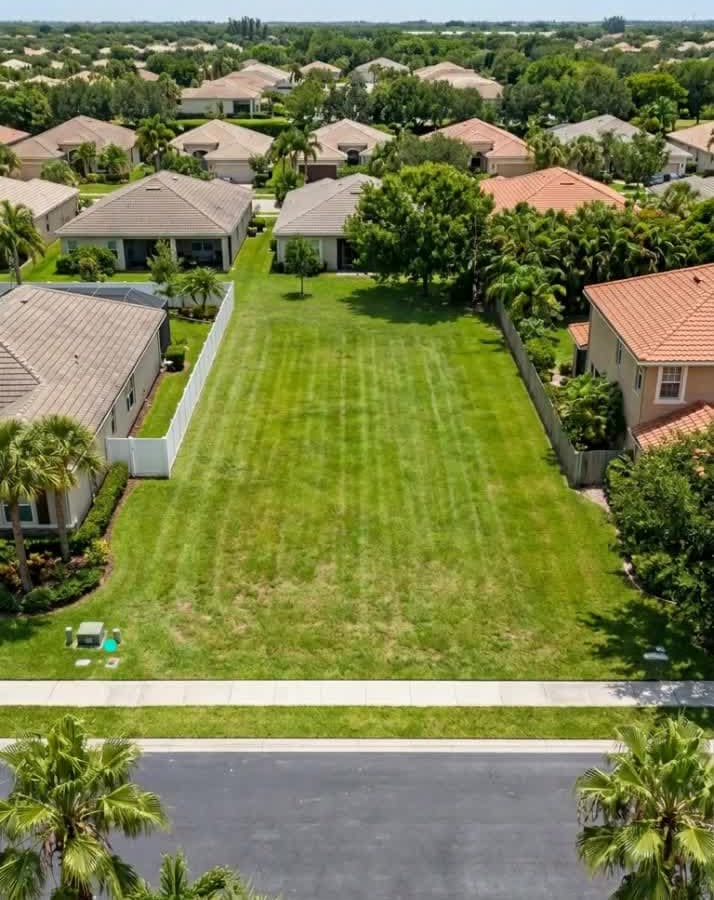
How to draw property lines on a photo
Read the guide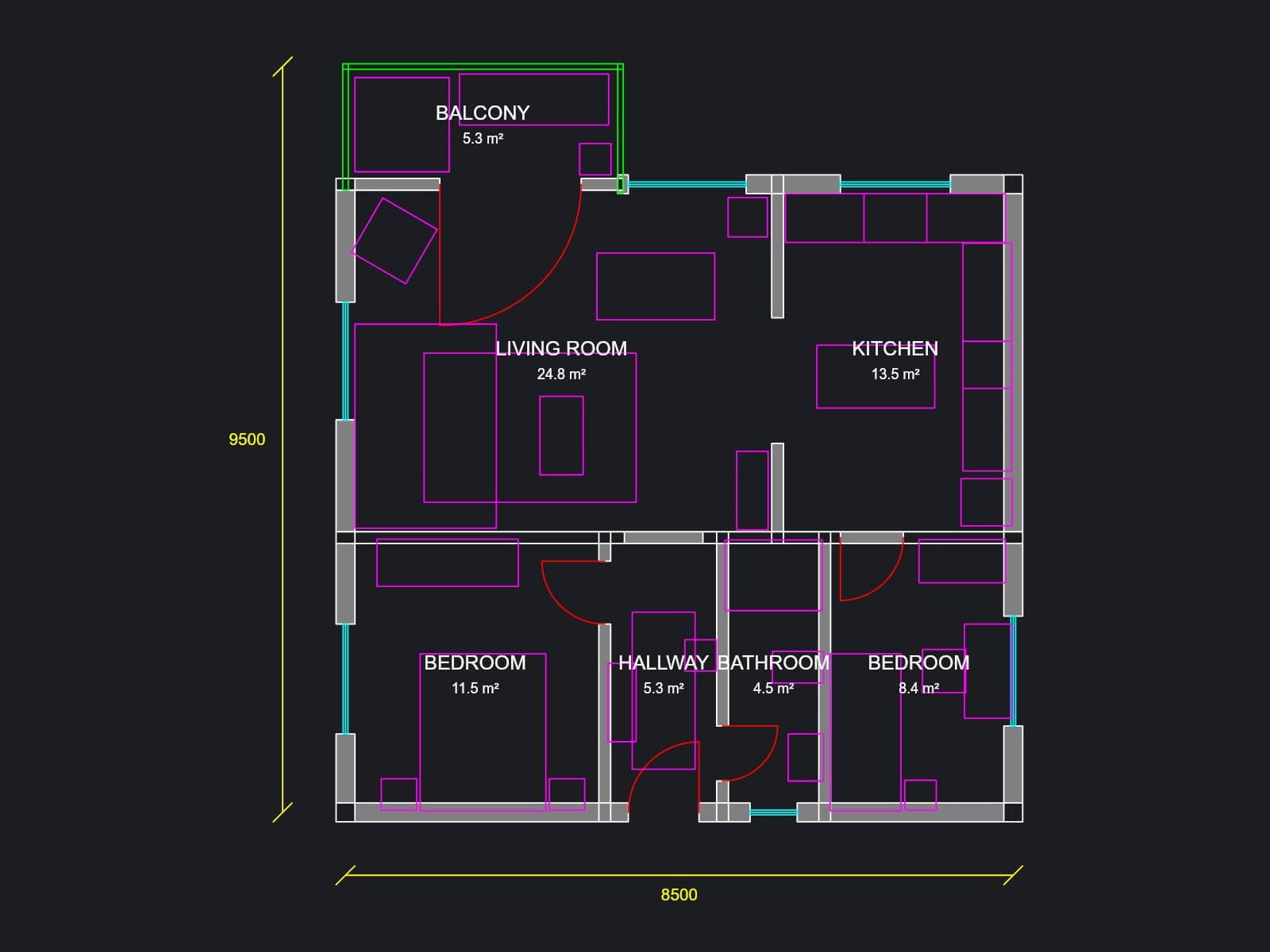
How to open a DWG file without AutoCAD
Read the guideHow to make a before and after picture
Read the guide

How to blur faces and license plates in a photo
Read the guide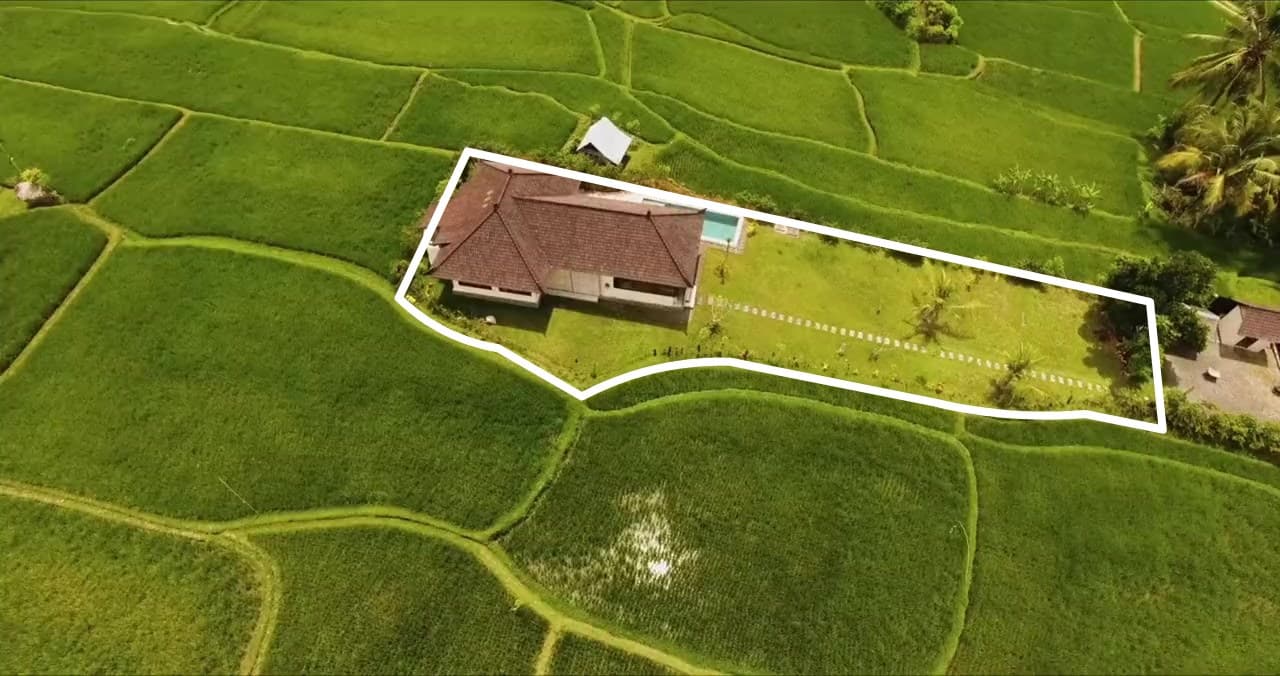
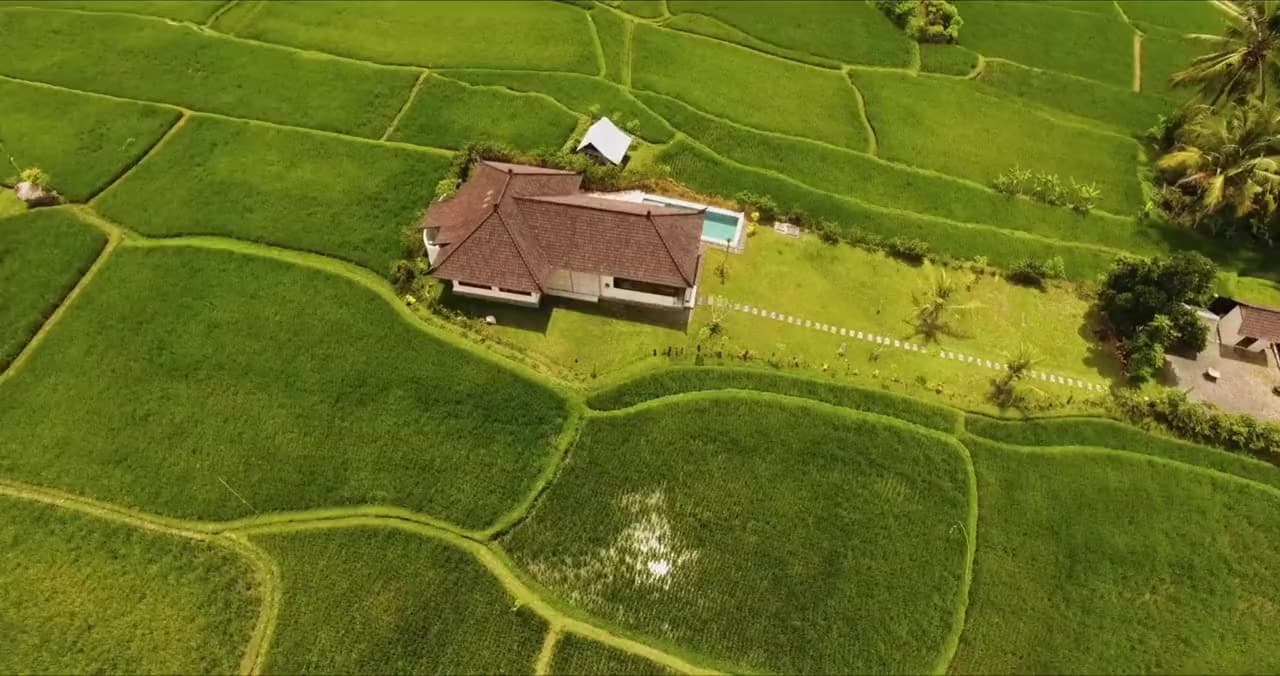
How to add property lines to drone video
Read the guide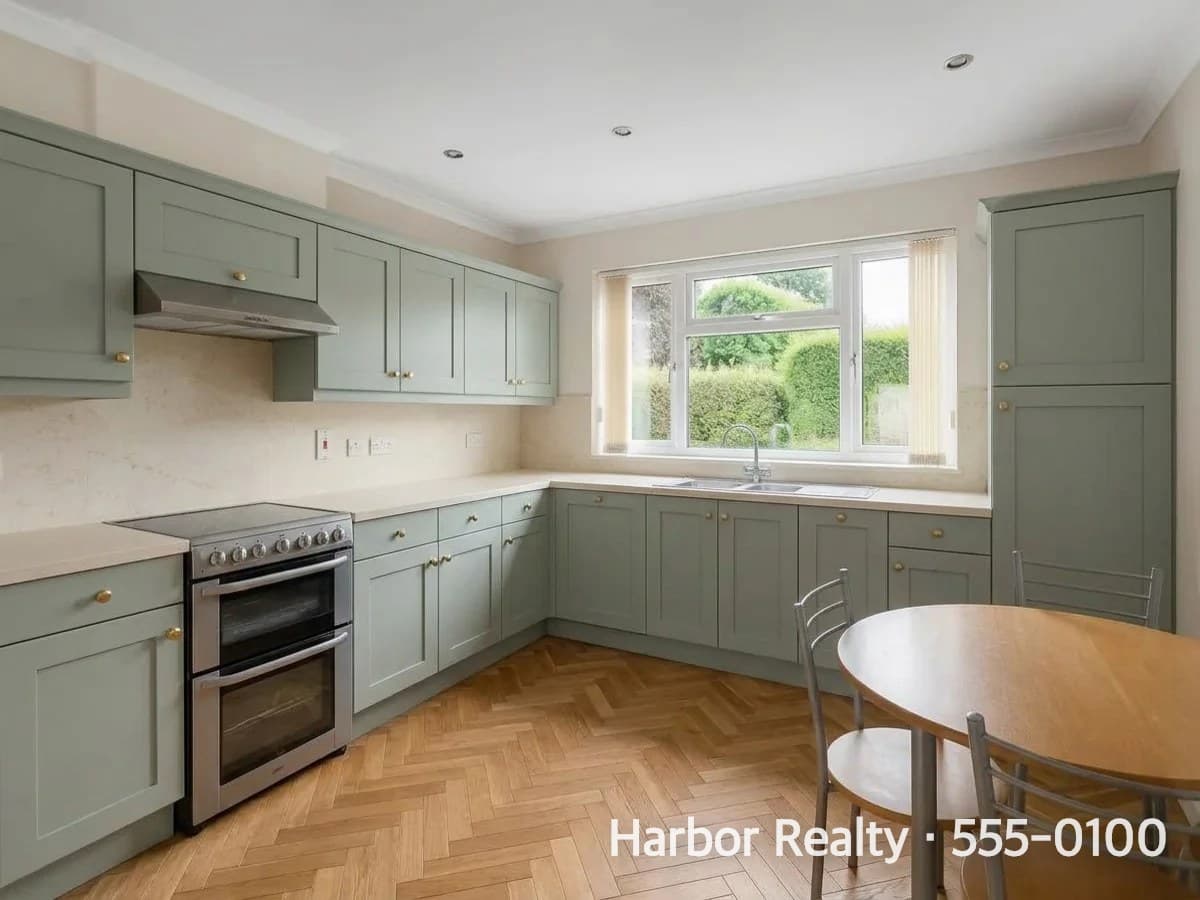
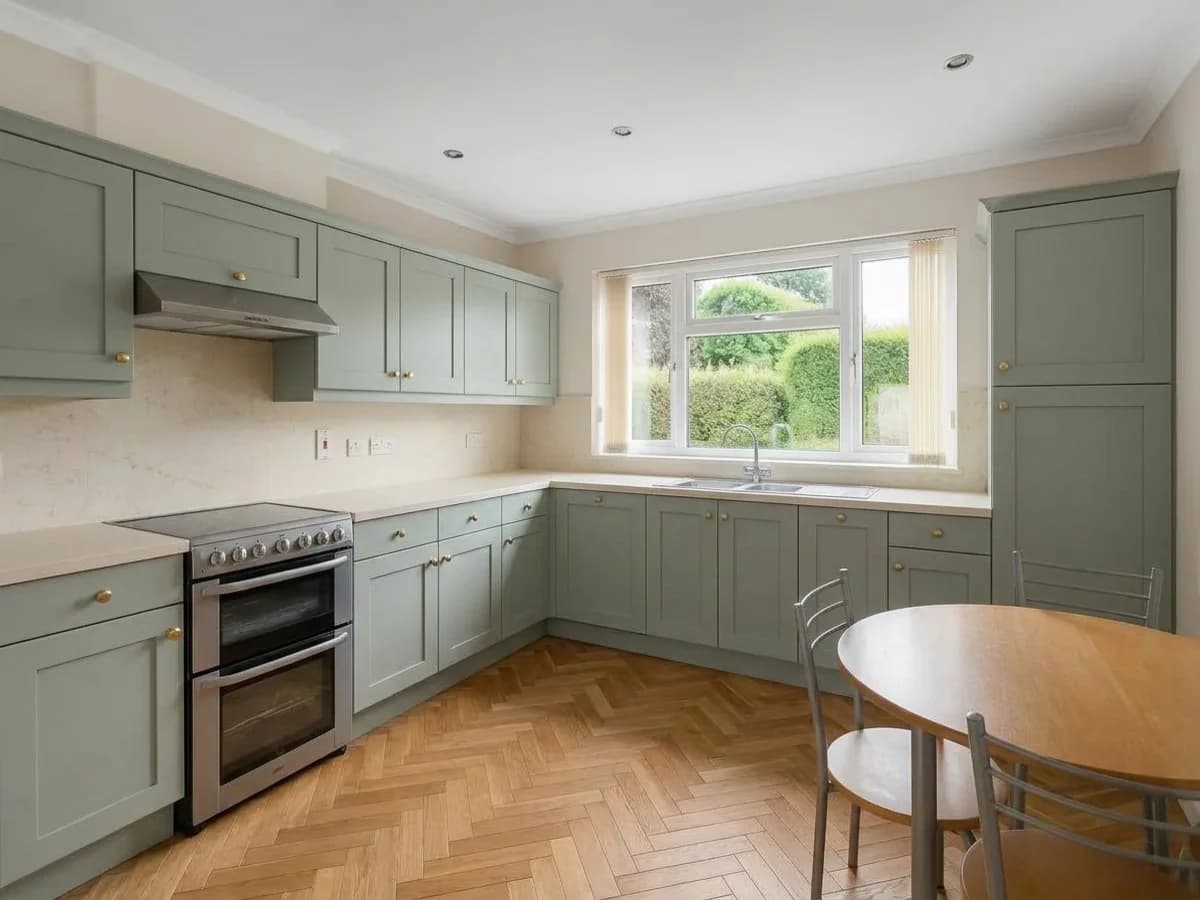
How to add a watermark to a photo
Read the guide
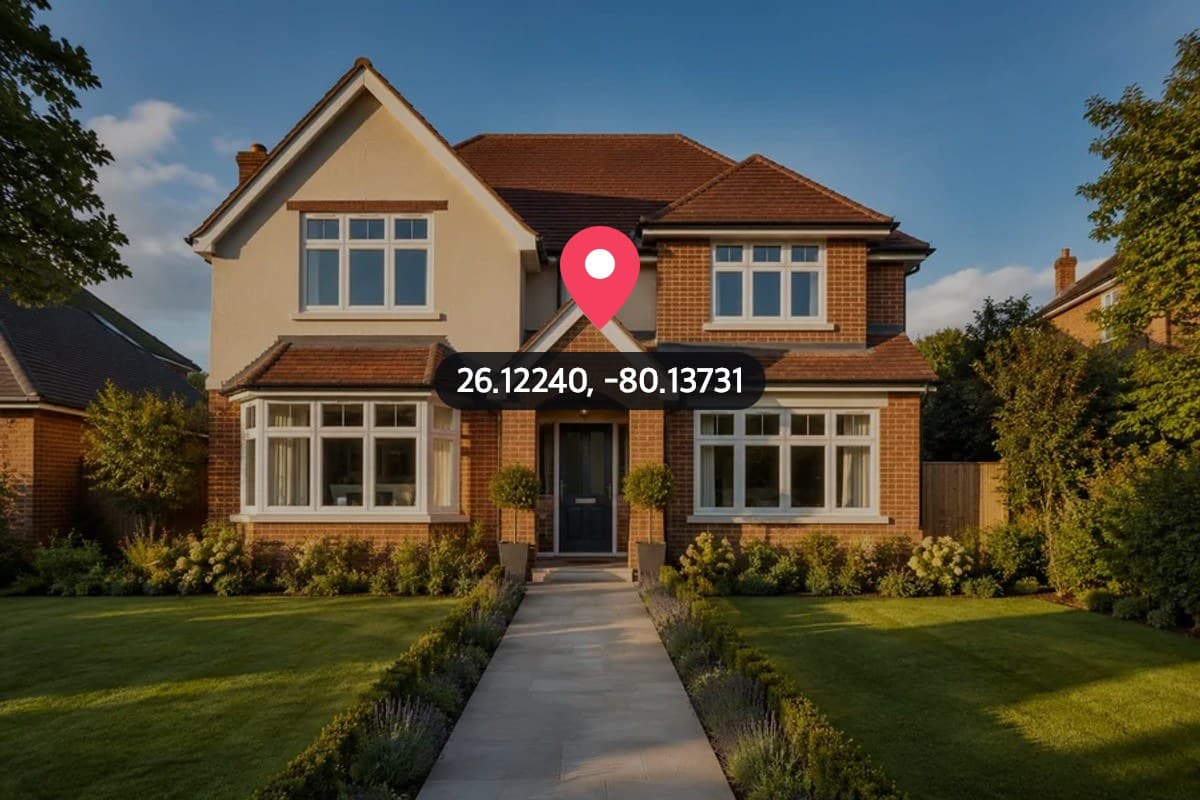
How to remove location from a photo
Read the guide
How to resize a photo for Instagram without cropping
Read the guide

How to make a horizontal video vertical without cropping
Read the guide
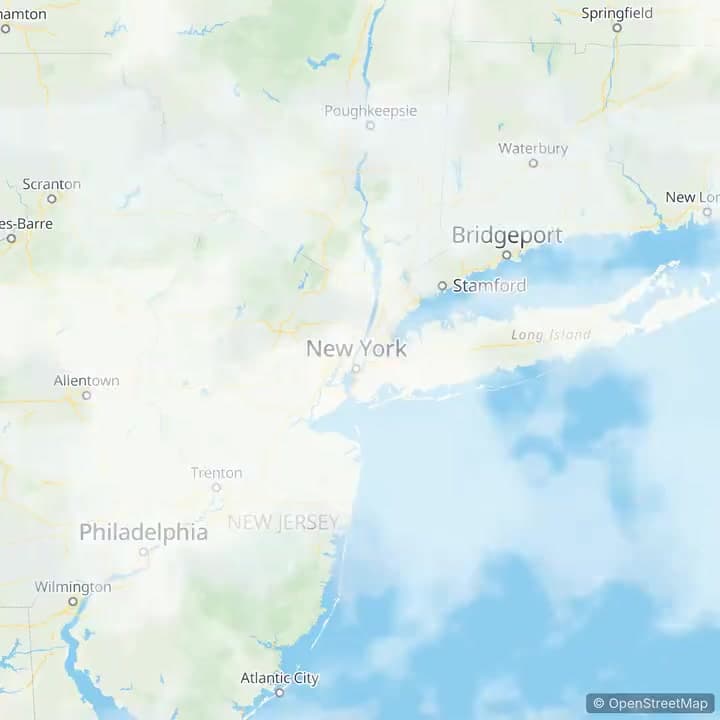
How to make a map animation video
Read the guide

How to put text behind an image
Read the guideTry it on your own listing
Every guide ends in the tool it shows. Start with a photo you already have.