Add a price or lot-size marker to a listing photo
Type a price, an area, or your own label. Pixly places it on the empty-lot photo as a photorealistic stone, metal, grass or sign marker — matched to the ground and the light. This is a still. Landmark drop is the video of that marker falling. The free property-lines tool draws a boundary overlay; this does not.
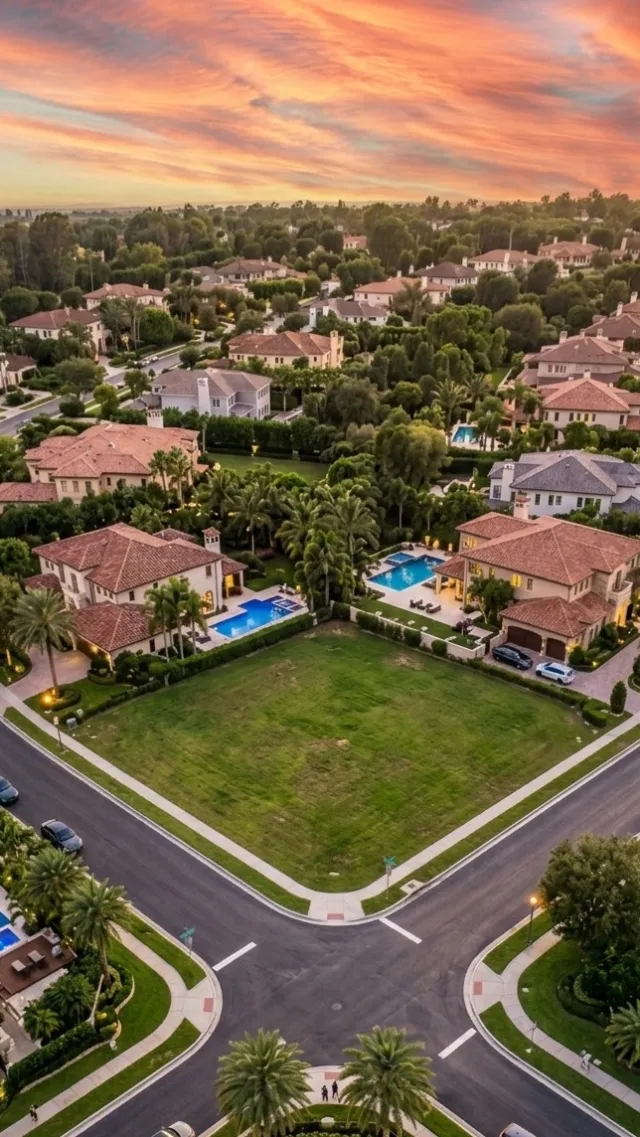
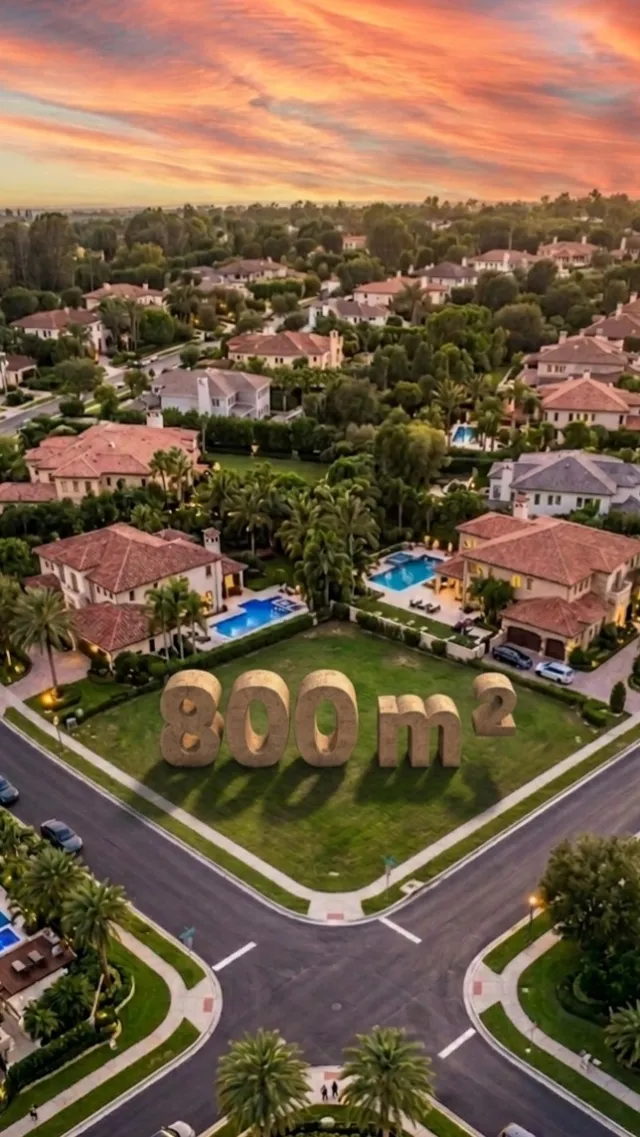 Empty lotMarked
A 3D marker in the photo — not a sticker, not a falling clip
Price, size, or custom text
You pick the kind and the number. We compose the exact string — $1,200,000, 800 m², SOLD — so the still and the Landmark drop video read the same.
Four looks, on the ground
Stone, metal, grass or a sign. Perspective and lighting follow the photo. It is not a flat PNG dropped on top.
Not Landmark drop
This page is the still. Landmark drop is the reel of the marker slamming into the lot. Make the photo first if you want both.
Not property lines
The free property-lines tools draw a parcel outline on a photo or drone clip. Land Marker is a 3D object sitting in the scene.
Four taps. One credit.
- 01
Upload an empty-lot photo
Vacant land, a corner lot, a pre-construction site. A phone photo is enough.
- 02
Pick Land Marker
Same photo tool as Stage and Enhance. Choose price, area or custom text, then a look.
- 03
Generate the still
One credit, a few seconds. Check that the marker sits on the ground, not floating.
- 04
Then drop it, if you want the reel
Keep this still for the MLS. Run Landmark drop when you need the falling-marker video.
Which photos work best
Works best
- Vacant land, corner lots and pre-construction sites.
- Photos from the road or the edge of the lot, with open ground in the middle of the frame.
- Daylight shots, so the marker's light and shadow look natural.
Avoid
- Lots covered by trees, cars or stock, where the marker has no clear ground to stand on.
- Straight-down drone shots. The marker reads best from eye level or a low angle.
Stays the same
The lot, its surroundings and the camera angle stay. Only the marker is added.
Land Marker FAQ
Related listing tools
You now have a marked still. Drop it from the sky, grow the house, or grade the photo first.
Put the price on the dirt
Upload an empty-lot photo. Get a marked still in seconds — then drop it as a reel if you need the motion.