






Pixly MCP for any AI
Stage rooms, enhance listing photos, and create cinematic clips straight from your prompts — in Claude, ChatGPT, Meta Muse, Cursor, or any AI tool.
Connect MCP — generations use your normal Pixly creditsCopy the connector URL
This is Pixly's MCP endpoint — the one thing Claude needs to find every tool. Copy it to your clipboard.
Go to Claude → Connectors
In claude.ai or Claude desktop, open Settings → Connectors, choose "Add custom connector", name it Pixly and paste the URL.
Connect, sign in and start
Approve the connection with your Pixly account, then ask for a staged room or a cinematic clip.
claude.ai and ChatGPT sign in with your Pixly account; Meta Muse, Claude Code, Cursor, and self-built agents authenticate with an API key.
Building your own integration or agent? Read the developer docs →·View the source on GitHub →
How does it work?
You ask in plain language. Your agent picks the right Pixly tool, runs it on your photo, and the result lands in the chat — and in your Pixly Library.
virtual_staging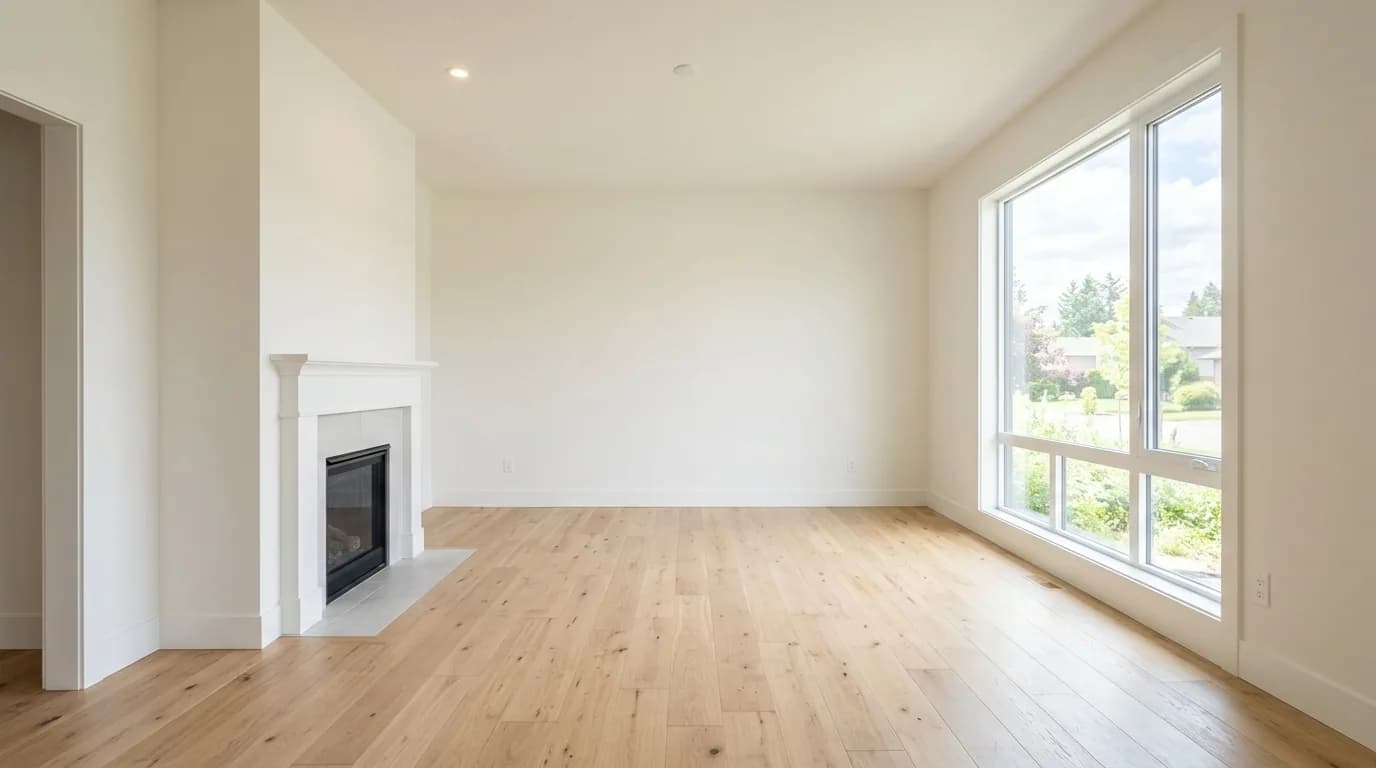 Before
 After
AfterOne prompt, a whole listing
The tools compose. Ask once and your agent runs them in order, feeding each result into the next — that is the part a general image model can't do.
- 01
declutter_photoClears the clutter from the kitchen and the kids' room
- 02
virtual_stagingFurnishes the two empty bedrooms in the requested style
- 03
before_after_reelCuts the empty → staged reveal from the two frames
Links back in the chat
Your agent returns every finished file, and each one also lands in your Pixly Library — same as if you'd made it in the app.
Photos on your computer
Assistants can’t send a file you attach in chat — a photo needs a link. Add yours in the Pixly app first, then just say “stage my latest upload” and your assistant picks it up from there.
Every Pixly tool, inside your agent
The same generation pipeline as the Pixly app — same quality, same credits, results saved to your Library.
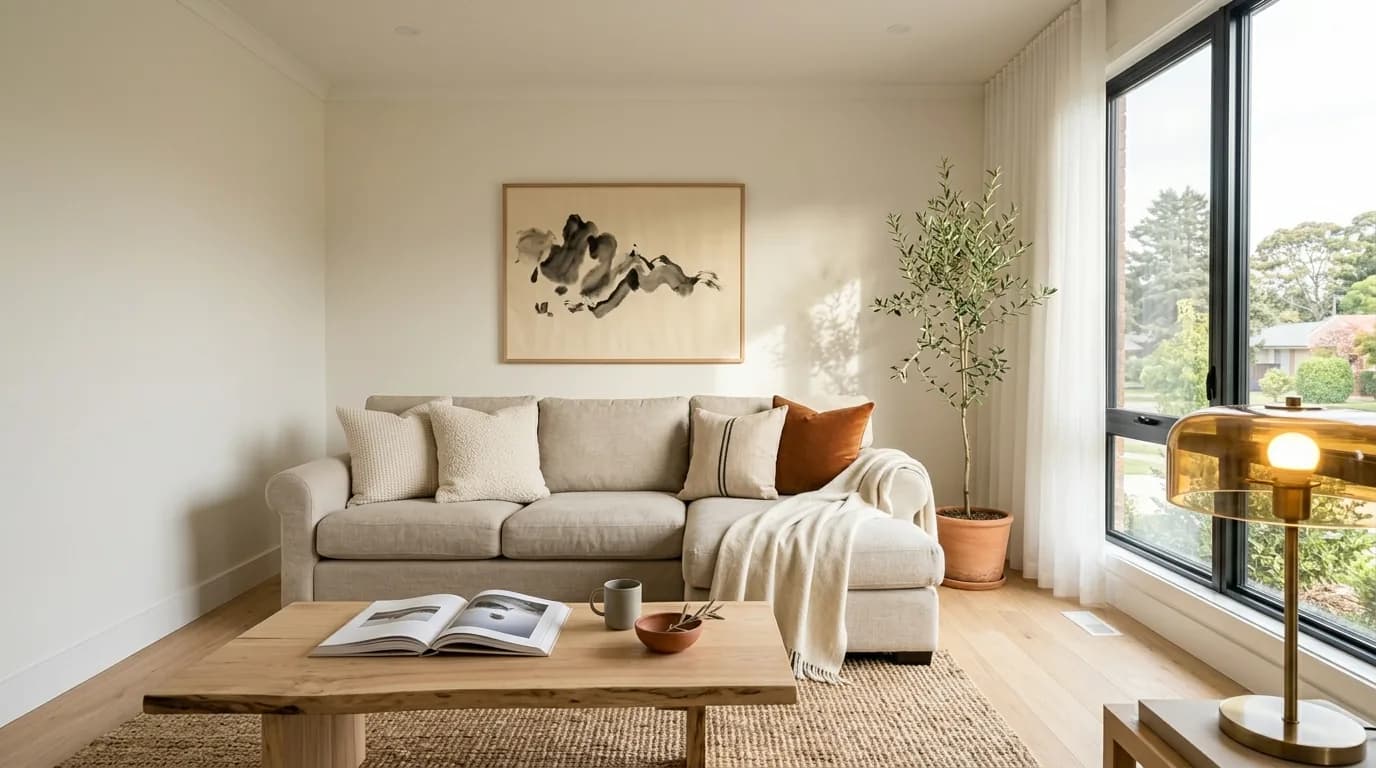
Virtual Staging
virtual_staging1 credit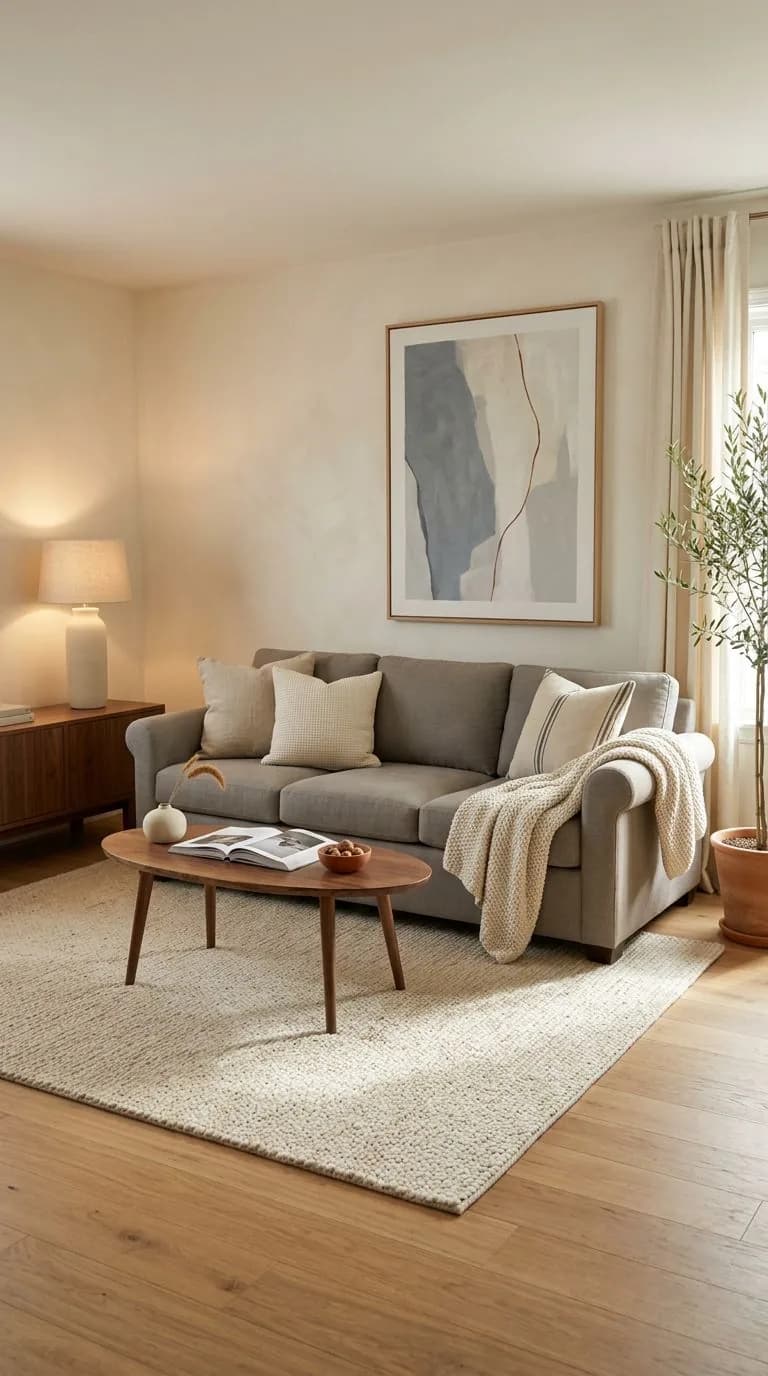
Edit Staged Result
edit_staged_photo1 creditCinematic Motion
cinematic_motionfrom 8 creditsPhoto to Video
photo_to_videofrom 5 creditsBefore/After Reel
before_after_reelfrom 5 creditsFlythrough
flythrough_videofrom 5 credits
Before & After Image
before_after_imageFreeWatermark Photos
watermark_photosFreeBlur Faces & Plates
blur_faces_platesFreeStraighten Photo
straighten_photoFreeDraw Floor Plan
draw_floor_planFreeEnhance
enhance_photo1 credit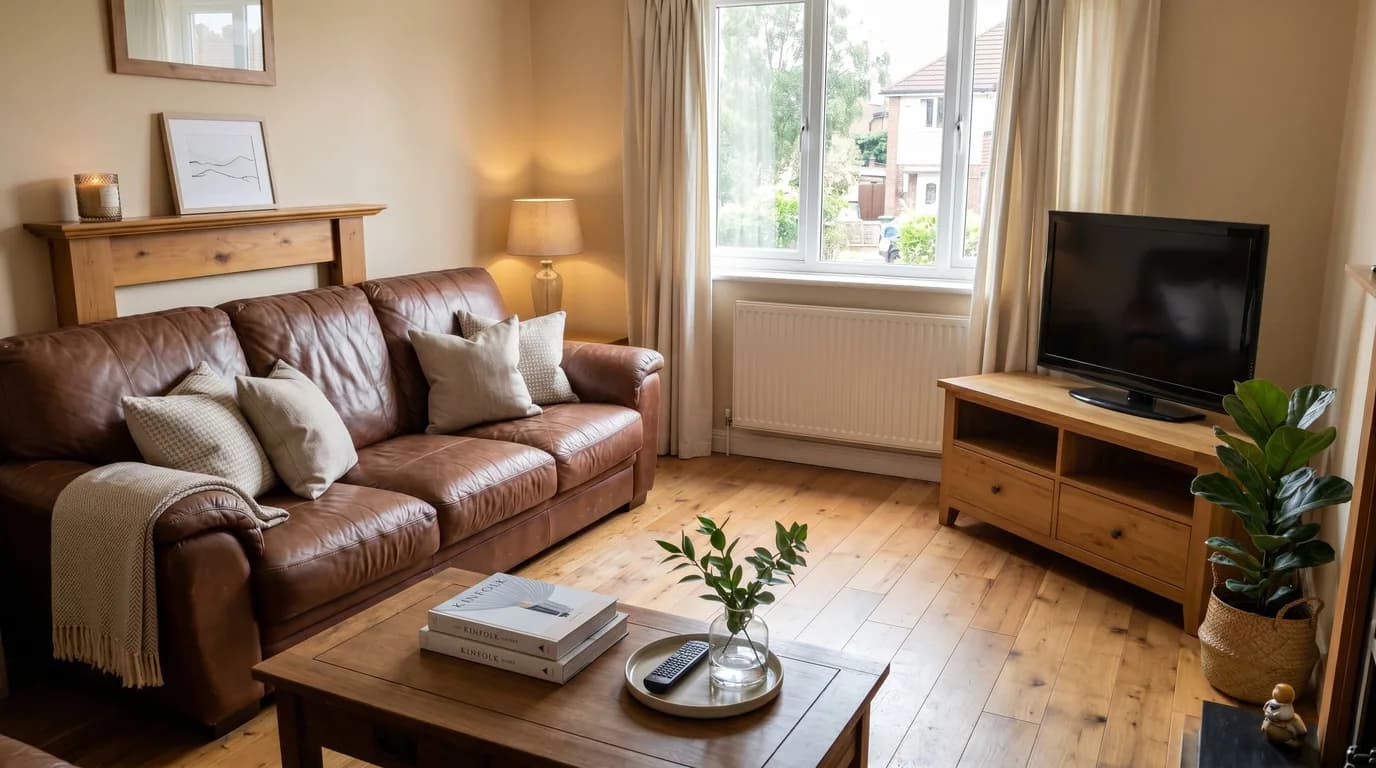
Declutter
declutter_photo1 creditRemove Furniture
remove_furniture1 credit
Day to Night
day_to_night1 credit
Sky Replacement
replace_sky1 credit
Lawn Replacement
replace_lawn1 credit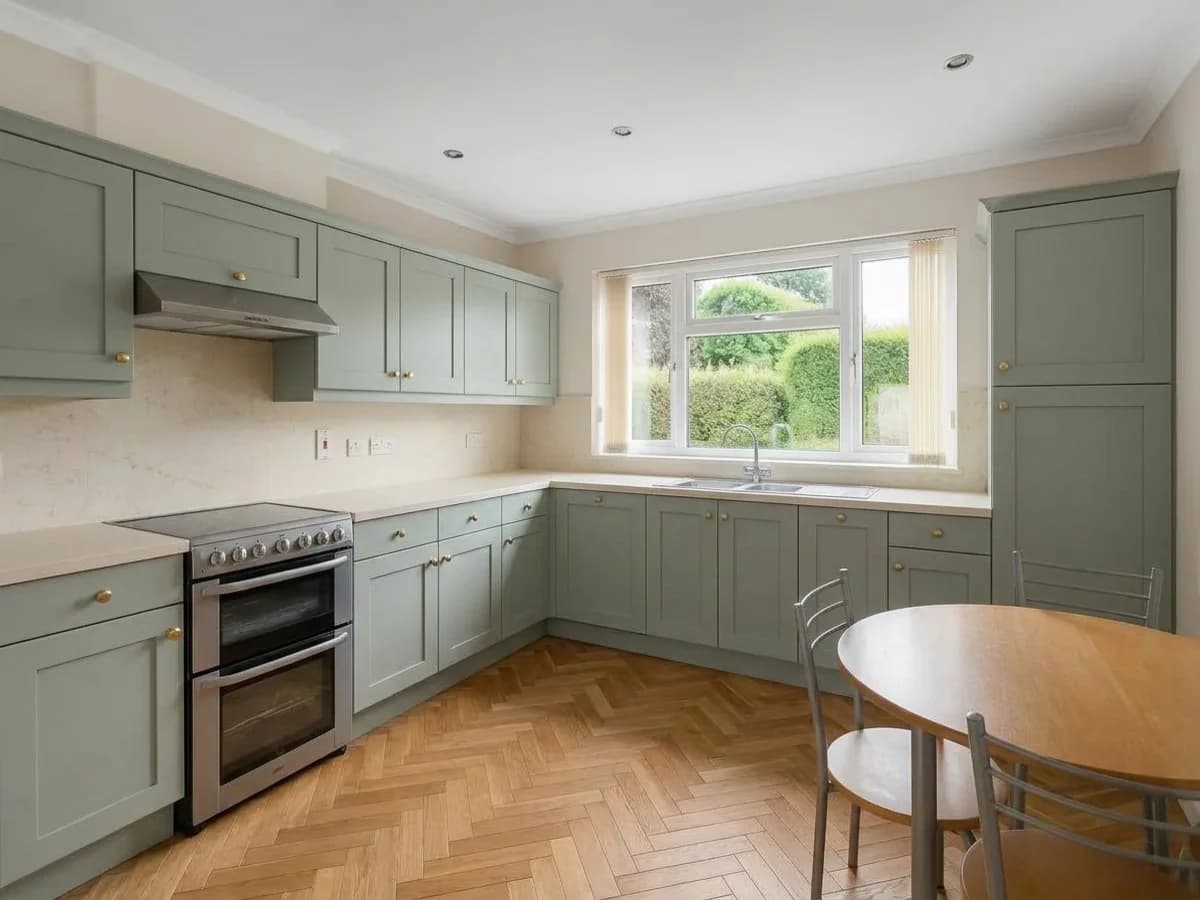
Restyle
restyle_room1 credit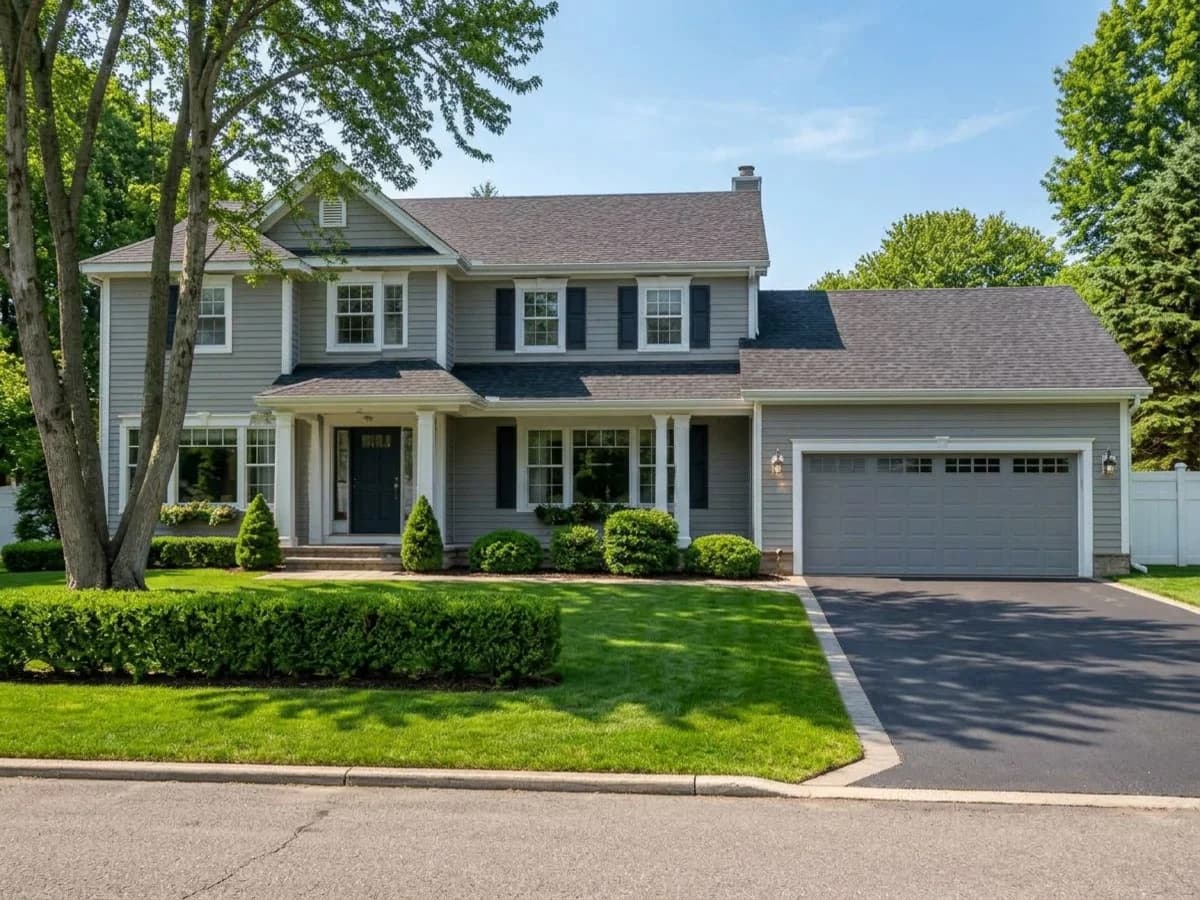
Seasonal Reset
reset_season1 creditExterior Makeover
makeover_exterior1 creditFloor Plan Render
render_floor_plan1 credit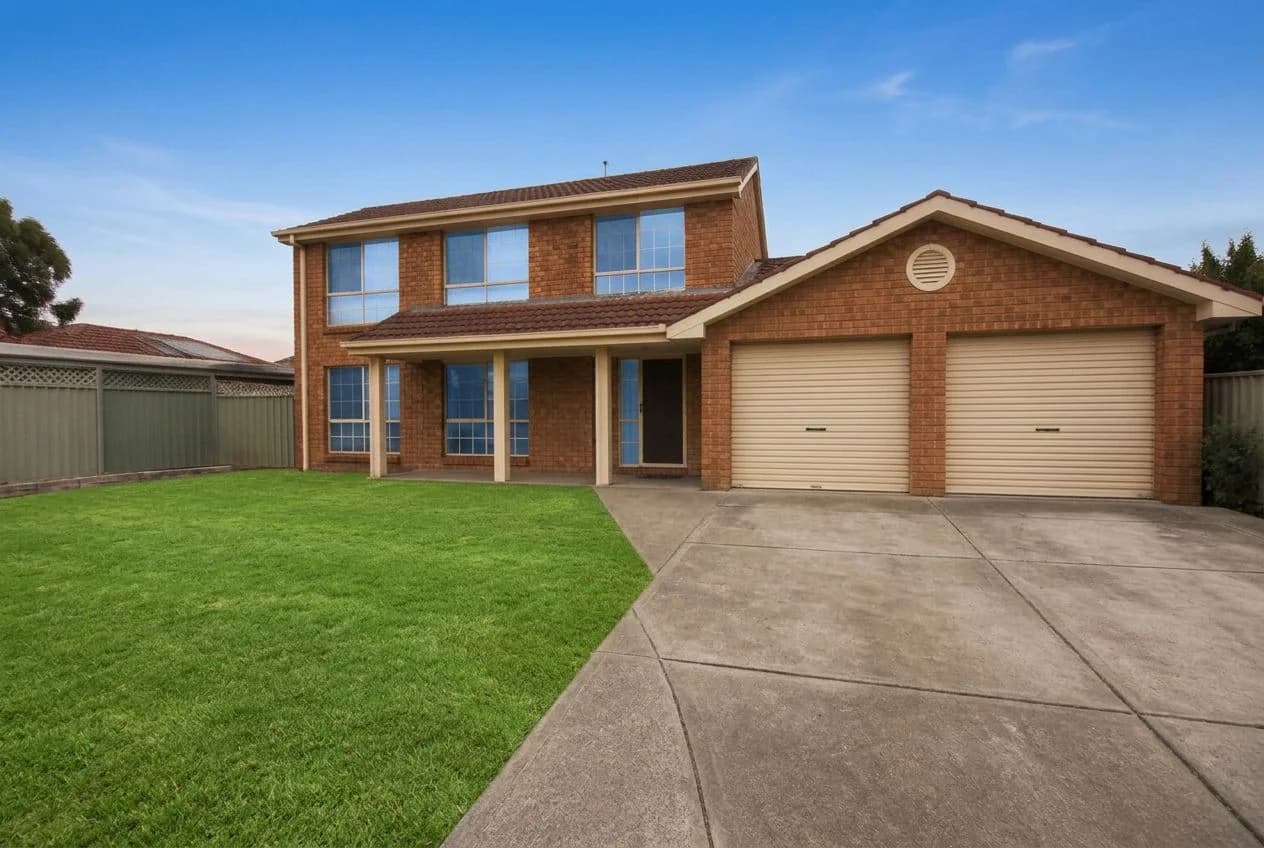
Exterior Touch-up
touch_up_exterior1 credit
HD Upscale
upscale_hd1 credit
Plot Sign
plot_sign1 credit