Blur Faces & License Plates

Find and blur faces and license plates in listing photos automatically, add your own blur where needed, and download them with GPS location removed — all in your browser, nothing uploaded.

PixlyTool by Pixly — AI property staging, videos & reels in minutes.See how

Drop photos here

or click to browse — JPG, PNG, WebP and iPhone HEIC, one or many

100% private — runs in your browser

Faces and plates are found by models running on your own device. Your photos are never uploaded to our servers.

Blur Faces & Plates

Keep neighbours, passers-by and their cars out of your listing

Exterior and street photos catch people walking past, neighbours in their gardens and the plates of parked cars. In many countries publishing them unblurred is a privacy problem, and a buyer does not need to see them anyway. The tool finds faces and plates for you, blurs them in a way that cannot be undone, and saves every photo without its hidden GPS location — which otherwise tells anyone the exact spot, and sometimes reveals an address you have not published yet.

FAQ

Frequently asked questions

Tools

Free Image & Video Tools by Pixly

Property Line & Boundary ToolDraw lot lines on any photo. Free PNG export, animated reveal for videos.Just Listed & Sold Post MakerAdd Just Listed, Price Reduced & Sold badges to property photos. Free PNG, animated reveal for reels.Straighten PhotoFix leaning walls and a tilted horizon automatically. Full size, free, nothing uploaded.Floor Plan CreatorDraw a floor plan with room sizes, doors and windows. Free, in your browser, PNG or SVG.Watermark PhotosLogo or agency name on a whole listing at once, plus rename. Free, no upload.3D Text on PhotoReal extruded letters you can turn and tilt in 3D, matched to your photo’s perspective. Free PNG, no upload.Drone Video Property LinesTrack property boundaries through drone footage with GPU CoTracker, editable keyframes, styling, labels and local video export.Map VideoA cinematic fly-in from the sky to the listing, with pin, highlights and street reveals.Photo to VideoAdd a camera move to any photo. Free, instant, no upload.Real Estate Video EditorCut listing clips and photos into a vertical reel — transitions, speed ramps, beat-synced music and text, all in your browser.Text Behind ImagePut JUST LISTED, SOLD or any text behind the subject of a photo. Cut out in your browser — free PNG, no upload.Text Behind VideoPut text behind a moving person. Runs in your browser — nothing uploaded, no account.Trim VideoCut the start and end off a clip. Free, lossless, no upload.Compress VideoMake a clip small enough for email, WhatsApp and portals. Free, no upload.MOV to MP4Make iPhone videos play everywhere. Lossless, in seconds, no upload.Remove Audio from VideoMute a clip in seconds — the picture stays untouched. Free, no upload.HEIC to JPG ConverterConvert iPhone HEIC photos to JPG. Free, instant, no upload.Rotate VideoTurn a sideways clip upright in seconds. Lossless, free, no upload.HEIC to PNG ConverterConvert iPhone HEIC photos to lossless PNG. Free, instant, no upload.PNG to JPG ConverterConvert PNG images to JPG. Free, instant, no upload.JPG to PNG ConverterConvert JPG images to PNG. Free, instant, no upload.WebP to JPG ConverterConvert WebP images to JPG. Free, instant, no upload.WebP to PNG ConverterConvert WebP images to PNG. Free, instant, no upload.Image Compressor & ResizerCompress JPG, PNG, WebP. One-click presets for Zillow, MLS, social, email.JPG to PDF ConverterCombine JPG, PNG & WebP images into one PDF. Free, instant, no upload.HEIC to PDF ConverterCombine iPhone HEIC photos into one PDF. Free, instant, no upload.
From Pixly

Want the street out of the shot entirely?

Pixly can enhance exterior photos, replace grey skies and turn a daytime shot into twilight — and stages empty rooms in 60+ interior styles.
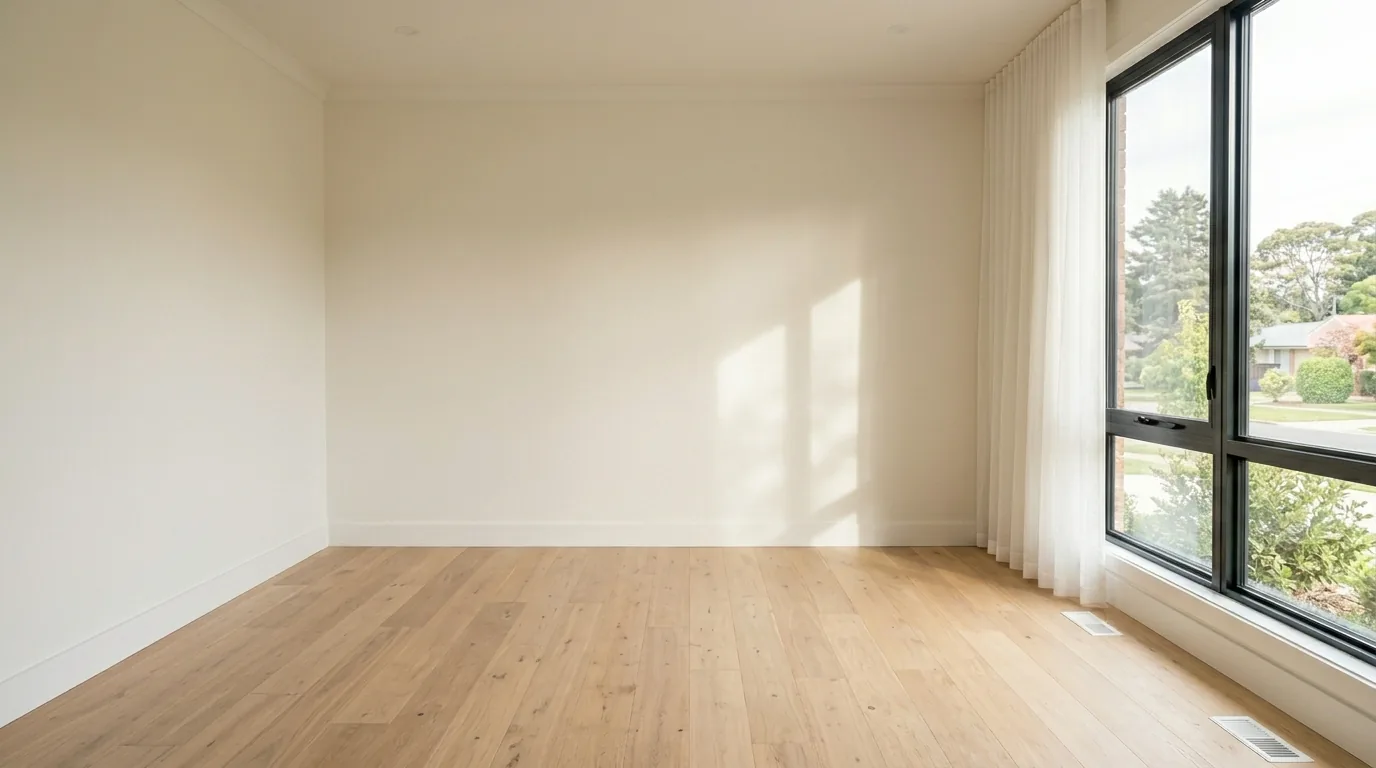

Want the street out of the shot entirely? — beforeWant the street out of the shot entirely? — afterBeforeAfter