One photo in. Everything you need to market a property out.
Pixly is a full real-estate creative suite — staging, photo tools, property videos and interactive 3D worlds, all from a single upload.
Photos
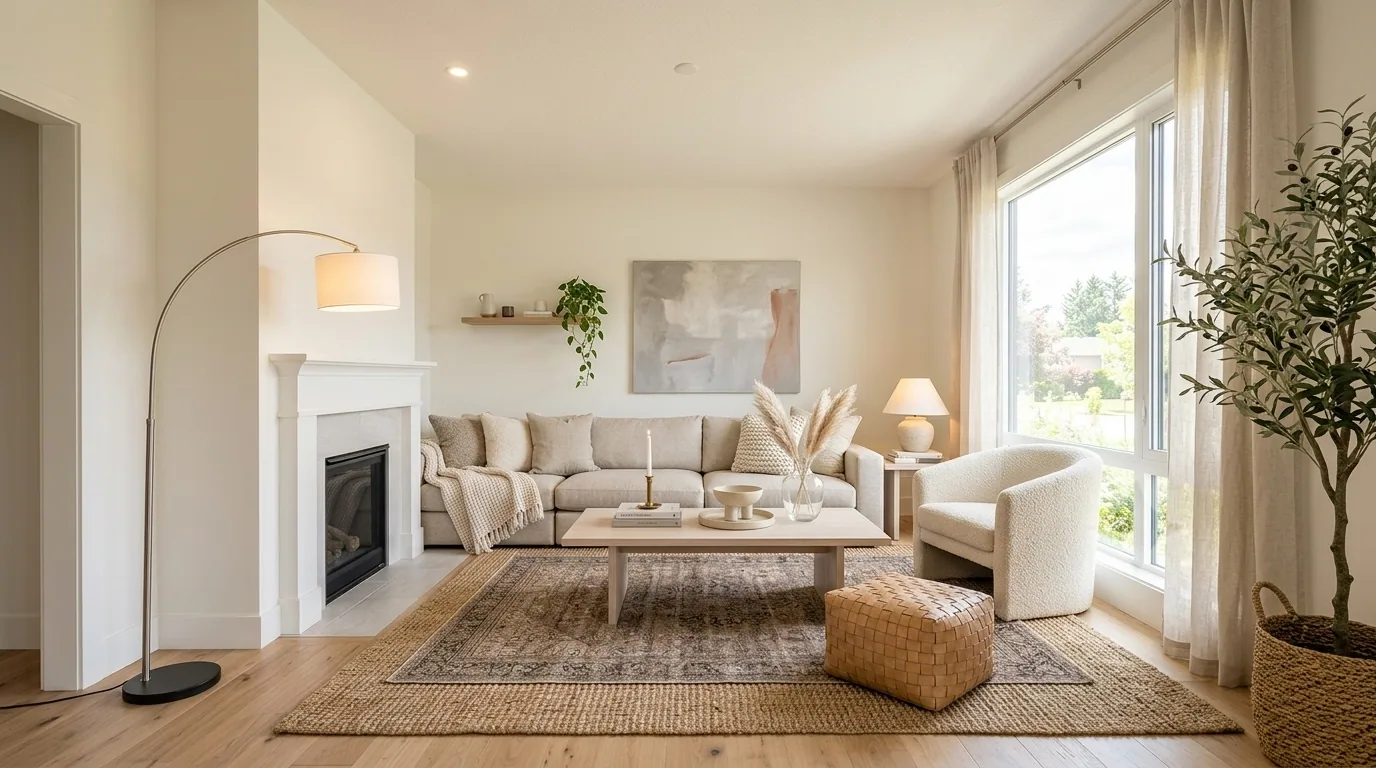
Virtual staging
Empty room, buyer-ready in seconds
Drop an empty or cluttered room and Pixly furnishes it photorealistically — 60+ design styles, interior or exterior, with up to four looks to compare.
See how it works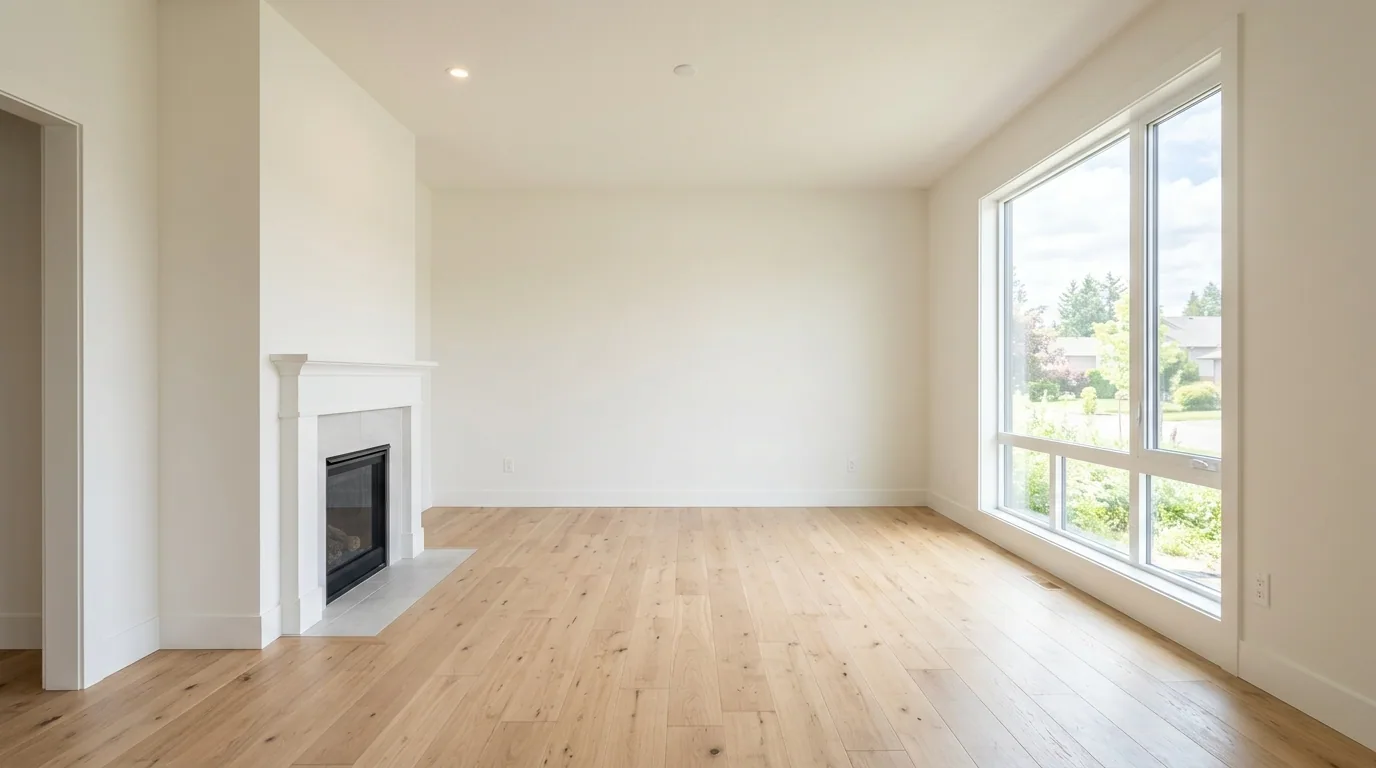
 BeforeAfter
Photo enhance
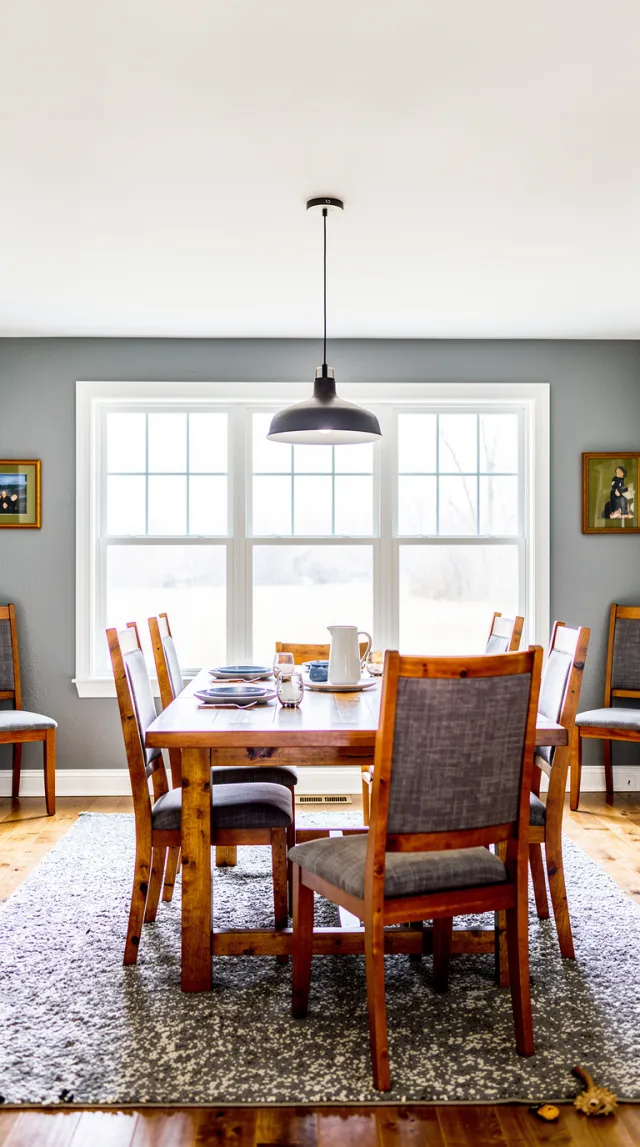
Dull phone shots → magazine-grade
Fix exposure, colour and clarity in one tap. The everyday tool you'll run on every photo of every property.
See how it works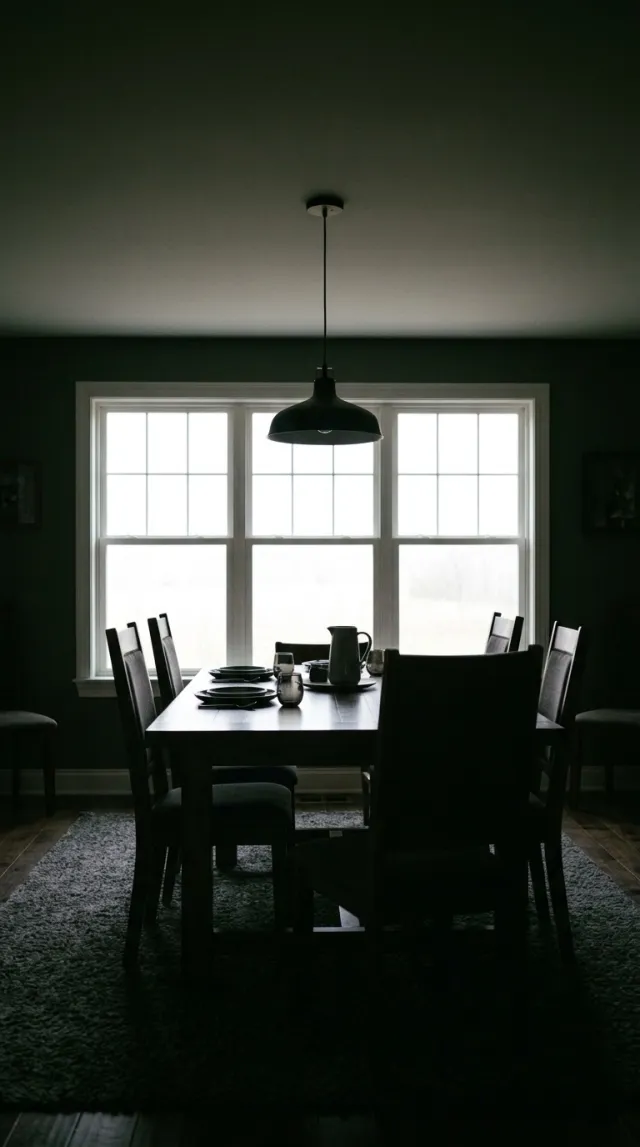
 BeforeAfter
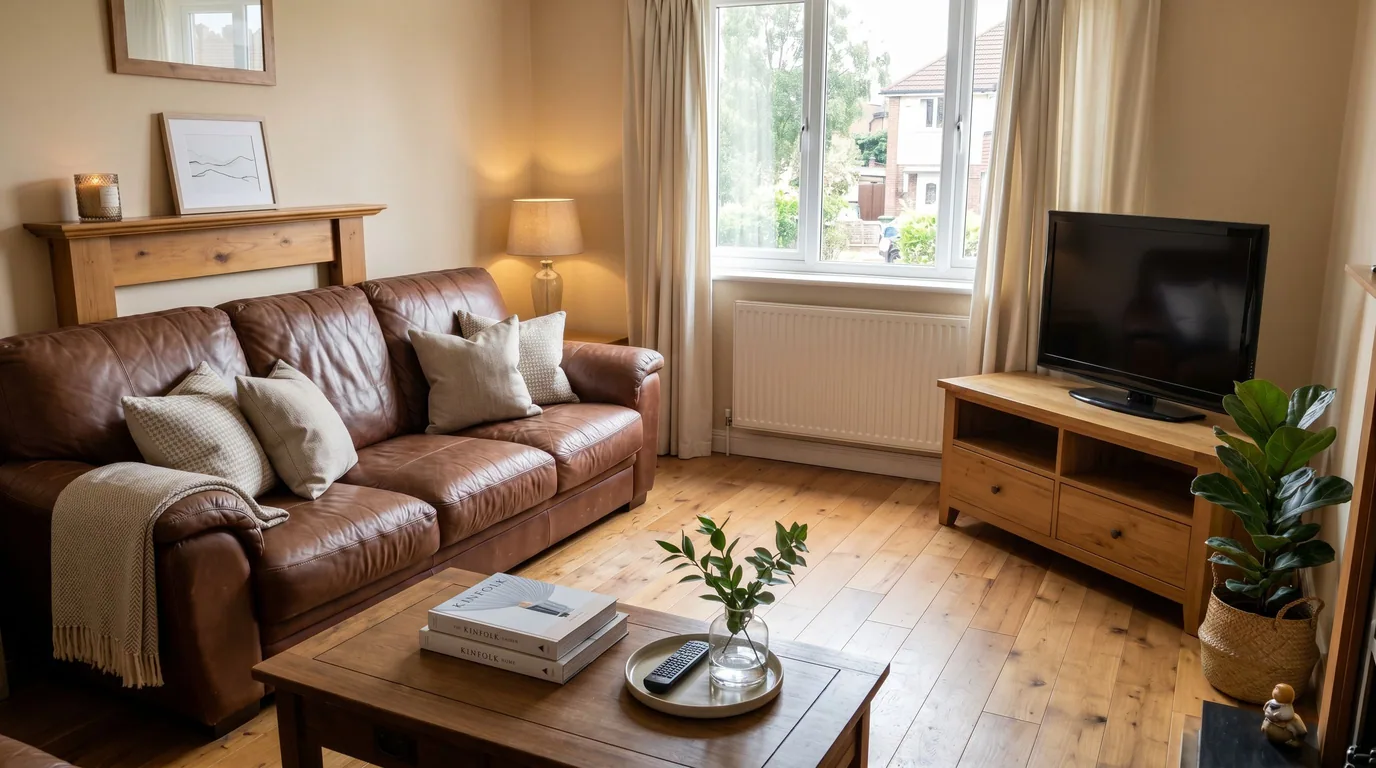
Declutter
Remove the clutter, keep the room
Clear out the mess, the moving boxes, the personal items — buyers see the space, not the stuff.
See how it works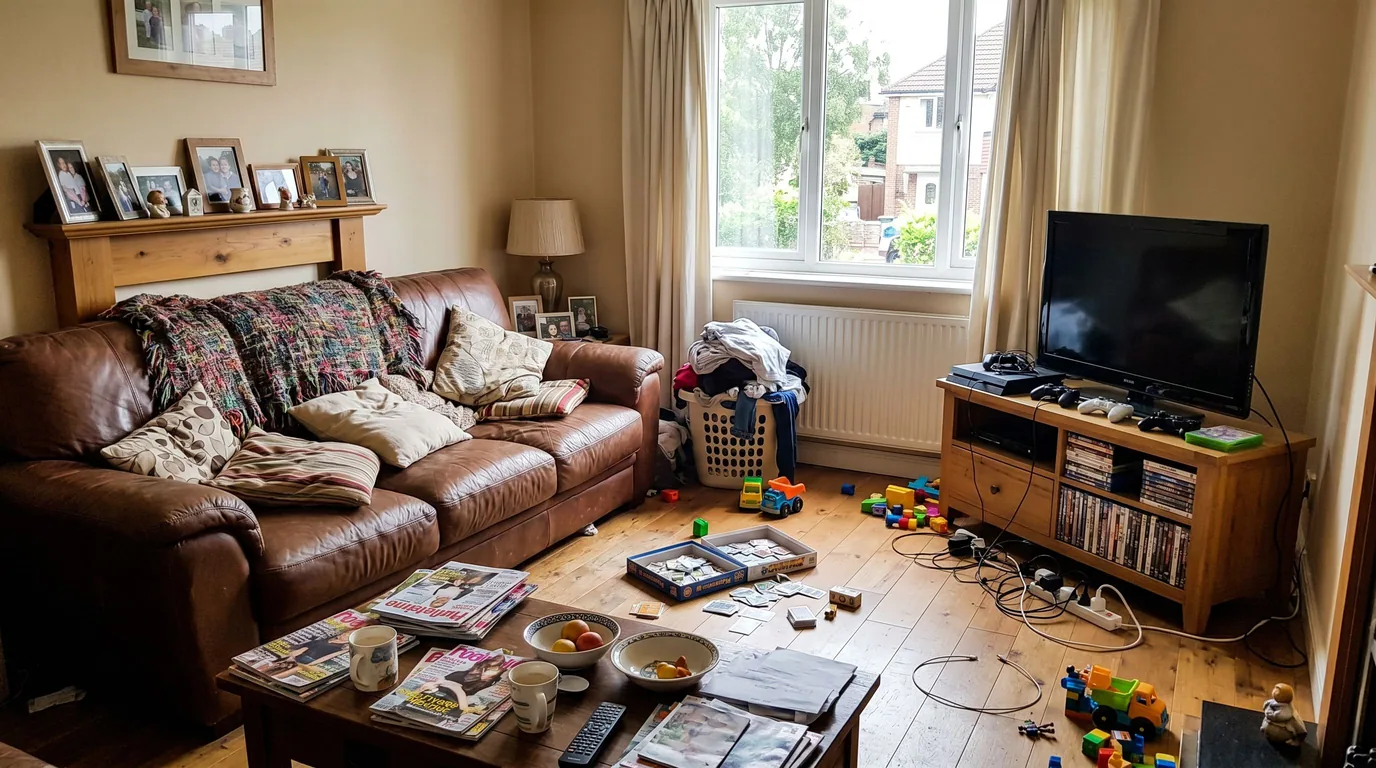
 BeforeAfter
Remove Furniture
Take the furniture out, keep the room
Furniture, rugs, art and plants go, and the surfaces behind them are rebuilt — the blank canvas you restage from. It can strip out the fitted kitchen, wardrobes and bathroom too, for a renovation shot.
See how it worksBeforeAfterSky replacement
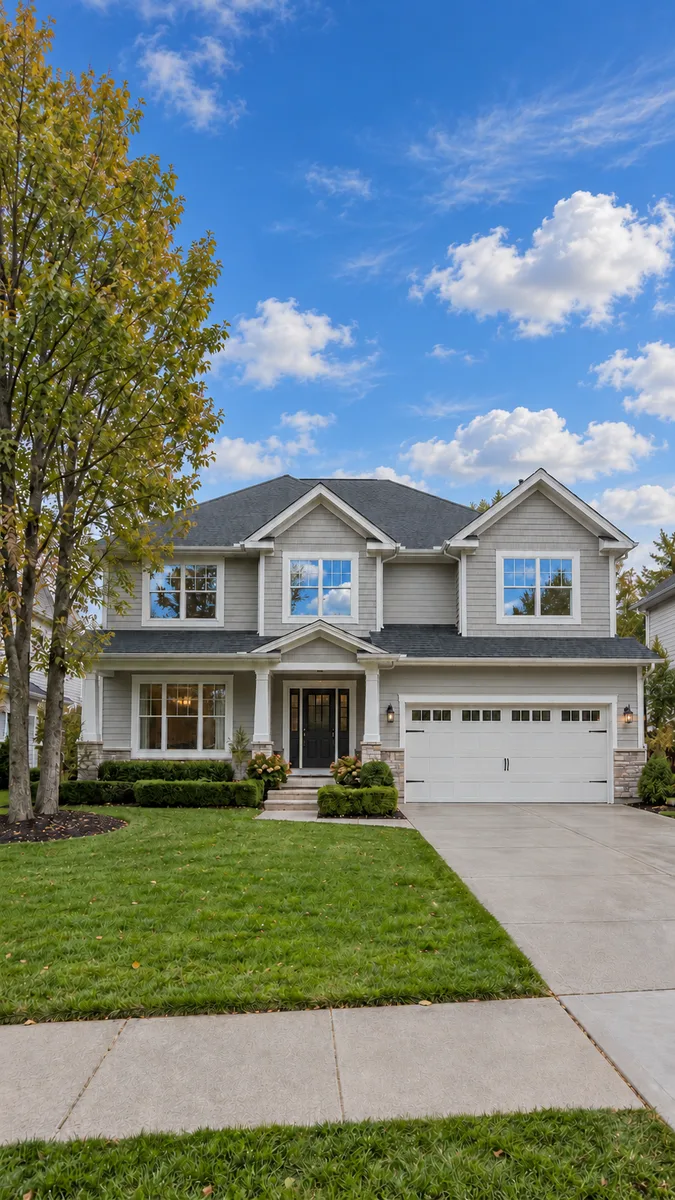
Grey sky → a natural blue one
Swap an overcast or blown-out sky for a real-looking one. The house, the trees and the reflections in the glass stay exactly as shot.
See how it works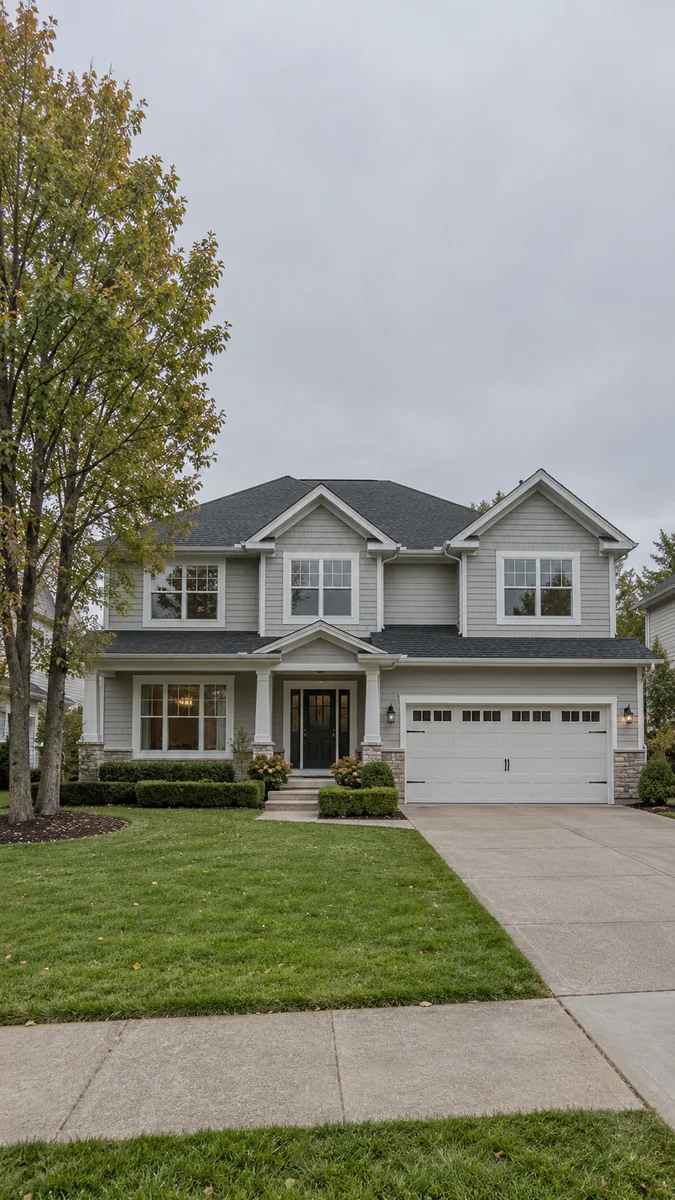
 BeforeAfter
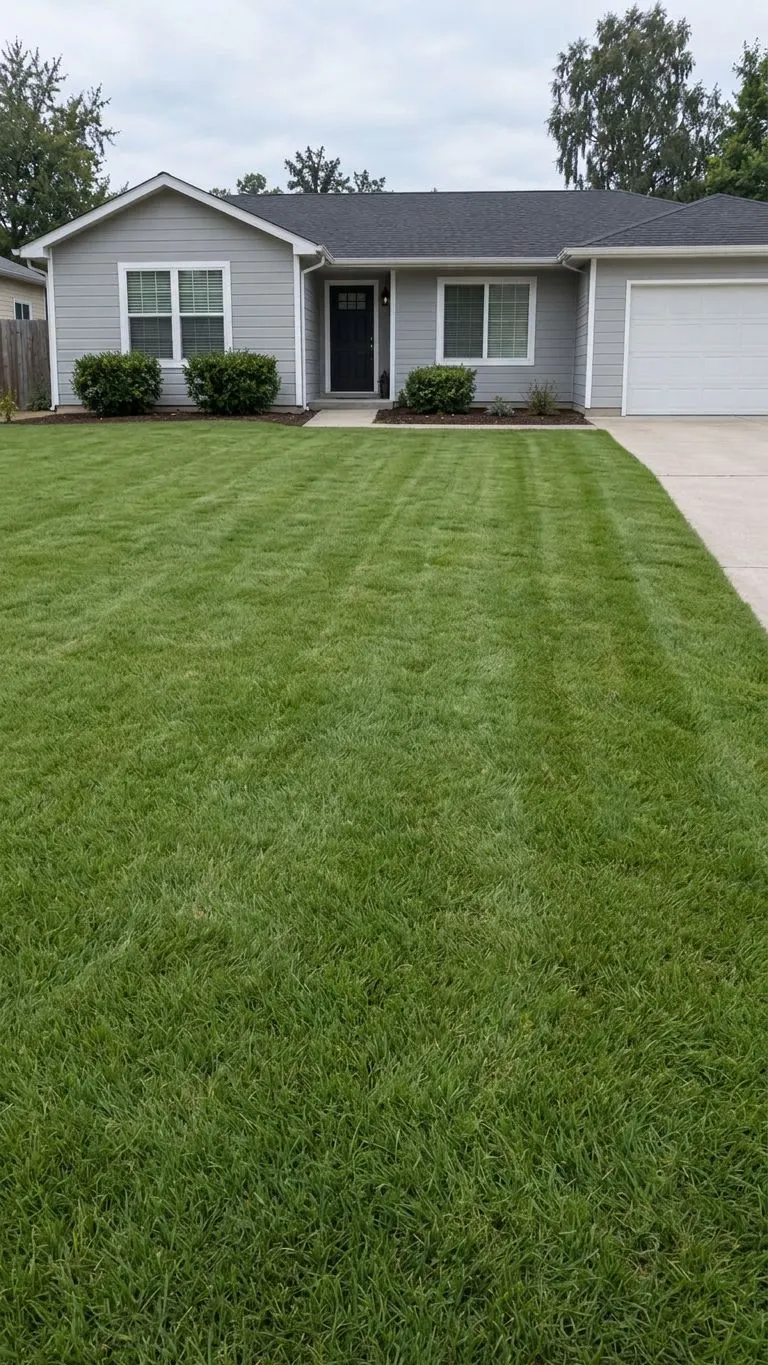
Lawn replacement
Patchy grass → a healthy green lawn
Turn brown, patchy or bare grass into an even green lawn. The house, the driveway, the beds and the sky stay exactly as shot.
See how it works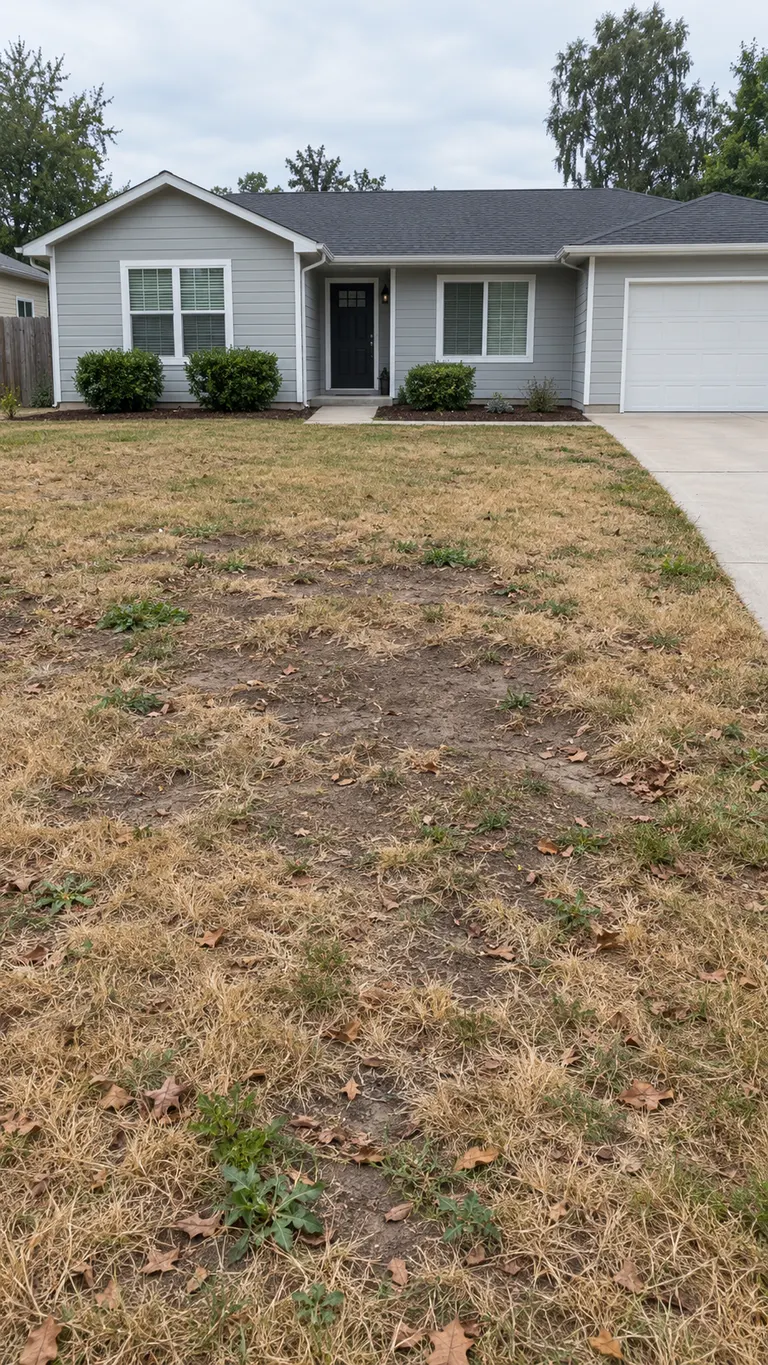
 BeforeAfter
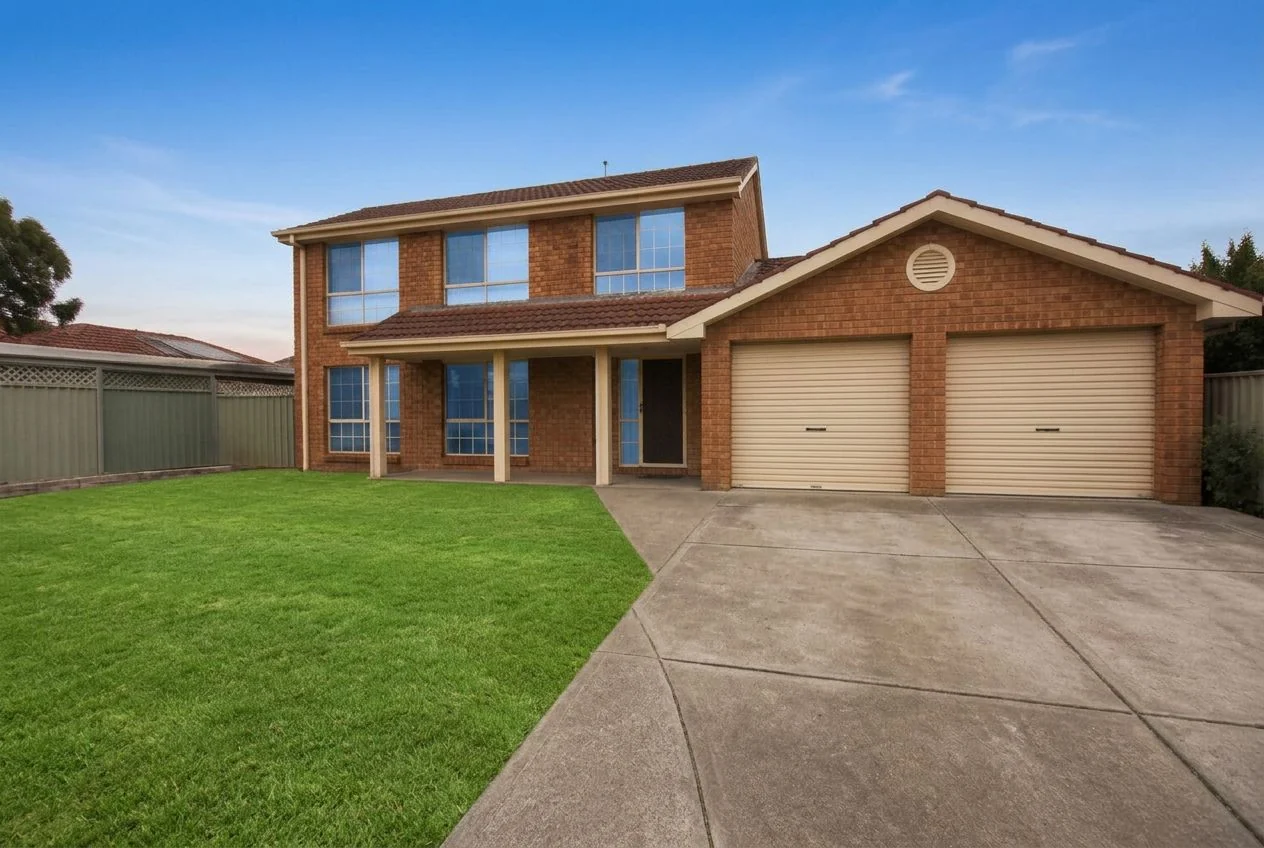
Exterior touch-up
Sky, lawn, driveway and clutter → fixed in one pass
The retouch a photographer does before a listing goes live: a natural sky, a healthy lawn, a clean driveway and the bins, hoses and toys gone. Each only where the photo needs it. The house stays as shot.
See how it works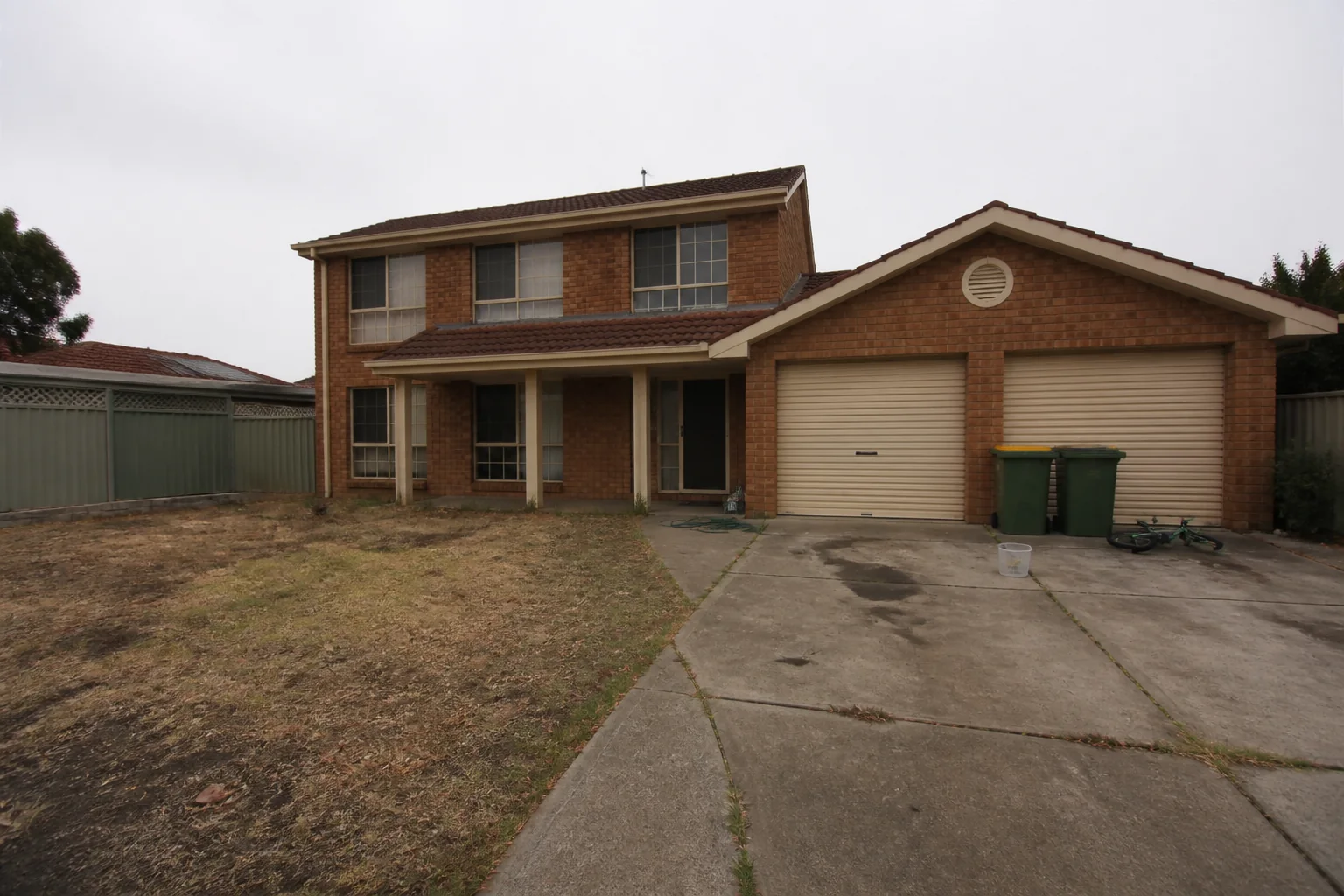
 BeforeAfter
HD upscale
Up to 4x the resolution, real detail
Enlarge any listing photo by up to four times with real detail rather than blur, to a maximum of 4096 px. Free on every result Pixly makes, 1 credit on your own photo.
See how it works
 BeforeAfter
Restyle
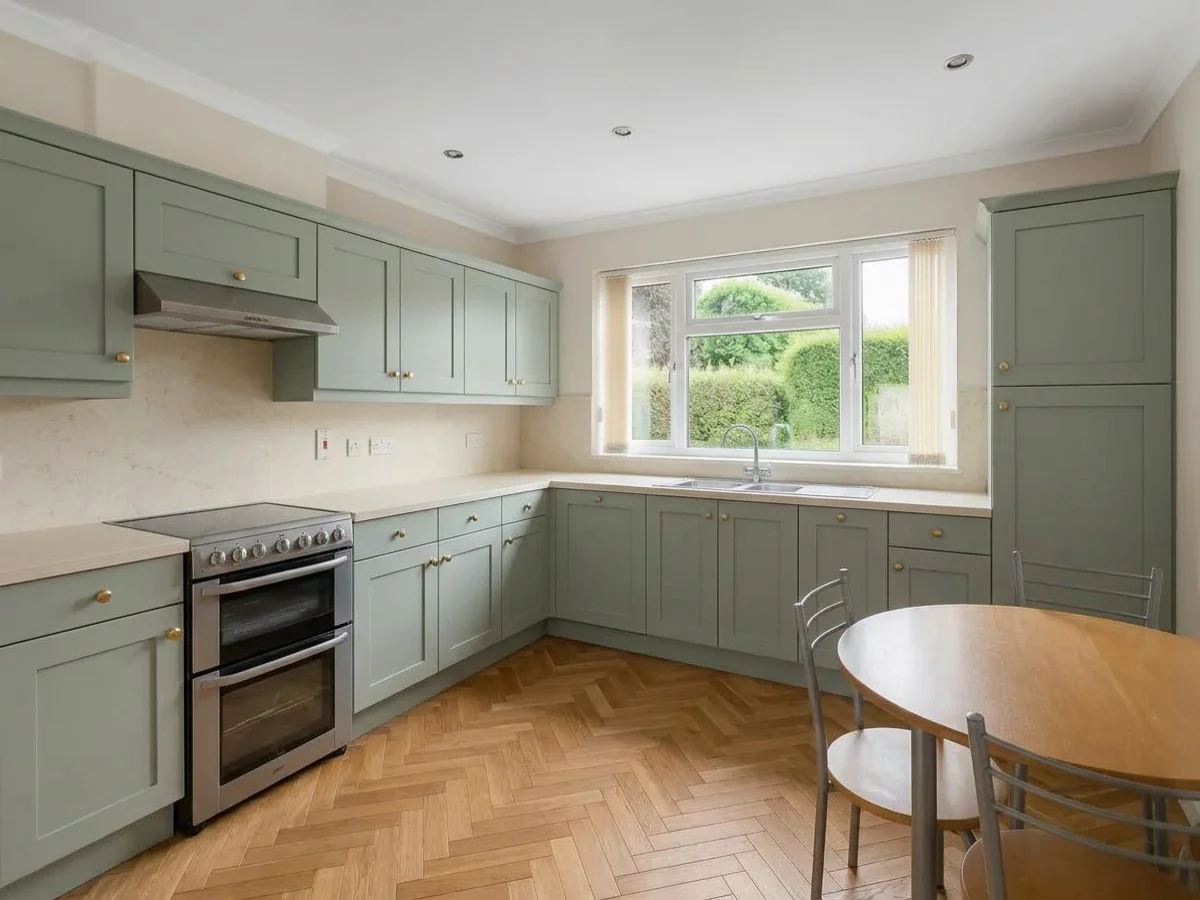
New paint, floors and cabinet fronts
Repaint the walls, change the floor, reface the kitchen cabinets, retile a bathroom or refinish the furniture — in the photo you already have. The layout, the fittings and the camera angle stay exactly as shot.
See how it works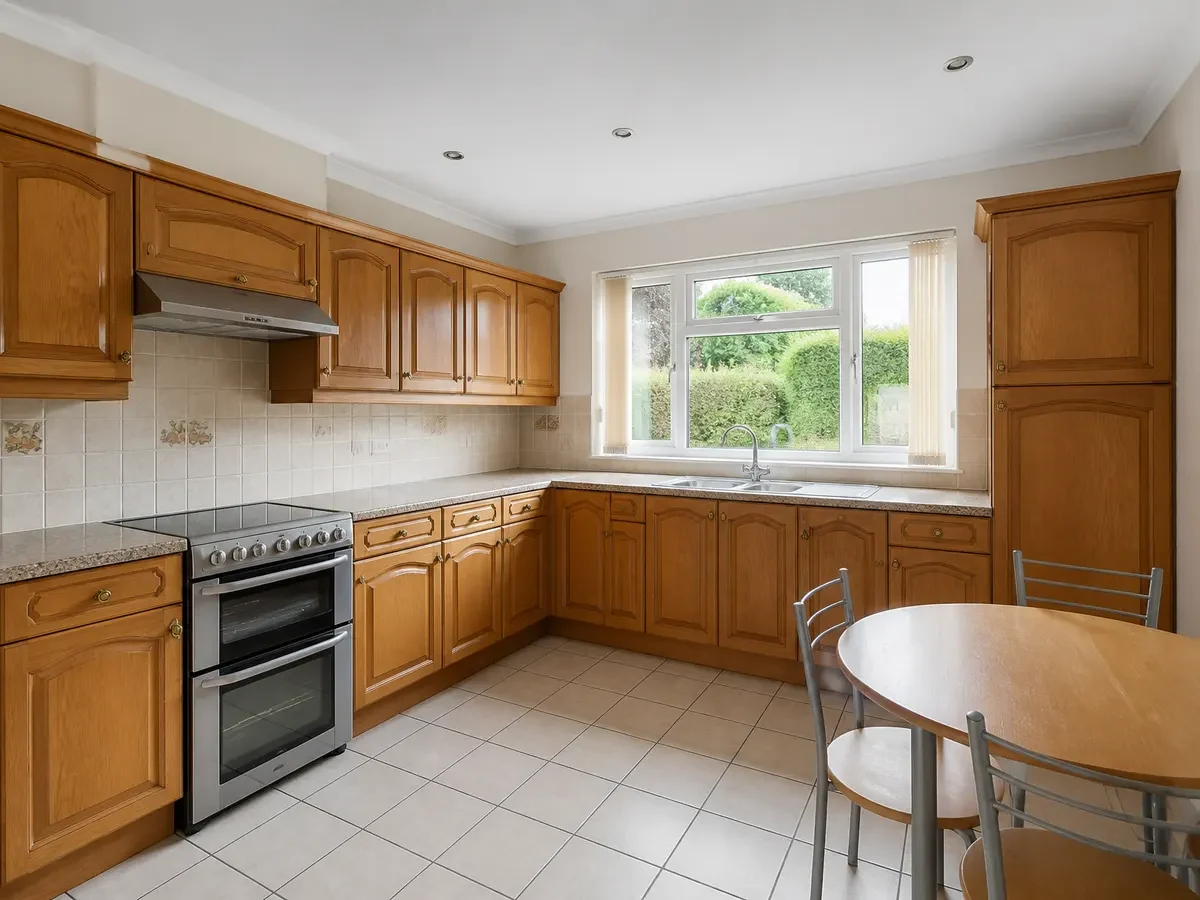
 BeforeAfter
Seasonal Reset
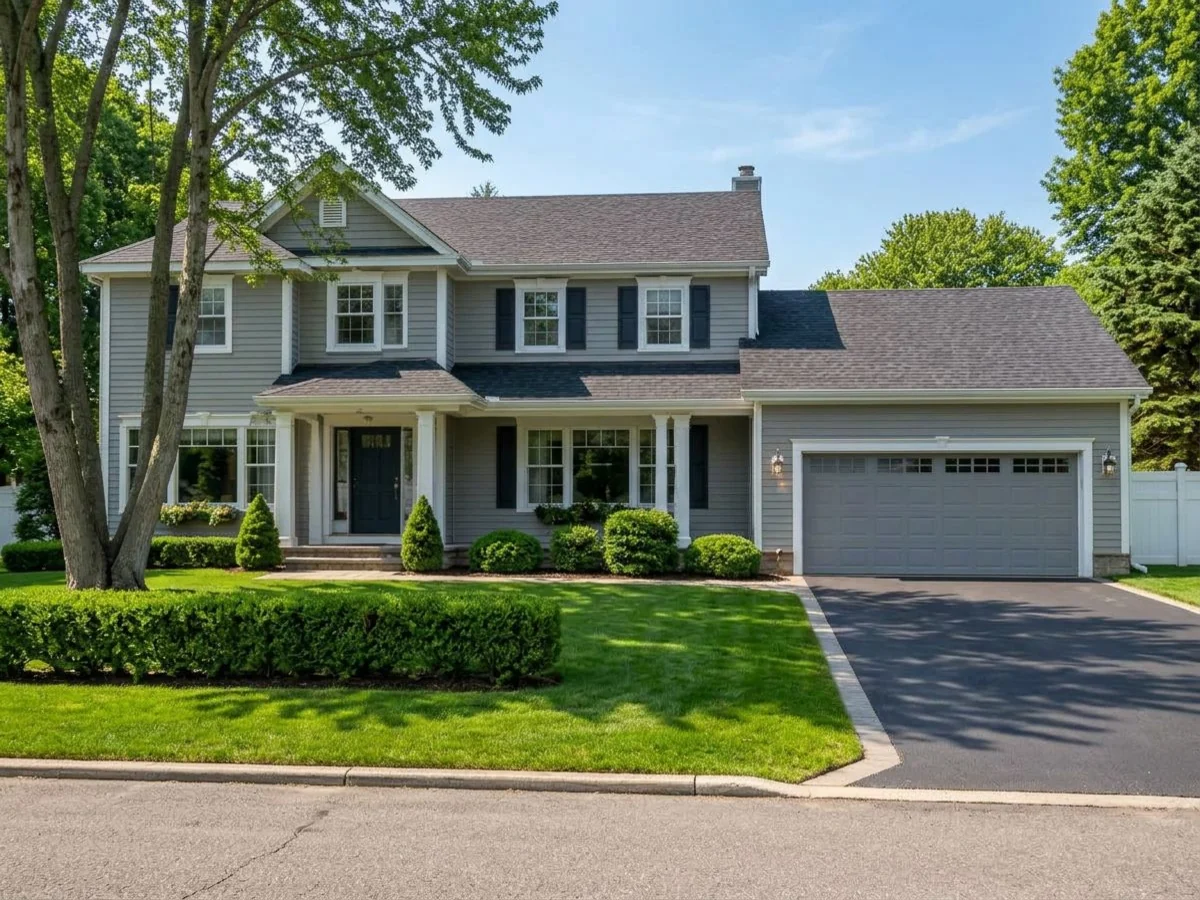
The same house, in another season
Take the snow off the ground, the roof and the branches and put the garden in leaf, or move a summer photo to autumn or winter. The house, the driveway, the paths and the camera angle stay exactly as shot.
See how it works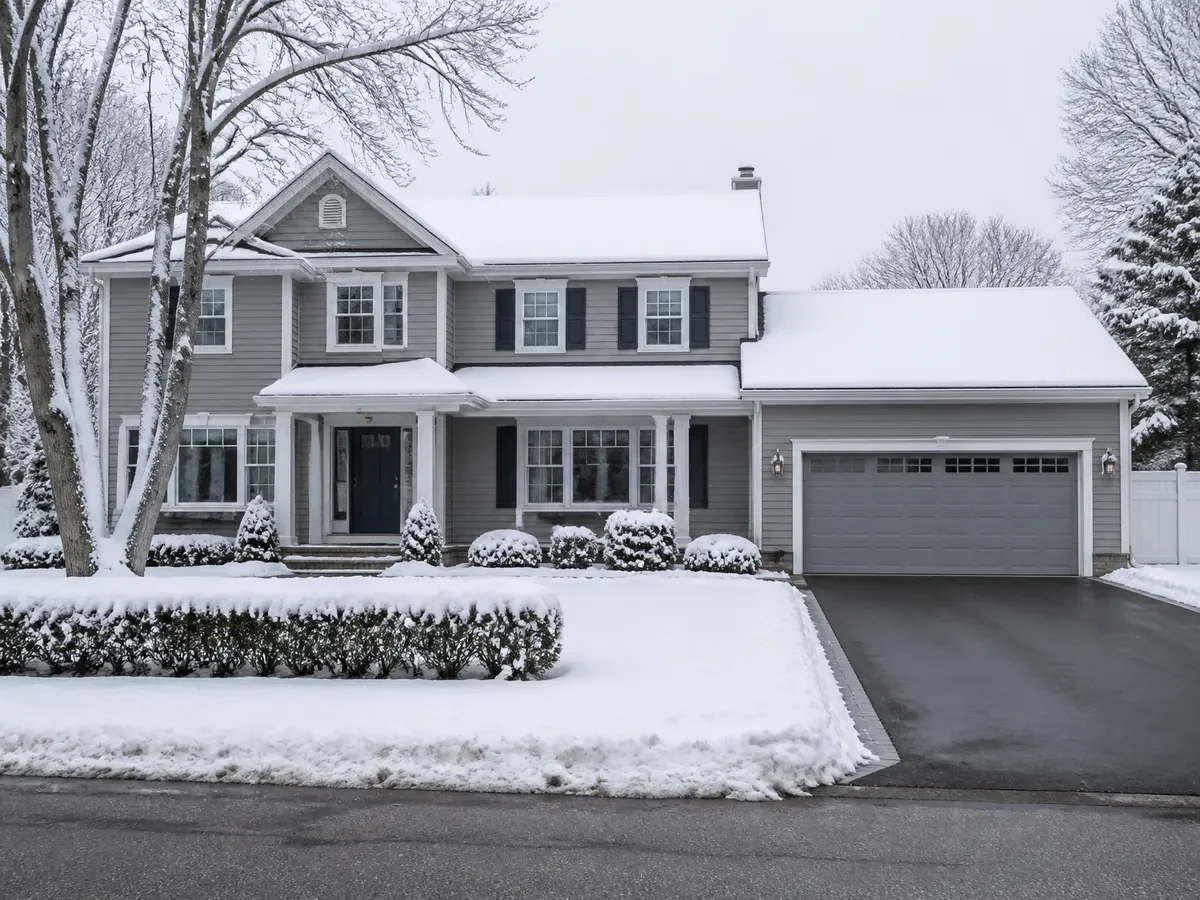
 BeforeAfter
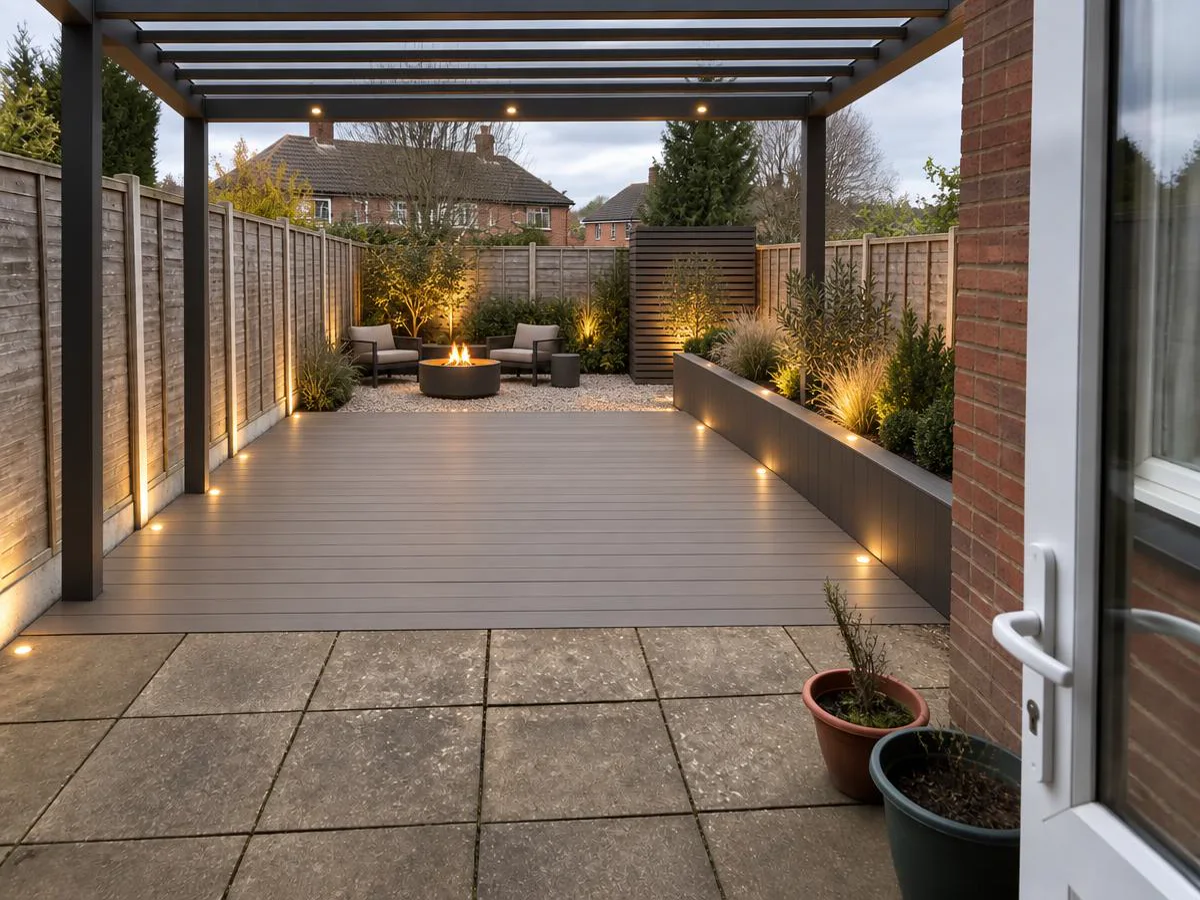
Exterior Makeover
A designed garden in the photo you have
Turn a tired garden into a designed one — planting, terrace, pool, pergola, lighting, composed as one scheme in one style and sized to the plot. The house, the driveway and the sky stay exactly as shot.
See how it works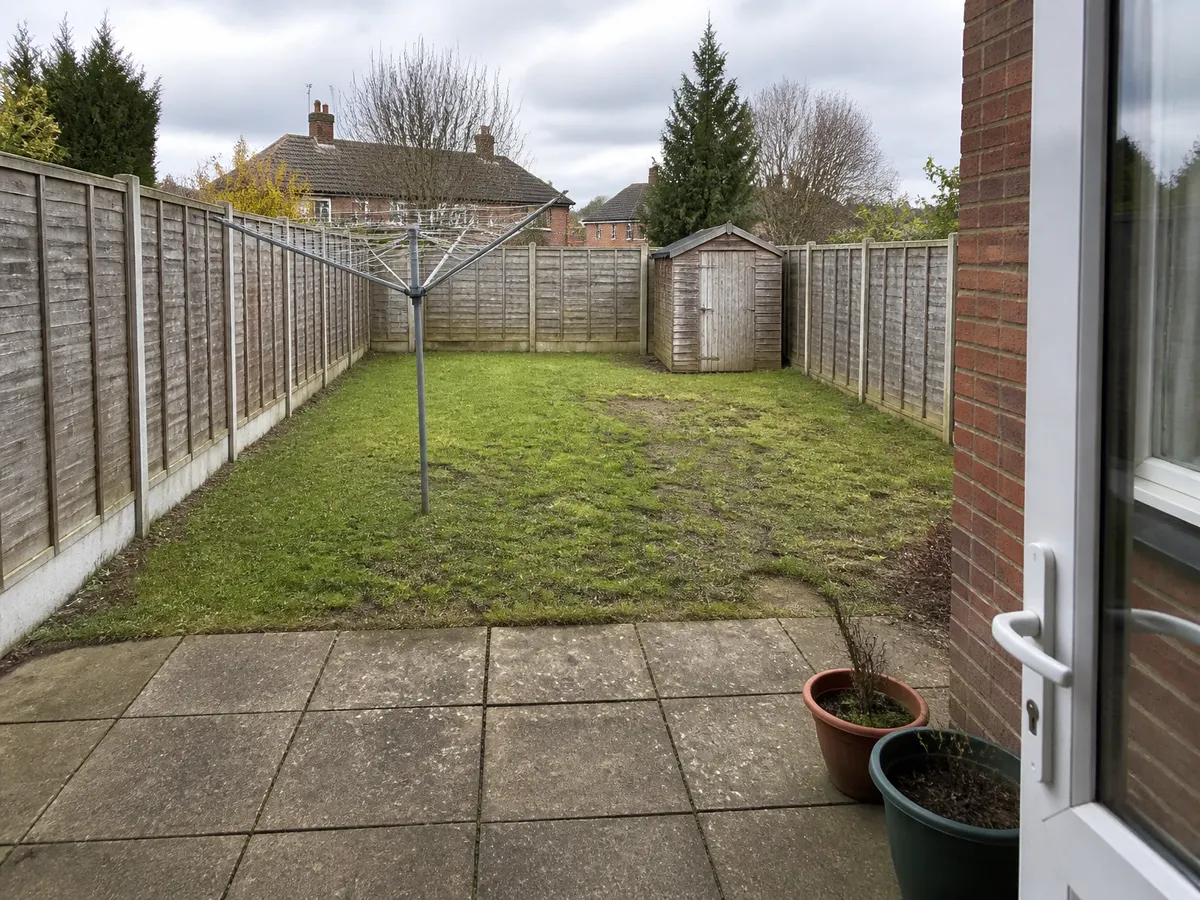
 BeforeAfter
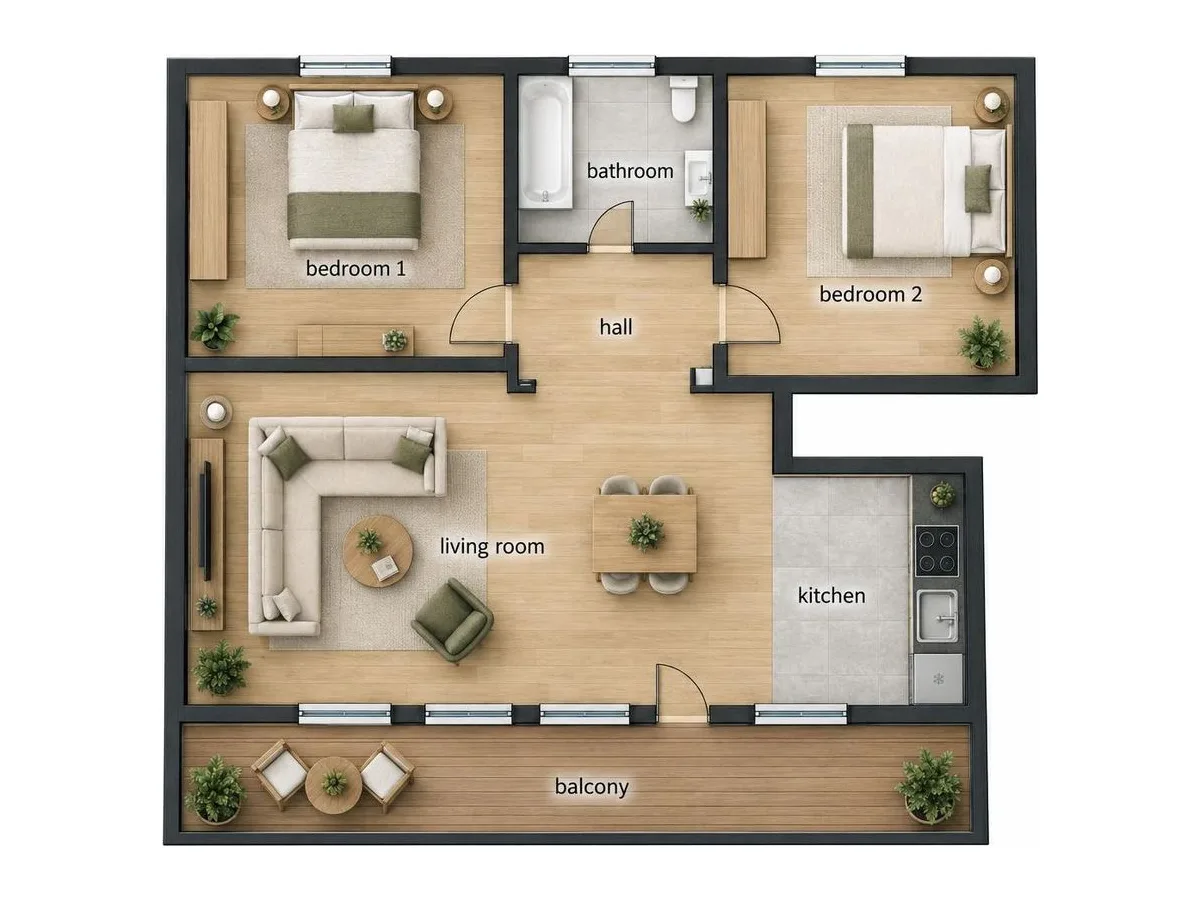
Floor Plan Render
A sketch becomes a furnished plan or a 3D view
Upload a picture of any floor plan — a sketch, a brochure page, a blueprint — and get a polished furnished plan or an isometric 3D view of the same layout in about a minute.
See how it works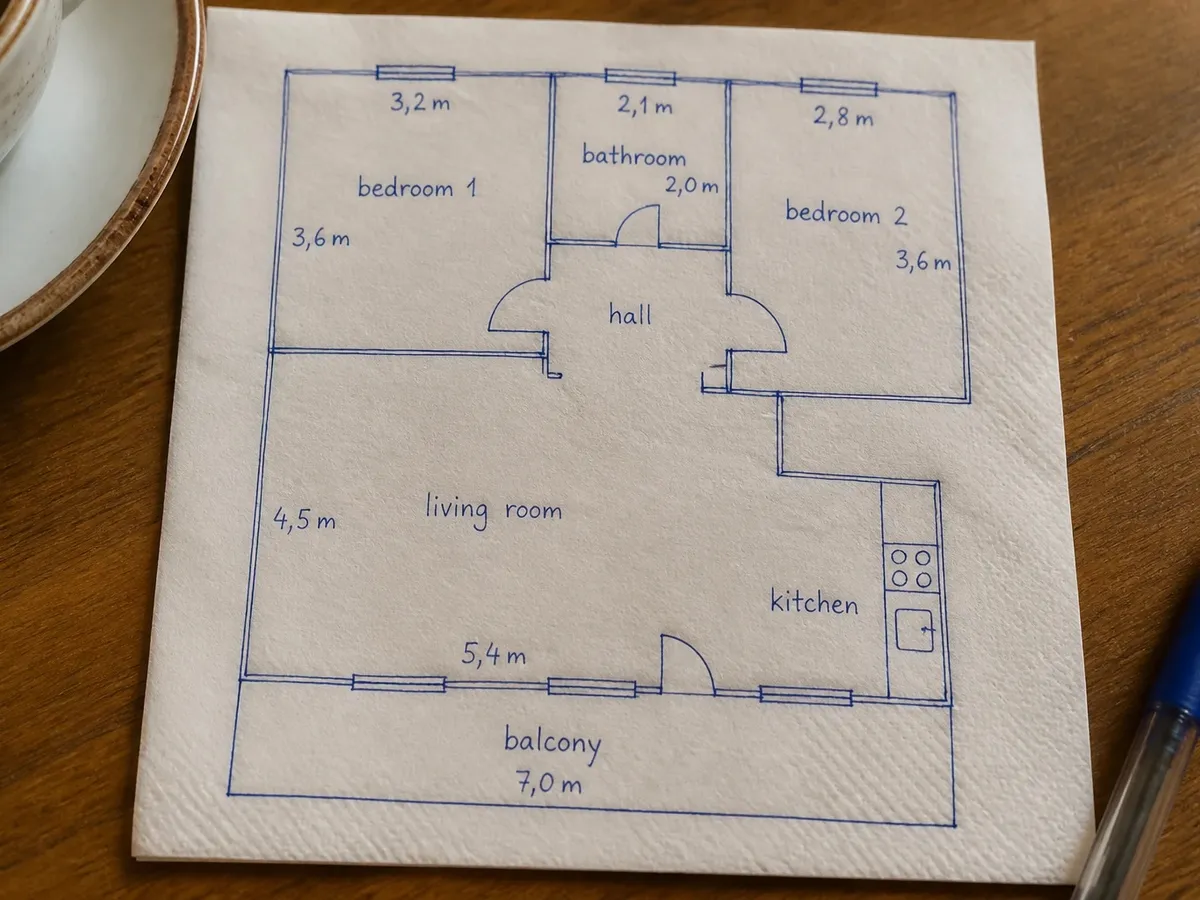
 BeforeAfter
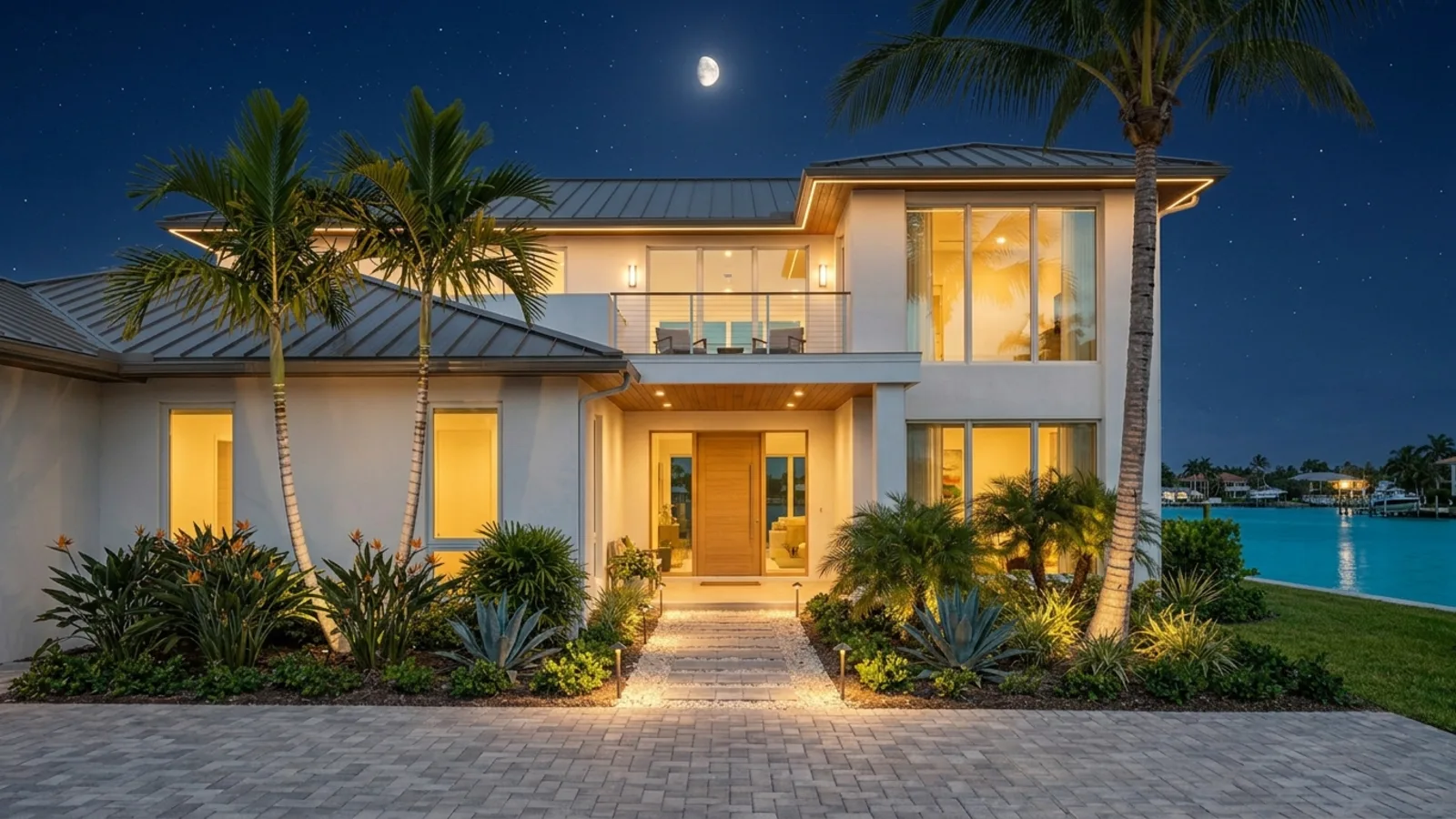
Day-to-night
Daylight → a magical evening
Relight any exterior or room into a warm, glowing night — windows aglow, landscape lights on, a moonlit sky. The look buyers fall for.
See how it works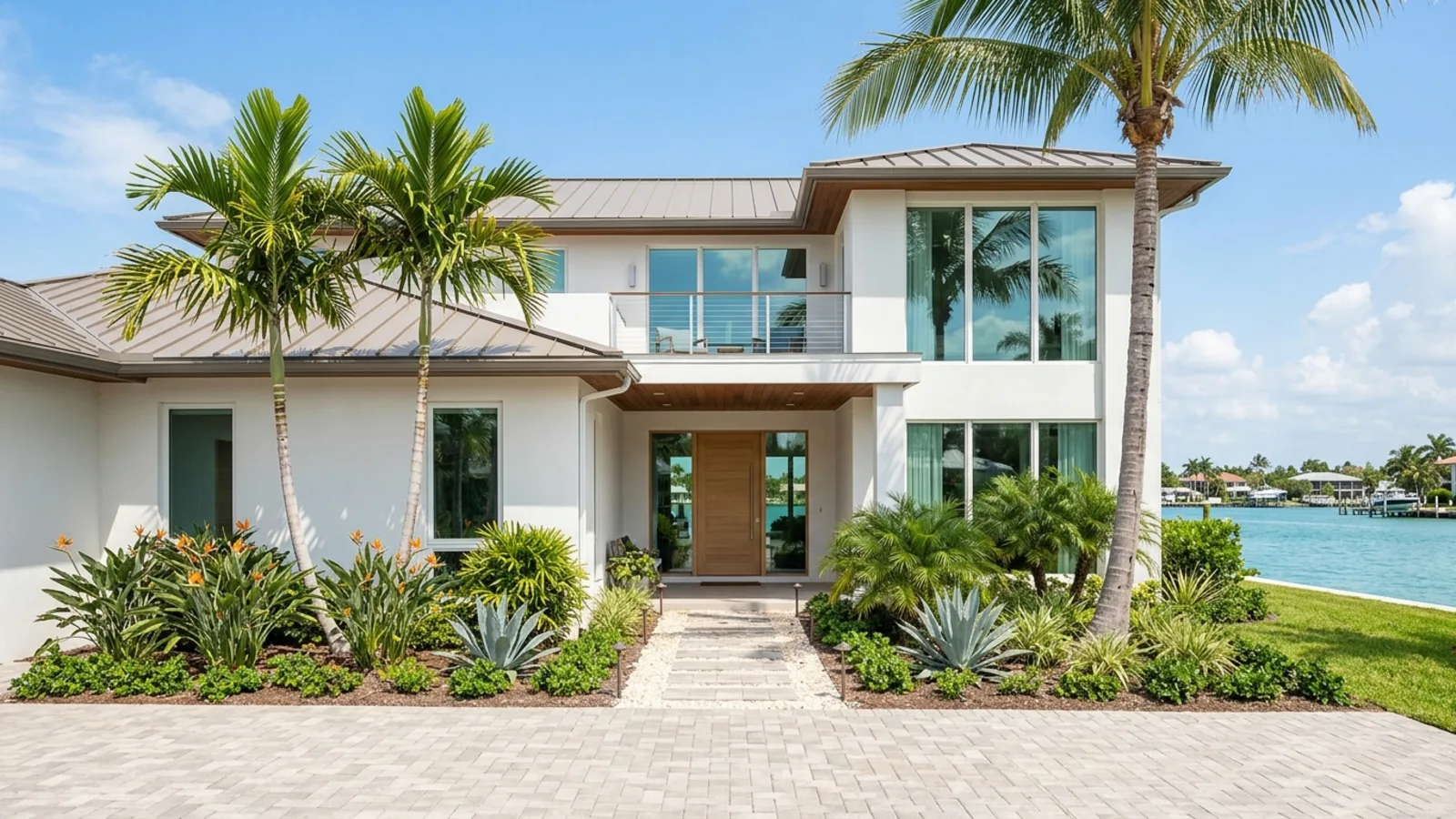
 BeforeAfter
Land Marker
Price, size, or label — on the photo
Type a price, a plot size, or your own text. We add it to the listing photo as a bold marker — the still you drop onto vacant land, or the hero image for a pre-construction listing.
See how it works
 BeforeAfter
Video
Cinematic motion
Any listing photo becomes a moving shot
Pick a camera move — push in, orbit, fly-through, crane or drone — and a single still turns into a short clip with real depth. Nothing to set up and no before-and-after needed: the photos you already have are enough.
See how it works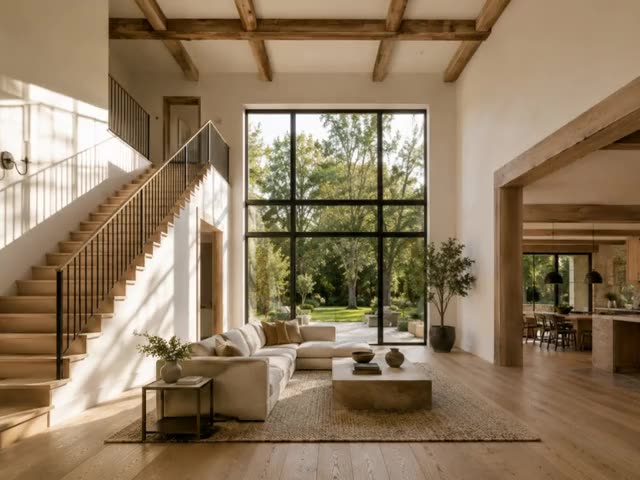
Photo to Video
Start photo + end photo → one camera move
Upload where the shot begins and where it ends. The camera travels between them and lands exactly on your last photo.
See how it works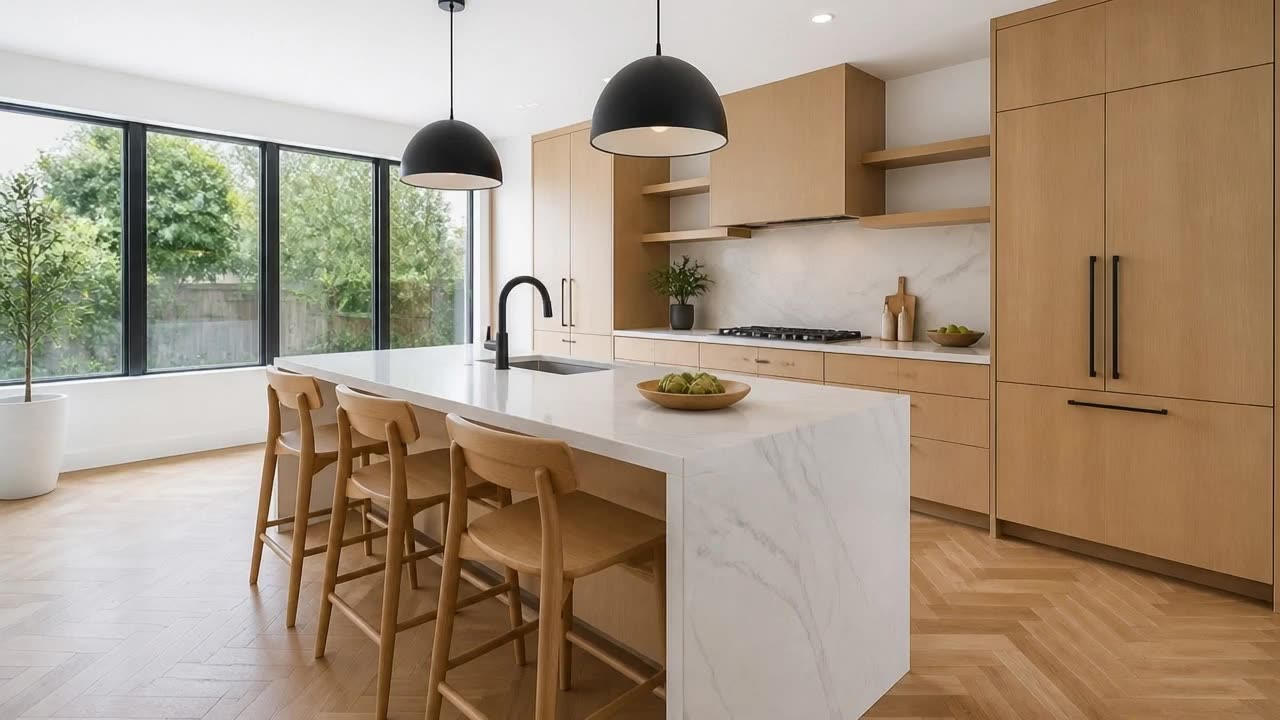
Walkthrough video
Room photos become one walkthrough video
Add the rooms in walking order and the camera flies through each doorway into the next — clip by clip, stitched into one continuous move through the home.
See how it works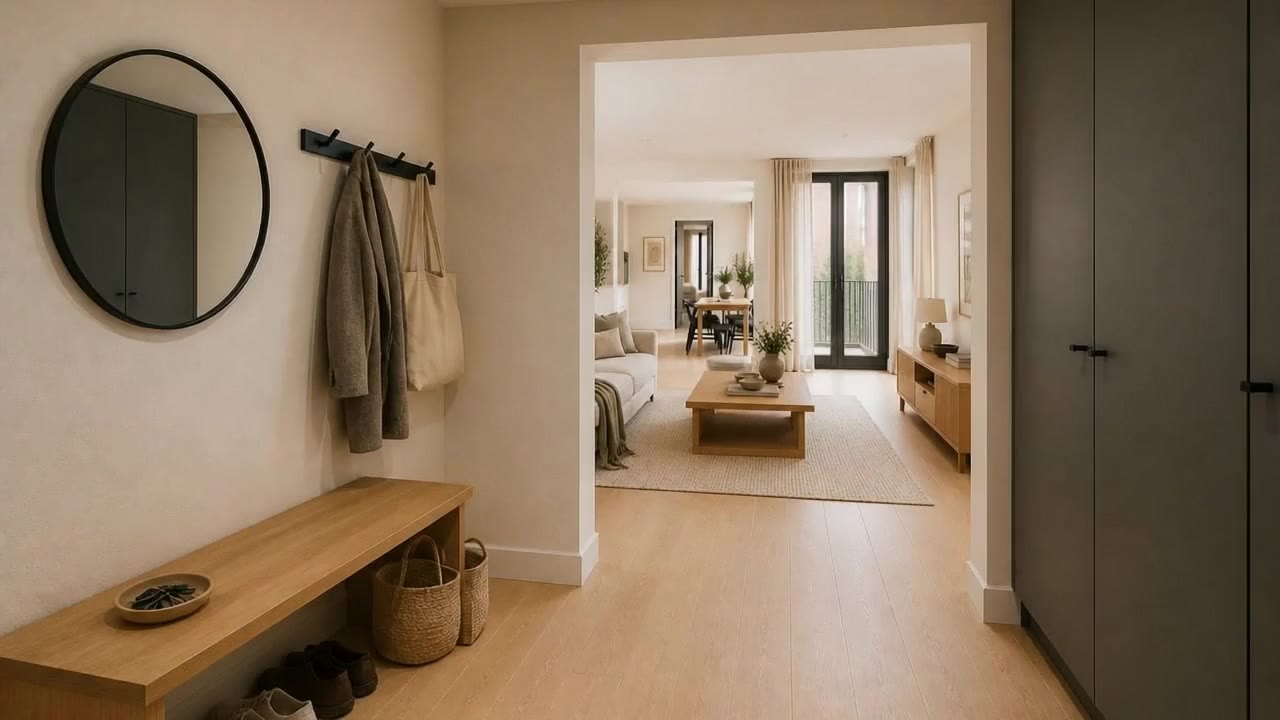
Staging reveal
Watch an empty room come to life
An empty space furnishes itself in a smooth, cinematic reveal — the single most-shared property video.
See how it works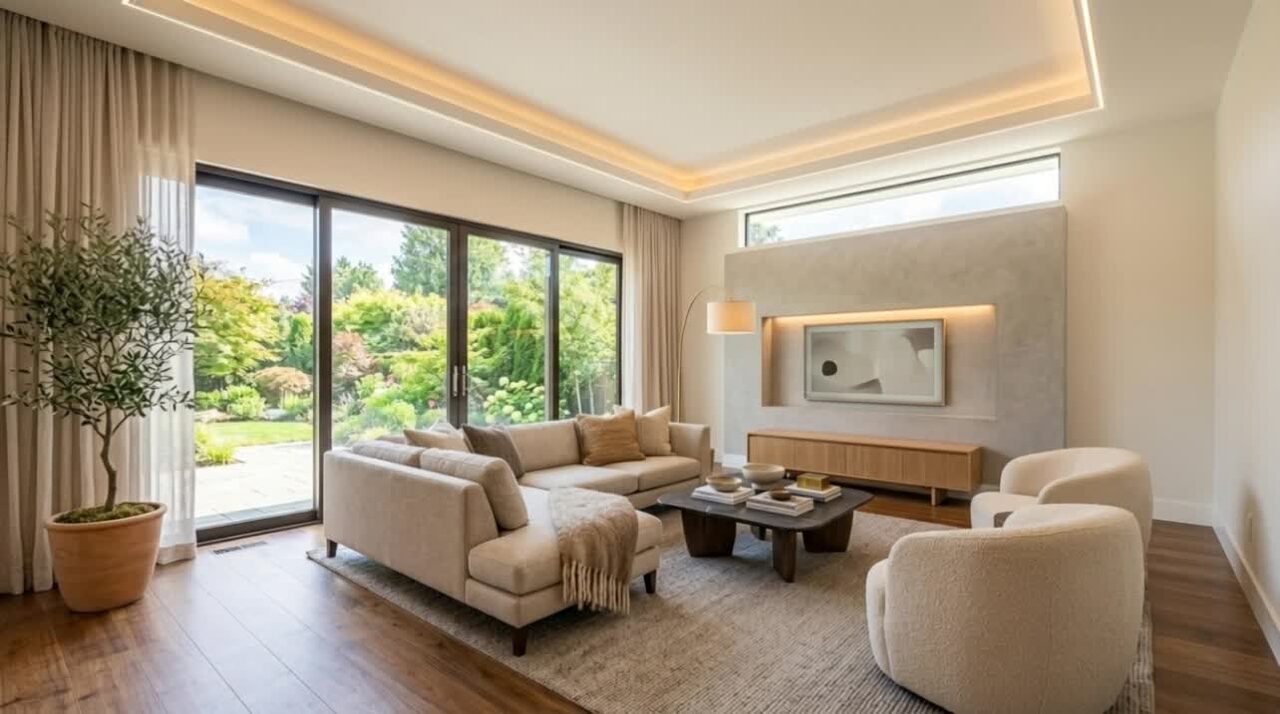
Construction reveal
From bare plot to finished home
Show a build come together in seconds — perfect for new developments and pre-construction properties.
See how it works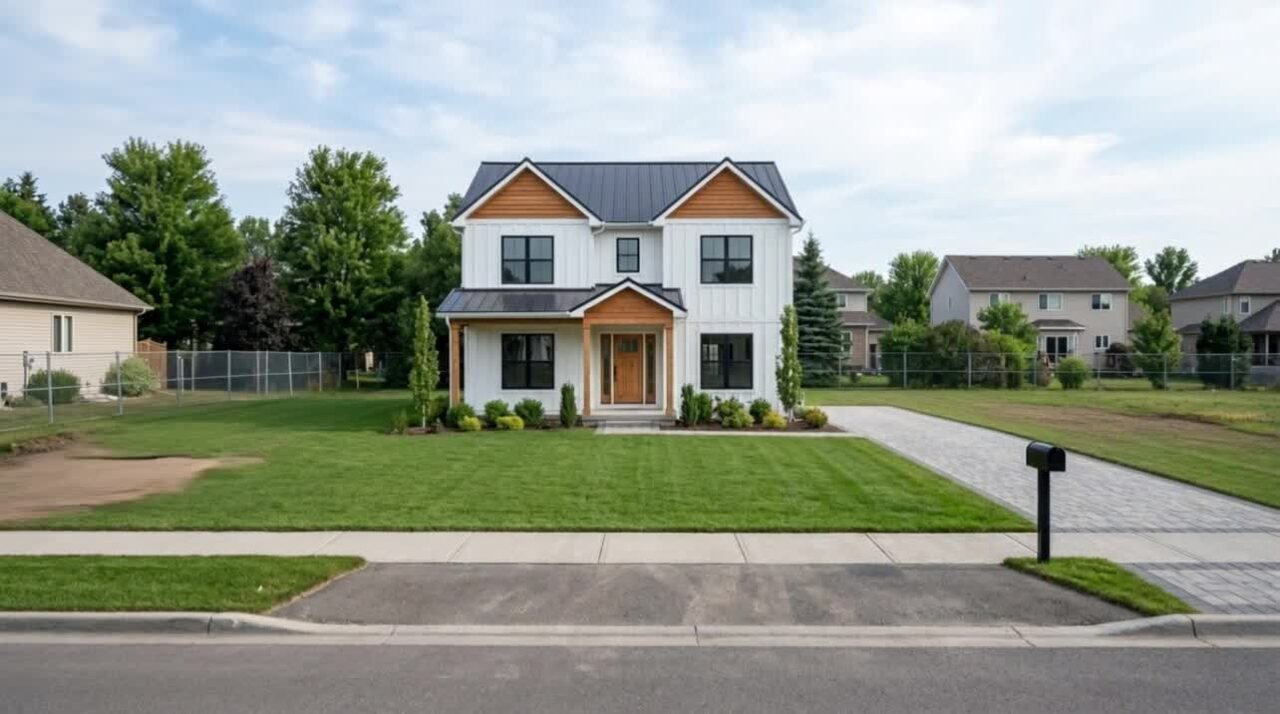
Landmark drop
Drop a price or plot marker from the sky
A giant price, area, or plot number falls onto an empty lot and lands with weight — the boldest way to headline land and pre-construction properties.
See how it works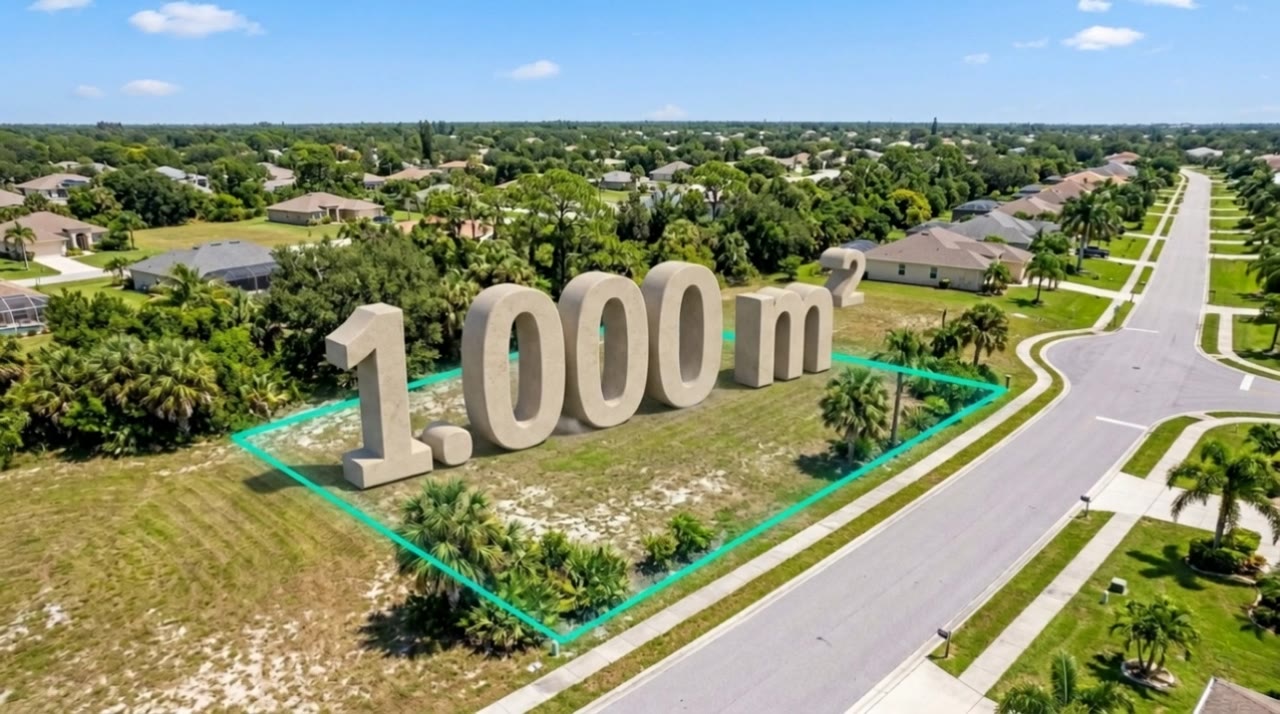
Day-to-night
Day turns to a glowing evening
A daytime exterior transitions to a warm, moonlit night — the most aspirational way to end a tour.

Interactive 3D
Step inside the property
Turn flat photos into a navigable 3D world buyers can walk through online — then embed it on the property or share it with a QR code.
See how it works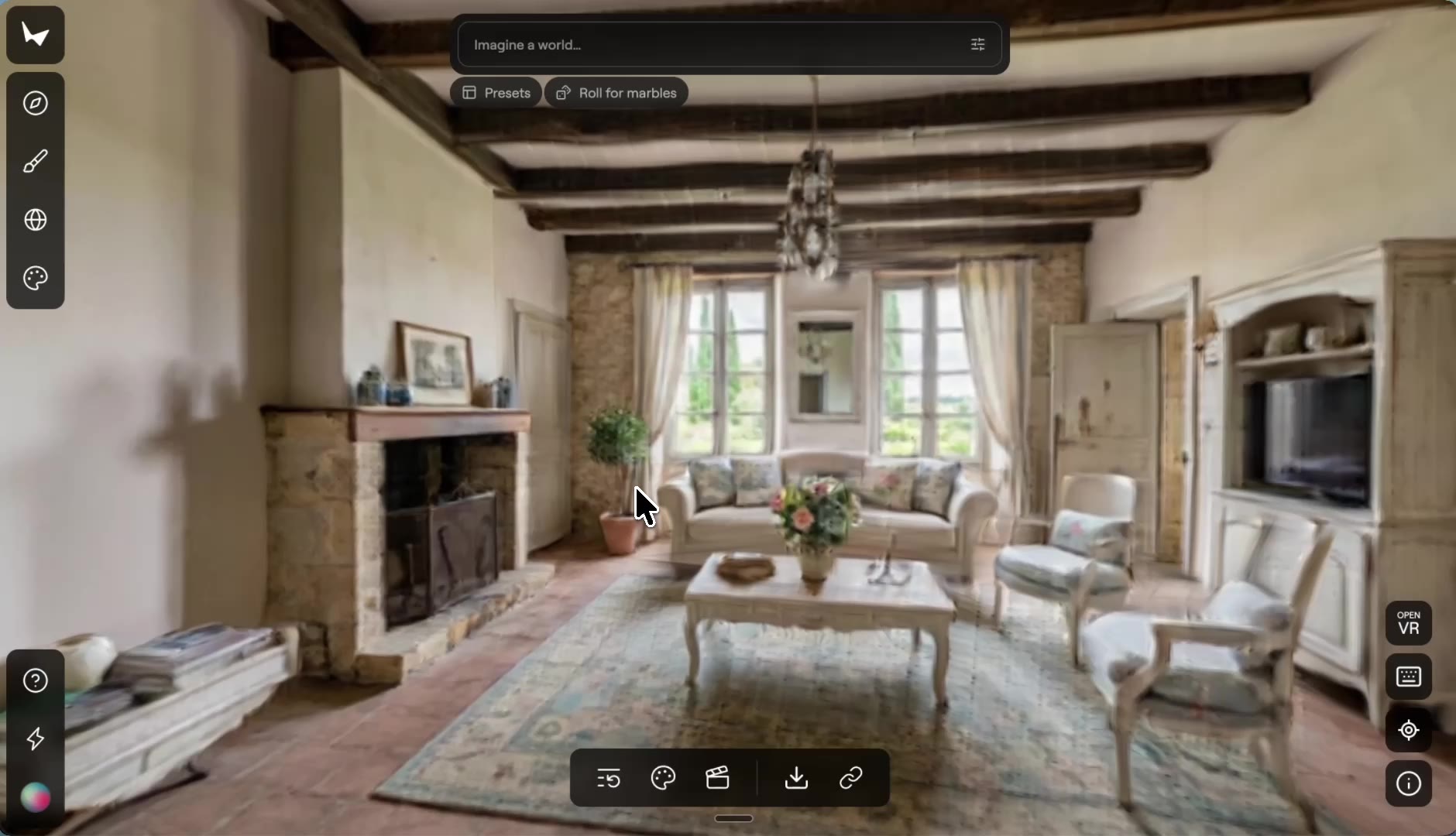
How-to guides
Step-by-step guides with the real screens and a short video each: listing photos, videos, floor plans and the free tools.
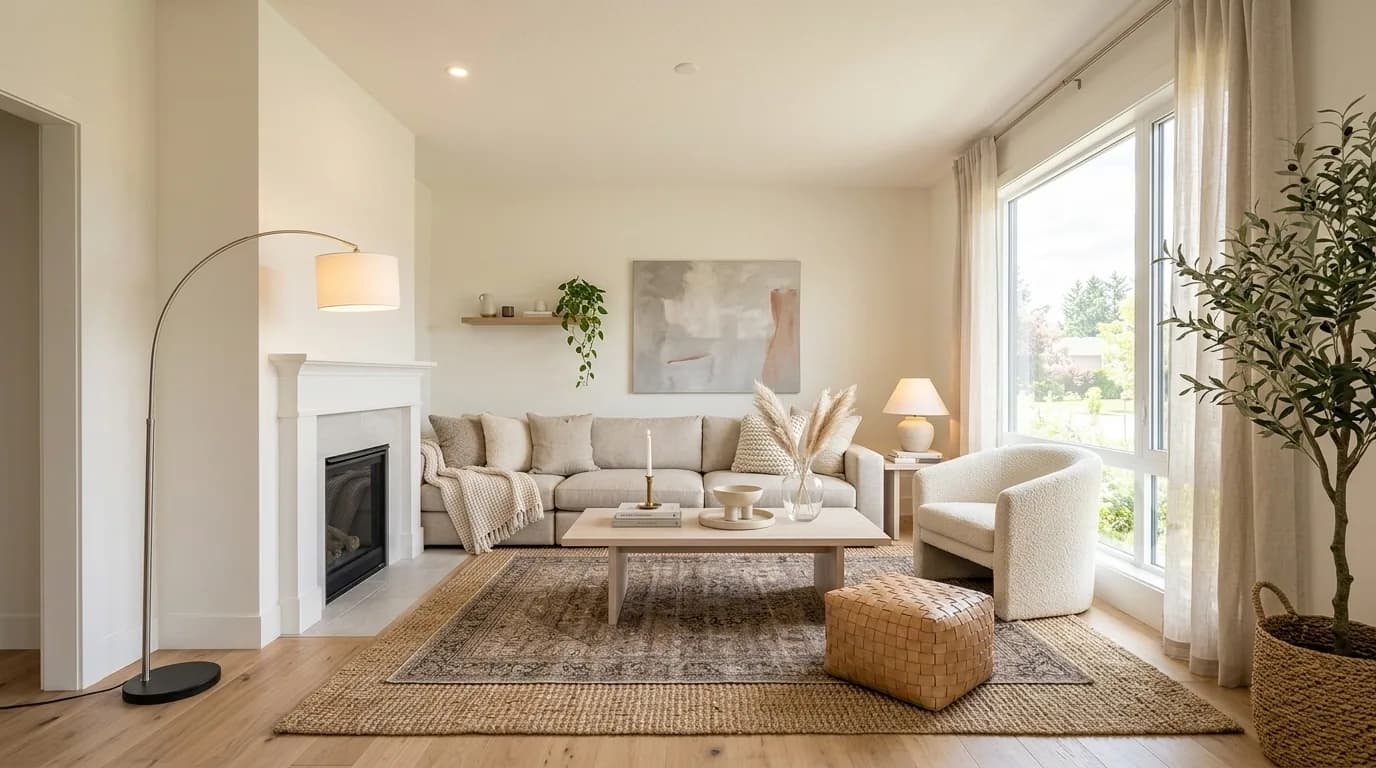
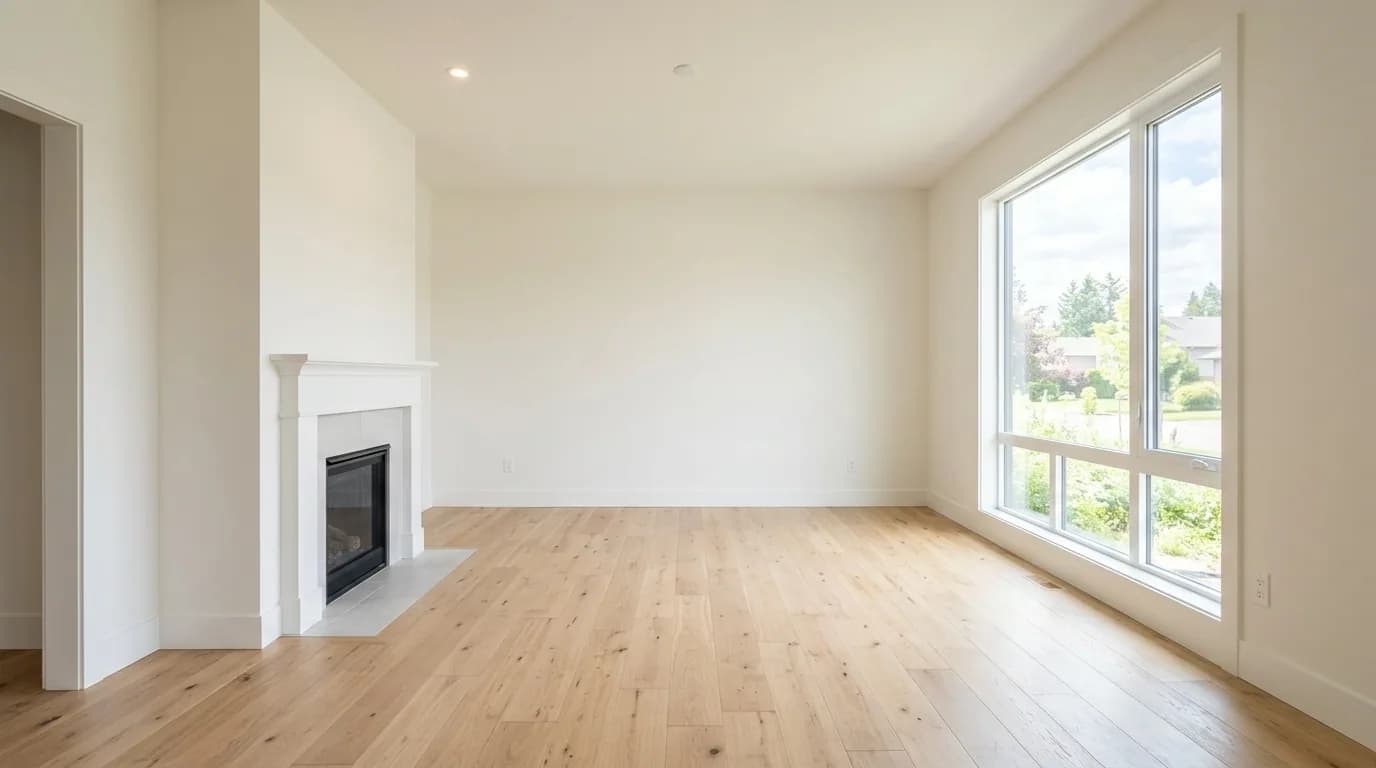
How to virtually stage a room
Read the guide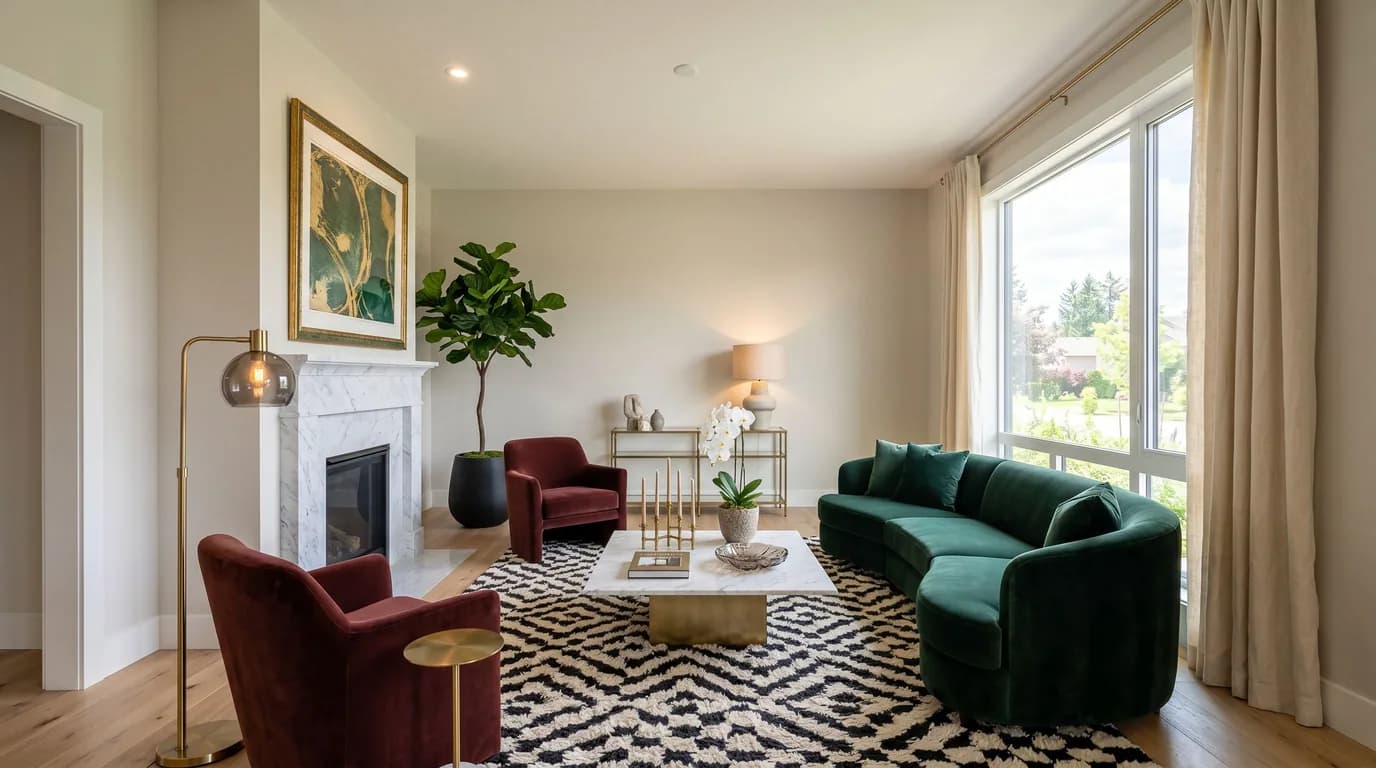
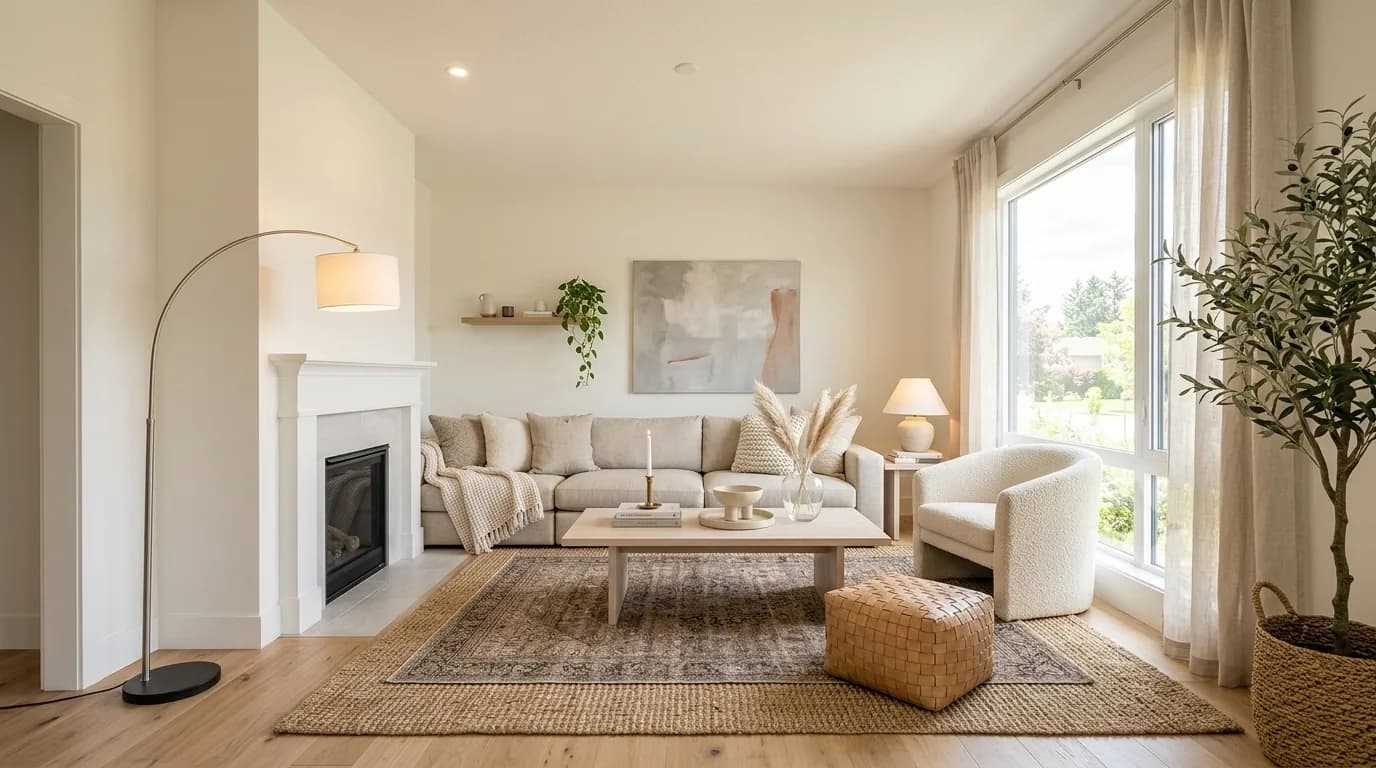
How to redesign a room with AI
Read the guide
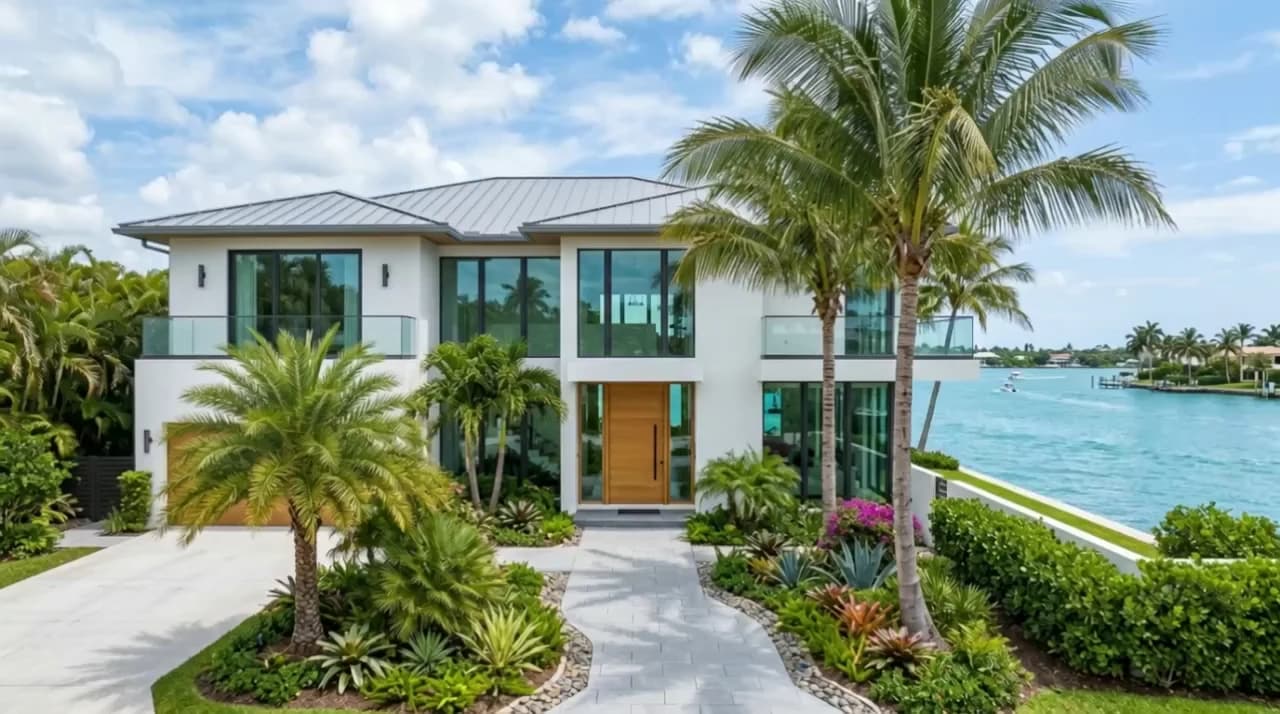
How to make a daytime photo look like night
Read the guide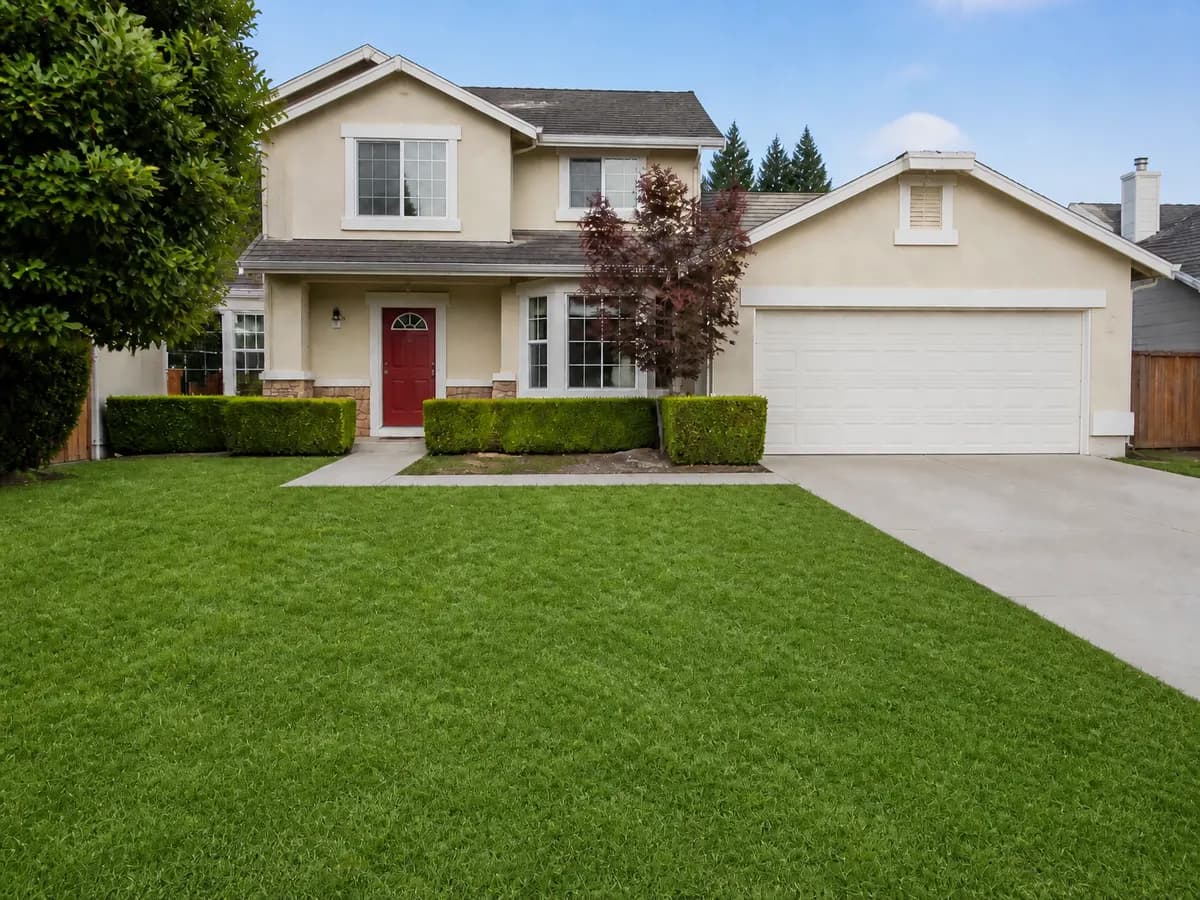
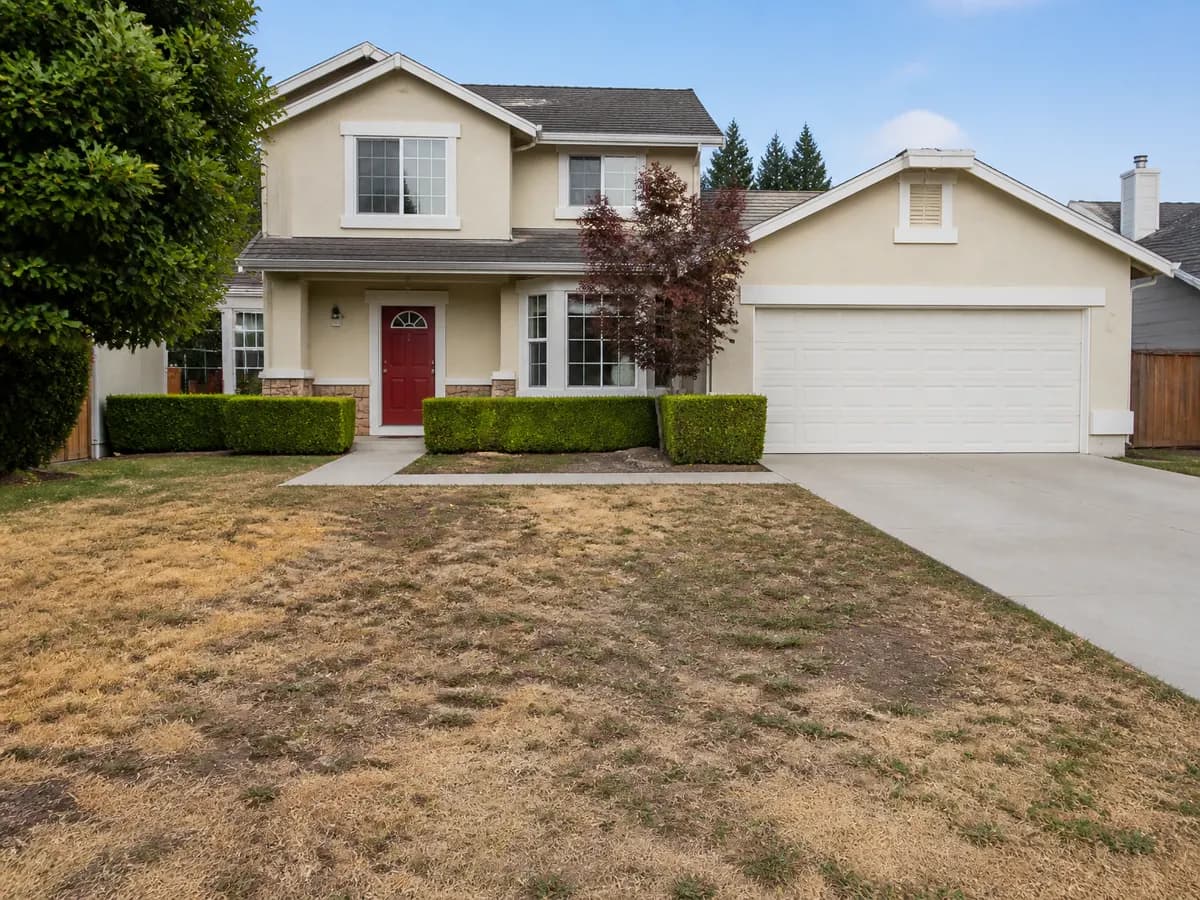
How to make grass greener in a photo
Read the guide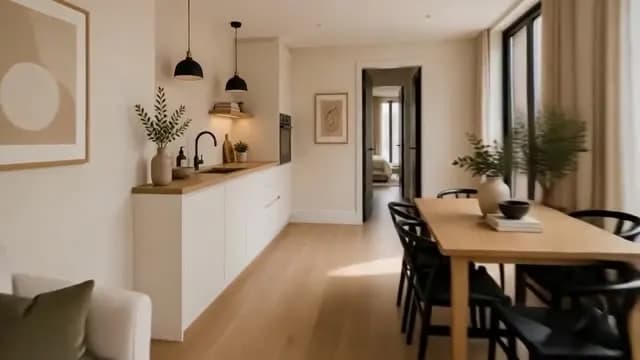
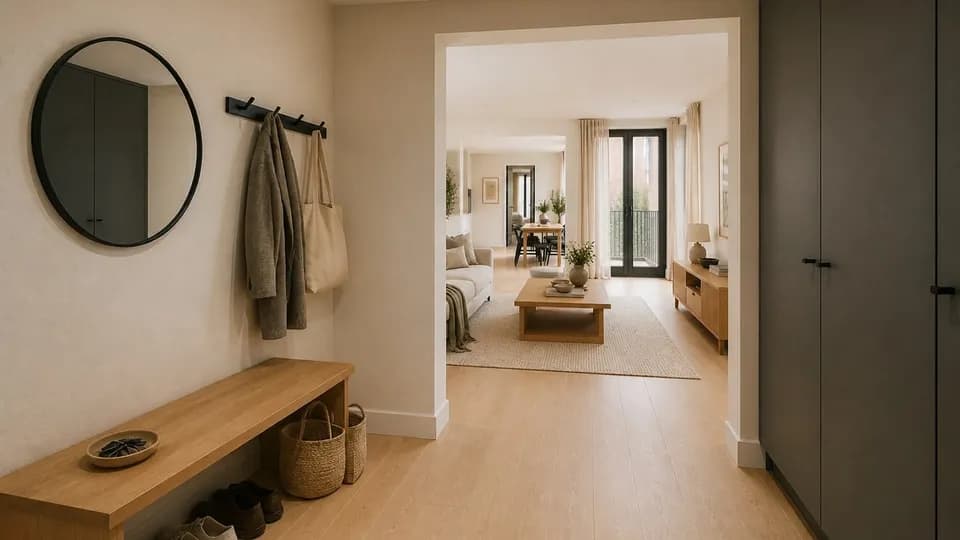
How to make a real estate walkthrough video
Read the guide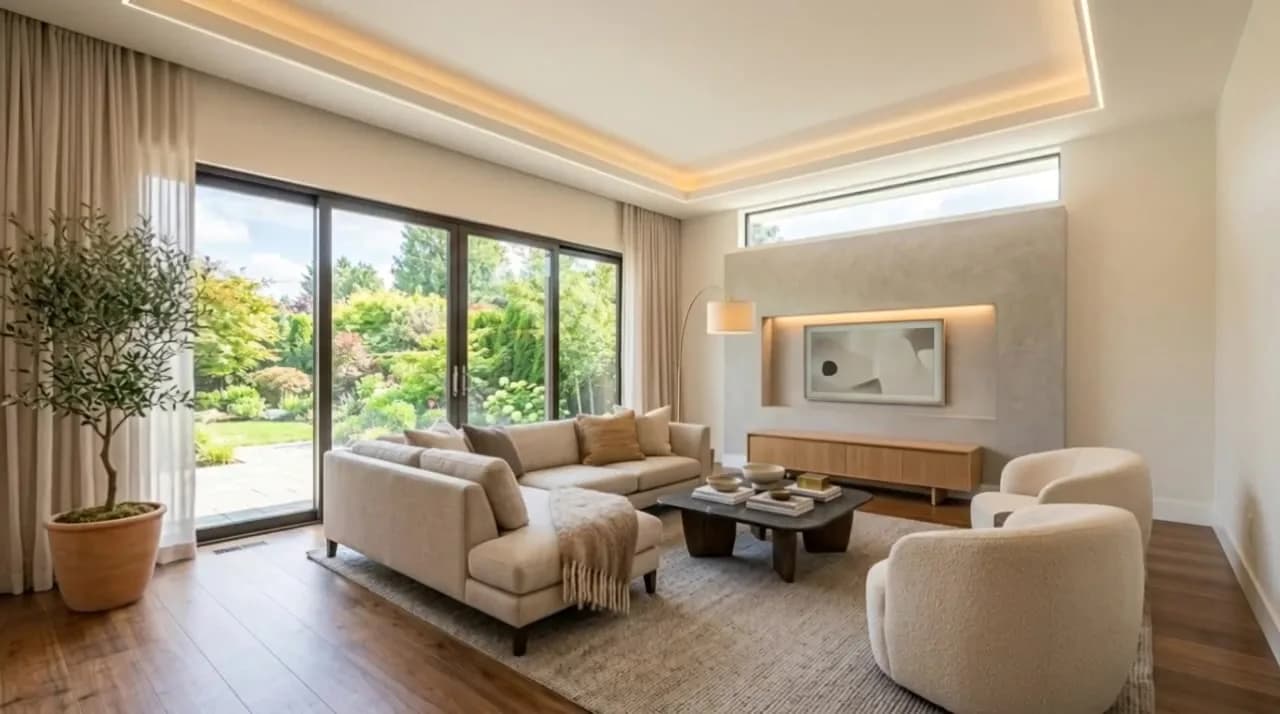
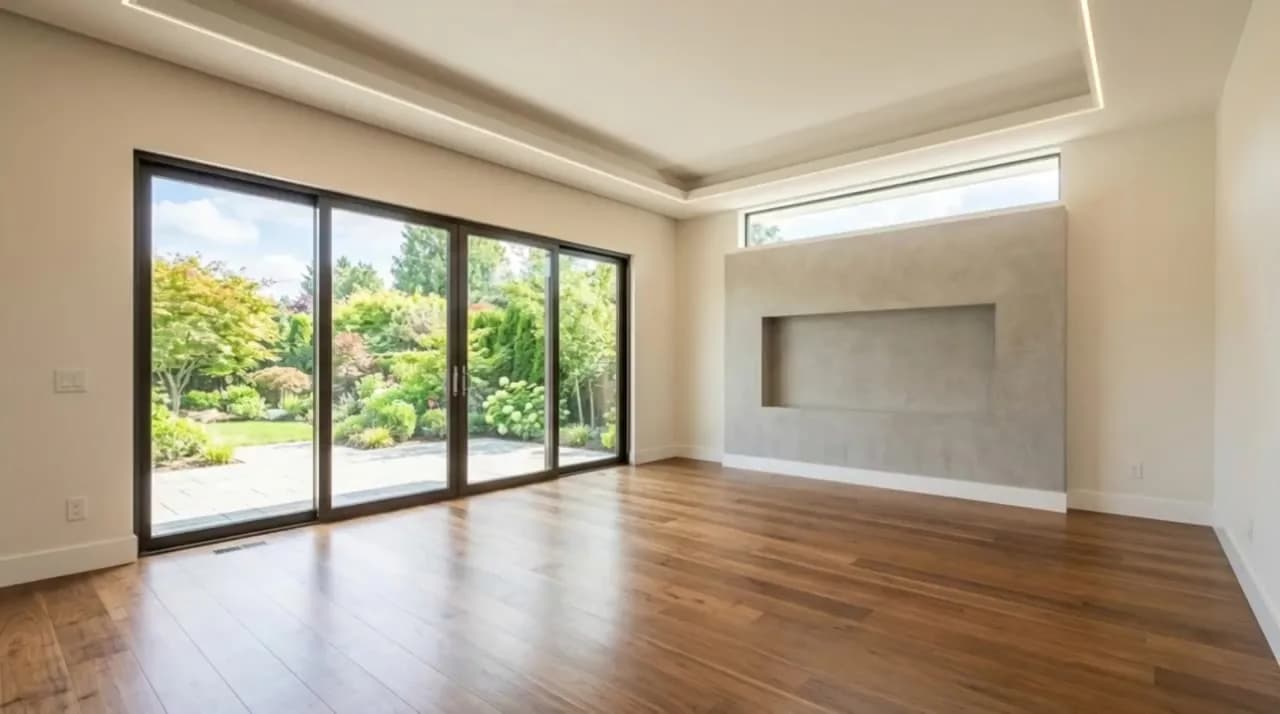
How to make a virtual staging video
Read the guide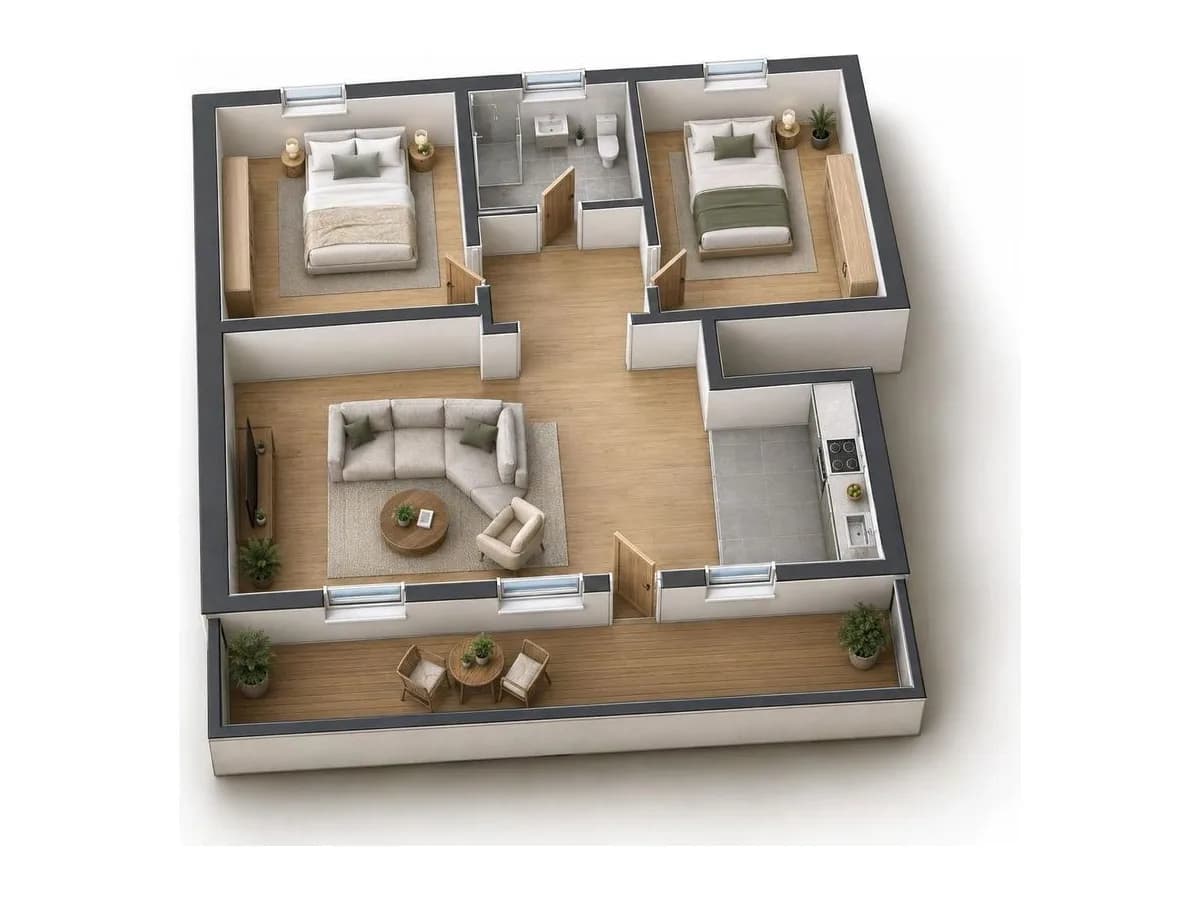
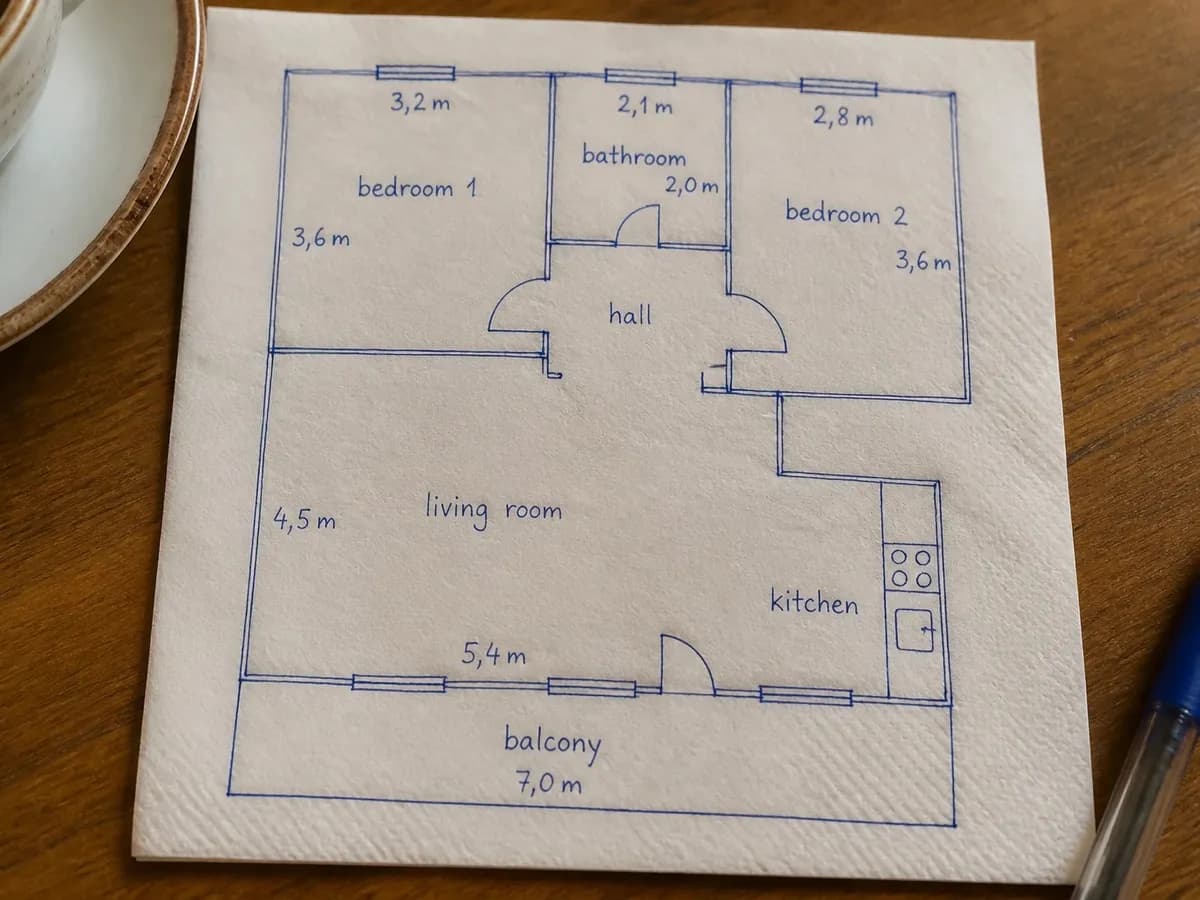
How to turn a floor plan into 3D
Read the guide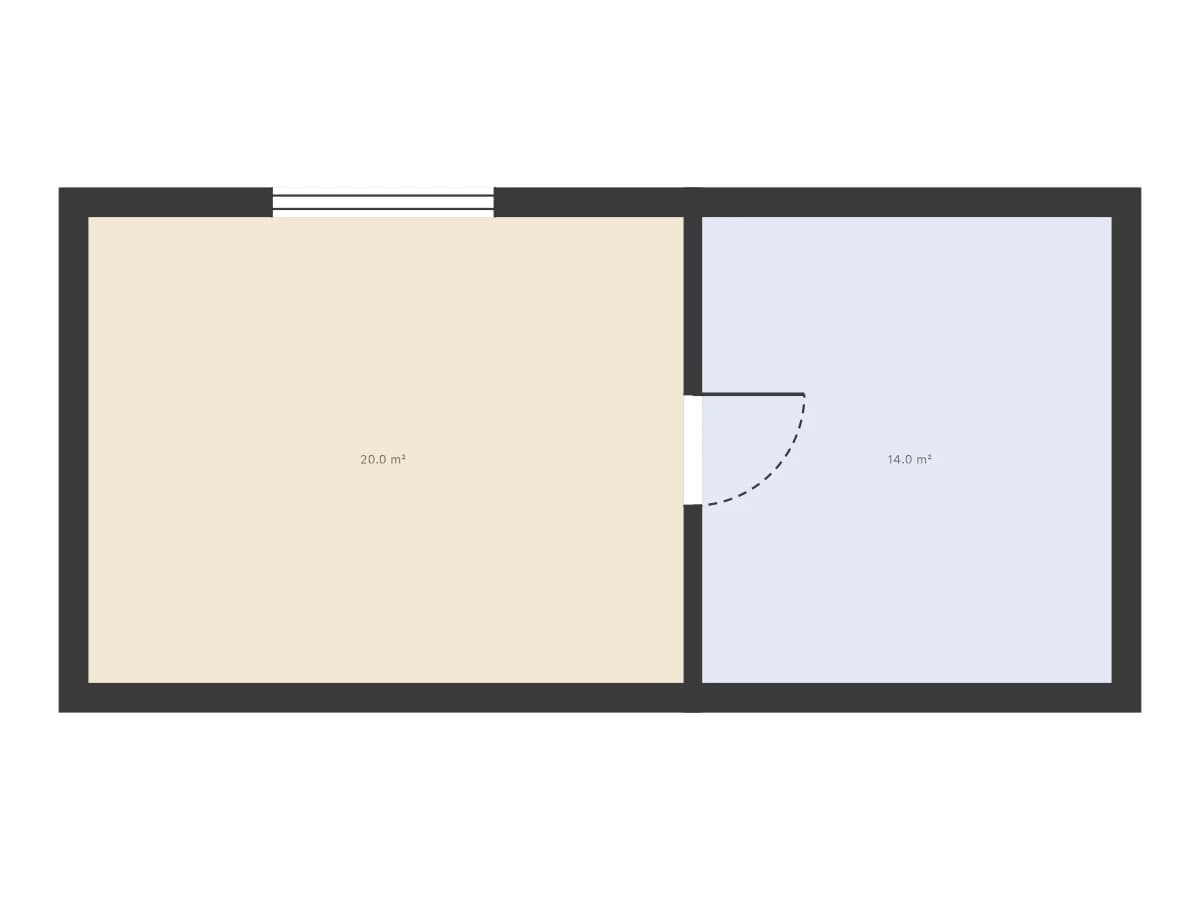

How to make a floor plan of your house
Read the guideFeature FAQ
Your next property, fully marketed
Stage the rooms, cut the videos, build the 3D world — from one photo, in minutes. Every tool is on every plan.