Free JPG to PDF Converter
Combine JPG, PNG, and WebP images into a single PDF — one page per photo. Works in your browser; your files never leave your device. No signup, no limits.
PixlyTool by Pixly — AI property staging, videos & reels in minutes.See howDrop images here
or click to browse — JPG, PNG and WebP, multiple files
Add images above — they'll appear in the order you select them.
100% private — runs in your browser
Images are combined locally on your device. Nothing is uploaded to our servers.
Why combine images into a PDF?
A single PDF is the easiest way to send a set of photos — a property gallery, a stack of documents, or a property packet — so everything opens in order, on any device, without a zip file or a dozen attachments. Each image becomes its own page, sized to the photo so there's no awkward whitespace.
Frequently asked questions
Free Image & Video Tools by Pixly
Property staging, videos & reels in minutes
Pixly turns one property into AI-staged room photos, cinematic videos, and Instagram-ready reels. No staging crews, no video editors, no weeks of work.
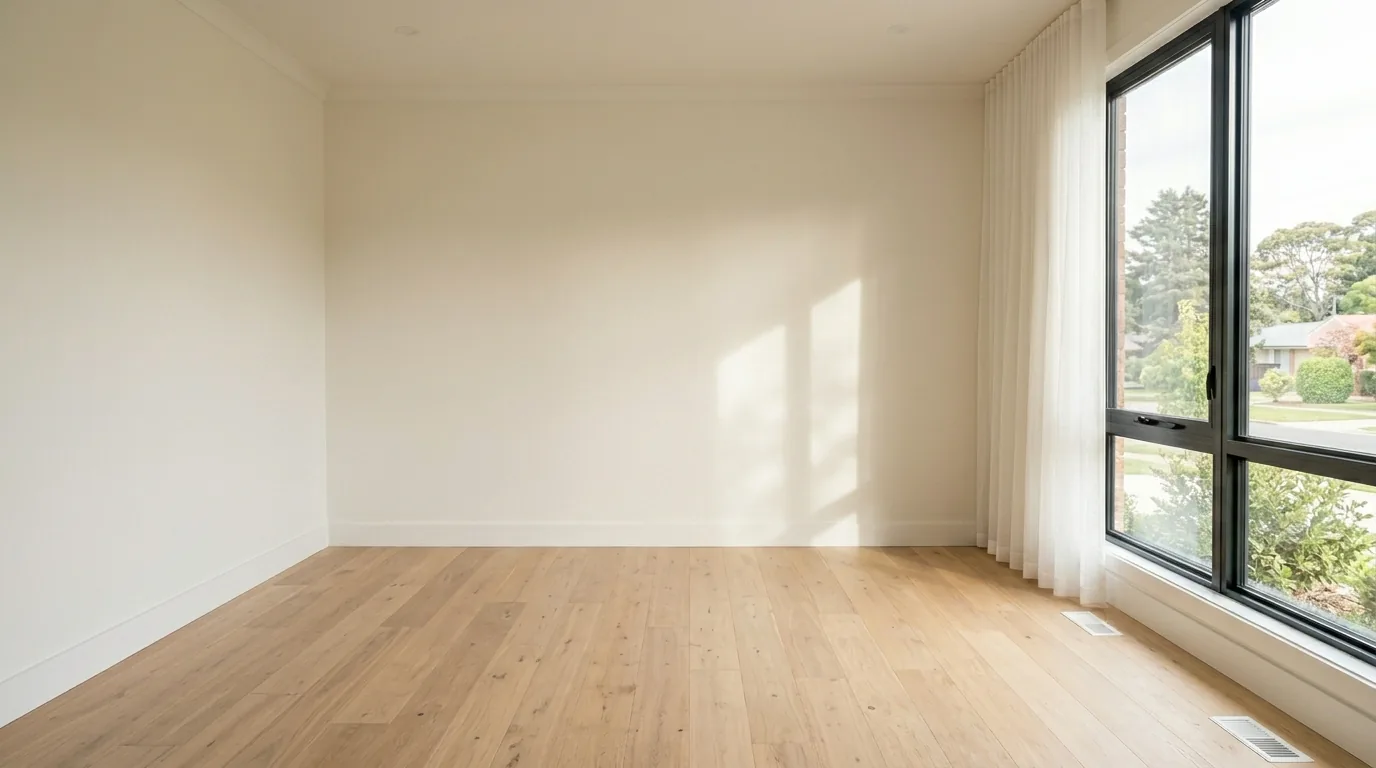
 BeforeAfter