Straighten Photo — Fix Leaning Walls and Tilted Horizons
Drop a crooked photo and the walls come out vertical, the horizon level. Free, automatic and full size — and the photo never leaves your device.
Tool by Pixly — AI property staging, videos & reels in minutes.See how

or drop it anywhere on this page
JPG, PNG, WebP or iPhone HEIC · nothing is uploaded
Or try an example: ·
Tilted horizon
Walls leaning in or out
Shot from off to the side
100% private — runs in your browser
Your photo is straightened on your own device. Nothing is uploaded, stored or seen by anyone, and the download has no watermark.
Why walls lean in photos, and how this fixes them
When the camera tips up or down, parallel walls converge in the photo, the way railway tracks meet at the horizon. Wide-angle lenses, the usual choice for rooms and house fronts, make it worse. This tool finds the straight lines in your photo, works out how the camera was tilted, and redraws the photo as if it had been held level: the same correction as Lightroom's Upright, without the software. It then trims the wedge-shaped edges and saves the result at your photo's original size.
Straighten Photo FAQ
Is it really free?
Yes. No signup, no watermark and no limit on photos. It runs in your browser, so it costs nothing to offer.
Is my photo uploaded anywhere?
No. The straightening happens on your device and the photo never leaves it. The download also leaves out the photo's metadata, including any GPS location.
What does it fix automatically?
Walls, door frames and windows that lean in or out because the camera was tipped up or down, and a tilted horizon. A photo taken from off to one side can be squared up with the Horizontal slider.
Does it make my photo smaller?
The corners a correction pushes out of the frame are trimmed, and the result is saved at the same pixel size as your original, so it still meets a listing site's size rules. Photos over 16 megapixels are saved at the largest size the browser can handle.
The corrected building looks too tall. What can I do?
A strong correction of a wide-angle shot can stretch the top of the frame. Pull the Vertical slider back a little, since many photographers leave a hint of lean for a natural look, or take the photo from further back with the camera level.
Does it work with iPhone photos?
Yes, including HEIC files straight from an iPhone. It also reads which lens took the photo when it can, so ultra-wide shots keep their true proportions.
Free Image & Video Tools by Pixly
From Pixly
Make the rest of the listing look as good
Straight lines are the start. Pixly also brightens dull photos, replaces grey skies, clears clutter and stages empty rooms, each in seconds and with no prompts to write.
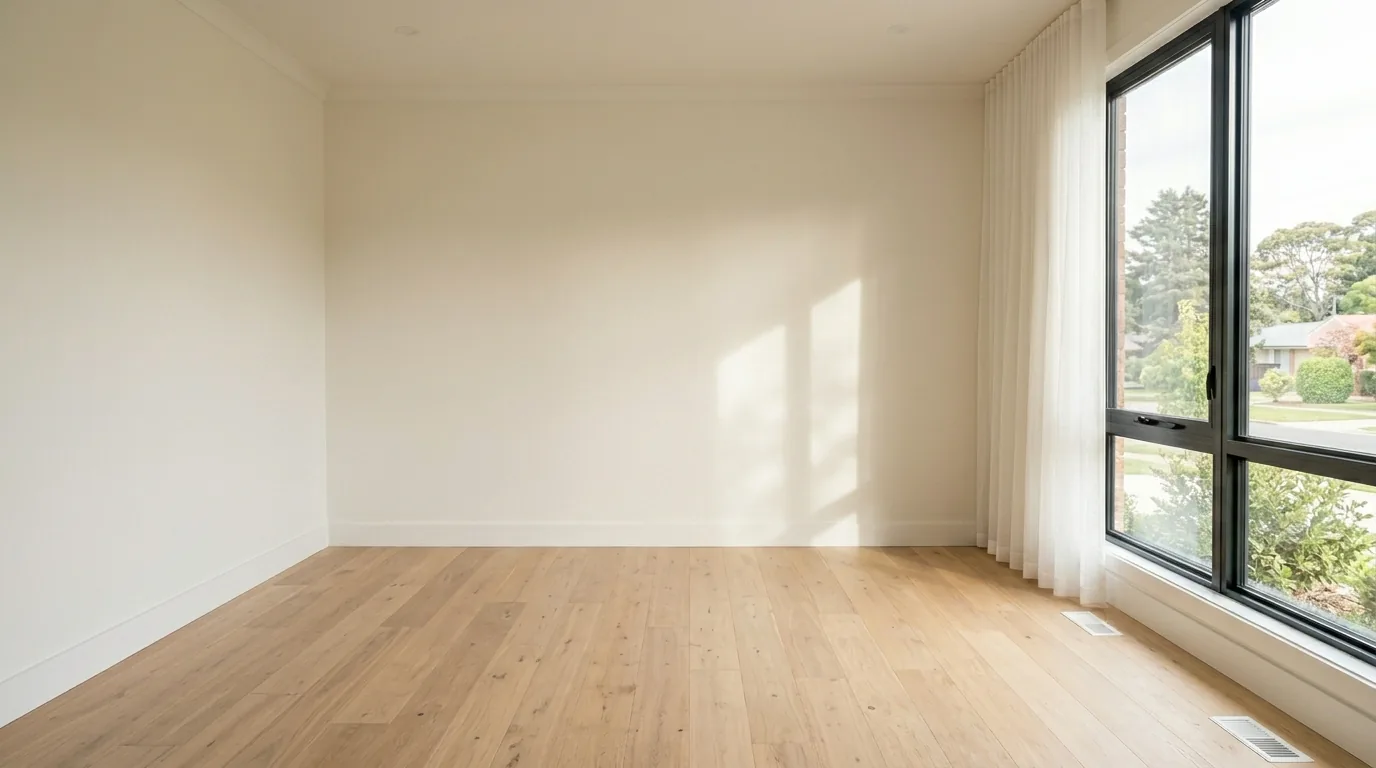
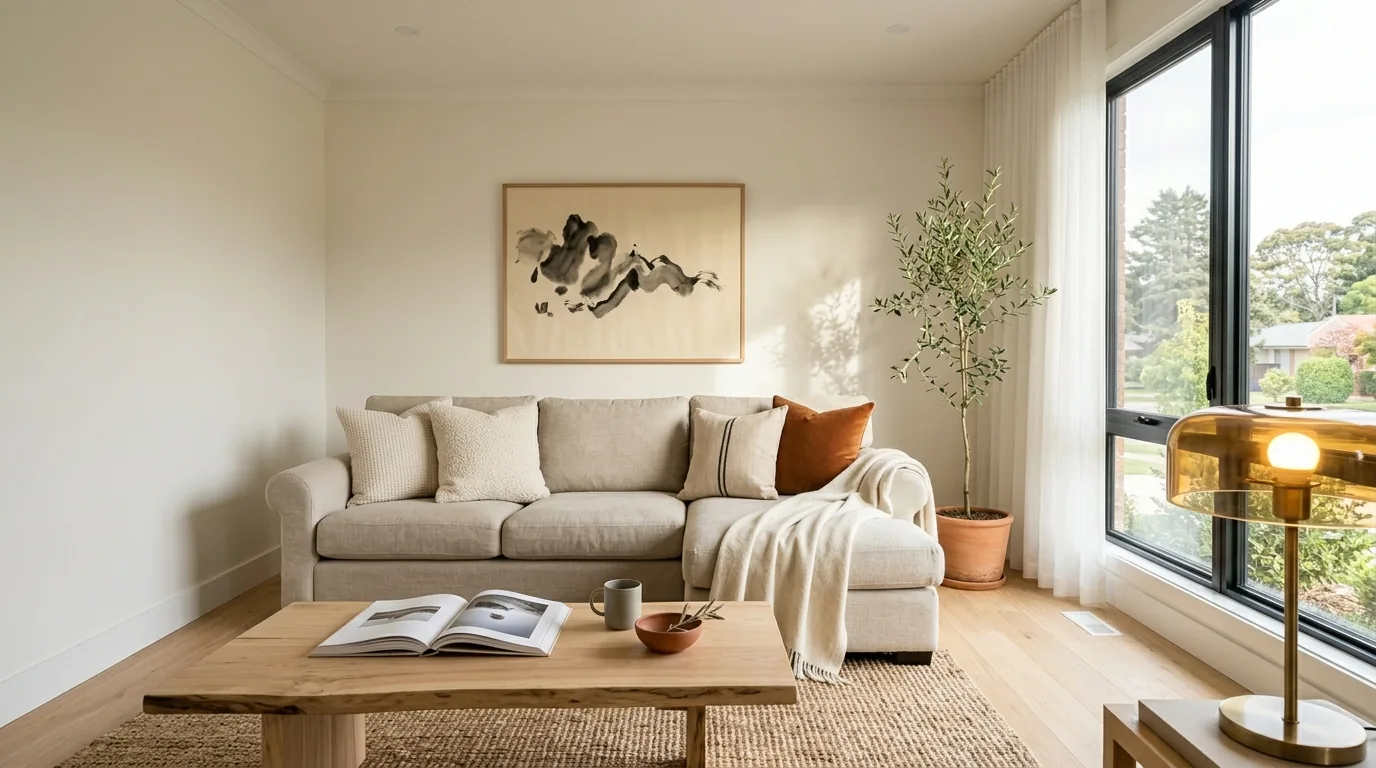
BeforeAfter