Free Image & Video Tools by Pixly
Browser-based tools for images, PDFs and real estate video. Convert files, optimize photos, draw property lines, make listing posts and add boundaries to drone footage.
Real estate video tools
View allTrack property boundaries through drone footage with GPU CoTracker, editable keyframes, styling, labels and local video export.
A cinematic fly-in from the sky to the listing, with pin, highlights and street reveals.
Add a camera move to any photo. Free, instant, no upload.
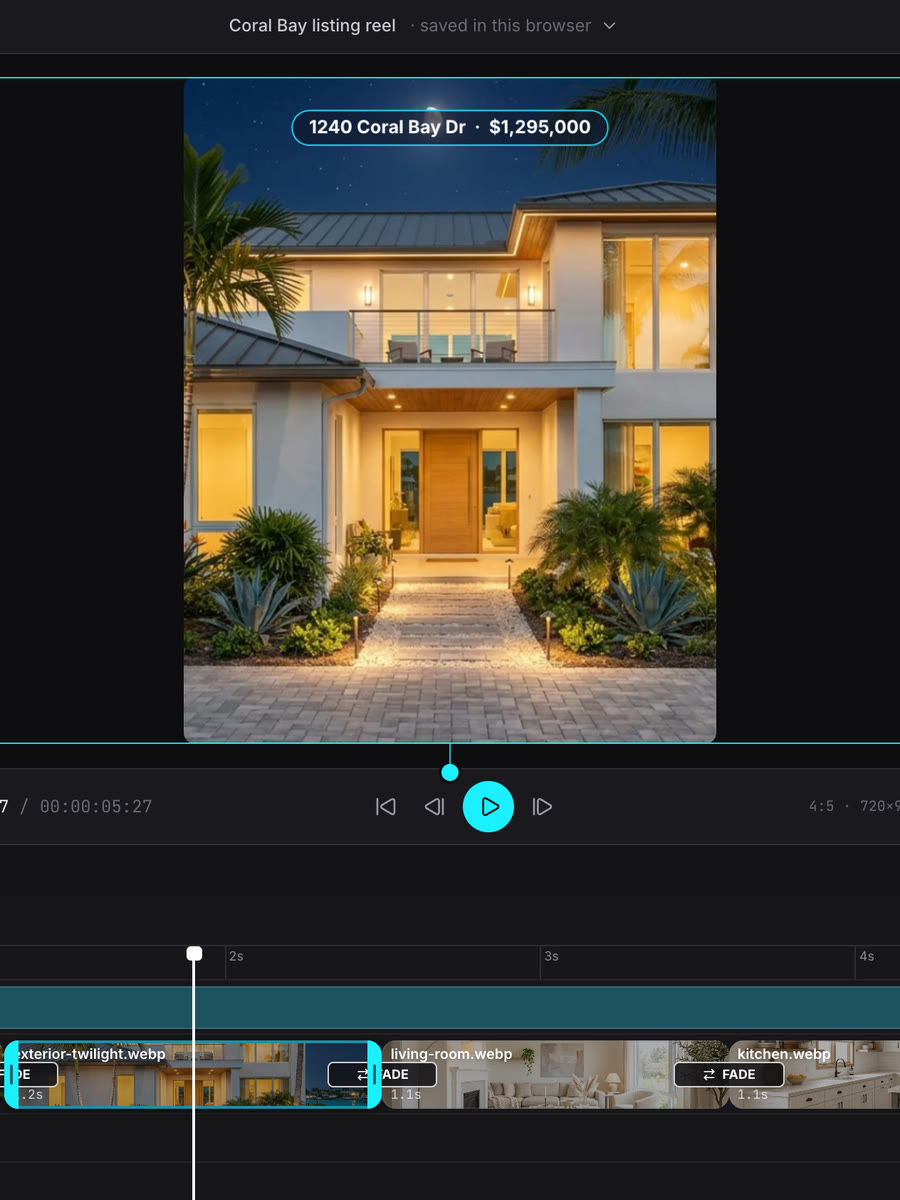
Cut listing clips and photos into a vertical reel — transitions, speed ramps, beat-synced music and text, all in your browser.
Cut the start and end off a clip. Free, lossless, no upload.
Make a clip small enough for email, WhatsApp and portals. Free, no upload.
Make iPhone videos play everywhere. Lossless, in seconds, no upload.
Mute a clip in seconds — the picture stays untouched. Free, no upload.
Turn a sideways clip upright in seconds. Lossless, free, no upload.
Turn a landscape video into a 9:16 Reel without cropping. Free, in your browser.
Real estate photo tools
View allDraw lot lines on any photo. Free PNG export, animated reveal for videos.
Compare two photos with a draggable split line, or make a before/after video. Free.
Add Just Listed, Price Reduced & Sold badges to property photos. Free PNG, animated reveal for reels.
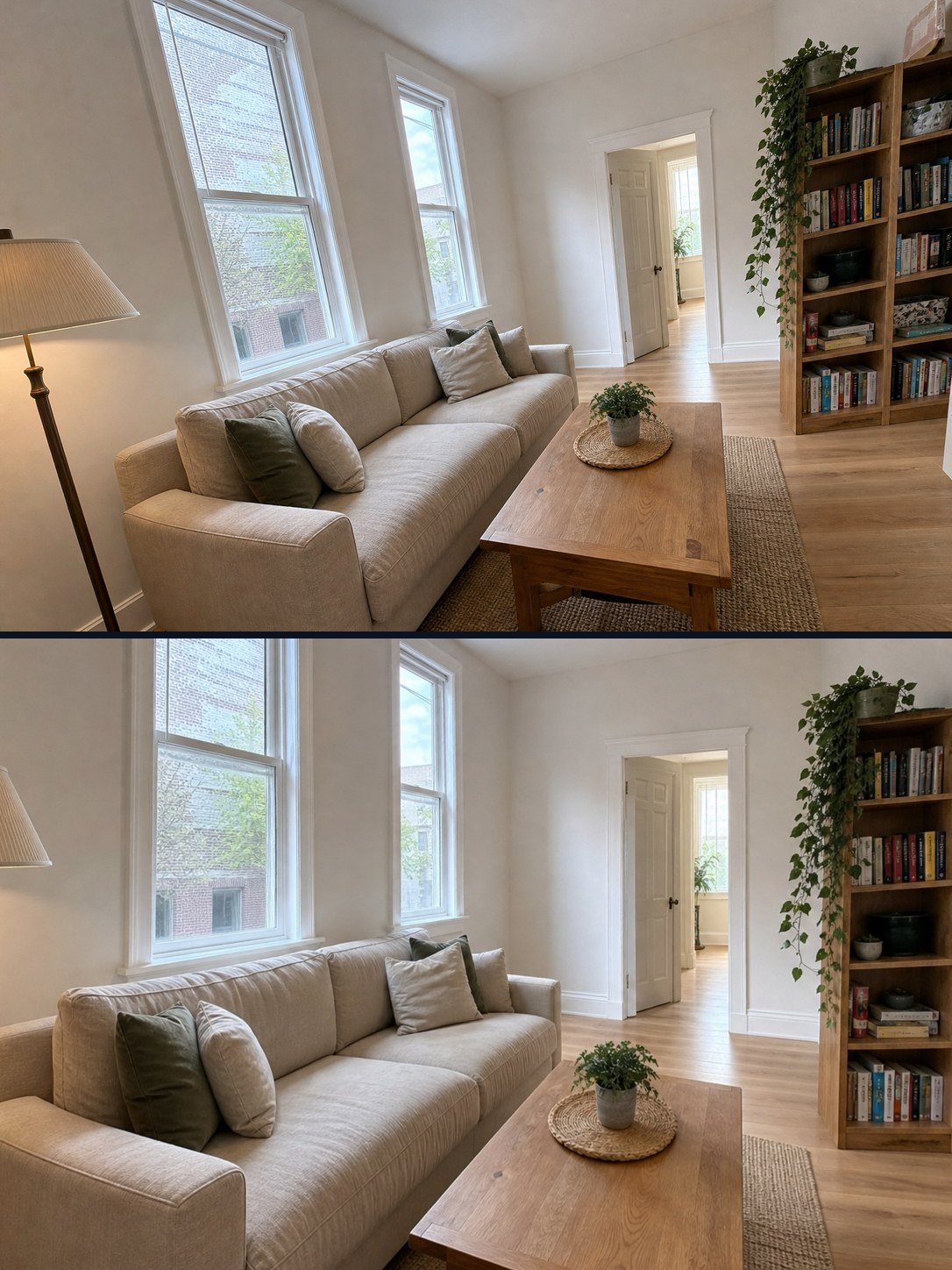
Fix leaning walls and a tilted horizon automatically. Full size, free, nothing uploaded.
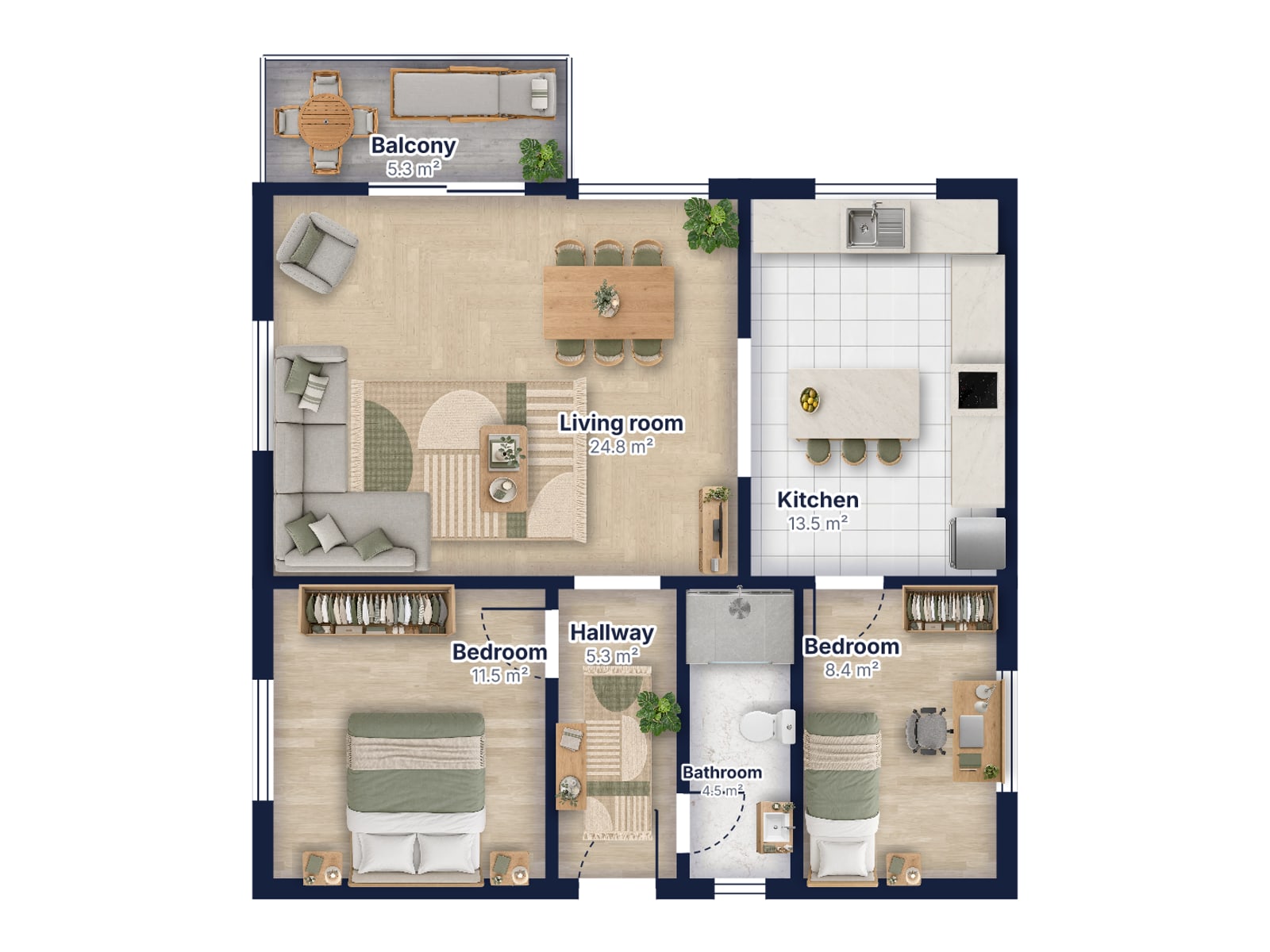
Draw a floor plan with room sizes, doors and windows. Free, in your browser, PNG or SVG.
Logo or agency name on a whole listing at once, plus rename. Free, no upload.
Hide faces and license plates, strip GPS location. Automatic, free, no upload.

Mark edited photos as virtually staged or AI-edited, with a QR code to the original. Free.
Exact sizes for Instagram, Facebook and listings — crop or fit, a whole batch at once. Free.
See and remove the hidden GPS location, camera and date from photos. No quality loss. Free.
CAD & drawing files
View all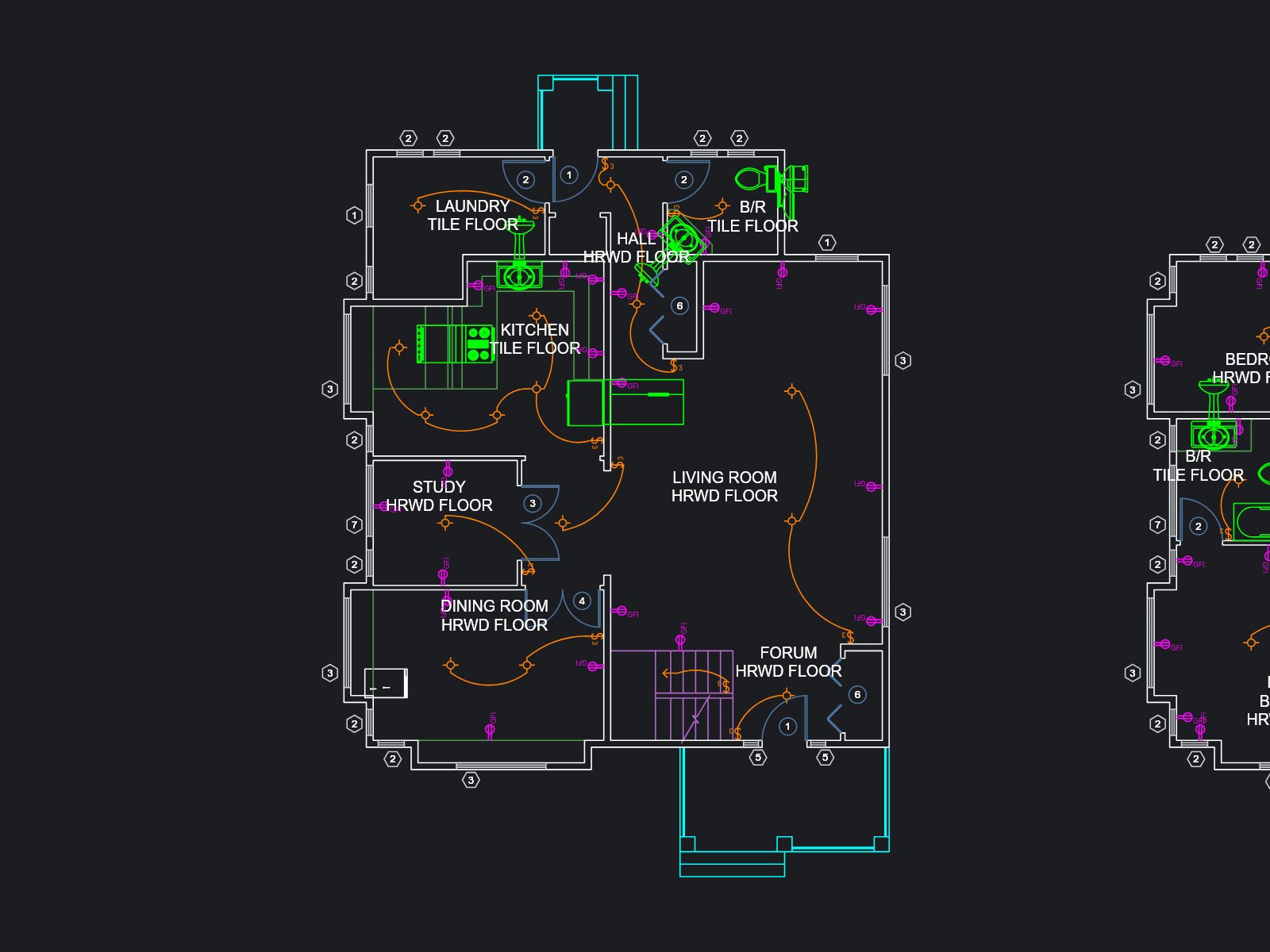
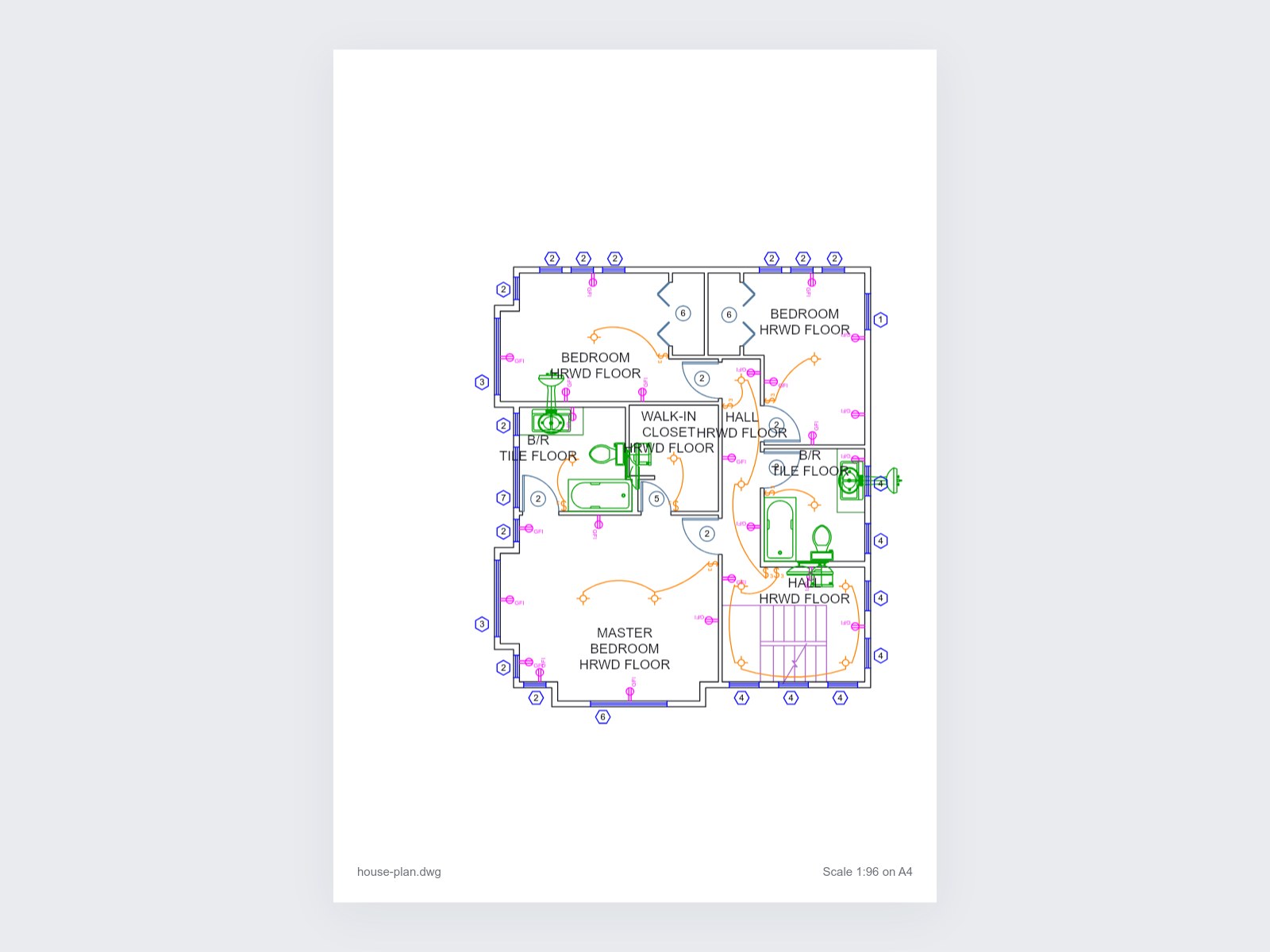
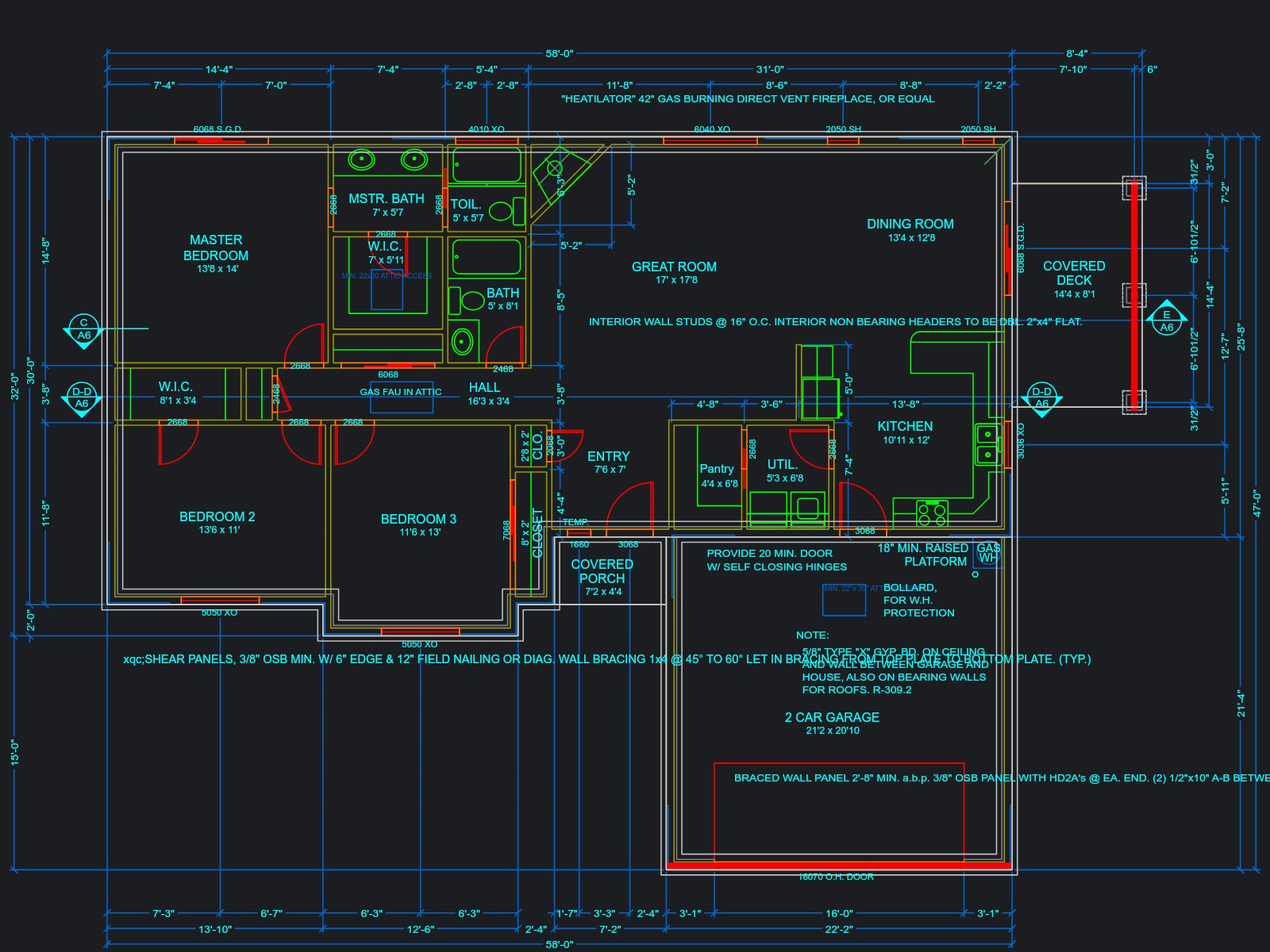
Text on photo & video
View all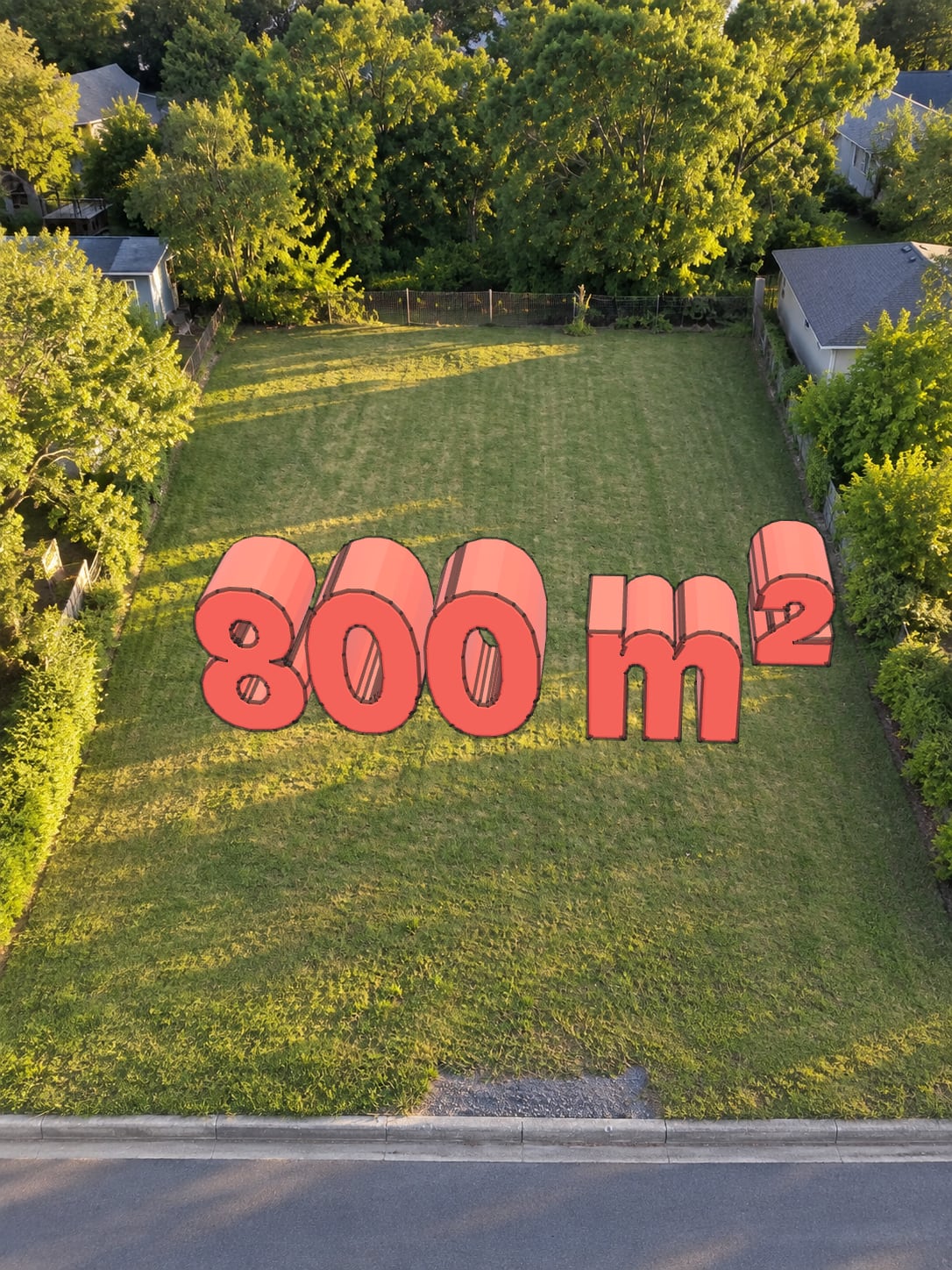
Real extruded letters you can turn and tilt in 3D, matched to your photo’s perspective. Free PNG, no upload.
Put JUST LISTED, SOLD or any text behind the subject of a photo. Cut out in your browser — free PNG, no upload.
Put text behind a moving person. Runs in your browser — nothing uploaded, no account.
Cut out the subject as a transparent PNG or put it on white. Free, no upload.
PDF tools
View allImage converters & compression
View allConvert iPhone HEIC photos to JPG. Free, instant, no upload.
Open toolConvert iPhone HEIC photos to lossless PNG. Free, instant, no upload.
Open toolConvert PNG images to JPG. Free, instant, no upload.
Open toolConvert JPG images to PNG. Free, instant, no upload.
Open toolConvert WebP images to JPG. Free, instant, no upload.
Open toolConvert WebP images to PNG. Free, instant, no upload.
Open toolCompress JPG, PNG, WebP. One-click presets for Zillow, MLS, social, email.
Open toolMore tools coming soon
How-to guides
Step-by-step guides with the real screens and a short video each: listing photos, videos, floor plans and the free tools.
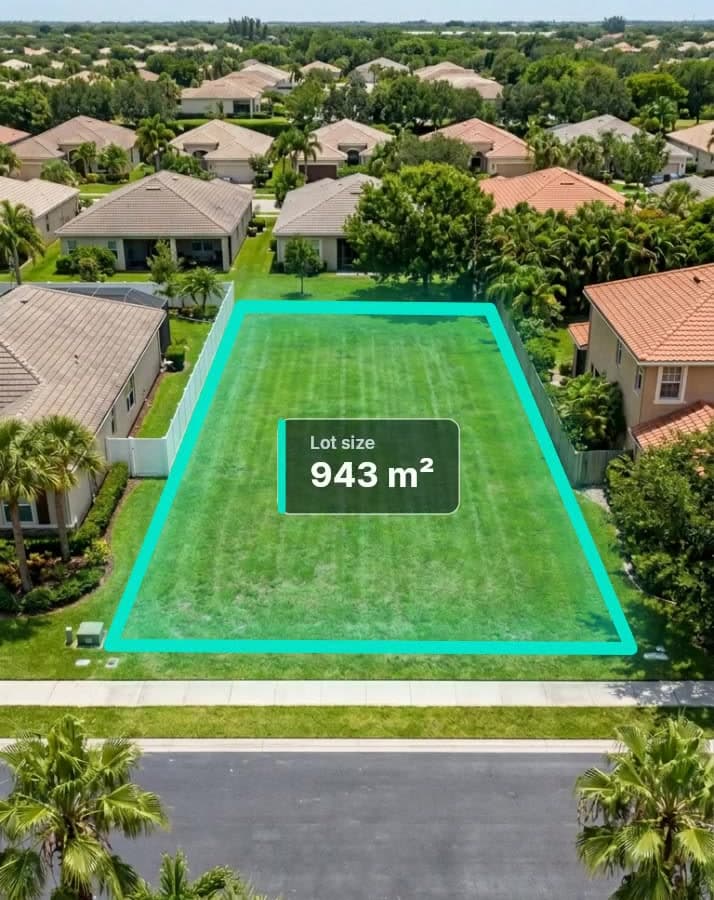
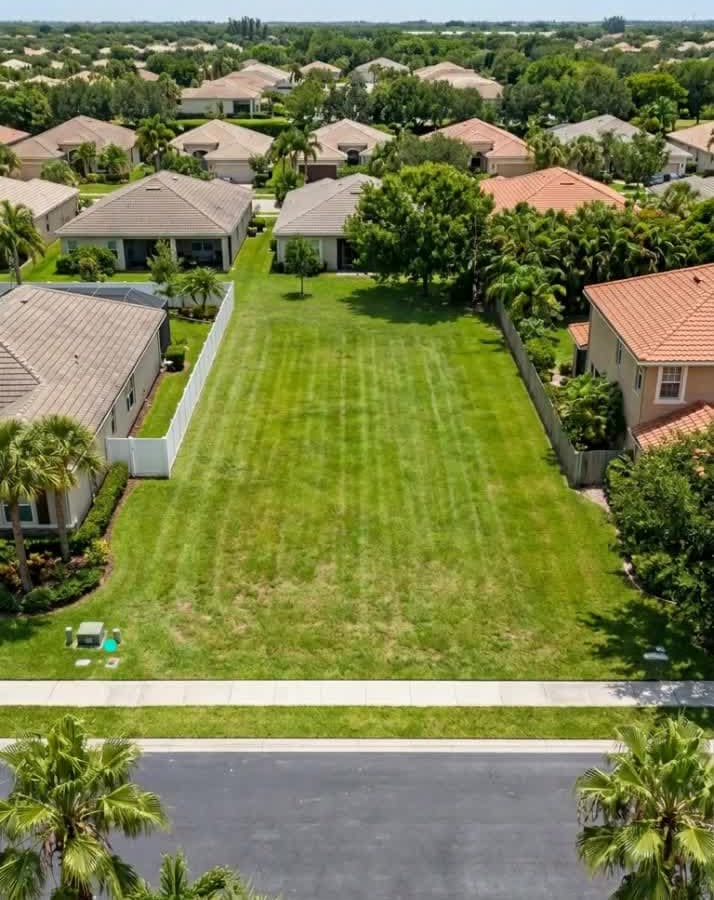
How to draw property lines on a photo
Read the guide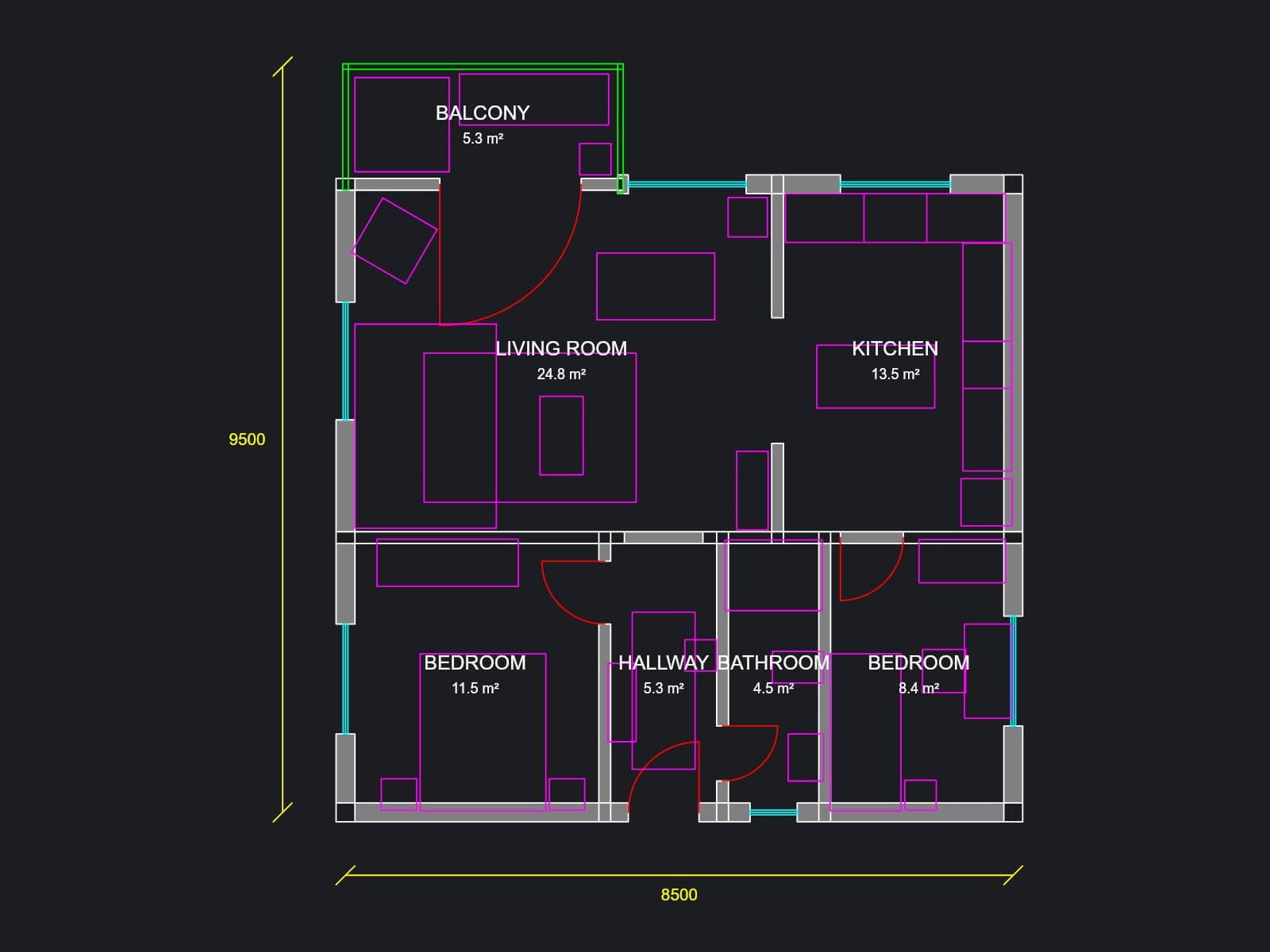

How to open a DWG file without AutoCAD
Read the guide
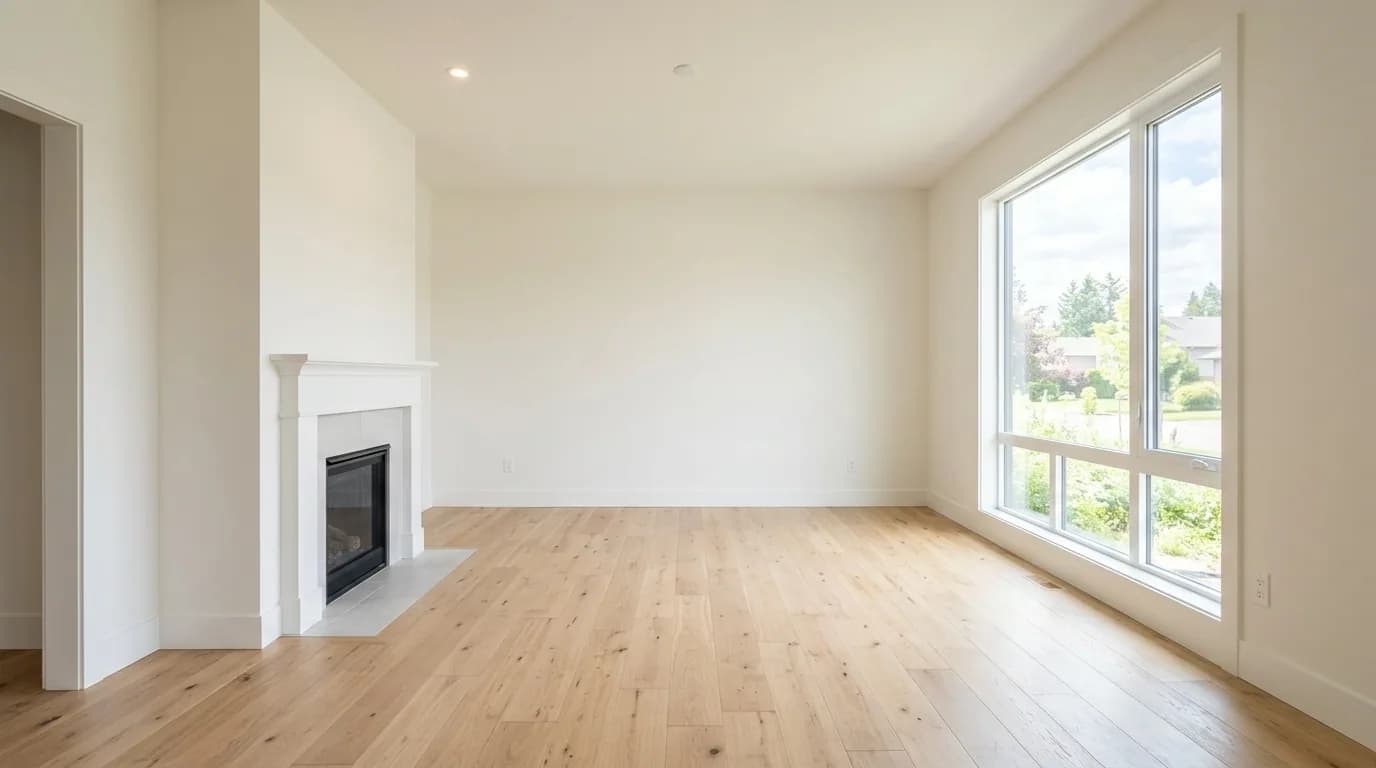
How to make a before and after picture
Read the guide

How to blur faces and license plates in a photo
Read the guide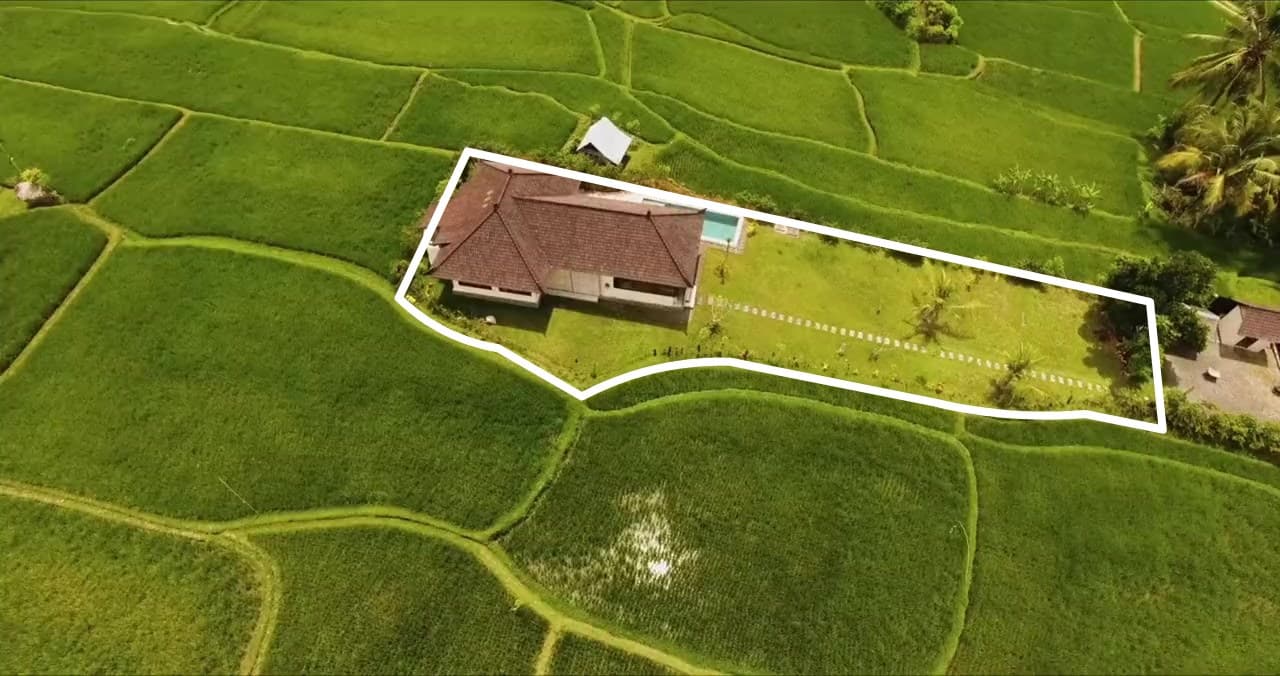
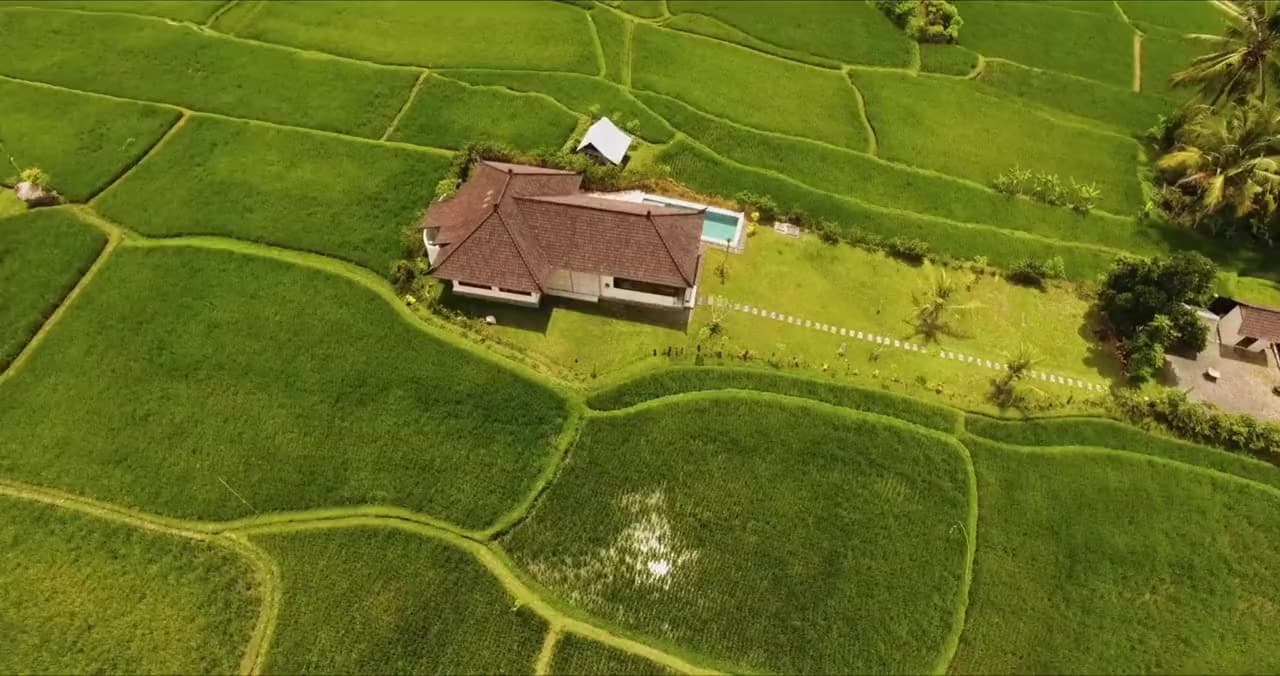
How to add property lines to drone video
Read the guide
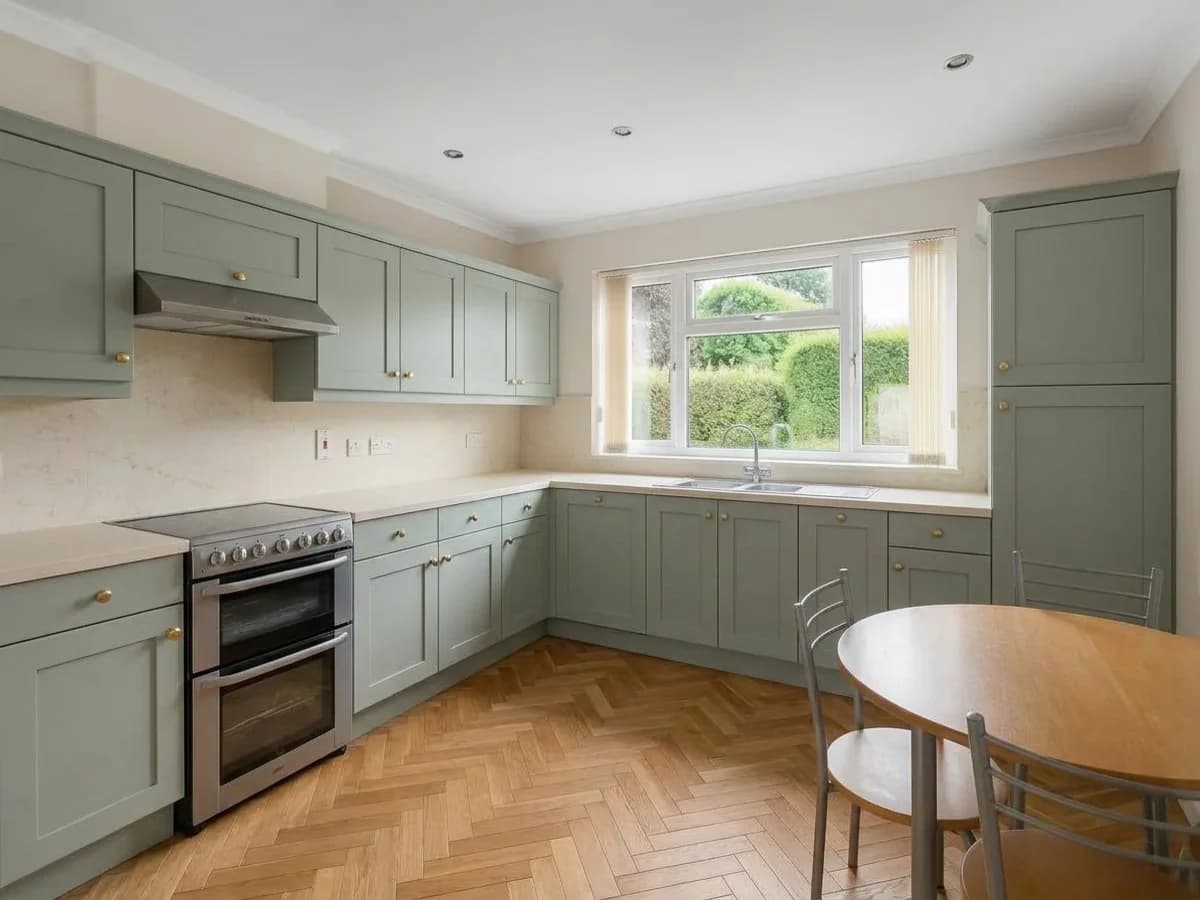
How to add a watermark to a photo
Read the guide
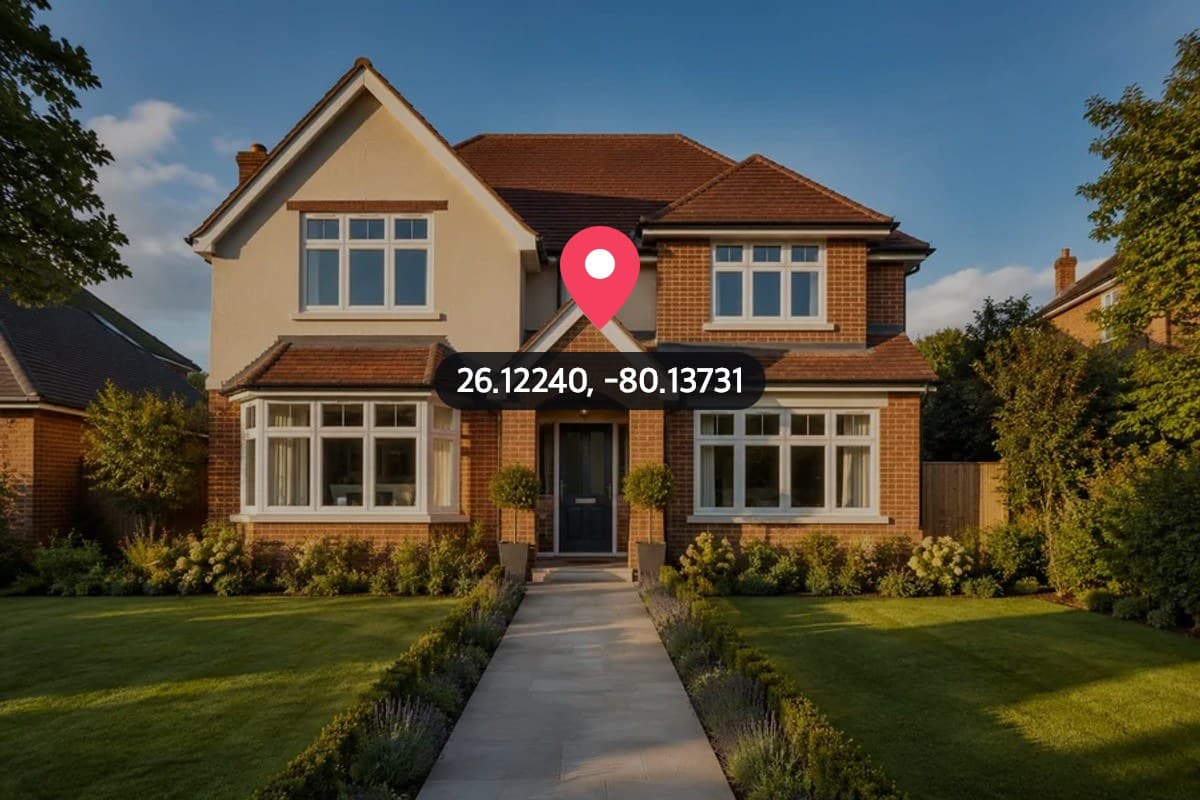
How to remove location from a photo
Read the guide
How to resize a photo for Instagram without cropping
Read the guide

How to make a horizontal video vertical without cropping
Read the guide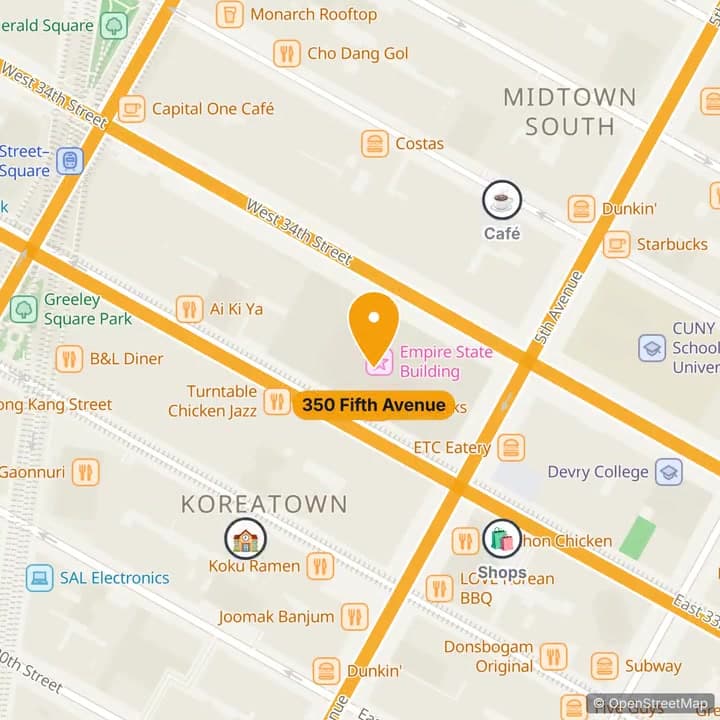
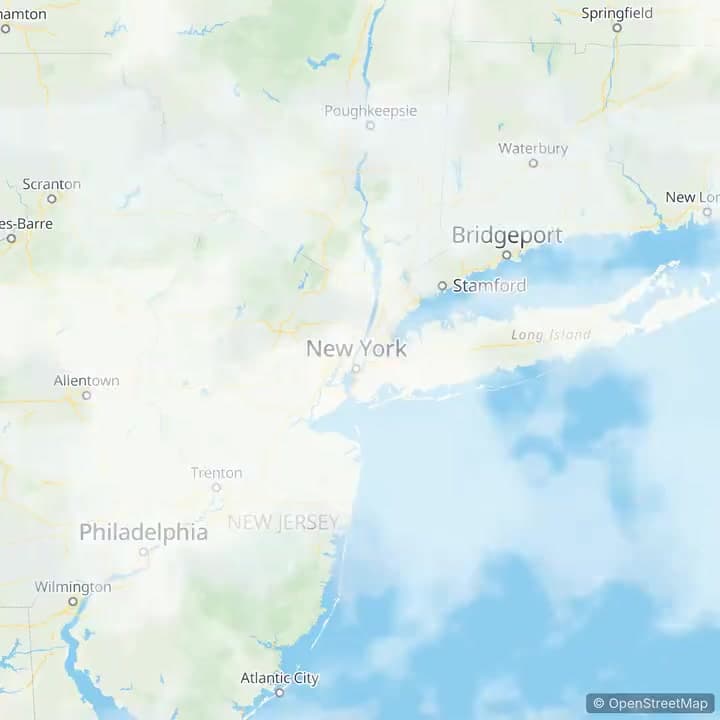
How to make a map animation video
Read the guide

How to put text behind an image
Read the guideNeed more than our free tools?
Pixly turns one property into AI-staged room photos, cinematic videos, and Instagram-ready reels — in minutes.