Construction timelapse video — bare plot to finished house
A vacant lot grows into a finished home in one listing reel. Upload the empty plot, or the completed house — Pixly renders the missing frame and animates the build. This is not a photo edit, not a staging reveal (that is furniture), and not a camera move on one still.
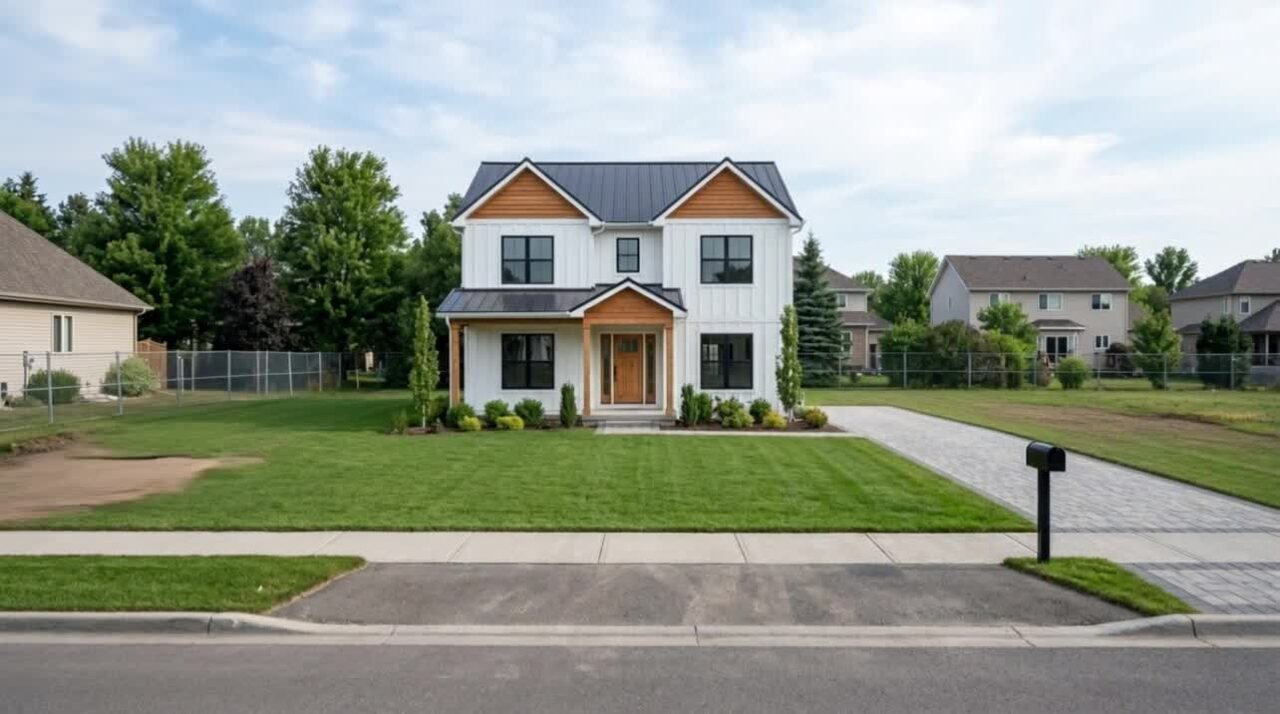
The build, playing out — not another exterior still
Plot to house, on camera
Buyers watch the lot become a home in a few seconds. That is the clip pre-construction listings share — the vision, not a moodboard.
One photo is enough
Empty plot: we render the finished building in a style you pick, then animate. Finished house: we roll the lot back and build forward. Both photos: we just animate.
Not a staging reveal
Staging reveal furnishes an empty room. Construction grows a building on a plot. Different inputs, different job, different URL.
Built for Reels and TikTok
A vertical listing video. Not Cinematic motion (one photo, camera travels). Not a still of a marker on the grass.
Four taps. The house goes up.
- 01
Upload a plot or a finished house
An empty lot, a completed exterior, or both. Drone optional — a phone photo of the land is enough.
- 02
Pick Construction
On the video hub, not the photo tool. If you only have one frame, pick a building style so we can render the other.
- 03
Generate the timelapse
Video credits, any paid plan. The lot builds itself.
- 04
Post the clip, keep the stills
The reel is the story of the build. Land Marker is the price on the dirt. They are not the same asset.
Which photos work best
Works best
- An empty plot, a finished exterior, or both.
- Photos that show the whole lot or the whole front of the house.
- Phone photos from the street. A drone is optional.
Avoid
- A before and after taken from different spots. A pair needs the same viewpoint to animate cleanly.
- Interiors. For an empty room that furnishes itself, use Staging reveal.
Stays the same
The surroundings and the camera angle stay. Only the building grows.
Construction timelapse FAQ
Related listing tools
The timelapse is the build. Mark the lot, drop the price from the sky, or reveal a staged interior.
Sell the finished house before it exists
Upload a vacant lot. Get the construction reel — then put a price marker on the still.