Lawn replacement for real estate photos
Turn patchy, brown or bare grass into a healthy green lawn in seconds. The house, the driveway, the paths, the beds and the sky stay exactly as shot. Leave it on Auto, or pick a lawn style. 1 credit.
 PatchyGreen
A healthy lawn, and nothing else
The grass, replaced
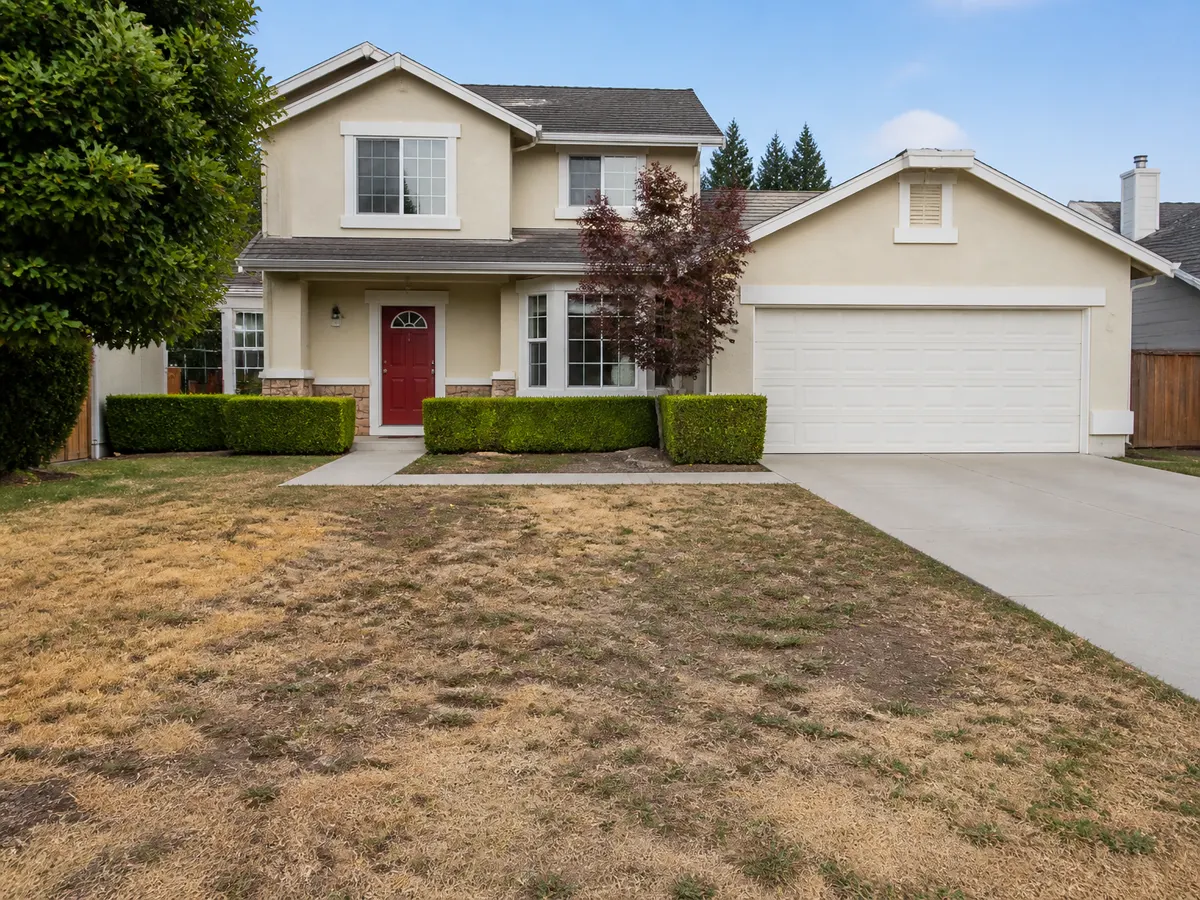
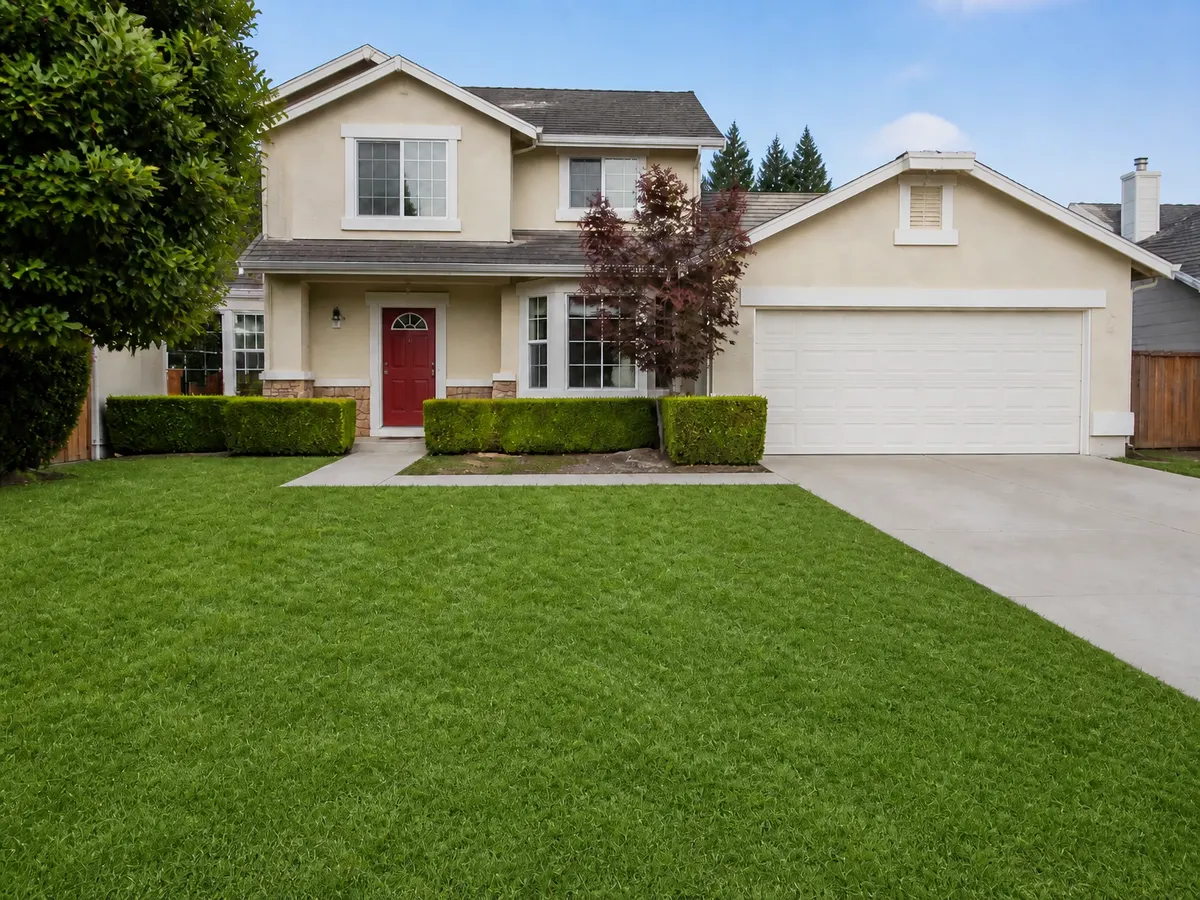
Patchy, yellow, brown or bare grass becomes an even, healthy lawn with real grass texture. Bare spots, weeds and dead leaves go with it.
Edges that stay put
The lawn ends where it ended: against the driveway, the paths, the mulch beds and the fence. Nothing that is not grass turns green. That is the detail a cheap edit misses.
Five lawns, or Auto
Fresh mown, Lush, Natural, Golf green or Warm-season, each in a light, medium or deep green. Or leave it on Auto and the tool picks a lawn that fits the property.
Stripes, on or off
Mowing stripes follow the style on Auto, or you switch them on or off. They follow the ground's perspective and stay soft, the way a real mower leaves them.
Four taps. One credit.
- 01
Upload an exterior photo
Any listing exterior that shows the lawn. A photo with no grass is refused before anything is charged.
- 02
Pick Lawn Replacement
Same photo tool as Stage and Enhance. No prompt to write — the mode is the instruction.
- 03
Choose a lawn, or don't
Auto is preselected. Pick one of five lawns and a shade if you have a look in mind, and set the stripes.
- 04
Generate
One credit, about twenty seconds. Then run Sky Replacement on the same photo if the sky is grey too.
Which photos work best
Works best
- Exterior shots where the lawn takes up a good part of the frame.
- Dry, patchy, brown or winter-dormant grass. The worse it looks, the bigger the gain.
- Front gardens, back gardens and verges alike.
Avoid
- Photos with no grass at all. They are refused and you are not charged.
- Gardens of gravel, bark or desert planting. Those stay as they are, so there is little to change.
Stays the same
The driveway, paths, beds, plants, house and sky keep their colour. Only the grass changes.
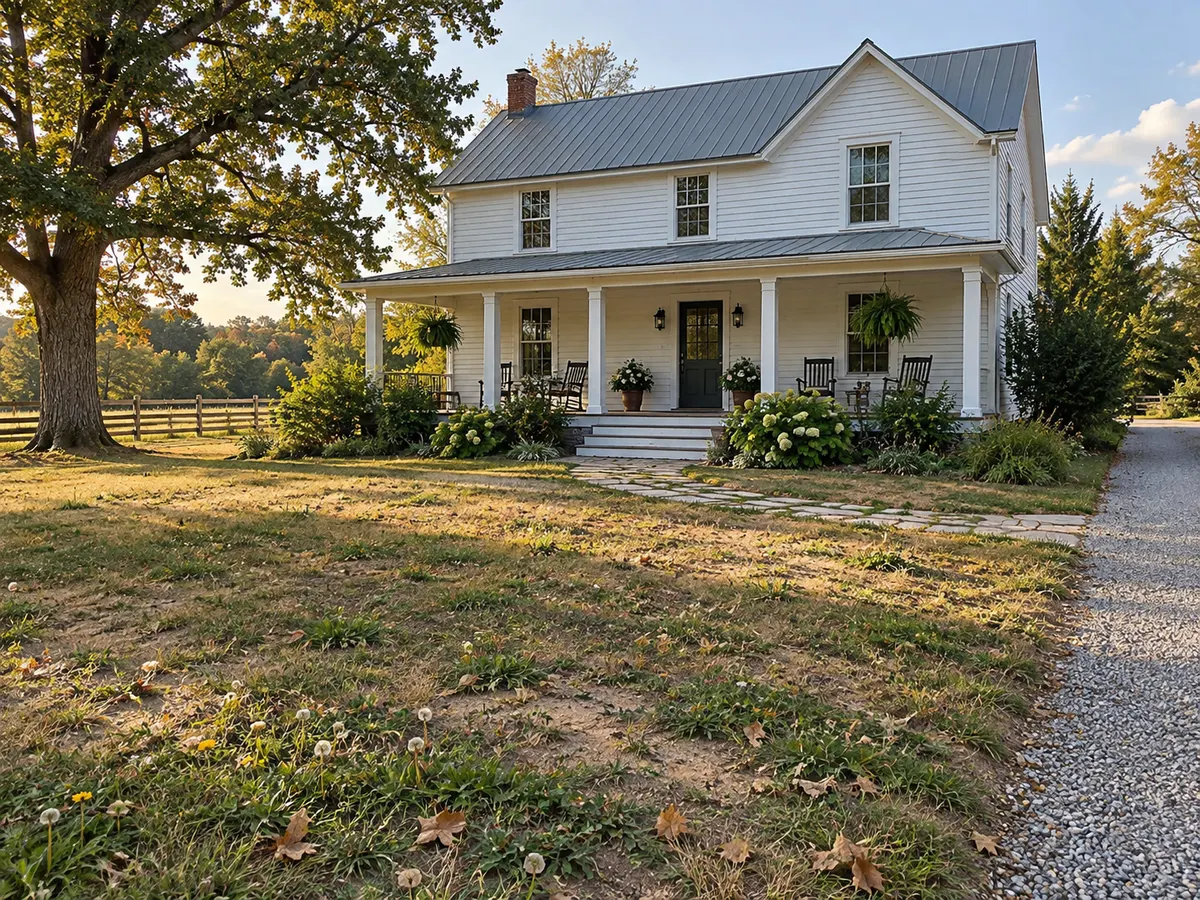
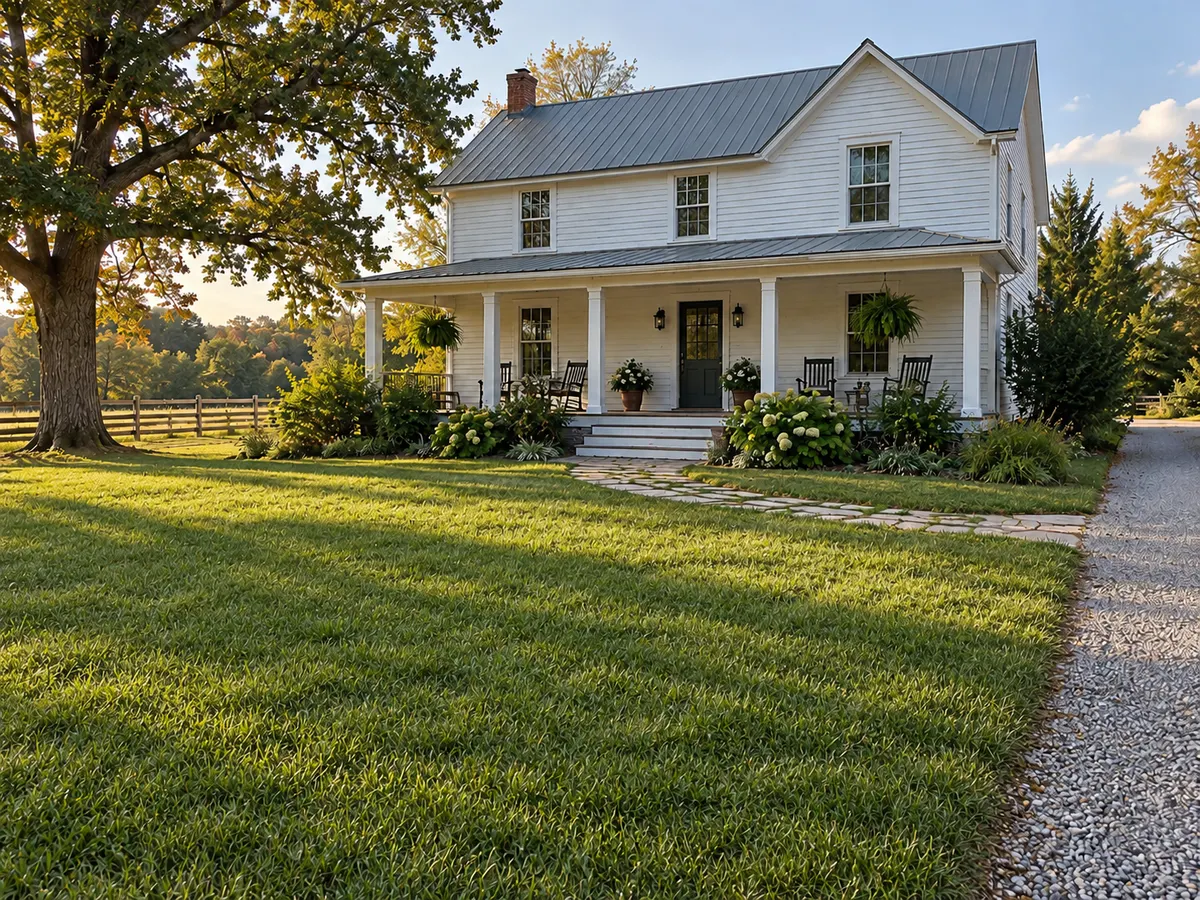
Dead grass in, green lawn out
Drag each slider. The house, the hardscape and the sky stay put — only the grass changes.
 PatchyGreen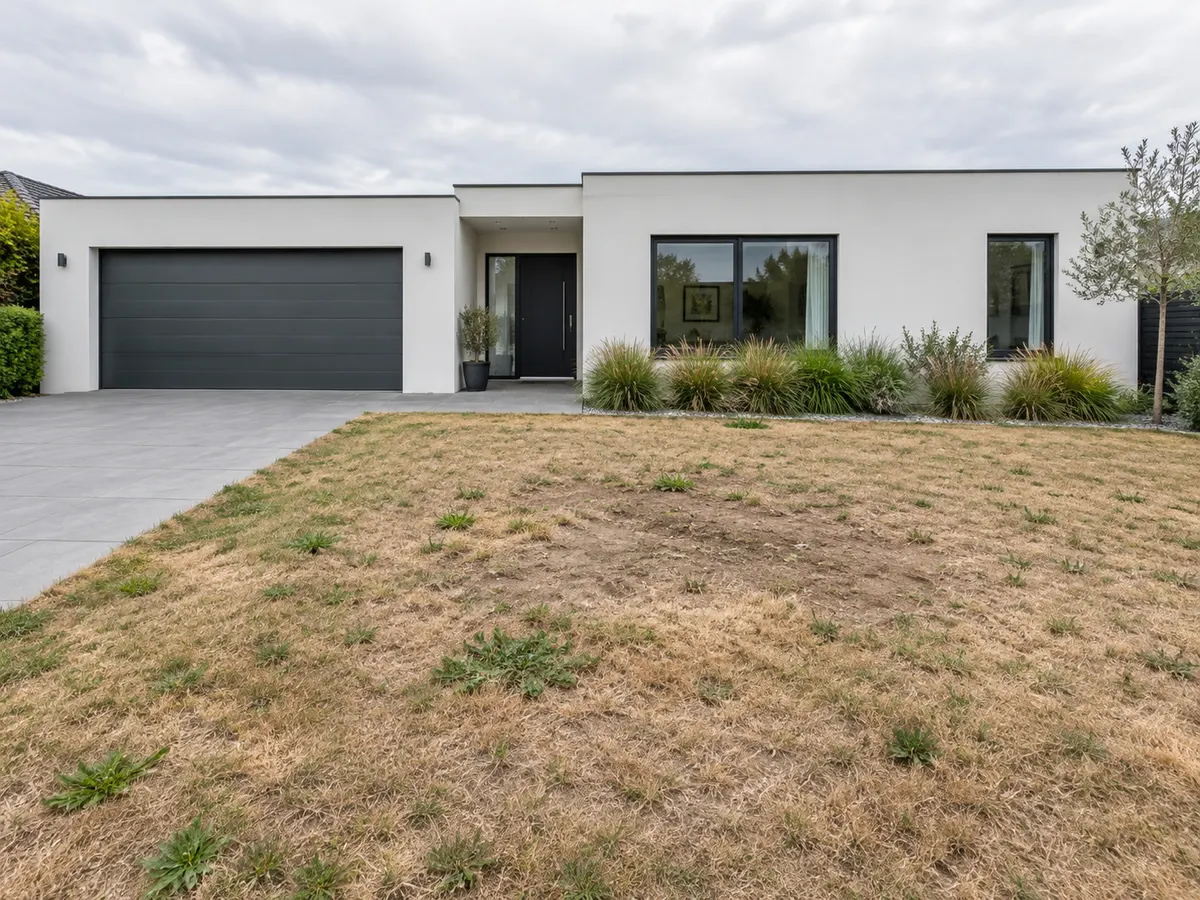
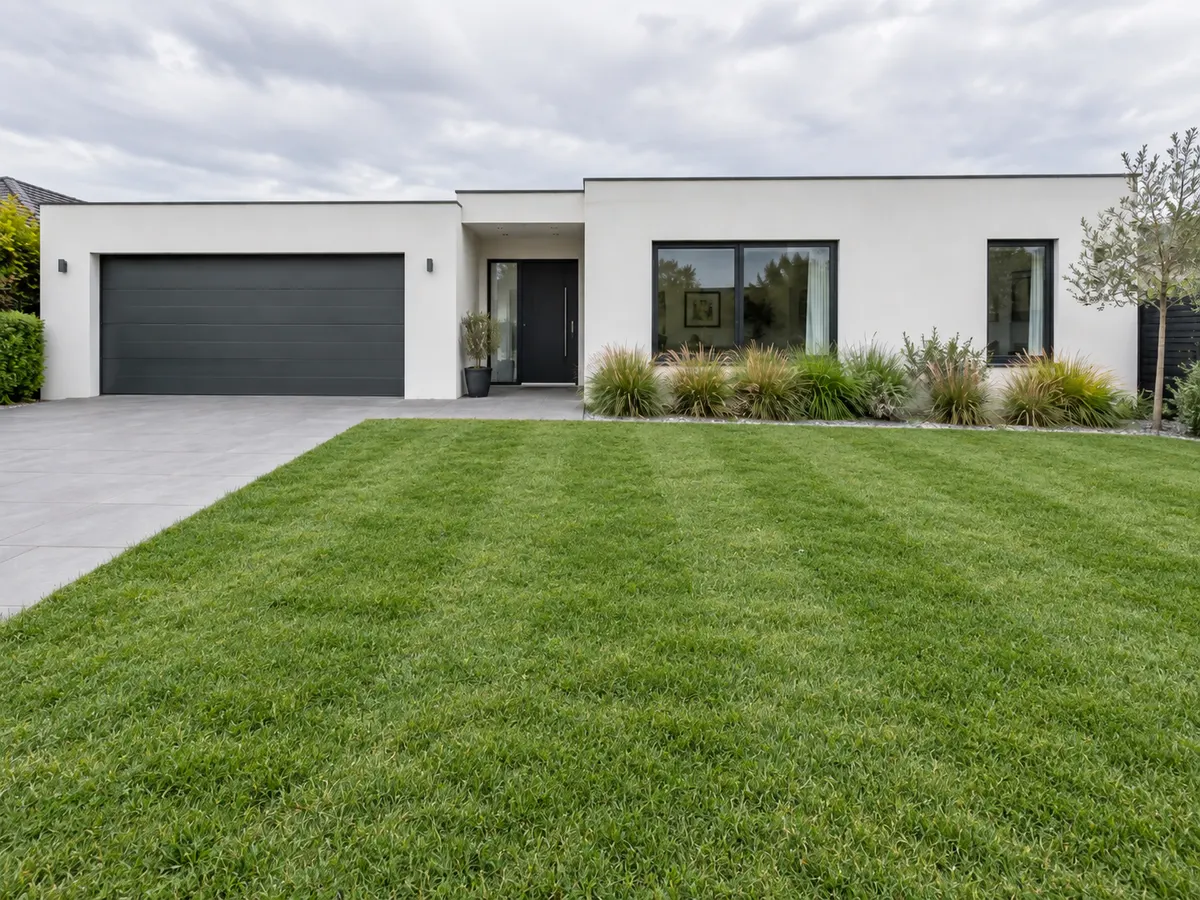 PatchyGreen
Lawn Replacement FAQ
Related listing tools
Lawn replacement is one edit. Fix the sky on the same exterior, relight it for evening, or grade the daylight shot.
Shoot the listing as it is. Fix the lawn in seconds.
Upload an exterior listing photo. Get a healthy green lawn back in about twenty seconds — house, driveway and beds untouched.