Add a “Virtually Staged” Label to Photos

Mark edited listing photos as virtually staged, digitally altered or AI-edited in one go — choose the wording, style and size, add a QR code to the original photo and download them all. Free, in your browser, nothing uploaded.

PixlyTool by Pixly — AI property staging, videos & reels in minutes.See how

Drop your edited listing photos here

or click to browse — JPG, PNG, WebP and iPhone HEIC, as many as you like

Virtually Staged Label

Four label styles

Every picture below was made with this tool. Pick the style that suits your photos and your MLS.
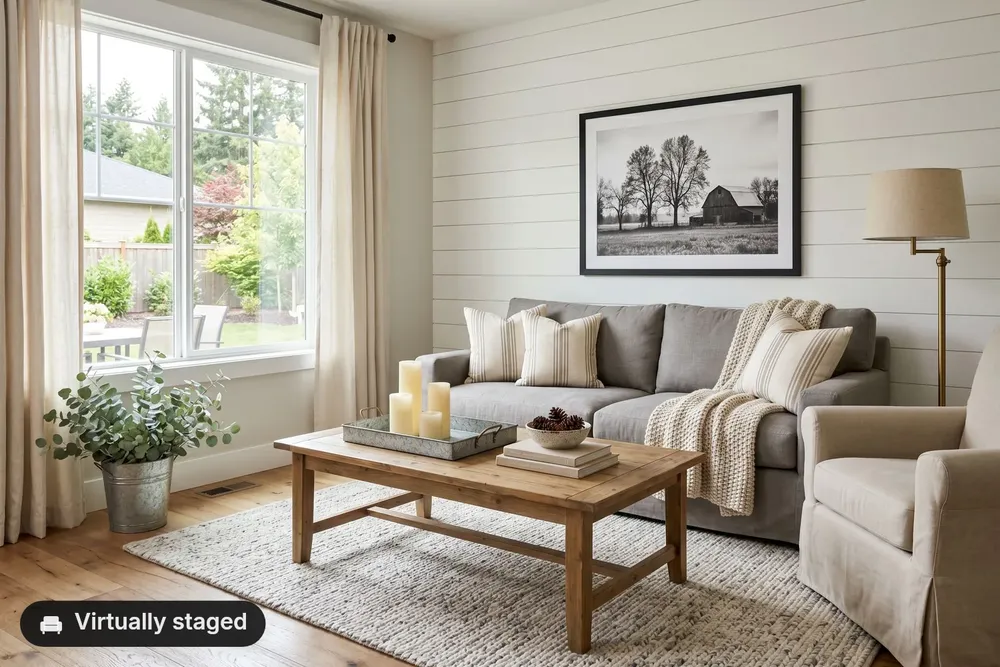
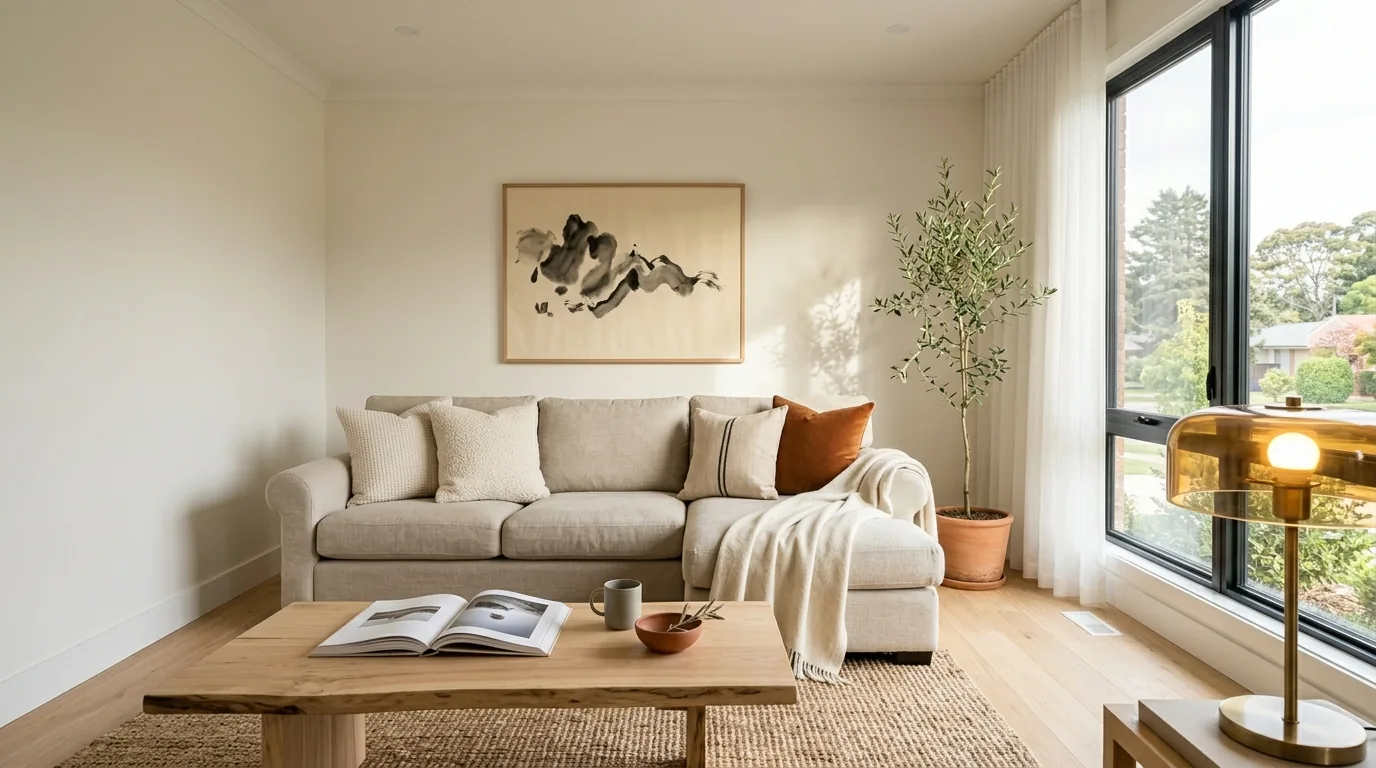
Badge — a “Virtually staged” badge with a sofa icon in the corner of a staged living room
BadgeA rounded label with a solid background. Readable on any photo — the most common choice.
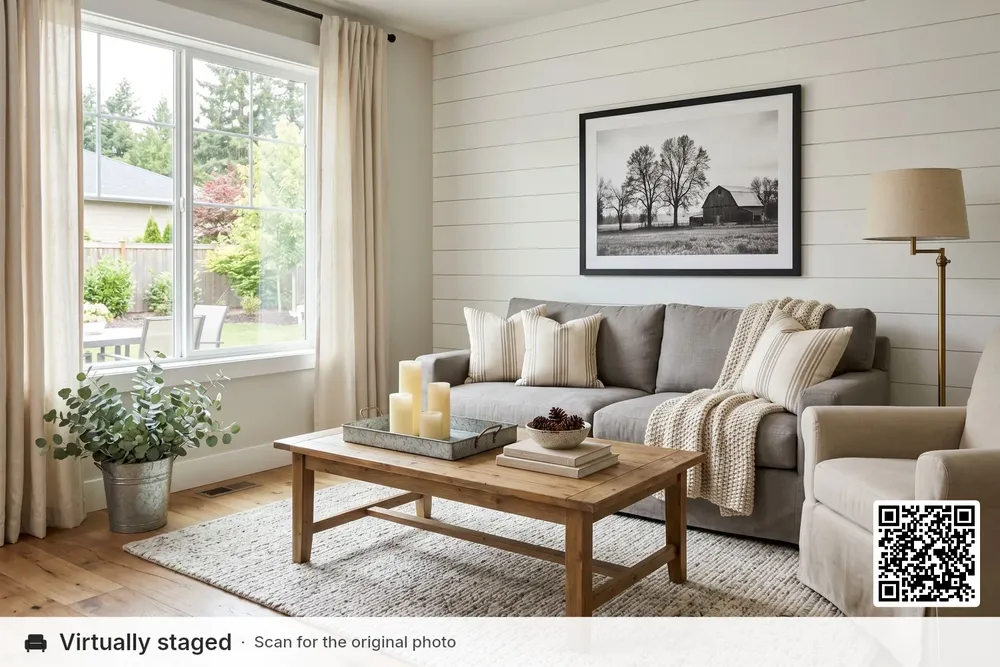
Strip — a white strip with “Virtually staged”, a note and a QR code to the original photo
StripA band along the top or bottom edge, with room for a second line and a QR code to the original.
Text only — the words “Digitally altered” in the corner of the photo
Text onlyJust the words with a soft shadow. The lightest look, for photos where a badge feels heavy.
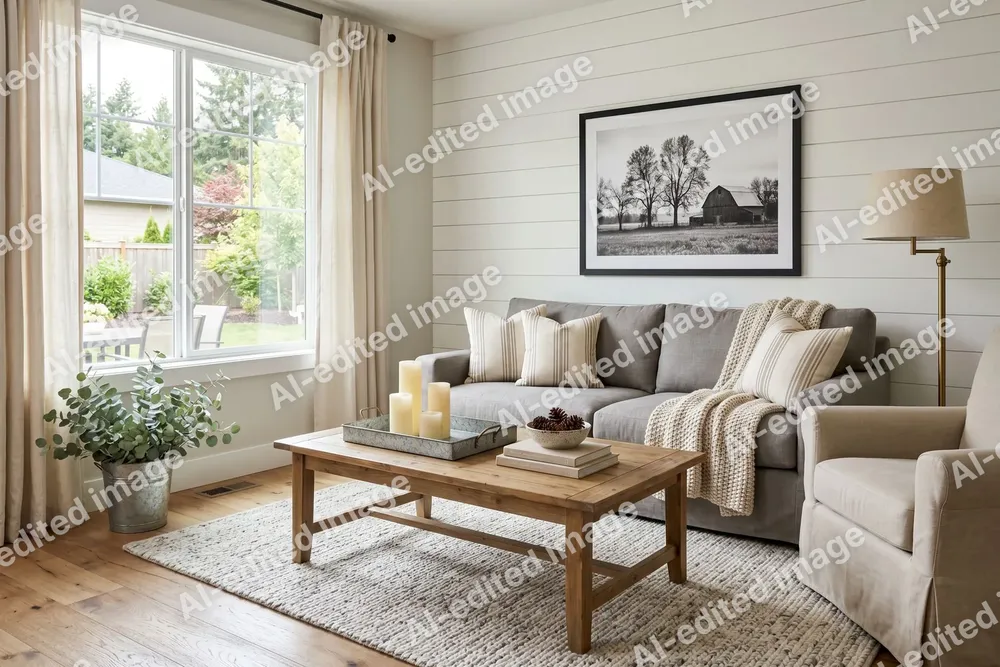
Diagonal — “AI-edited image” repeated diagonally across the photo
DiagonalThe label repeated across the whole photo — for drafts, previews and photos you share before the listing goes live.
Virtually Staged Label

How to label virtually staged photos

  1. 01

    Add your photos

    Drop every edited photo of the listing — JPG, PNG, WebP or iPhone HEIC.

  2. 02

    Pick the label

    Choose the wording, style, position, color and size, and add a QR code to the originals if they are online. The preview shows your first photo.

  3. 03

    Download

    Get one photo or a zip of the whole set at full resolution, renamed to the address if you like.

Virtually Staged Label

Which edits need a label?

What matters is whether the edit changes how the property looks — not whether AI was used.

  • Added or removed furniture and decor — label it
  • Changed floors, walls, paint or cabinets — label it
  • New lawn, sky, garden, facade or season — label it
  • Brightness, color, straightening, cropping — usually no label
Read the full guide: Is virtual staging legal? →

100% private — runs in your browser

Your photos are processed on your own device and never uploaded. The QR code is made on your device too — it only holds the link you type.

Virtually Staged Label

Why label edited listing photos?

A staged sofa, a greener lawn or a new wall color helps buyers picture a home — but they should know what is real before they visit. Since January 1, 2026, California’s AB 723 has required a disclosure on digitally altered listing photos plus a link or QR code to the original, and many MLSs ask for a “Virtually staged” mark on the photo itself. Marking 30 photos one by one in an editor takes an evening; here you set the label once, check it on the first photo and download the whole set.

FAQ

Frequently asked questions

Blog

Pixly Blog

Tools

Free Image & Video Tools by Pixly

Property Line & Boundary ToolDraw lot lines on any photo. Free PNG export, animated reveal for videos.Before & After MakerCompare two photos with a draggable split line, or make a before/after video. Free.Just Listed & Sold Post MakerAdd Just Listed, Price Reduced & Sold badges to property photos. Free PNG, animated reveal for reels.Straighten PhotoFix leaning walls and a tilted horizon automatically. Full size, free, nothing uploaded.Floor Plan CreatorDraw a floor plan with room sizes, doors and windows. Free, in your browser, PNG or SVG.Watermark PhotosLogo or agency name on a whole listing at once, plus rename. Free, no upload.Blur Faces & PlatesHide faces and license plates, strip GPS location. Automatic, free, no upload.Resize for InstagramExact sizes for Instagram, Facebook and listings — crop or fit, a whole batch at once. Free.Remove Photo LocationSee and remove the hidden GPS location, camera and date from photos. No quality loss. Free.3D Text on PhotoReal extruded letters you can turn and tilt in 3D, matched to your photo’s perspective. Free PNG, no upload.Drone Video Property LinesTrack property boundaries through drone footage with GPU CoTracker, editable keyframes, styling, labels and local video export.Map VideoA cinematic fly-in from the sky to the listing, with pin, highlights and street reveals.Photo to VideoAdd a camera move to any photo. Free, instant, no upload.Real Estate Video EditorCut listing clips and photos into a vertical reel — transitions, speed ramps, beat-synced music and text, all in your browser.Text Behind ImagePut JUST LISTED, SOLD or any text behind the subject of a photo. Cut out in your browser — free PNG, no upload.Text Behind VideoPut text behind a moving person. Runs in your browser — nothing uploaded, no account.Background RemoverCut out the subject as a transparent PNG or put it on white. Free, no upload.Trim VideoCut the start and end off a clip. Free, lossless, no upload.Compress VideoMake a clip small enough for email, WhatsApp and portals. Free, no upload.MOV to MP4Make iPhone videos play everywhere. Lossless, in seconds, no upload.Remove Audio from VideoMute a clip in seconds — the picture stays untouched. Free, no upload.HEIC to JPG ConverterConvert iPhone HEIC photos to JPG. Free, instant, no upload.Rotate VideoTurn a sideways clip upright in seconds. Lossless, free, no upload.Horizontal to Vertical VideoTurn a landscape video into a 9:16 Reel without cropping. Free, in your browser.HEIC to PNG ConverterConvert iPhone HEIC photos to lossless PNG. Free, instant, no upload.PNG to JPG ConverterConvert PNG images to JPG. Free, instant, no upload.JPG to PNG ConverterConvert JPG images to PNG. Free, instant, no upload.WebP to JPG ConverterConvert WebP images to JPG. Free, instant, no upload.WebP to PNG ConverterConvert WebP images to PNG. Free, instant, no upload.Image Compressor & ResizerCompress JPG, PNG, WebP. One-click presets for Zillow, MLS, social, email.JPG to PDF ConverterCombine JPG, PNG & WebP images into one PDF. Free, instant, no upload.HEIC to PDF ConverterCombine iPhone HEIC photos into one PDF. Free, instant, no upload.
From Pixly

Need the staging itself?

Pixly stages empty rooms in 60+ interior styles, keeps walls, windows and doors exactly as shot, and makes listing videos from your photos.
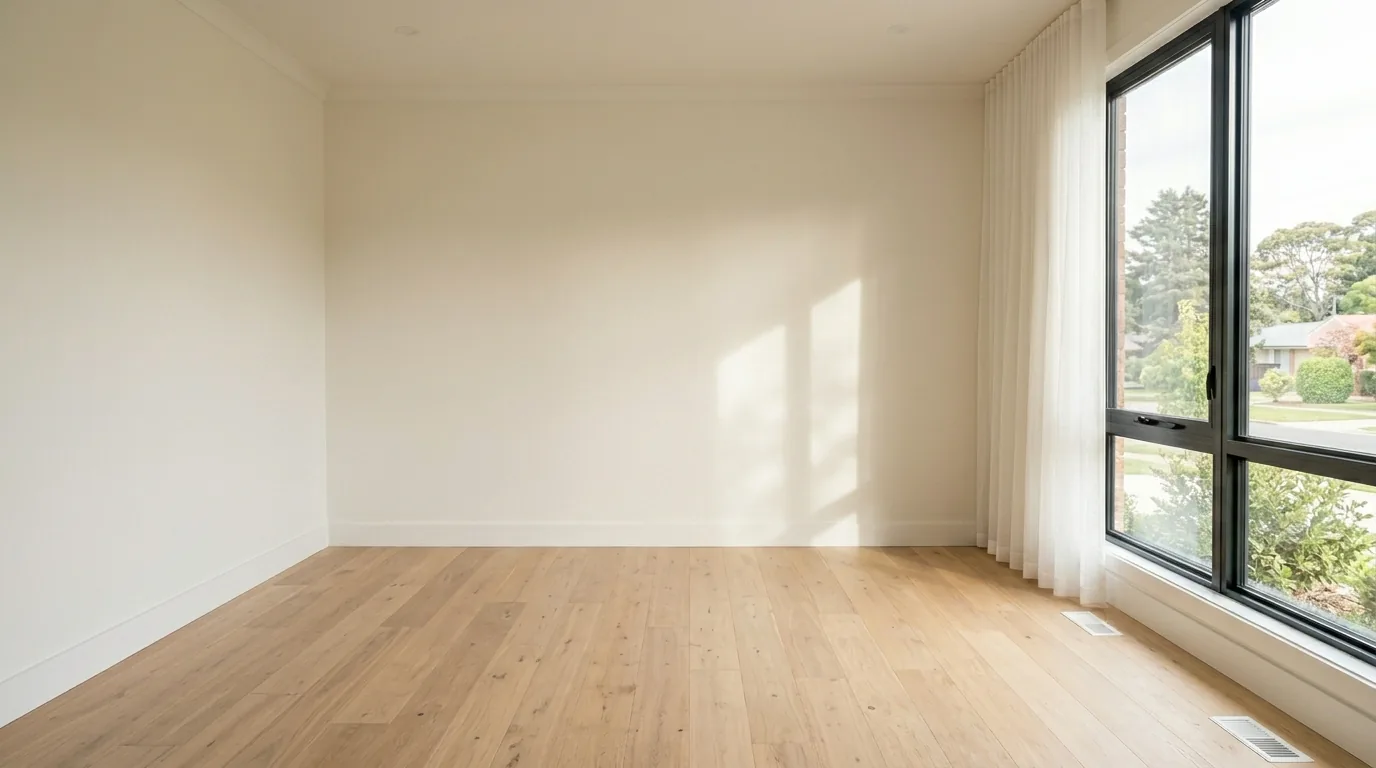
Need the staging itself? — beforeNeed the staging itself? — afterBeforeAfter