Change the season in a real estate photo
Shot in February, on the market in June. The snow comes off the ground, the roof and the branches, the garden goes into leaf and the driveway is itself again — or move a summer photo to autumn or winter. The house, the paths and the camera angle stay exactly as shot. 1 credit a photo.
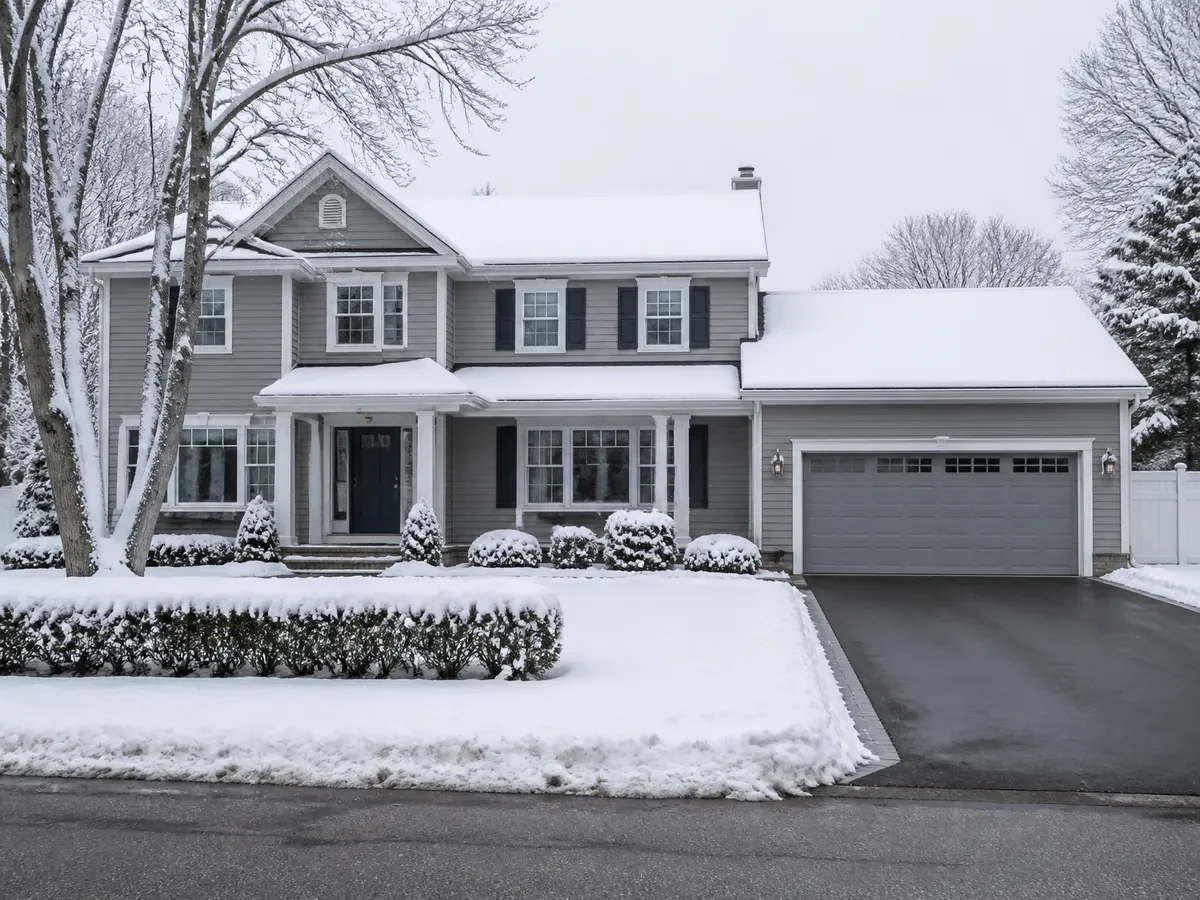
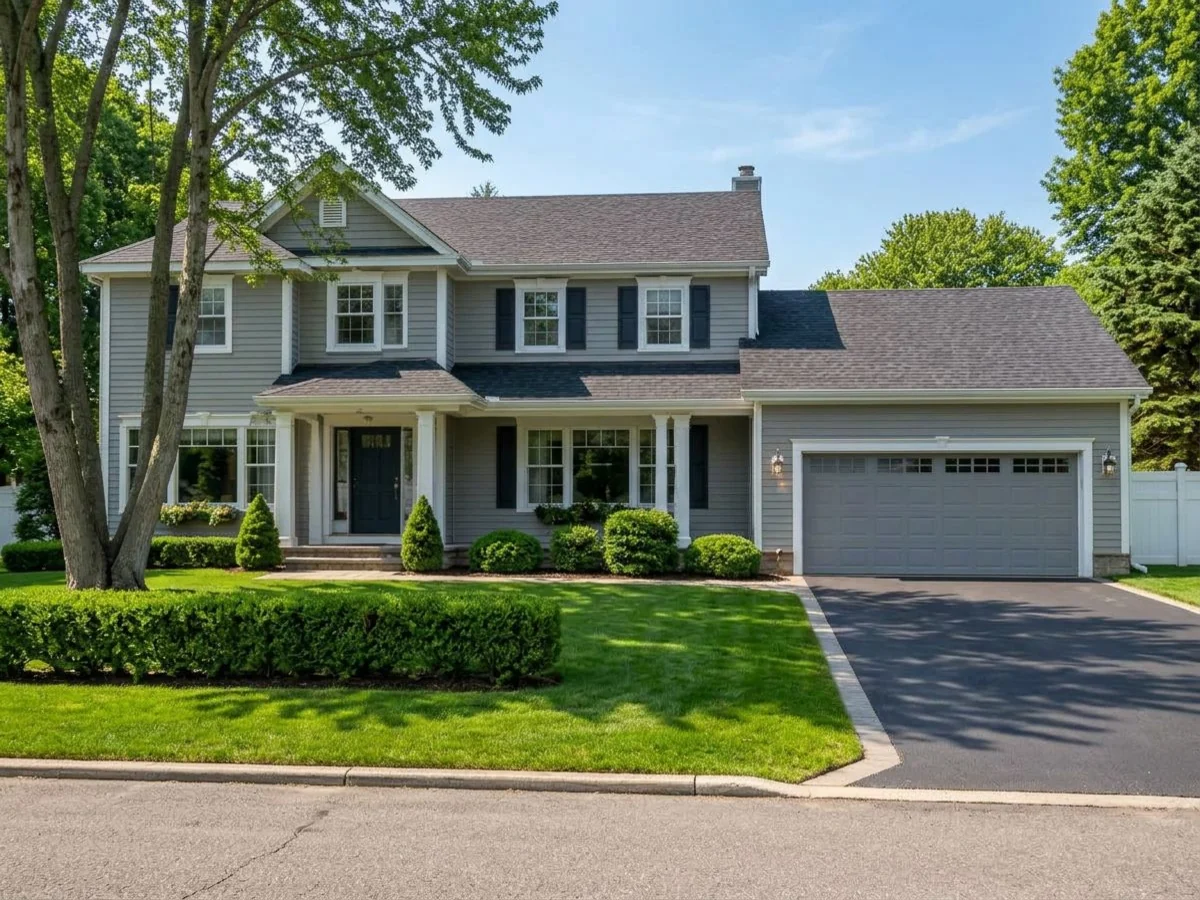 As shotNew season
A different month, the same house
Snow off, garden on
Snow, ice, slush and fallen leaves go, and what comes out from under them is the surface your photo already shows elsewhere: the driveway in its own material to its own edges, the lawn as grass to its own shape, gravel as gravel.
It knows its plants
Only the deciduous planting follows the season. Conifers stay green, palms and olives do not change at all, and every tree and shrub keeps its exact size, shape and position — only the foliage changes.
Nothing is invented
No lawn where there was gravel, no path that was never there, no new bed, planter or garden furniture. If the photo does not show it, neither does the result.
The sun stays put
The daylight takes the colour and height of the new season, but the sun keeps the direction your shadows already give it, so the photograph still reads as one real moment.
One choice, about twenty seconds.
- 01
Upload the exterior
Open Seasonal Reset and drop in the photo — a house, a garden, a plot, a terrace.
- 02
Pick a season, or leave it on Auto
Auto shows the property at its best, which for a snowy or bare photo means high summer. Spring, summer, autumn and winter are there when you want a particular one.
- 03
Wait about twenty seconds
The result lands in your library beside the original, with the season changed and nothing else touched.
- 04
Download
Save it for the listing. Both photos stay in your library, so you can show the property in either season.
Which photos work best
Works best
- Exteriors shot in snow, under bare winter branches or in dry late summer.
- Houses with a garden, trees or lawn in view. That is what the season changes.
- Summer photos too, when you want the property shown in autumn or winter.
Avoid
- Interior photos. They are refused and you are not charged.
- Gardens buried under deep snow. The tool only continues surfaces the photo already shows.
Stays the same
The house, roof, driveway, paths and the direction of the sunlight stay. Only planting, ground cover and daylight change.
And the other way round
The same brick house, photographed in full summer with hard shadows, run twice. Each pair is one run of the tool on the photo beside it, at the framing it returned.
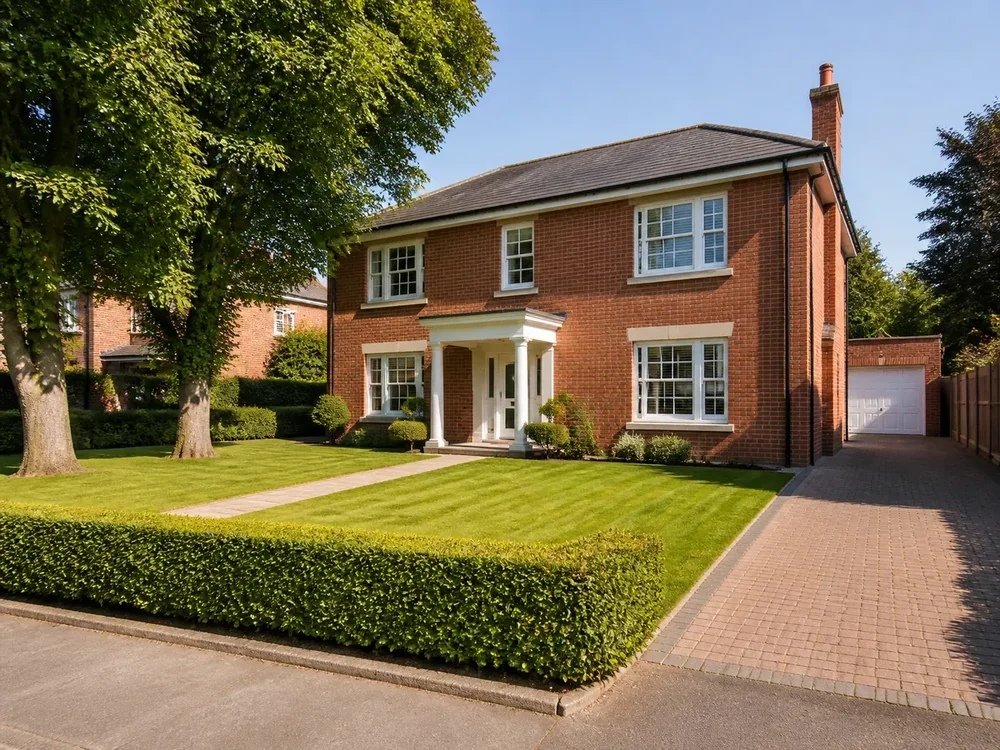
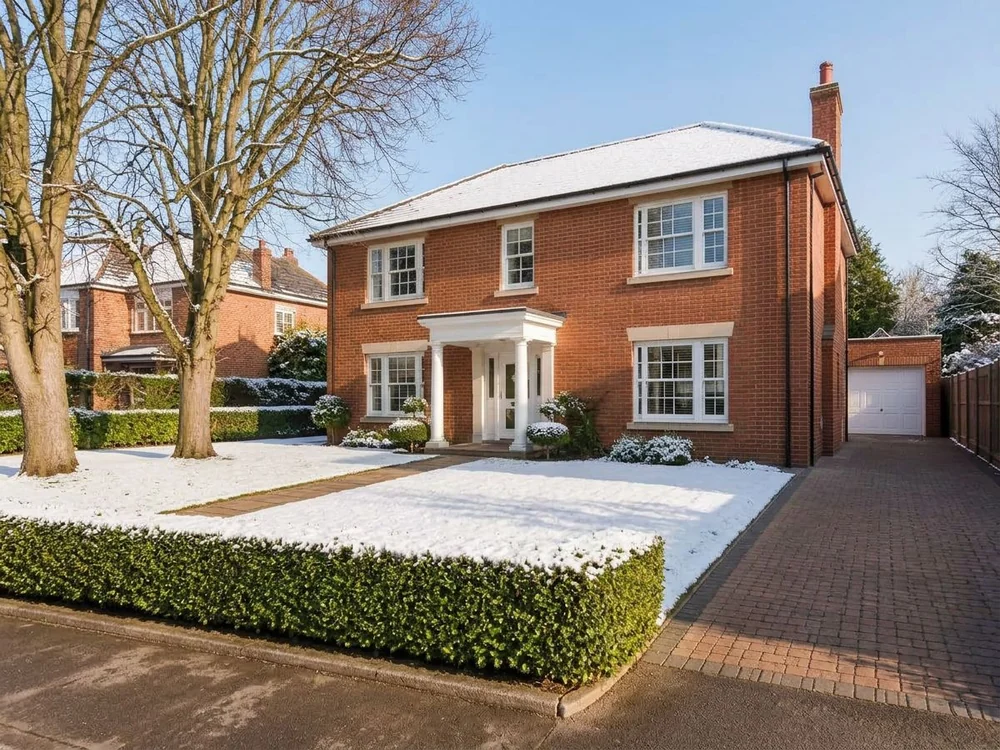 As shotNew season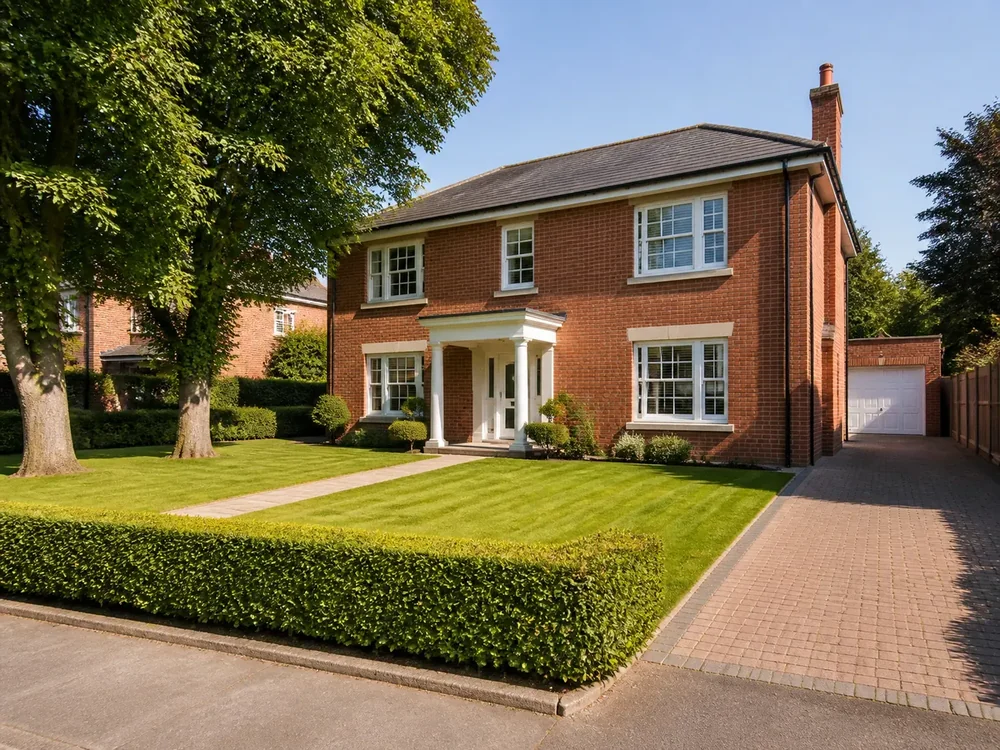
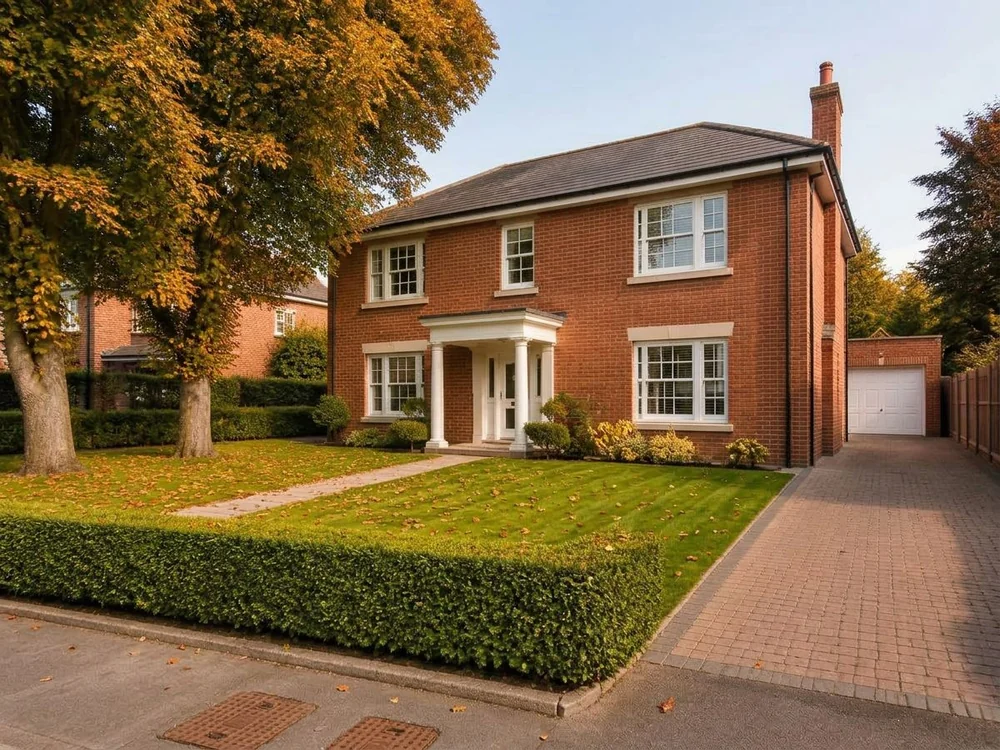 As shotNew season
Seasonal Reset FAQ
Related listing tools
Fix the sky, the lawn and the clutter first, then move the whole photo to another season.
Sell the summer house you photographed in the snow.
Upload the photo, pick a season or leave it on Auto. 1 credit a run.