A video from a start photo and an end photo
Upload where the shot begins and where it should end. The camera travels from your first photo and lands exactly on the second — one smooth move, no cuts. One photo works too.
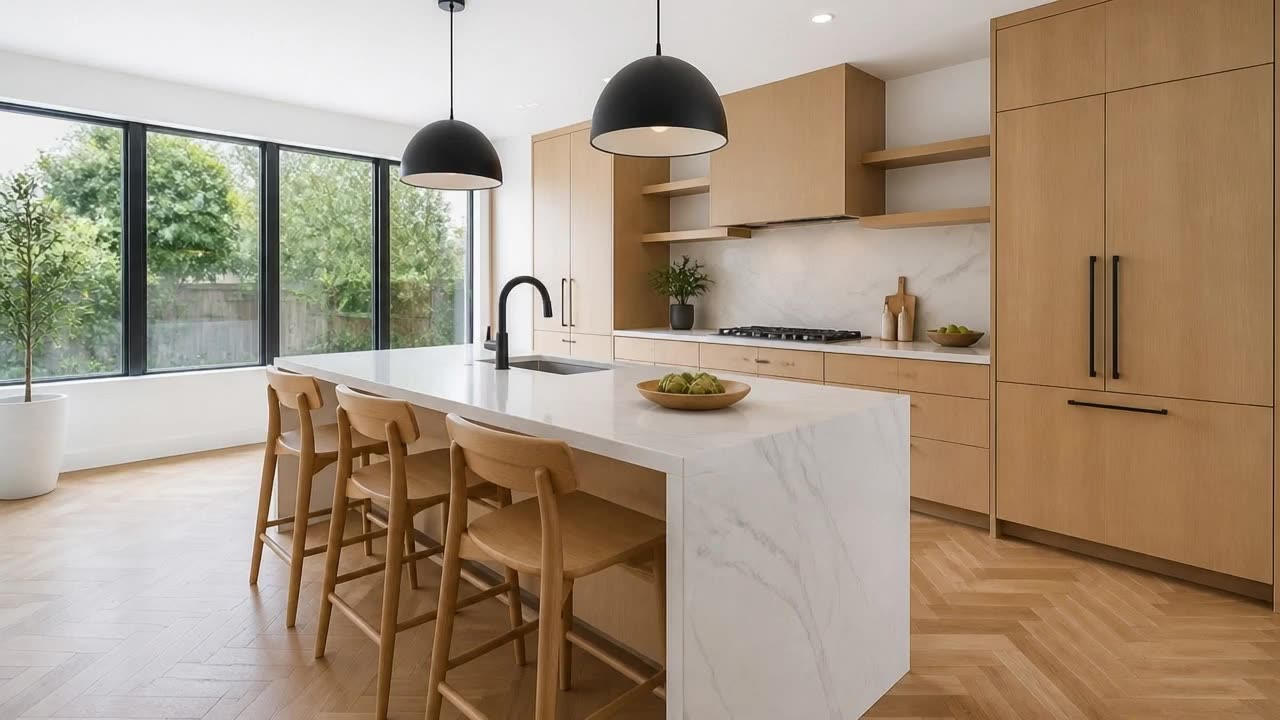
Your shot, from your first frame to your last
Lands on your end photo
The camera starts on your first photo and finishes exactly on the second, so the video ends where you chose.
Pick a move or write your own
Ready-made moves — orbit, walk through, push in, rise up — or your own prompt, in any language.
Your length, your sound
From 3 to 15 seconds, silent or with quiet ambient sound. The price updates as you choose.
Any shape
The video follows your start photo: landscape for listings, vertical for Reels and TikTok, or square.
From two photos to one video in three steps
- 01
Add a start photo and an end photo
Two views of the same space from different spots work best — the corner of a kitchen and the view down its island.
- 02
Choose the move
Tap a camera move or write your own prompt, then pick the model, the length and the sound.
- 03
Create and download
The video is saved to your Library, ready to post or to cut into a longer film.
Which photos work best
Works best
- Two photos of the same space, taken from different spots.
- Both photos in the same light and the same orientation.
- A clear subject between them — a kitchen island, a sofa, the front door.
Avoid
- Two rooms with no way through from one to the other.
- A tight close-up as the start and a wide view from somewhere else as the end.
Stays the same
The video starts on your first photo and ends on your second. Everything in them stays as photographed.
Photo to Video FAQ
Related video tools
Photo to Video is one shot between two views. These are the ready-made move, the walk through a whole home and the transformation.
Make the shot you pictured
Add a start photo and an end photo and let the camera travel between them.