Virtual twilight photos for real estate
Turn a daytime listing photo into a virtual twilight shot in seconds — interior lights on, dusk sky, the house unchanged. Traditional vendors quote $4–$8 and a 24-hour wait. This is 1 credit.

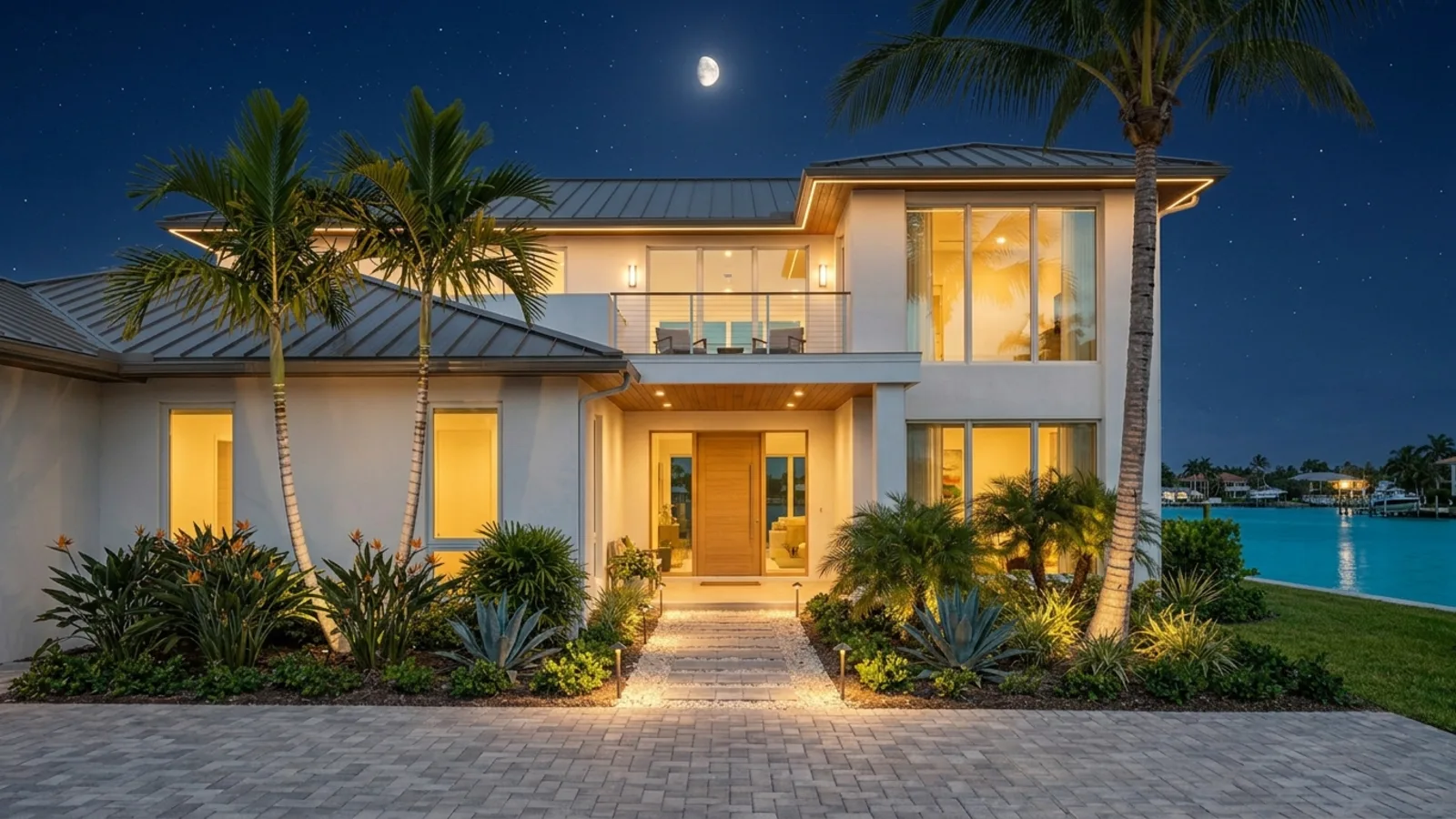 DayDusk
A magazine twilight — not a darkened daytime photo
Twilight sky
The blown-out midday sky becomes a deep dusk — colour, cloud, and a last band of light on the horizon.
Lights in the windows
Interior lamps come on so the house looks lived-in. We do not invent rooms the camera never saw.
Facade and landscape lighting
Sconces, path lights and a warm grade on the walls. The architecture and planting stay exactly where they were.
The house, unchanged
Walls, windows, roof, landscaping and furniture do not move. Only time of day changes — the listing stays honest.
Four taps. One credit.
- 01
Pick Day-to-Night
Same photo tool as Stage and Enhance. No prompt to write — the mode is the instruction.
- 02
Upload a daytime photo
Exteriors work best. Interiors work too if there is a window with sky in it.
- 03
Generate
One credit, a few seconds. Download the dusk still for the listing gallery.
- 04
Optional: make it a video
The same day and dusk frames become a short day-to-night reel. That is a section on this page, not a second URL.
Which photos work best
Works best
- Daytime shots of the front of the house, the classic listing cover.
- Houses with windows facing the camera, so the lamps inside can glow.
- Interiors work too, when a window shows the sky.
Avoid
- Photos already taken at dusk or at night. Start from a daytime shot.
- Close-ups with no sky and no windows, where there is nothing to relight.
Stays the same
Walls, roof, windows, planting and furniture stay put. Only the time of day changes.
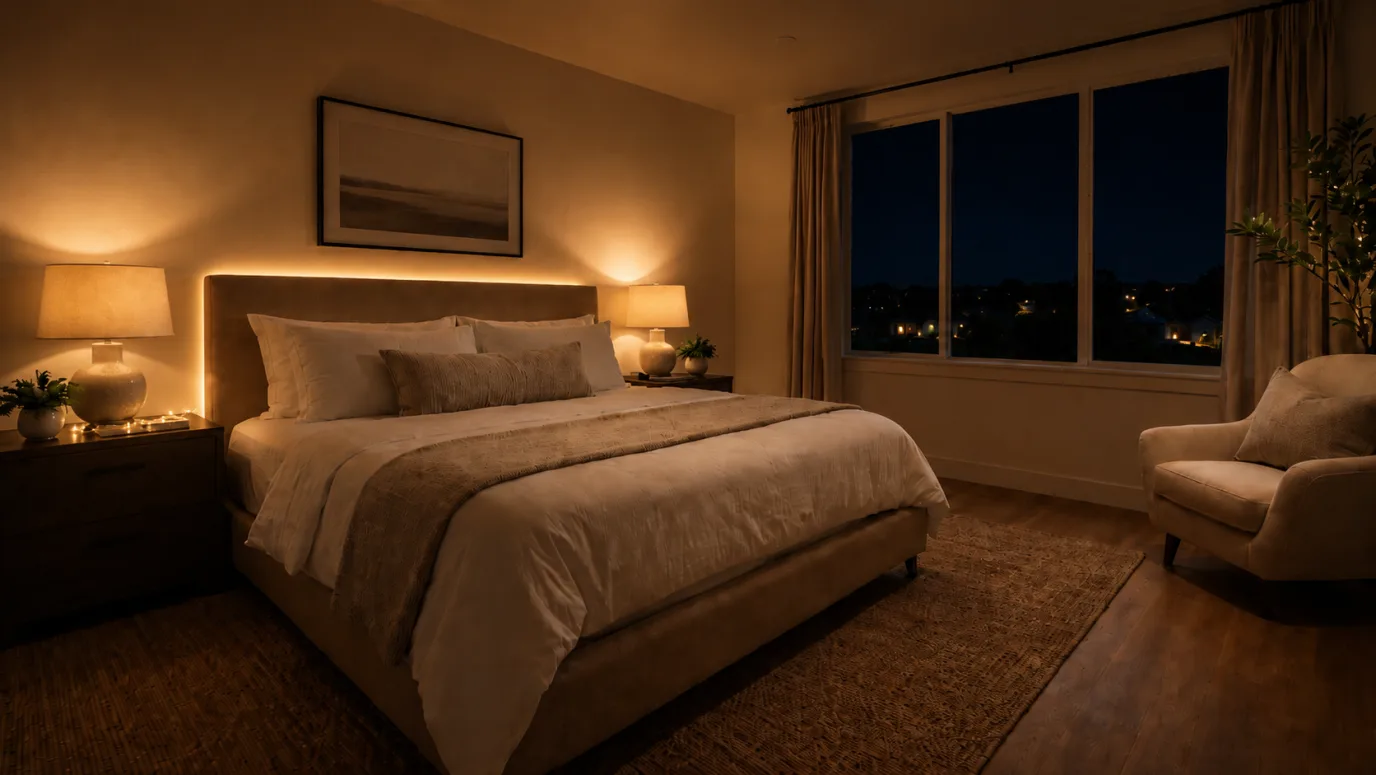
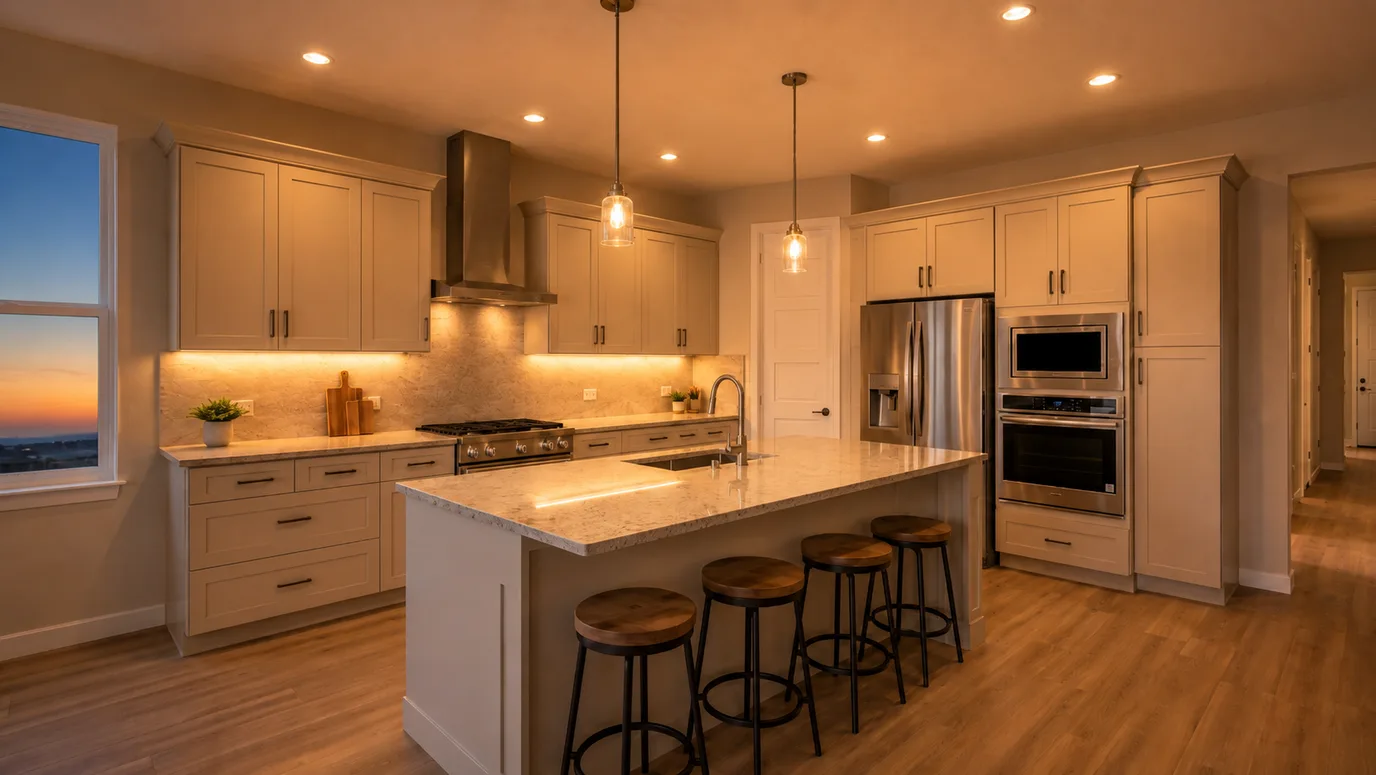
Day to dusk, interior and exterior
Drag each slider. The room and the building stay put — only the light changes.
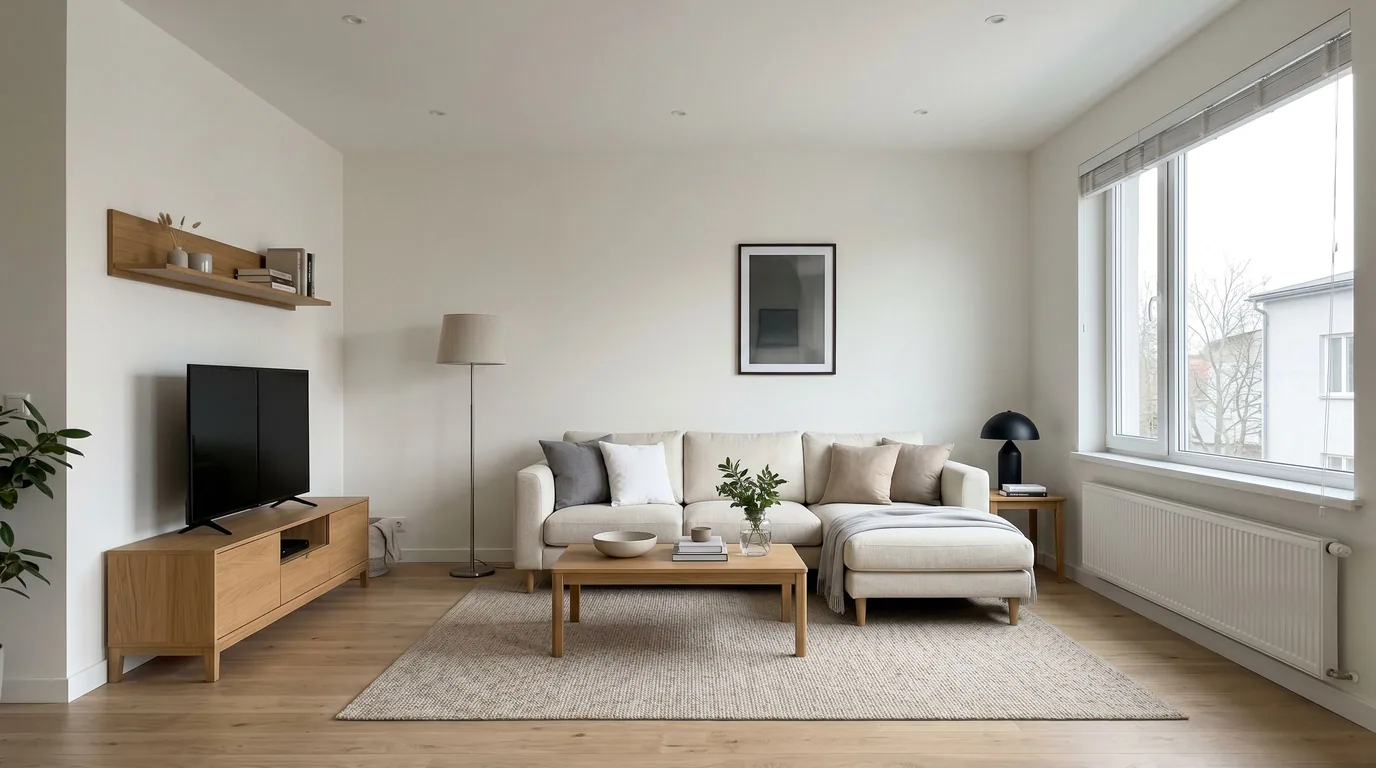
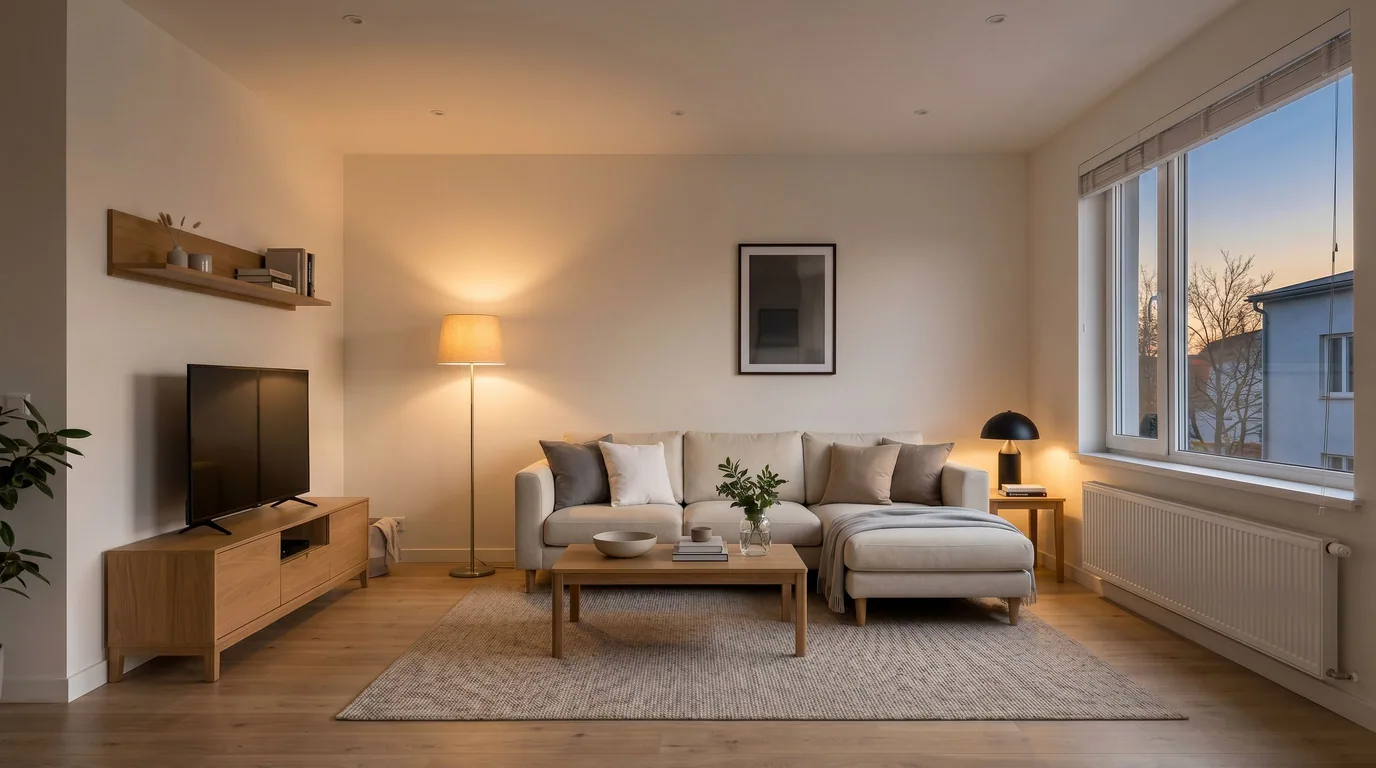 DayDusk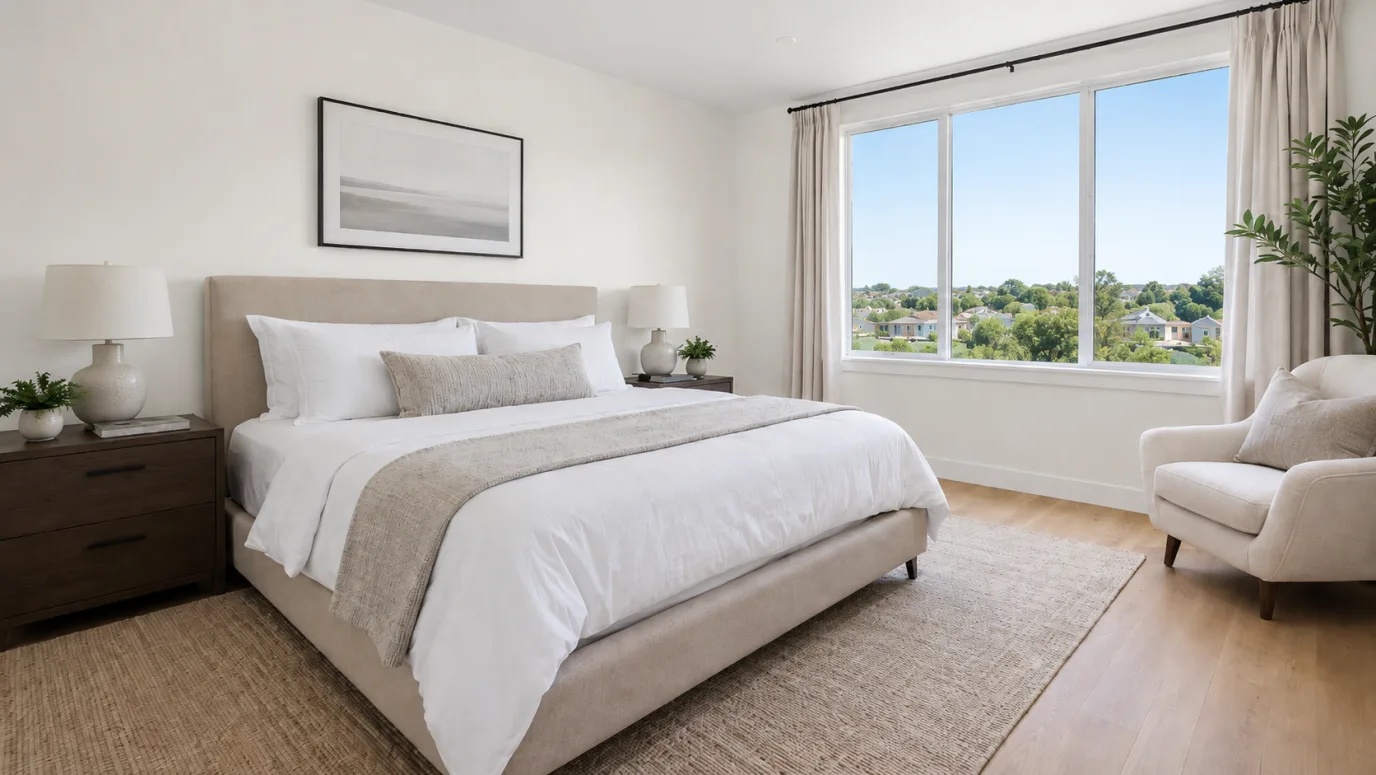
 DayDusk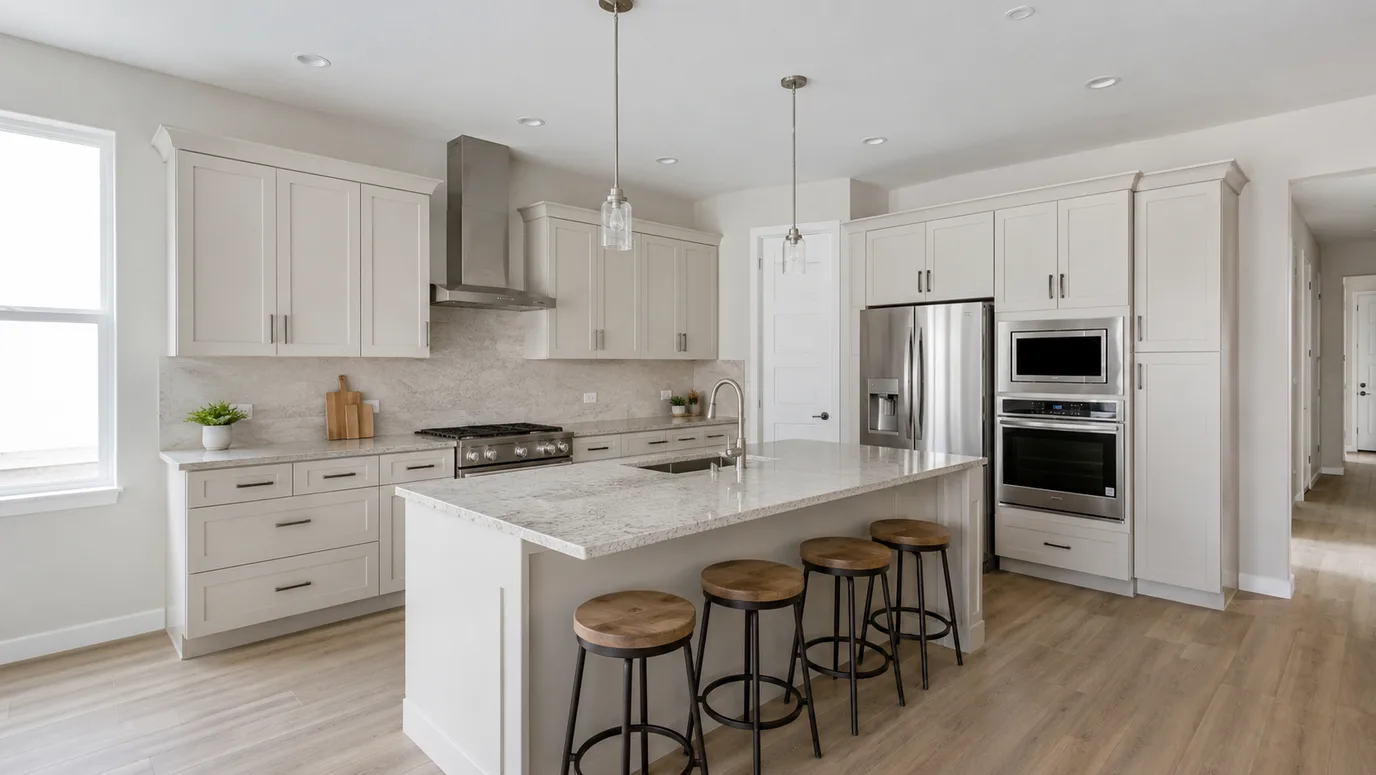
 DayDusk
Watch day turn into evening
The photo is the listing asset. The video is the same transformation playing out — a daytime exterior warming into night. It is not a second product page and it is not Cinematic Motion (camera moves) or the free Photo to Video tool (Ken Burns crop).
Open day-to-night video
Day to dusk FAQ
Related listing tools
Day to dusk is one edit. Stage the rooms, clean the daylight shots, or add a camera move to the dusk still.
Relight the cover photo before the next open house
Upload a daytime exterior. Get a dusk still in seconds — then optionally the video of day turning to night.