HD upscale for real estate photos
Enlarge a listing photo by up to four times with real detail, to a maximum of 4096 px on the long edge. Free on every result Pixly makes, 1 credit on a photo of your own. Nothing in the photo changes.
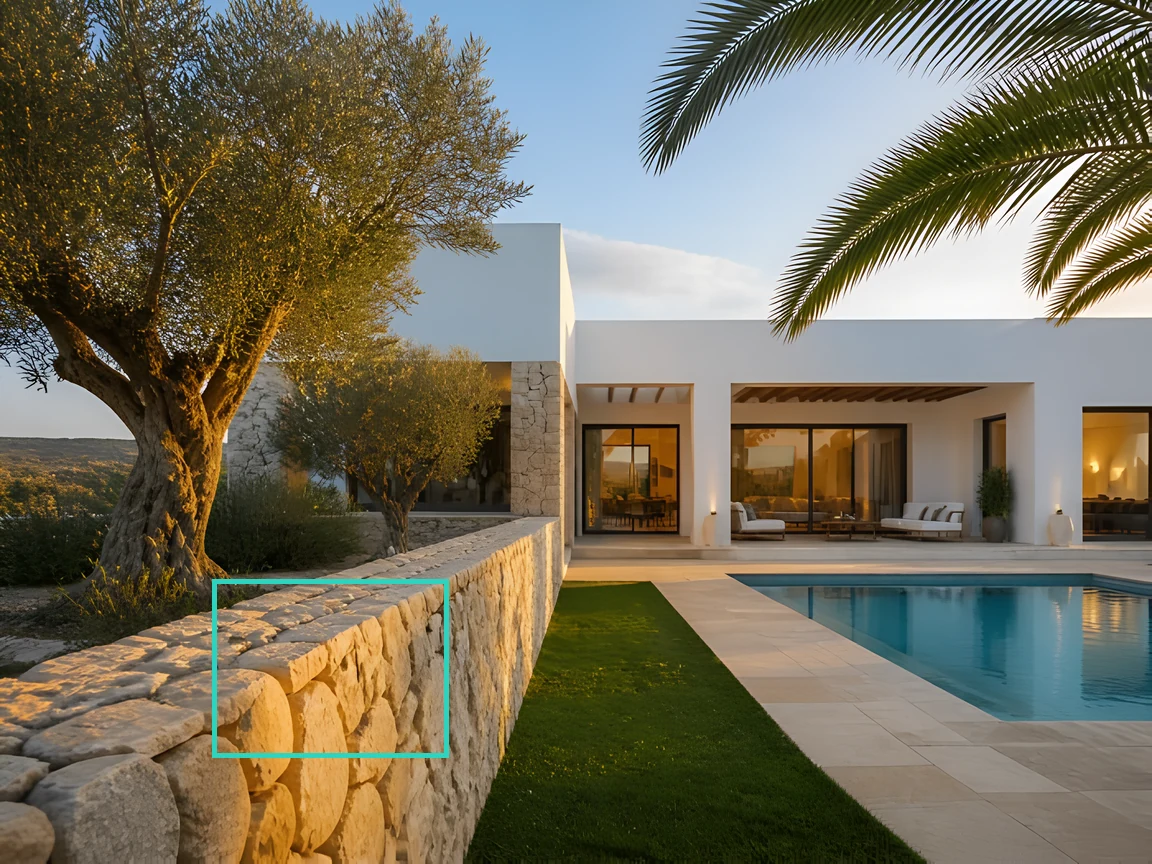
More pixels, and real ones
Up to four times the resolution
A 1000 px listing photo comes back at 4000 px, and anything larger fills the 4096 px ceiling. Enough for a print brochure, a 4K screen or an MLS that asks for large files.
Detail, not blur
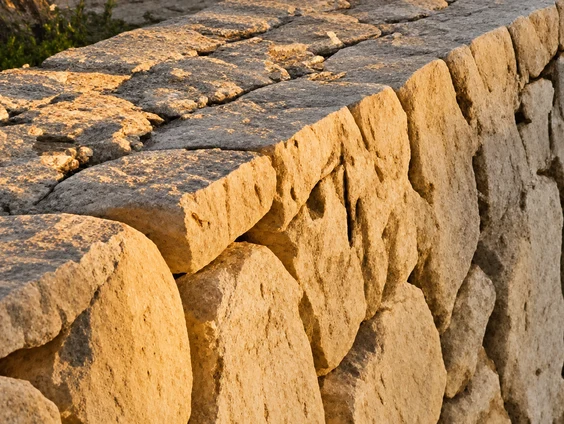
A plain resize spreads the same pixels thinner. This runs a super-resolution model that reconstructs edges and texture: brick courses, roof tiles, window bars and grass read as what they are.
Nothing else changes
No colour grade, no relighting, no invented objects. It is the same photograph with more pixels, so it is safe on a photo that has already been edited or disclosed.
Free on Pixly results
Every staged room, replaced sky, decluttered photo or touched-up exterior has an Upscale to HD button in the result, at no extra cost. Your own uploads cost 1 credit.
One tap, about ten seconds.
- 01
Open a result, or upload a photo
On any Pixly result, press Upscale to HD. For a photo of your own, open the HD Upscale tool and upload it.
- 02
Nothing to set
There are no options. The tool enlarges as far as it can, up to 4096 px on the long edge; a photo already that large is refused before anything is charged.
- 03
Wait about ten seconds
The result appears in your results like any other, with the original beside it for comparison.
- 04
Download
Save the HD file. Both sizes stay in your library, so you can pick the one each listing site wants.
Which photos work best
Works best
- Results made in Pixly: staged rooms, new skies, decluttered photos. Upscaling them is free.
- Small or compressed photos you need larger for print, a 4K screen or a listing site's size rule.
- Photos that are already edited and disclosed. Nothing changes except the size.
Avoid
- Photos already 4096 px or larger on the long edge. They are refused and you are not charged.
- Dark or badly lit photos. More pixels will not fix the light, so run Enhance first.
Stays the same
Colour, light and every object stay as they are. Only the resolution changes.
The same detail, enlarged both ways
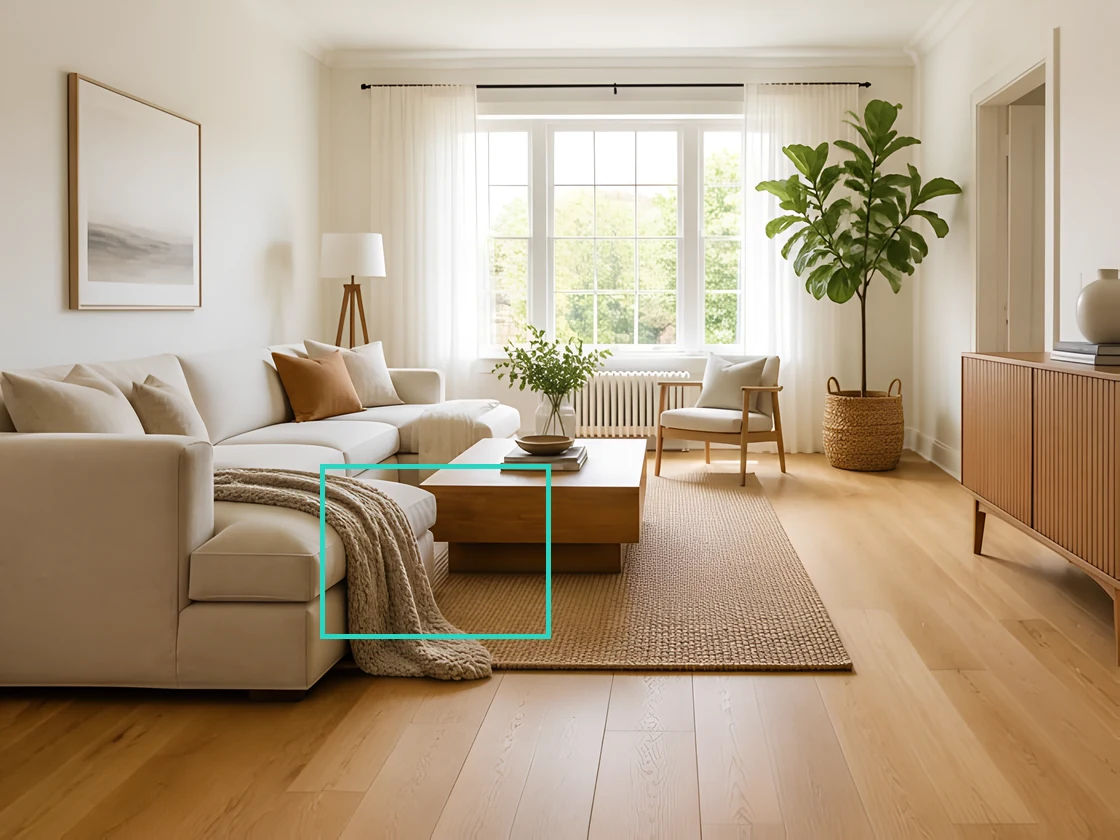
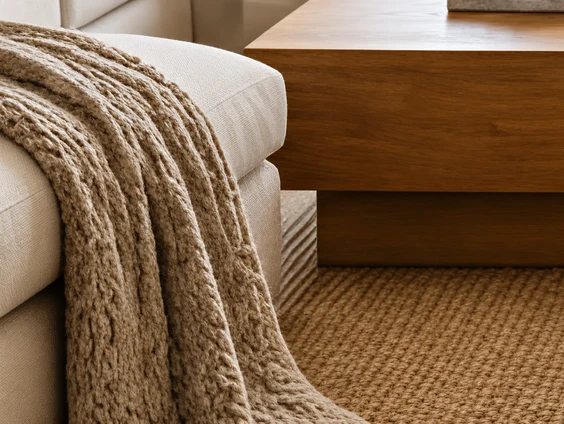
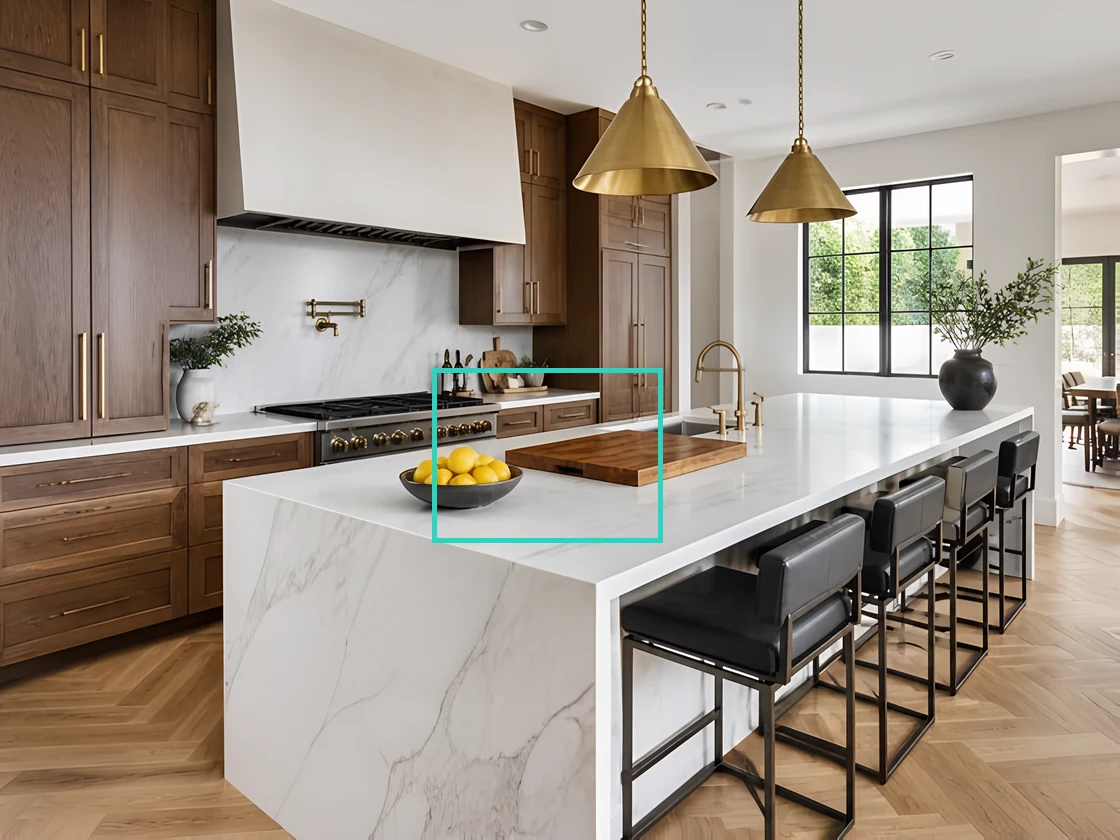
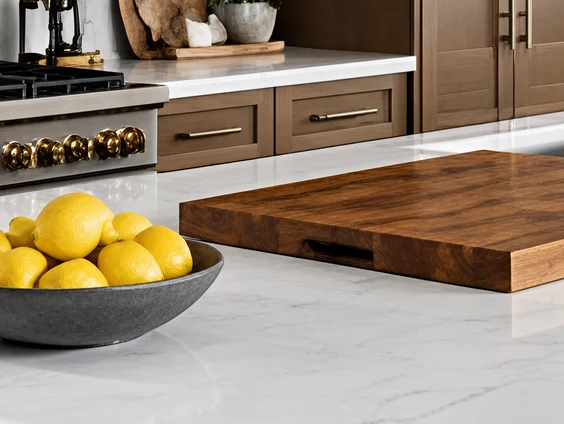
Every pair starts from a 700 px photo, the size a listing portal hands back. Left is that photo enlarged the ordinary way, right is the HD upscale — the same piece, the same size, shown at the upscale's own resolution.

HD Upscale FAQ
Related listing tools
Fix the photo first, then upscale the result for free.
Every Pixly result, in HD, for nothing.
Open any result and press Upscale to HD. Or upload a photo of your own for 1 credit.