Resize Photos for Instagram, Facebook & Listings
Turn any photo into the exact size each platform wants — Instagram posts, portraits, Stories and Reels, Facebook, listing sites and website banners. Crop and choose the framing, or fit the whole photo on a blurred background. A whole batch at once, free, nothing uploaded.
PixlyTool by Pixly — AI property staging, videos & reels in minutes.See howDrop photos here
or click to browse — JPG, PNG, WebP and iPhone HEIC, one or many
100% private — runs in your browser
Your photos are resized on your own device. Nothing is uploaded to our servers.
The right shape for every platform, without cutting off the kitchen
Each platform crops photos its own way: Instagram favours 4:5 portraits in the feed and 9:16 for Stories and Reels, Facebook links use a wide 1.91:1, and listing sites show landscape 4:3. Upload a photo in the wrong shape and the platform decides what gets cut. Here you choose instead — drag to keep the important part in frame, or fit the whole room on a blurred background so nothing is lost.
Frequently asked questions
Free Image & Video Tools by Pixly
Make the photo worth posting first
Pixly stages empty rooms in 60+ styles, replaces grey skies, turns day into twilight and makes Reels from your listing photos.
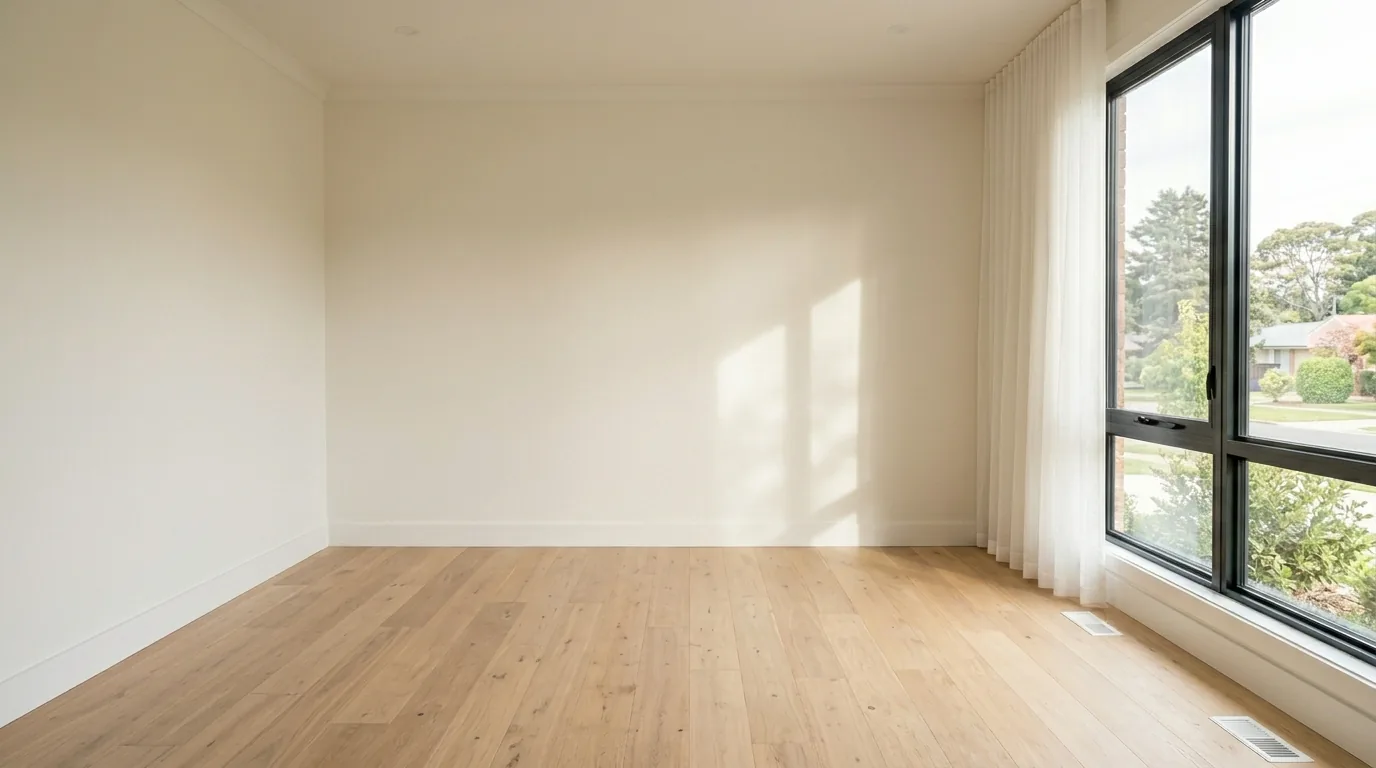
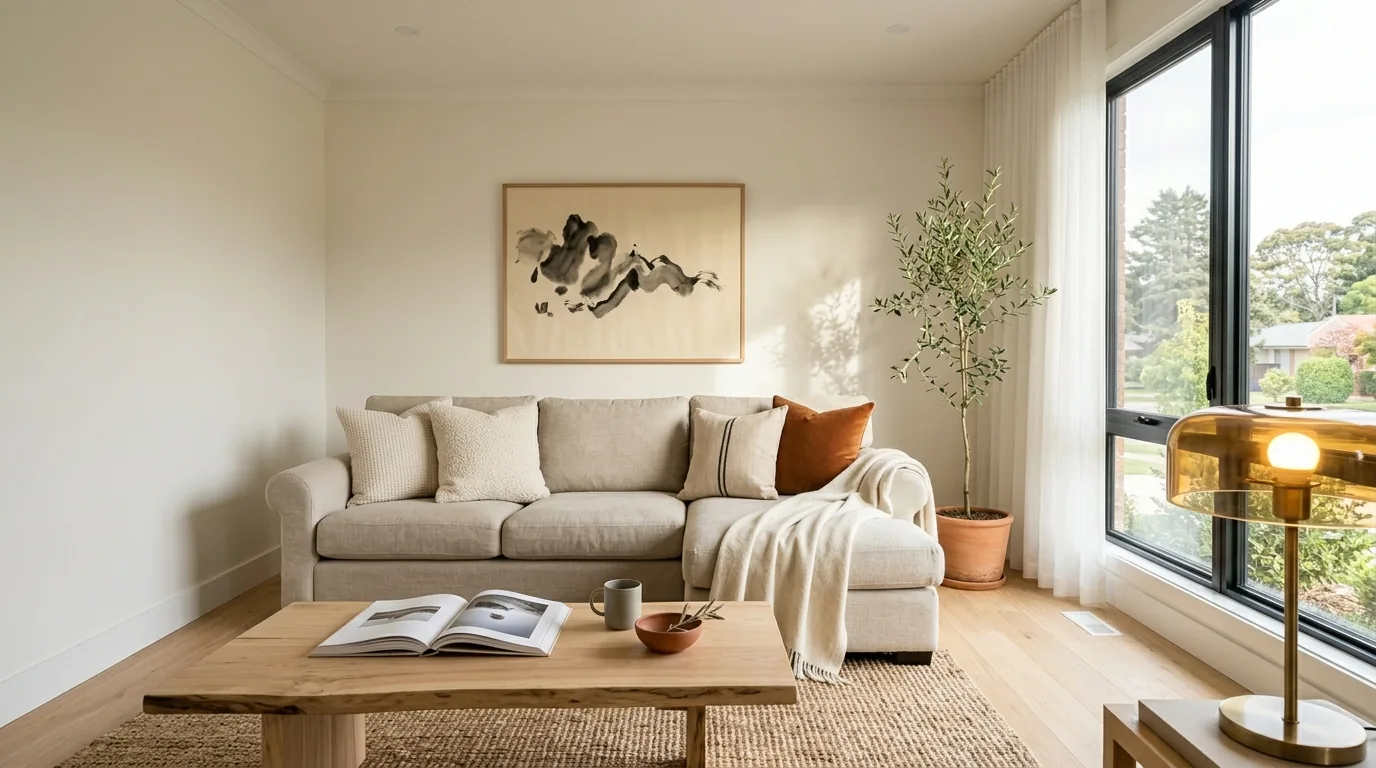 BeforeAfter