Add 3D text to a photo
Real extruded letters you can move, turn and tilt in three dimensions — not a filter that fakes depth. Runs in your browser: nothing is uploaded, and the download is full resolution with no watermark.
Tool by Pixly — AI property staging, videos & reels in minutes.See howDrag the text to move it. Corners resize, side handles swing it, top and bottom tip it, the ring spins it, and the amber handle sets the perspective. Click away to hide the handles.
Drop a photo anywhere to place the text on it
Text
Press Enter for a second line.
Font
Material
Shape & position
▸ Numbers
x 0.00 · y 0.00 · 17%
100% private — runs in your browser
Your photo never leaves your device. The letters are built and rendered on your own machine, and the finished image is saved straight from the page — there is no upload, no account and no server copy.
Why real 3D beats a 3D filter
Most tools that promise 3D text stack the same flat letters a few pixels apart and call the smear depth. It looks convincing head-on and falls apart the moment the text should be turned away from you. Here the letters are real extruded geometry, lit by a real light and drawn by a perspective camera, so the faces and the sides carry different values and the shape survives being spun, tilted and rolled. That is also why a heavy display face works best: there is enough mass in the letterforms to show the depth.
Frequently asked questions
Is the 3D text tool free?
Yes — free, with no signup, no watermark and no resolution limit. The download is the same size as the photo you started with.
Does it upload my photo?
No. The 3D letters are built and rendered inside your browser and the image is saved directly from the page, so the photo never reaches a server.
Is this real 3D, or a 3D effect?
Real 3D. Your text becomes solid extruded geometry with bevelled edges, lit by a real light and drawn by a perspective camera. That is why it still looks right when you turn it away from you — a stacked-shadow effect does not.
Can I match the angle of my photo?
Yes. Spin, tilt and roll turn the letters on all three axes, and the amber handle sets how strongly the perspective converges. Line the text up with a wall, a road or a rooftop and the extrusion runs the same way as the scene.
What do I get when I download?
A PNG at the full resolution of the photo you loaded. If you never load a photo, you get the 3D text on a transparent background instead, ready to drop into anything else.
Can I download a 3D model (STL or OBJ)?
Not today — this tool makes a picture, not a printable file. If you came looking for 3D letters to print or to open in 3D software, a text-to-mesh generator is the right tool. If you came to put 3D text on a photograph, you are in the right place.
Does it work on a phone?
Yes. The editor runs in the browser on phones and tablets — Safari on iPhone and iPad, Chrome on Android — and the handles respond to touch. A large photo on an older phone will take a moment to render.
Free Image & Video Tools by Pixly
From Pixly
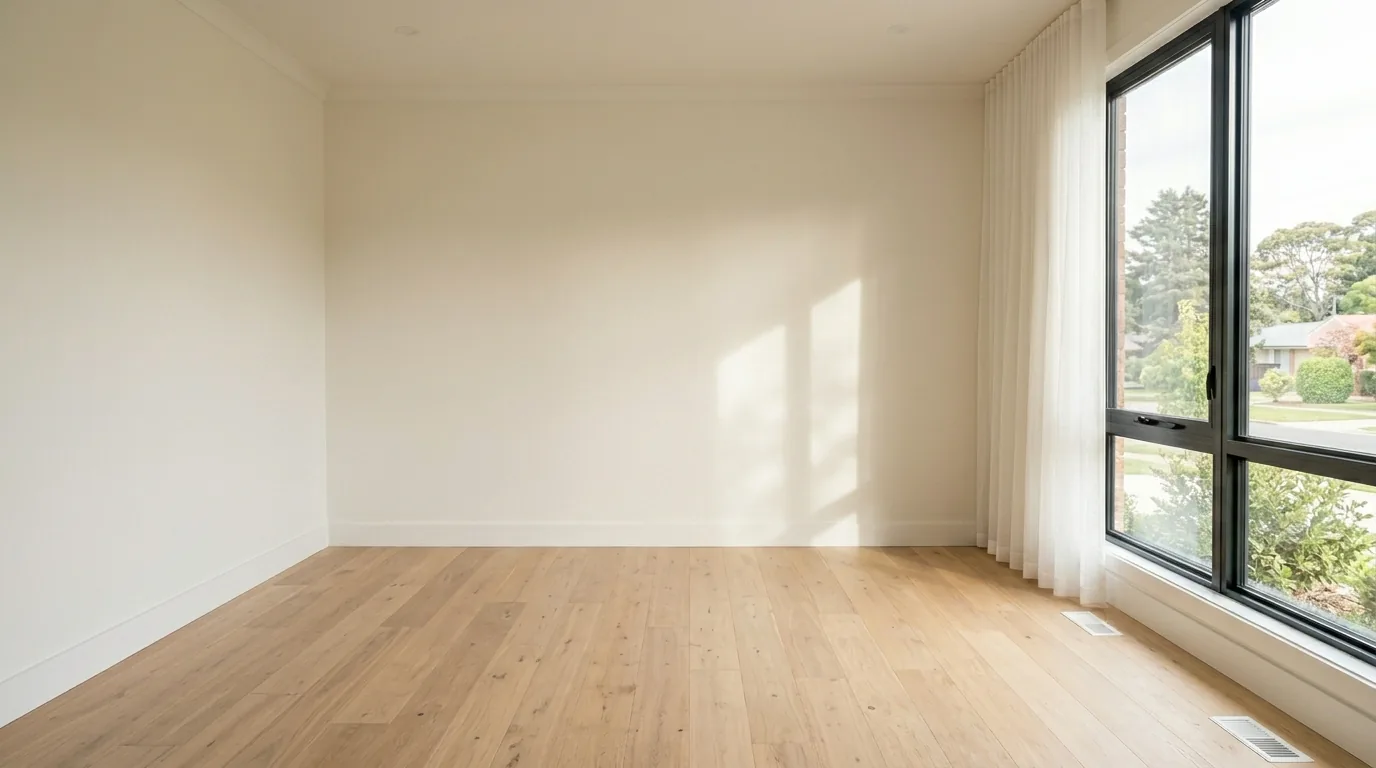
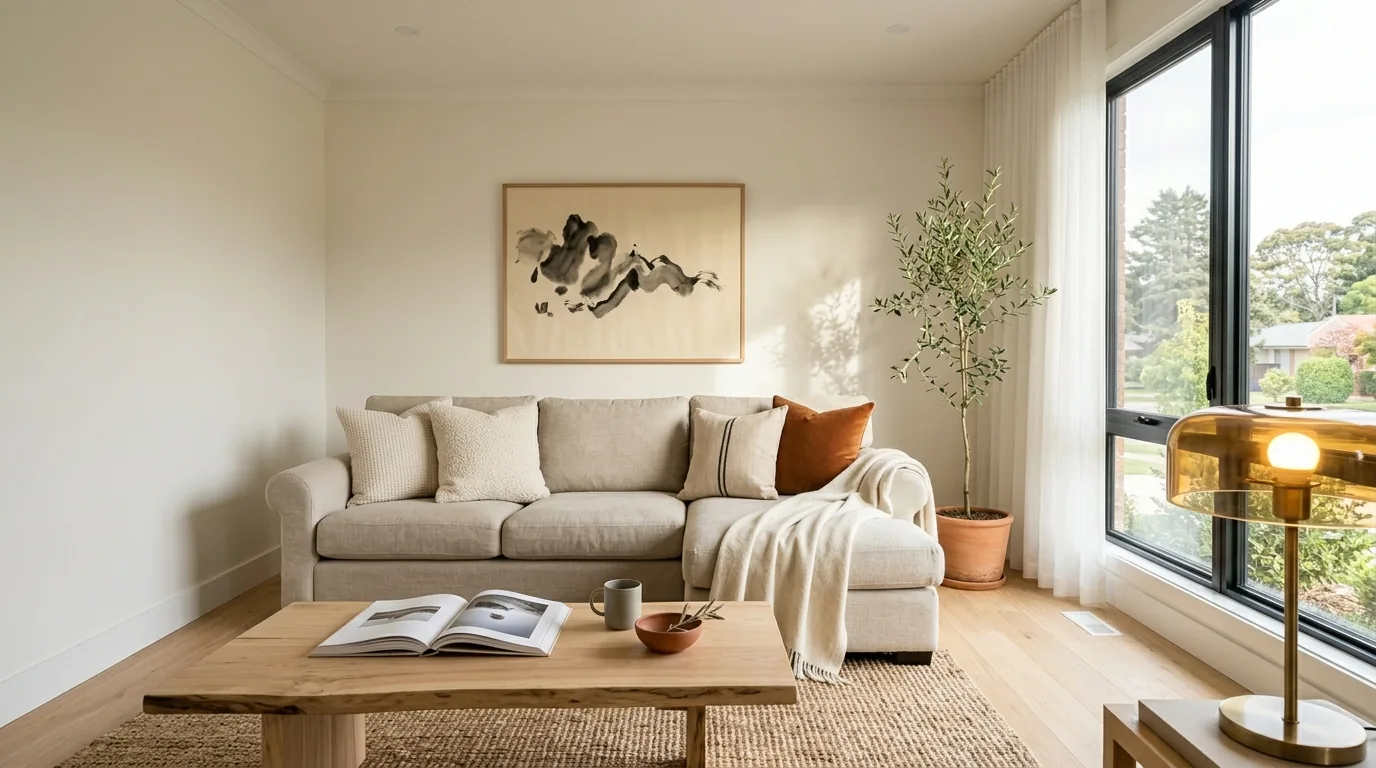
Turn one property into staged photos, videos & reels
Pixly creates AI virtual staging, day-to-night, construction reveals and cinematic property videos — in minutes.
BeforeAfter