Drone Video Property Line Editor
Upload drone footage, draw the parcel boundary, run queued GPU CoTracker auto-tracking, correct the result with editable keyframes, style the overlay, and export the finished video in your browser.
Drop a drone video here
or click to browse - MP4, MOV, M4V or WebM
Upload a drone video to start drawing keyframes.
- empty
Add a line for a road or path, an area for a parcel. Each layer keeps its own style, label and timing.
Manual keyframes are your correction anchors. Drag a corner or press the ◆ button to save one at the playhead; click a diamond on the timeline to select it.
Click a keyframe (diamond) on the timeline to track from it
Position the boundary on the first frame — it saves as a keyframe automatically. After tracking, move the playhead and adjust corners wherever the drone motion needs another correction.
Why add property lines to drone video?
Drone footage is one of the clearest ways to show land, acreage, and development sites, but buyers still need to understand where the parcel begins and ends. Automated tracking gets the boundary moving with the footage, while editable keyframes and styling controls let you correct, refine, and present the outline clearly.
Frequently asked questions
Free Image & Video Tools by Pixly
Turn property footage into polished listing media
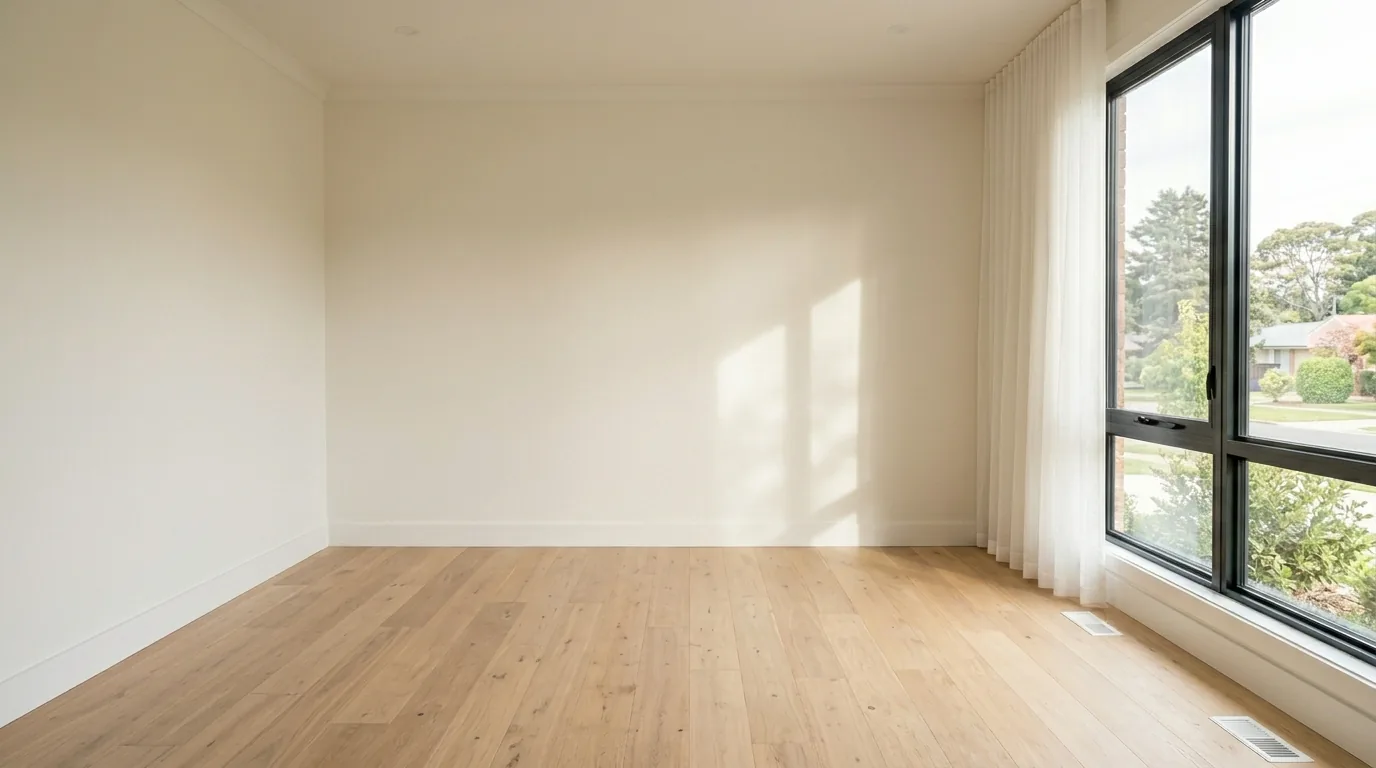
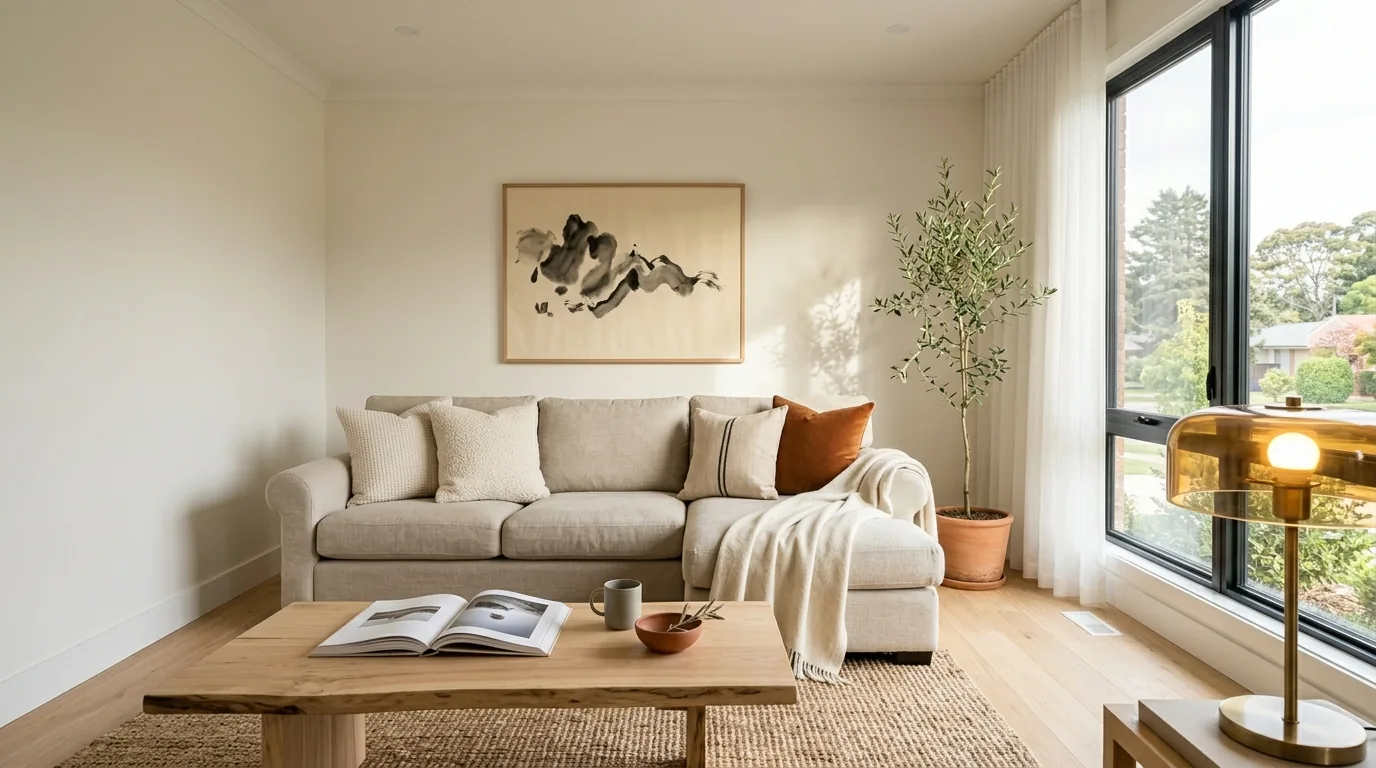
Pixly creates AI virtual staging, day-to-night, construction reveals and cinematic property videos - in minutes.
 BeforeAfter