Remove furniture from a photo with AI — leave an empty room
Take every movable piece out of a furnished listing photo: sofas, beds, rugs, art, plants. The floor and walls behind them are rebuilt, and the camera angle stays. It can also take out the fitted kitchen, wardrobes and bathroom — or leave them — so one tool covers both a staging reset and a renovation shot. This is not Declutter; that tool keeps the furniture.
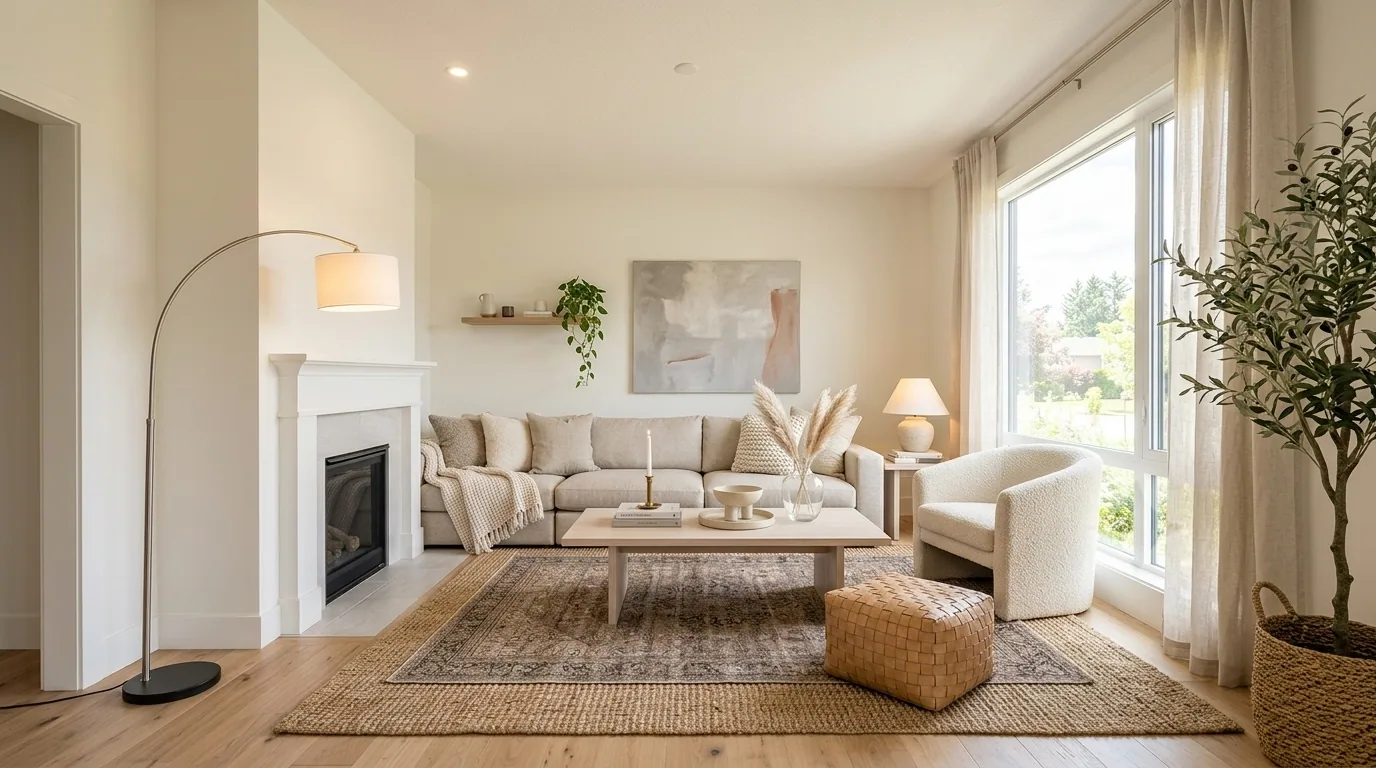
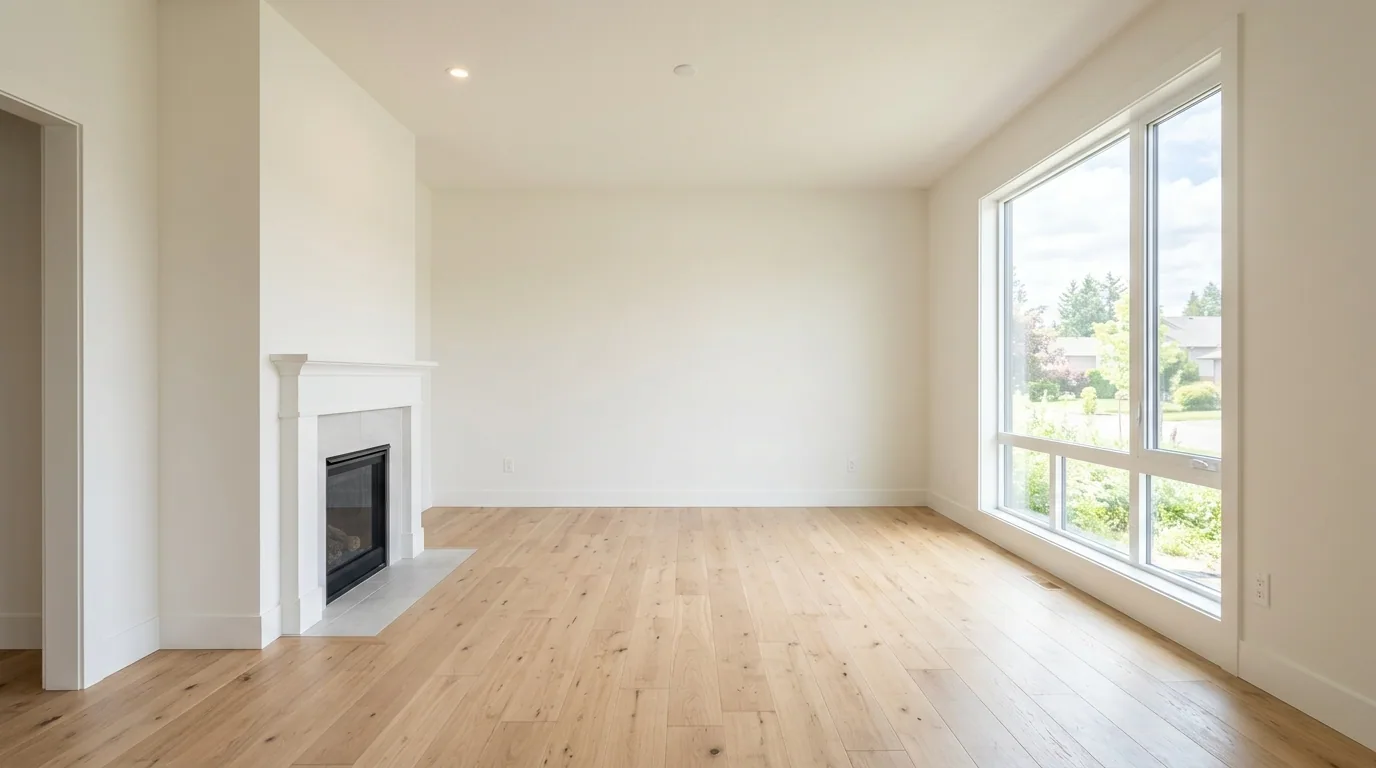 FurnishedEmpty
A vacant room — the canvas you restage from
Everything movable goes
Furniture, rugs, curtains, art, plants, TVs, clutter. If it is not architecture, it leaves.
Floor and walls rebuilt
No furniture footprints, no picture outlines. The original floor and paint continue through where the sofa was.
The room, unchanged
Camera angle, windows, structural openings, walls and ceiling stay. We empty the photo; we do not redesign it.
Not Declutter
Declutter keeps the sofa and clears the mess. Remove Furniture leaves an empty room — the starting point for Stage or a Staging reveal reel.
Four taps. One credit.
- 01
Upload a furnished photo
Occupied interiors work best. Exteriors with patio furniture work too.
- 02
Pick Remove Furniture
Same photo tool as Stage and Declutter. No prompt to write — the mode is the instruction.
- 03
Generate the empty room
One credit, a few seconds. Check the result before you Stage — especially anything seen through a doorway or window.
- 04
Then stage or reveal
Furnish the still with Stage, or turn the empty-to-staged pair into a Staging reveal video.
Which photos work best
Works best
- Occupied rooms you want to stage from scratch.
- Wide shots where the floor and walls show around the furniture.
- Patios and terraces with outdoor furniture work too.
Avoid
- Rooms whose furniture is worth showing. Use Declutter to clear only the mess.
- Rooms where the fitted kitchen or wardrobes should stay, unless you pick “Movable furniture” first. By default they are removed too.
Stays the same
Walls, windows, doors and the camera angle always stay. The floor stays unless you tick it.
Furnished to vacant, architecture locked
Drag each slider. The room stays the room — only the furniture leaves.
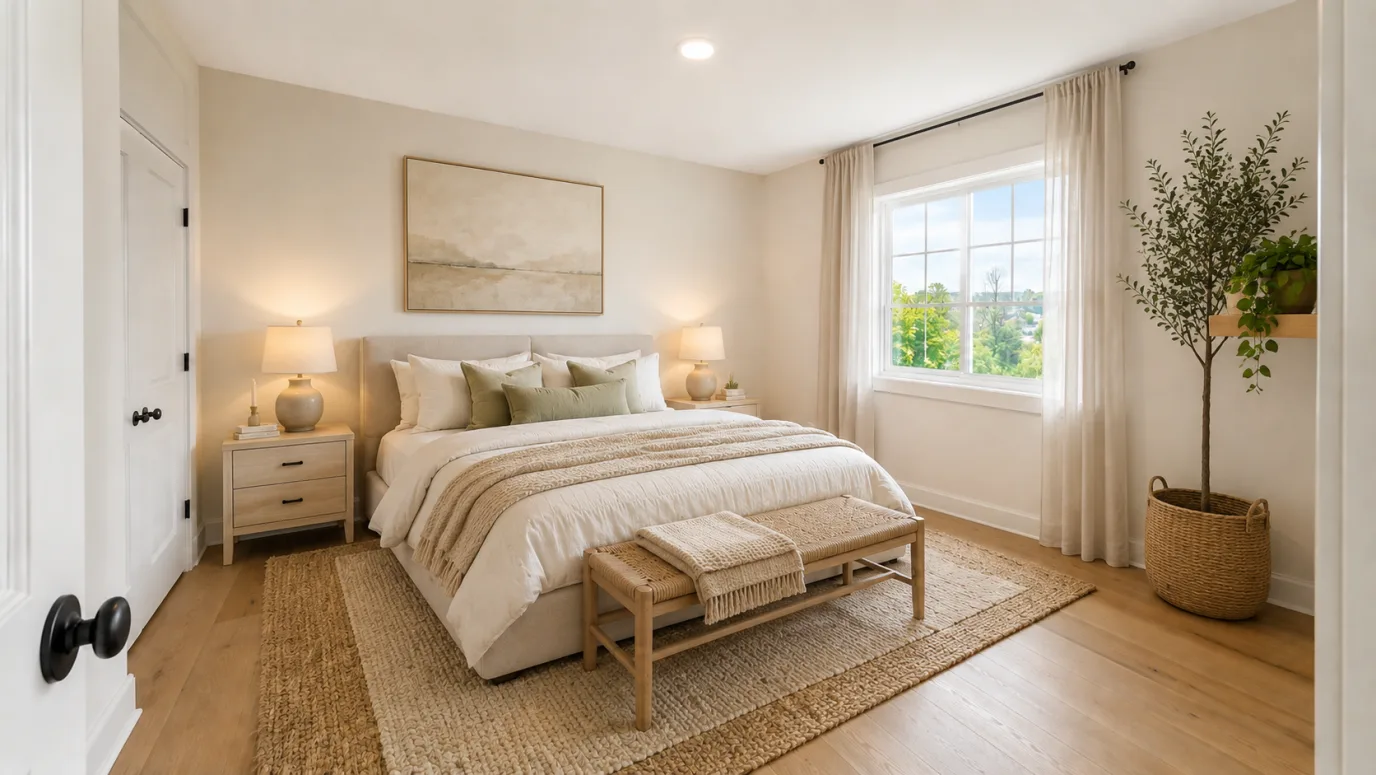
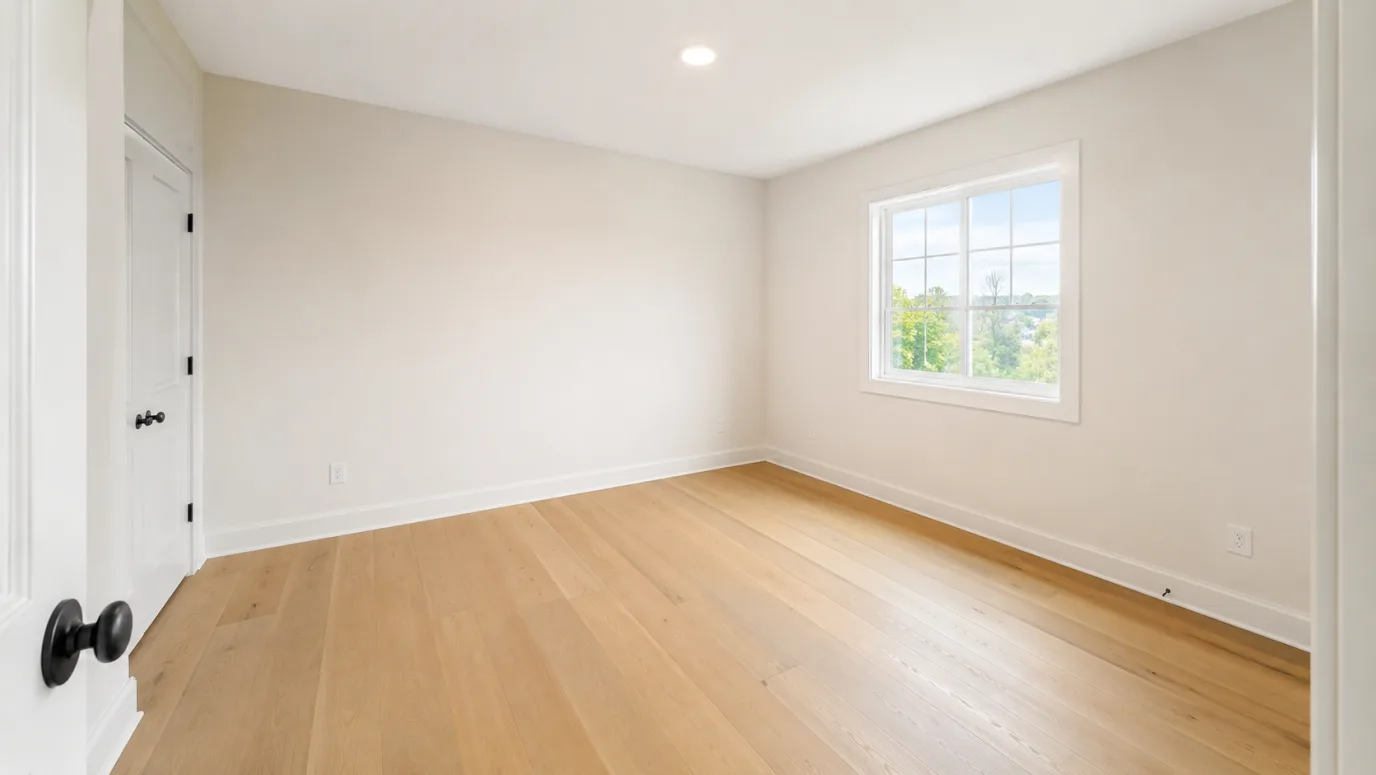 FurnishedEmpty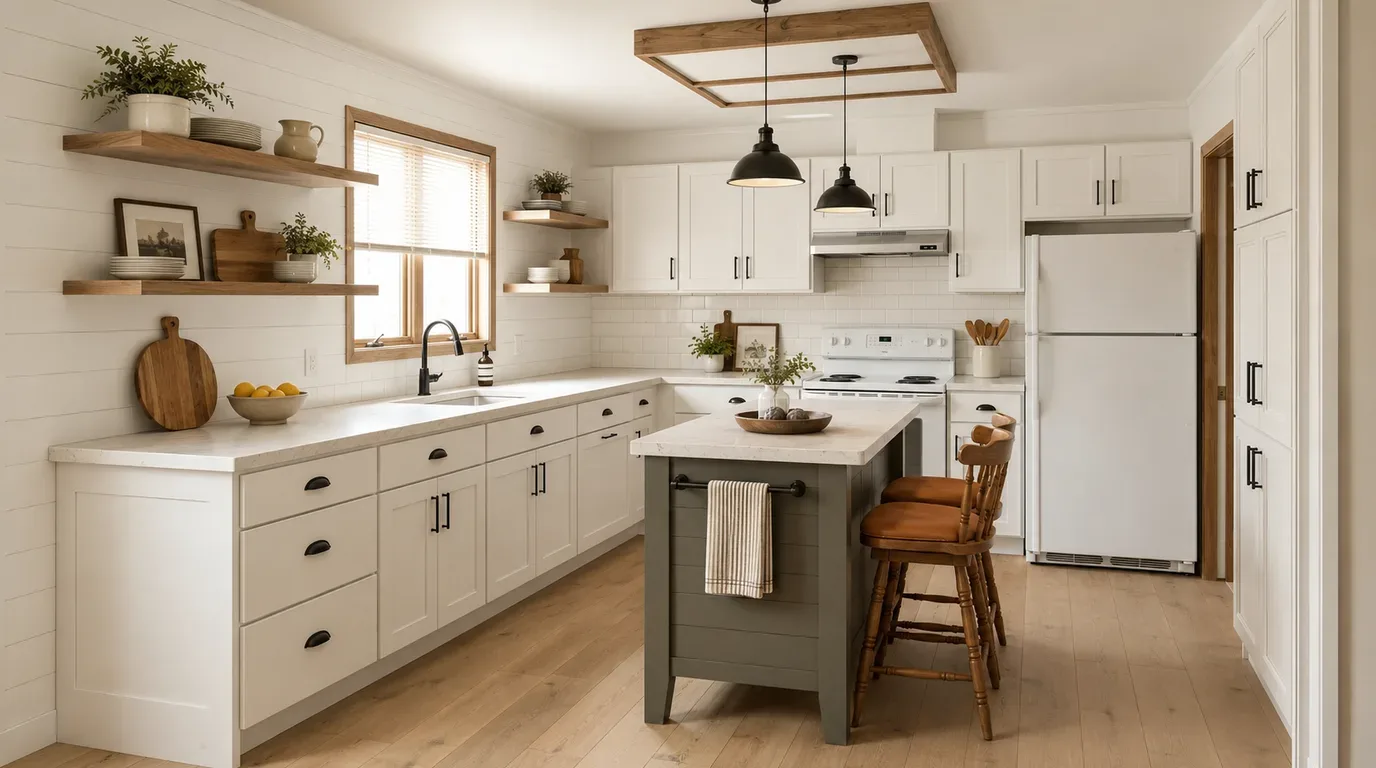
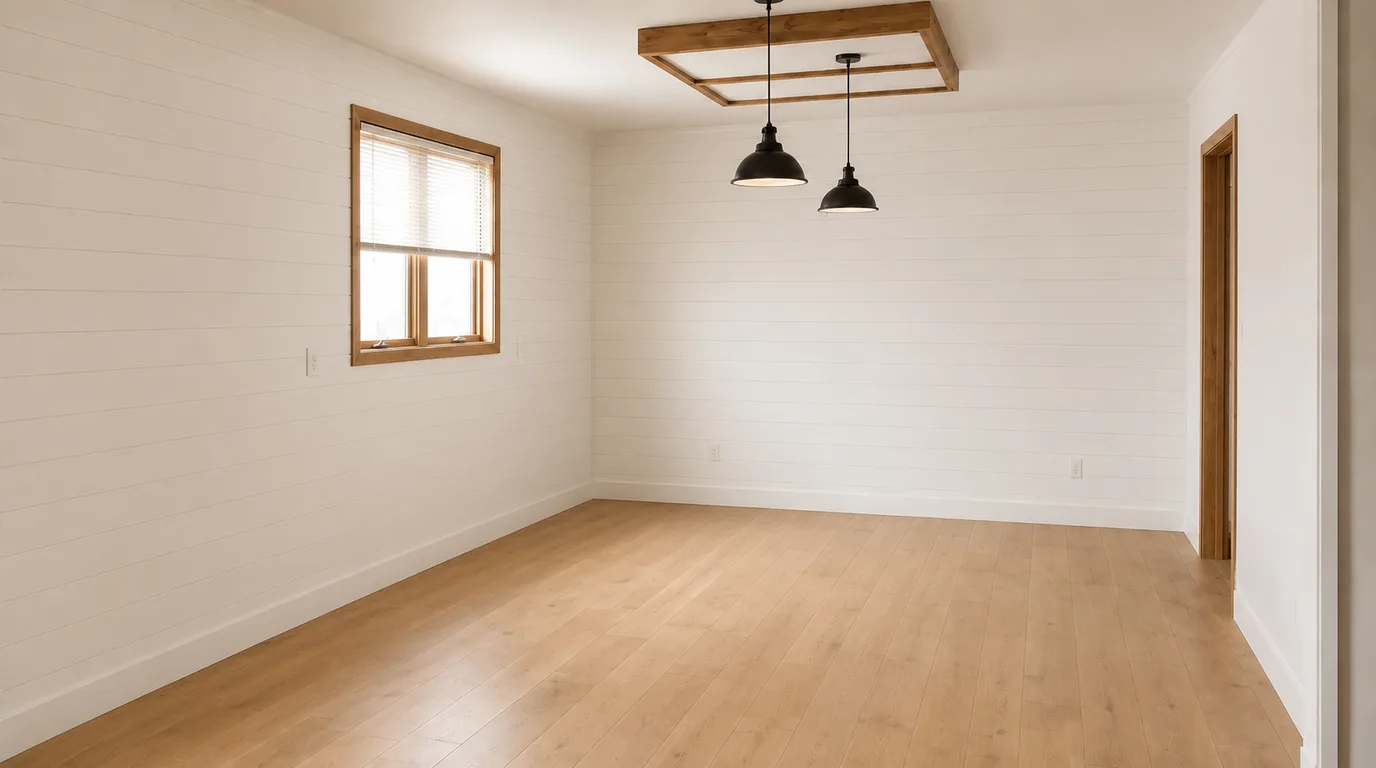 FurnishedEmpty
Remove furniture FAQ
Related listing tools
You now have an empty room. Keep the furniture instead, furnish it, or turn the empty-to-staged pair into a reel.
Empty the room, then restage it
Upload a furnished listing photo. Get a vacant still in seconds — then Stage it or cut the reveal reel.