Video
Drone video from one photo
Make a drone video of this house.
One photo · ready in a few minutes
 +

Now in ChatGPT
Attach a listing photo and ask. Pixly turns it into a drone-style video, a walkthrough or a before-and-after reel, changes just the thing you name, and stages empty rooms, without leaving the chat.
Free to add · sign in with your Pixly account · free tools included

Here's your 5-second drone orbit. It's saved in your Pixly library too.
No developer mode and no server address: Pixly is in ChatGPT's plugin directory.
Open Pixly's page in ChatGPT and add it.
ChatGPT asks you to sign in to your Pixly account, or create one, and approve the connection. You do this once.
Say what you want in your own words. Pixly makes it and the result appears in the chat.
 Add Pixly to ChatGPT
Using Claude, Cursor or another AI app? Set Pixly up there →
Copy a prompt, attach your photo in ChatGPT and send it. Every result here is a real Pixly result.
Make a drone video of this house.
Turn these room photos into a walkthrough video, in this order.
Make a before-and-after video from these two photos.
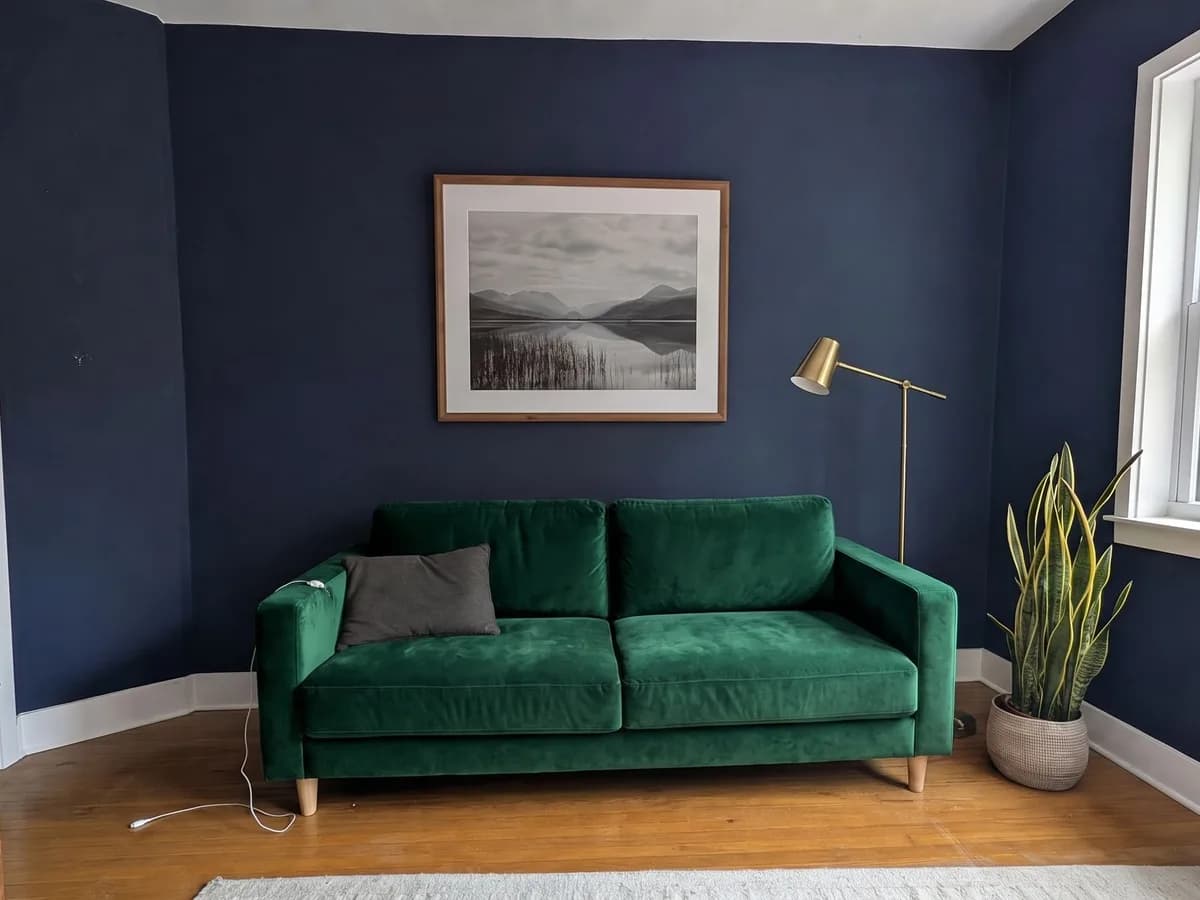 Photo edit
Make the sofa dark green velvet and keep everything else the same.
 Photo edit
Stage this empty living room in Scandinavian style.
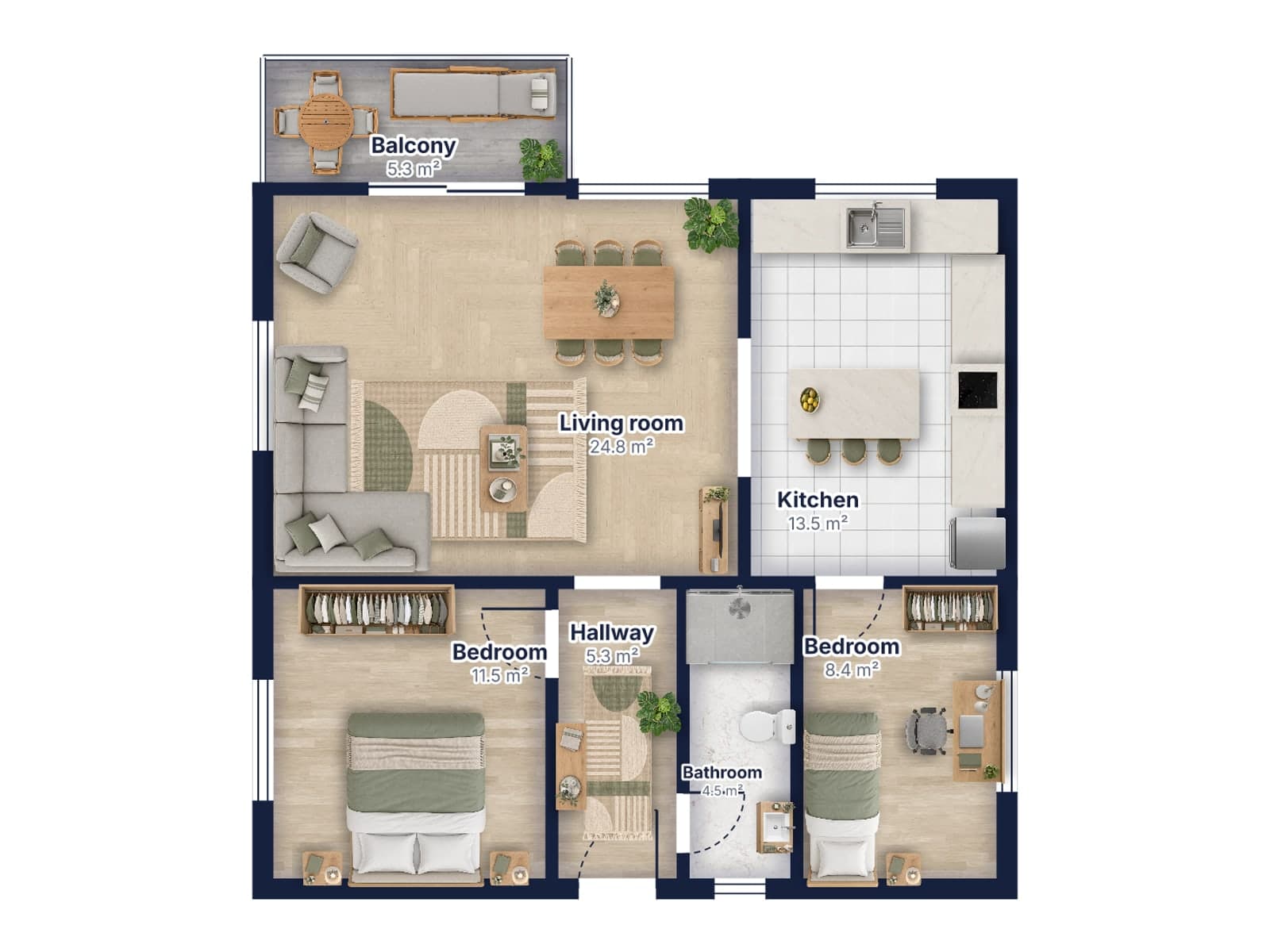 Free
Draw a floor plan: two bedrooms, a bathroom, a hallway, an open kitchen and living room, and a balcony.
Rather click than type? Open Pixly Studio in ChatGPT: your library as pictures, every tool with visual options, and the price on the button before you run anything.
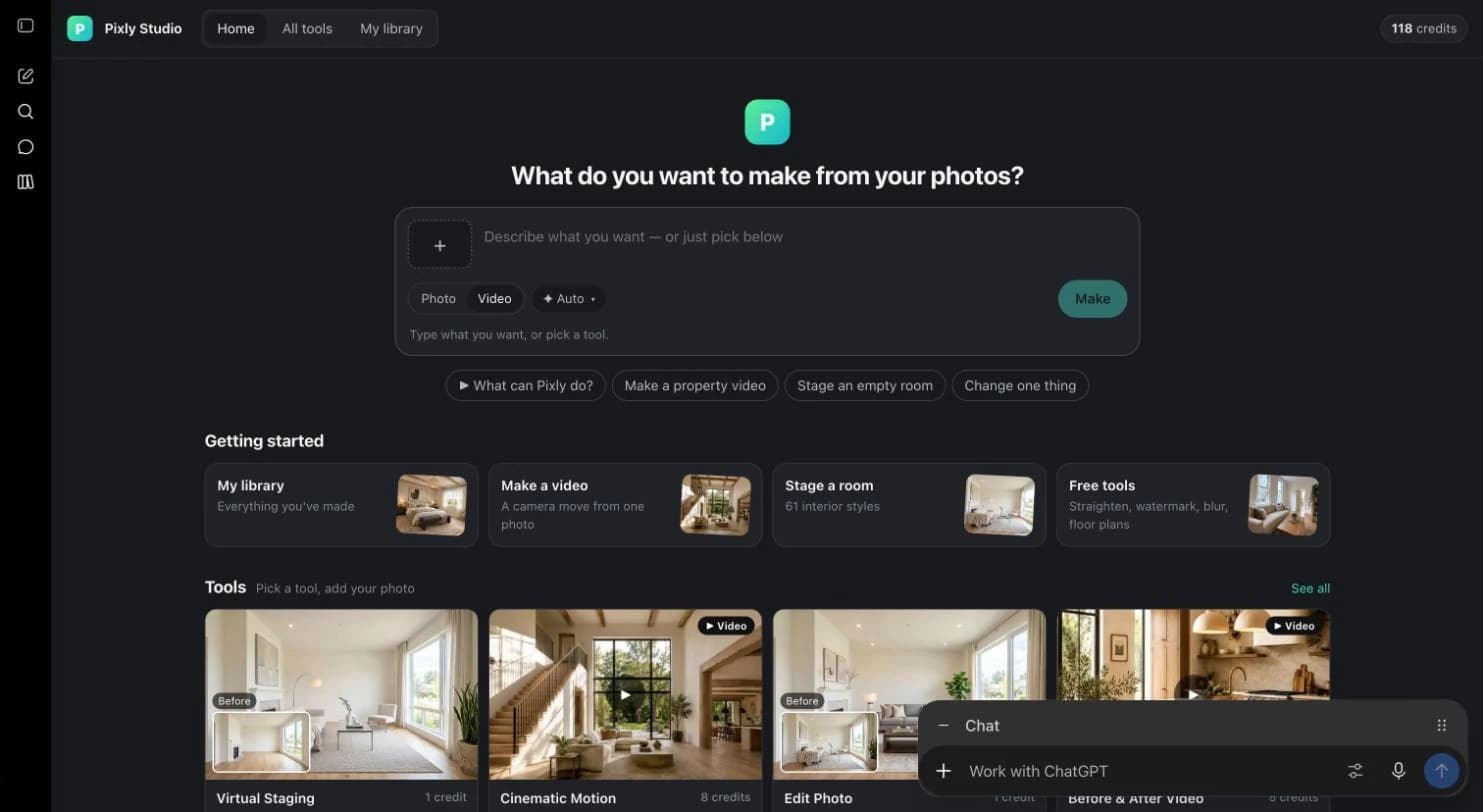
Start from a photo, choose a camera move or a style, and run it. Every move and all 61 interior styles are shown as pictures.
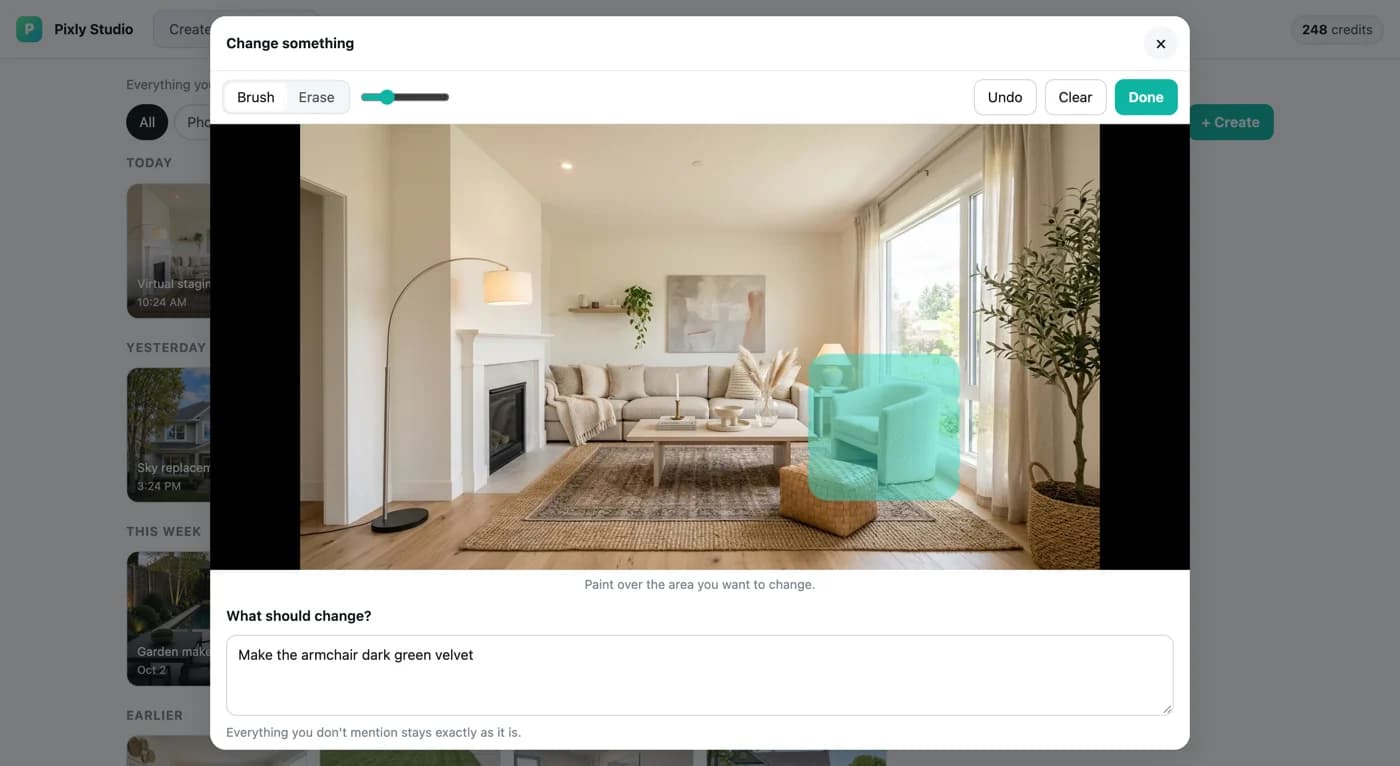
Paint over the area, say what it should become, and everything else stays exactly as it is.
Paid tools show their price first. Nothing runs and nothing is charged until you confirm.
The same Pixly account and credits on the web, on iPhone and Android, and in ChatGPT.
Results are saved to your Pixly library, ready to download or use for the next step.
Add it once, then just ask. The free tools work straight away, no credits needed.