Staging reveal video — watch an empty room furnish itself
The listing still is Virtual staging. This page is the reel: an empty space filling with furniture in one smooth shot. Same 60+ styles. Video from 5 credits. It does not replace the photo, and it is not Cinematic motion (that is a camera move on one still).
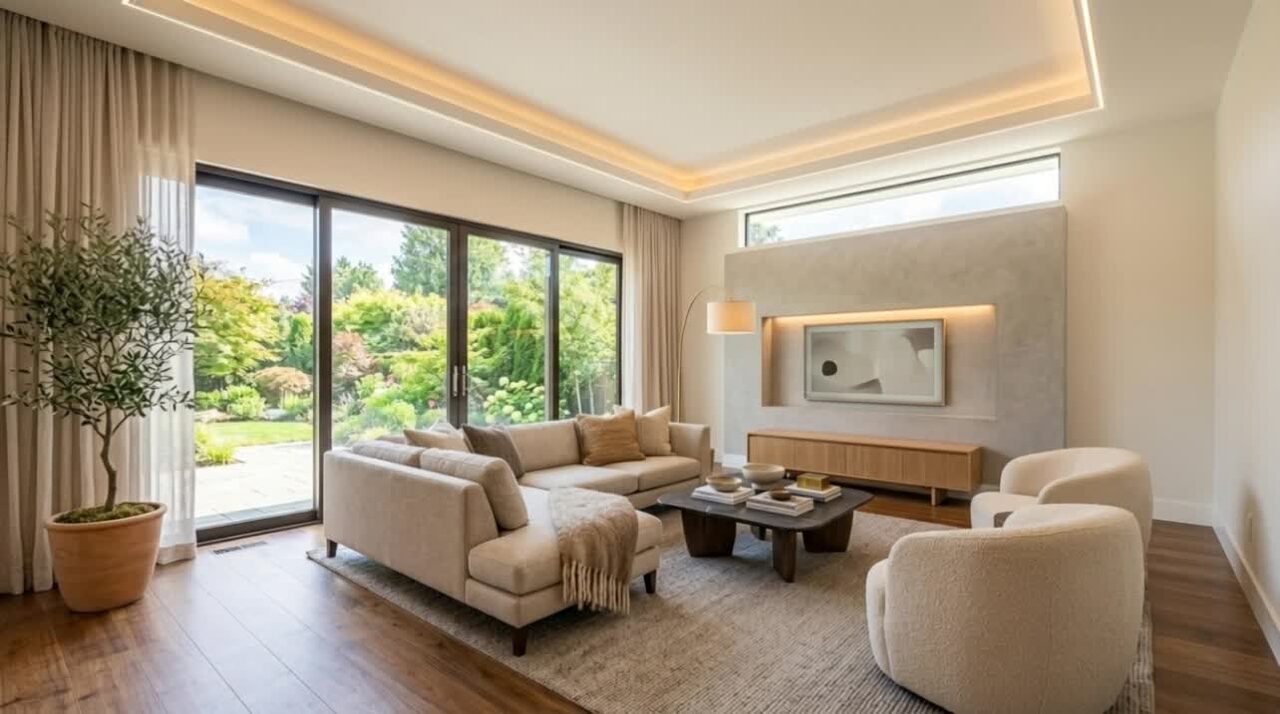
The transformation, playing out — not another staged still
Empty to furnished, on camera
Furniture settles into an empty room in a few seconds. Buyers watch the space become a home. That is the clip people share.
The same styles as Stage
60+ interiors. You pick the look on the still path, then play it as a reveal. The photo lives on Virtual staging; the reel lives here.
Architecture locked
Walls, windows, floor and camera angle stay. Only furniture appears. Same honesty rule as the still.
Built for Reels and TikTok
A vertical listing video. Not Cinematic motion (one photo, camera travels). Not the free Photo to Video Ken Burns crop.
Four taps. The room comes to life.
- 01
Start from an empty photo
An empty listing, or run Remove Furniture first on an occupied shot.
- 02
Pick Staging reveal
On the video hub, not the photo tool. Choose a style — the same catalog as Stage.
- 03
Generate the reel
Video credits, any paid plan. The empty room furnishes itself.
- 04
Post the clip, keep the still
The photo for the MLS is Virtual staging. This reel is the story of that transformation.
Which photos work best
Works best
- Empty rooms, or occupied ones after Remove Furniture.
- Wide shots with plenty of floor, so the furniture has room to arrive.
- Bright rooms in daylight. The reveal keeps the light of the photo.
Avoid
- Rooms that are already furnished. The reveal needs an empty start.
- Close-ups of one corner, where only a chair or two can fit.
Stays the same
Walls, windows, floor and the camera angle stay. Only furniture appears.
Staging reveal FAQ
Related listing tools
The reel is the story. The still, the empty canvas and the camera move sit next to it.
The empty room, coming to life
Upload a vacant listing photo. Get the reveal reel — then keep the staged still for the gallery.