Cinematic camera motion from one listing photo
Pick a named camera move — push in, orbit, fly-through, crane, drone — and a still turns into a short clip with real depth. The furniture does not rearrange. This is not a Ken Burns crop, and it is not the free Photo to Video tool.
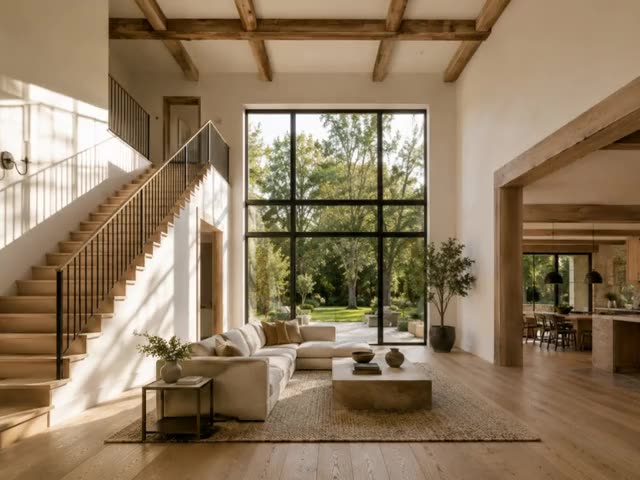
A camera move — not a pan-and-zoom on a flat photo
13 named moves
Push in, pull back, orbit, pan, fly-through, crane, drone orbit, aerial, handheld and more. You pick the move. You do not write a prompt.
Real depth
The model infers the room. The camera travels through it. A Ken Burns crop only slides across the same flat pixels.
The scene stays put
Furniture, architecture and the window view do not restage themselves. Motion only. Staging reveal and day-to-night video are the transformation tools.
Any listing photo
No before-and-after pair required. The photos you already shot are enough — interiors, exteriors, even a render.
Four taps. One camera move.
- 01
Upload a still
A listing photo, a staged still, a dusk exterior. One frame is the whole input.
- 02
Pick Cinematic motion
Same video hub as Staging reveal. Then choose one of the 13 named moves.
- 03
Generate the clip
Video credits, a short wait. Preview the move before you post it.
- 04
Export for Reels and TikTok
A vertical listing clip with depth — not a slideshow, and not the free Photo to Video Ken Burns tool.
Which photos work best
Works best
- Wide shots with depth: a room seen from the doorway, a garden with the house behind it.
- Sharp, well-lit photos. Run Enhance first on a dull one.
- Interiors, exteriors and 3D renders all work.
Avoid
- Tight close-ups and flat walls, with no space for the camera to travel.
- Collages, screenshots or photos with borders. The camera needs one continuous scene.
Stays the same
Furniture, architecture and the view stay put. Only the camera moves.
One photo, every camera move
Not a slideshow zoom — real camera motion with depth, generated from a single still. The same room below, filmed six ways.
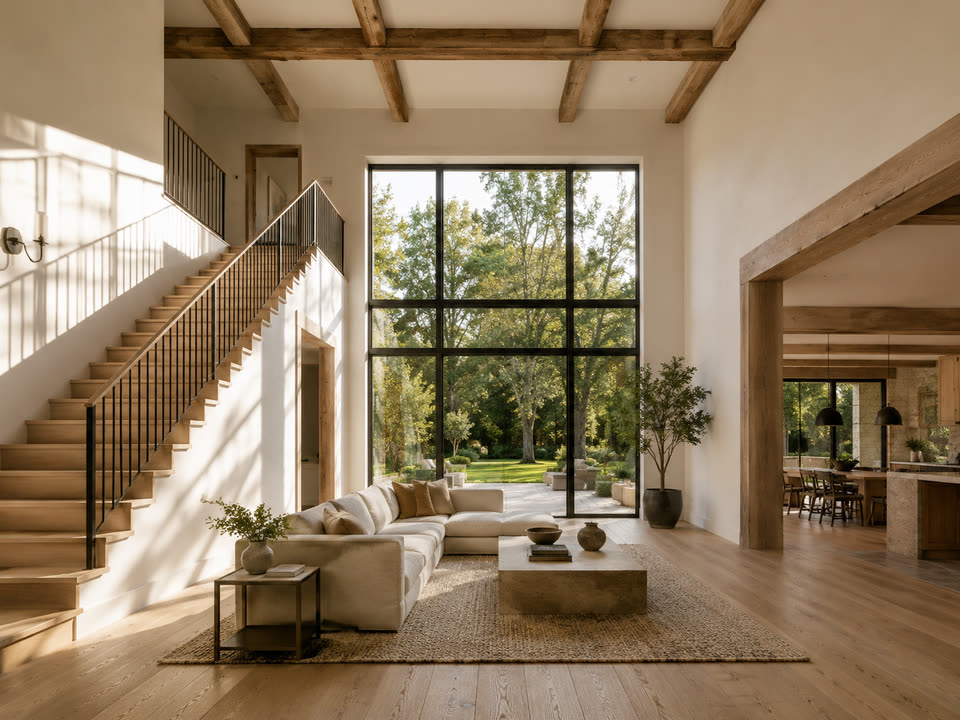
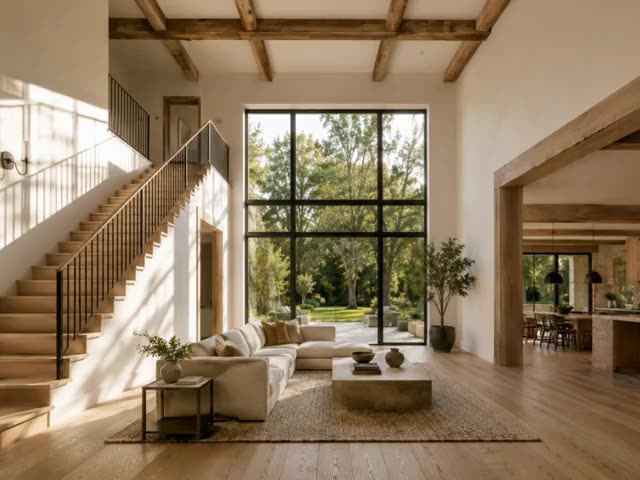
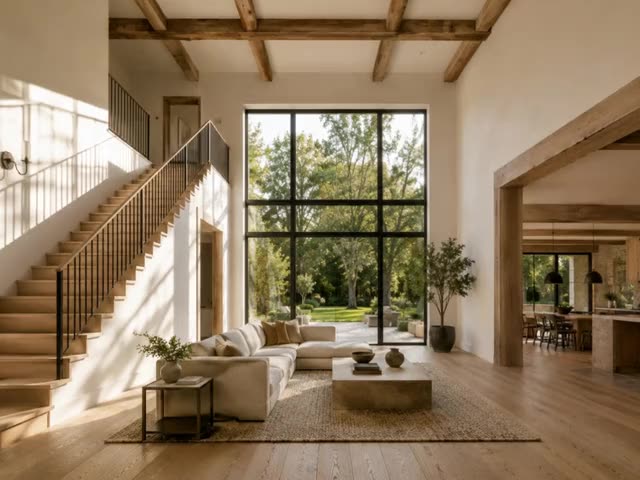
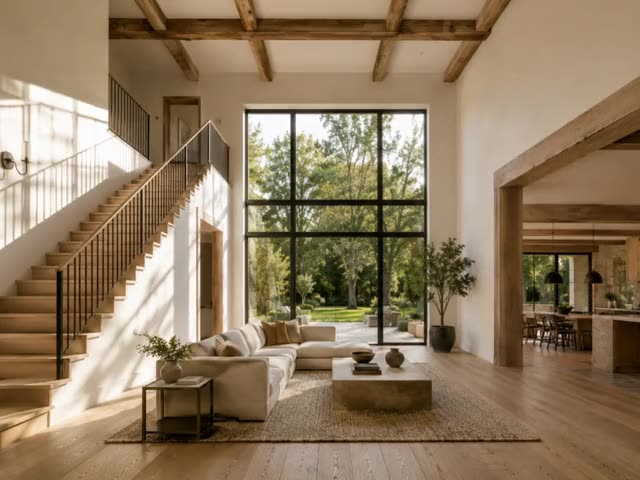
Six of the thirteen moves. Drone and exterior shots are in the app too.
Cinematic motion FAQ
Related listing tools
Motion is one shot. Reveal the staging, relight the still, or grade the photo before you animate it.
Turn the cover photo into the cover reel
Upload any listing still. Pick a camera move. Get a clip with depth — not a Ken Burns crop.