Text Behind Image — Free & Private
Upload a photo and the subject — a house, a person, a car — is cut out right in your browser. Add as many text layers as you like, in 72 typefaces, and drop each one behind the subject or in front of it. Free PNG, JPG or WebP. Nothing uploaded, no watermark, no signup.
Drop a photo here
or click to browse — JPG, PNG, WebP or HEIC. Works best with a clear subject and some open background.
Upload a photo to start — the subject is detected automatically.
Text layers
Text
File type
Clip length
Free for personal and commercial use. Everything runs on your device.
100% private — runs in your browser
The subject cutout, the text and the final image are all created on your own device — the photo is never uploaded. The first use downloads a small AI model (about 5 MB, cached afterwards); nothing else leaves your browser.
One exception: on a paid plan the tool also sends your photo to Pixly's servers for the sharper HD cutout, then deletes it within minutes.
Why put text behind the subject?
Text tucked behind a person, a house or a car reads as depth — the eye sees layers instead of a caption slapped on top. It's the look behind viral thumbnails and Instagram covers, and it works just as well for real-estate posts: a big JUST LISTED or SOLD half-hidden behind the house feels designed, not stamped.
Frequently asked questions
Free Image & Video Tools by Pixly
Turn one property into staged photos, videos & reels
Pixly creates AI virtual staging, day-to-night, construction reveals and cinematic property videos — in minutes.
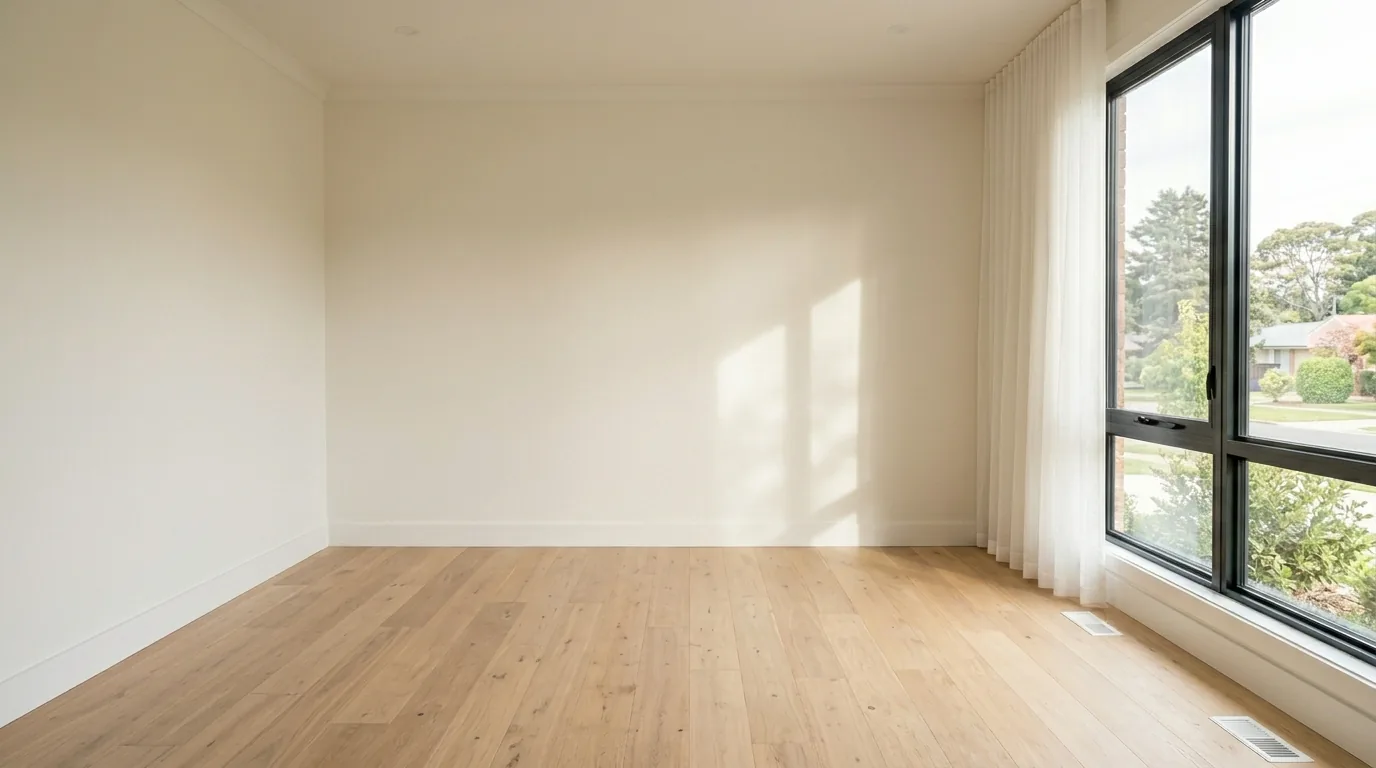
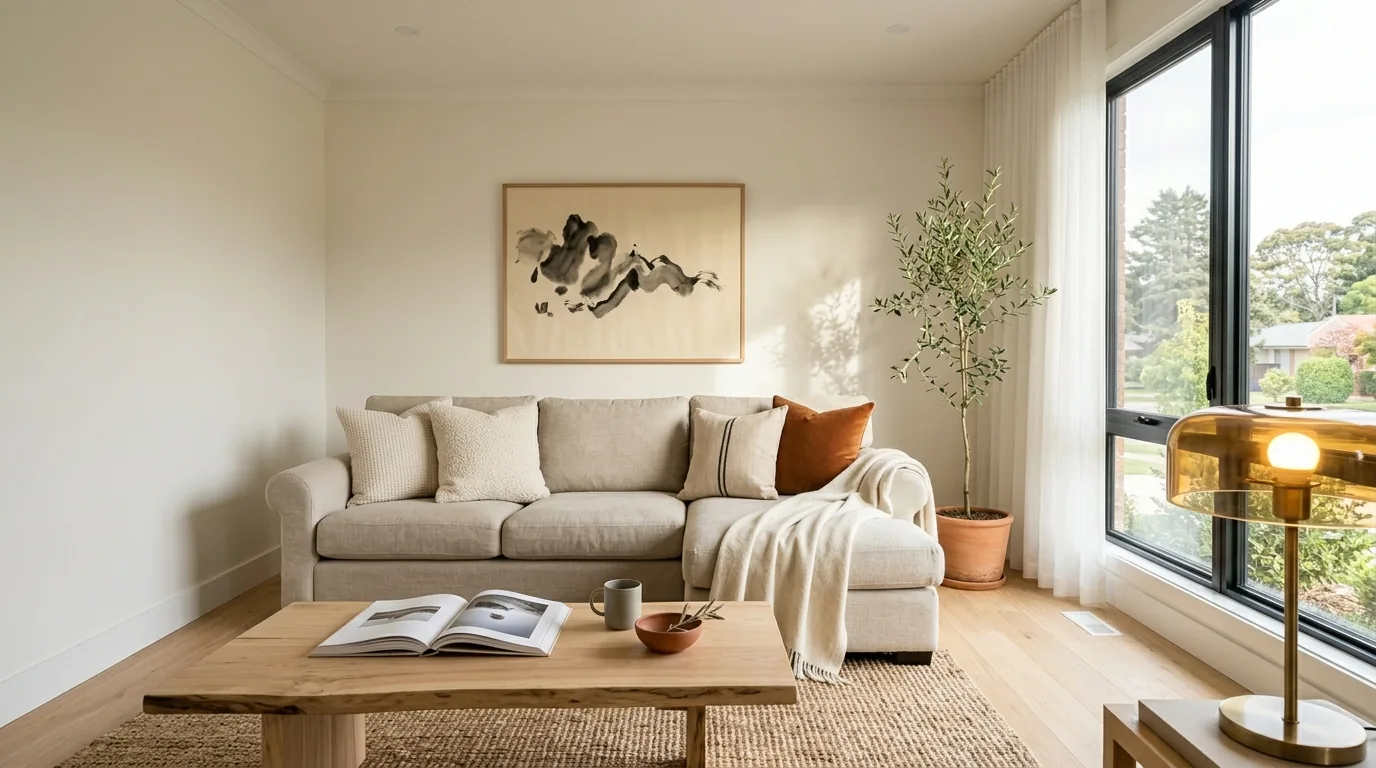 BeforeAfter