How-to guides

How to make a real estate video from photos

Open Flythrough in Pixly, add your room photos in the order you would walk through the home, and click Generate clip between each two rooms. Each clip is a 3-second camera move from one room to the next for 5 credits; joining the clips into one walkthrough video is free.

How to make a real estate video from photos in Pixly

These are the real Flythrough screens. Click a step to jump to it.

  • 5 steps
  • About 15 minutes
  • 5 credits per clip
5 steps

The five steps

  1. 01

    Open Flythrough

    In Pixly, go to Video AI and pick Flythrough. It turns room photos into one continuous camera move through the home.

  2. 02

    Add your room photos in walking order

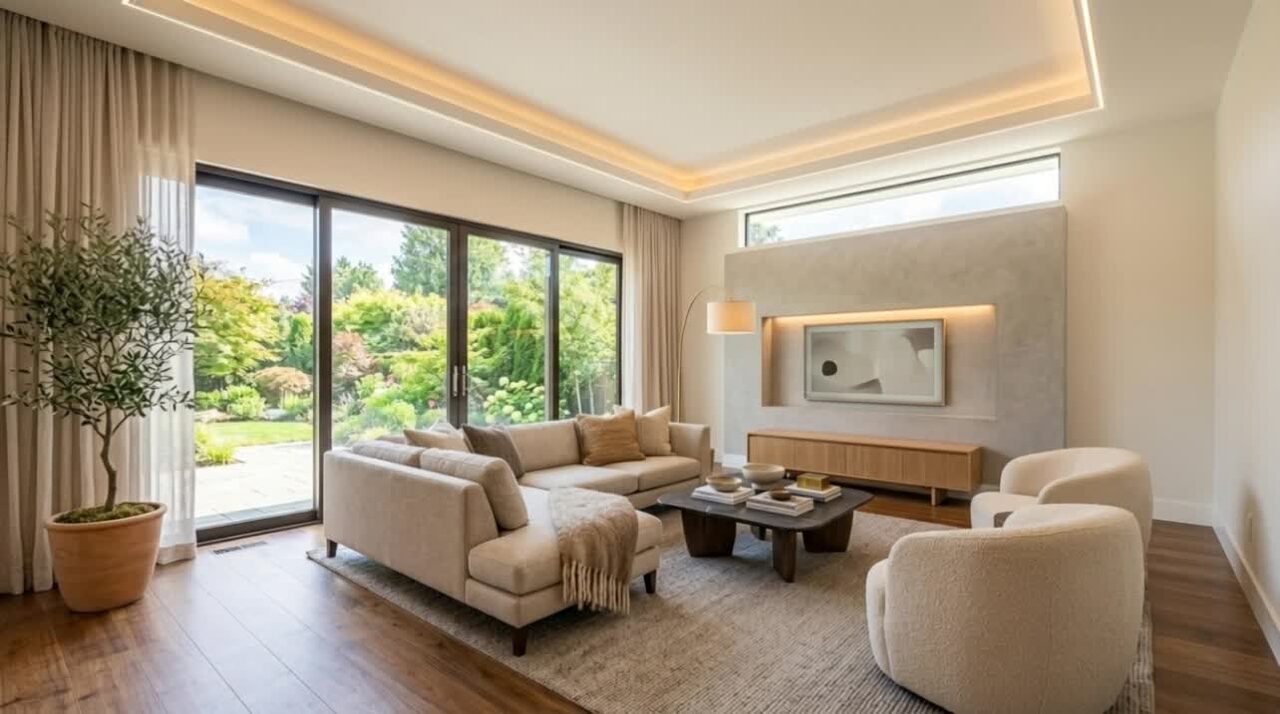
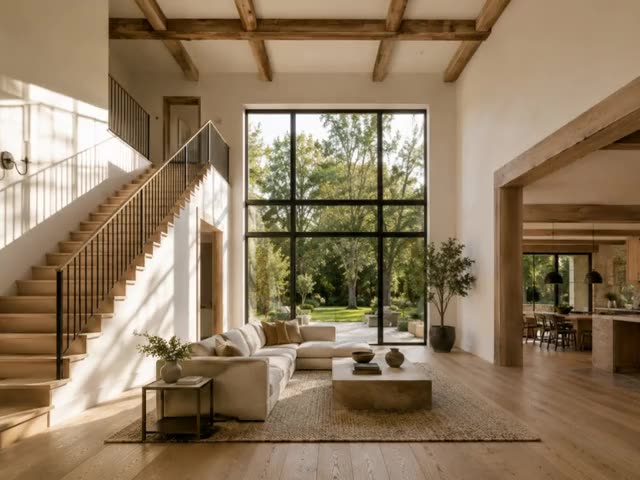
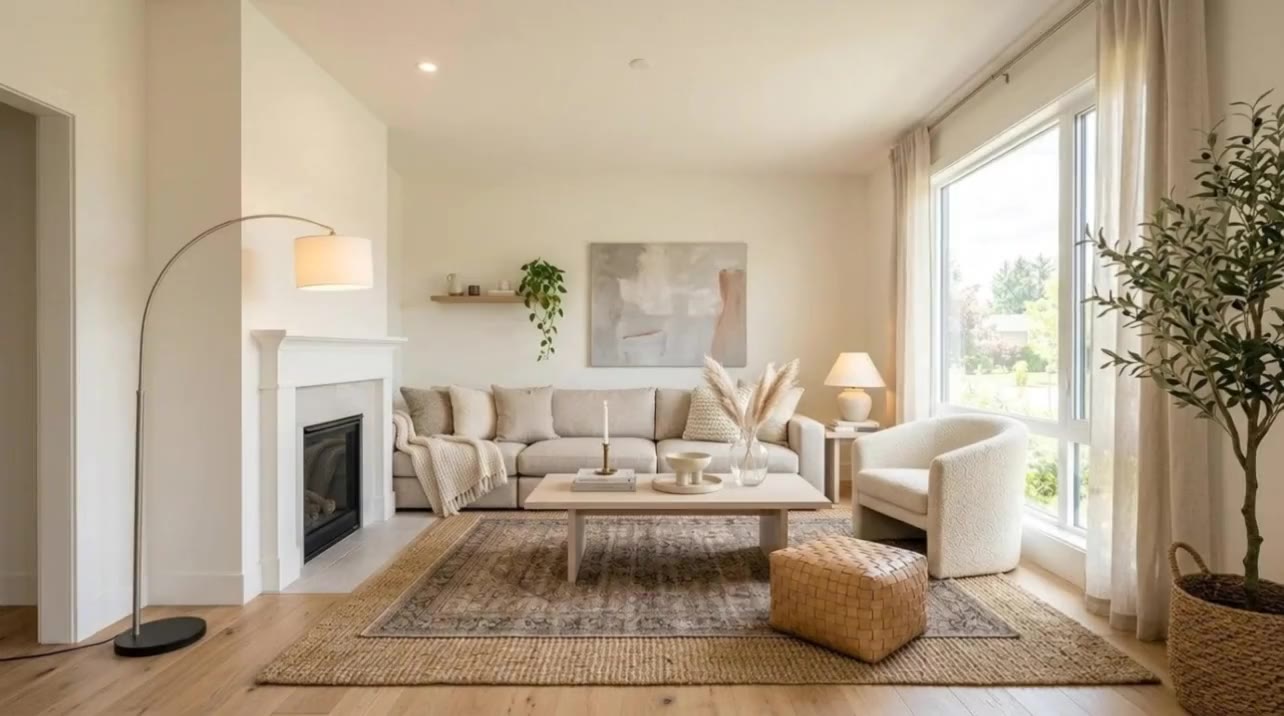
    Drop them in all at once or one room at a time, up to 12. Put them in the order you would walk: hall, living room, kitchen… Drag a room to move it.

  3. 03

    Generate the clip between each two rooms

    Click Generate clip in the gap between two rooms. The clip flies the camera from one photo to the next; it costs 5 credits and takes 1–2 minutes. Not happy with a take? Generate another and pick the one the film uses.

  4. 04

    Add the way back from dead ends (optional)

    A bathroom or closet you can only leave the way you came in? Click Add way back · free under its clip: the same clip plays backwards. Nothing to generate.

  5. 05

    Stitch the film and download it

    Click Stitch clips together · free. Pixly joins the clips into one MP4 and saves it in your Library. Download it for the listing, your website or social posts.

How-to guides

The steps on one page

Save it, print it or send it to your team.

The Flythrough steps in Pixly, with screenshots of each

Photos that work best

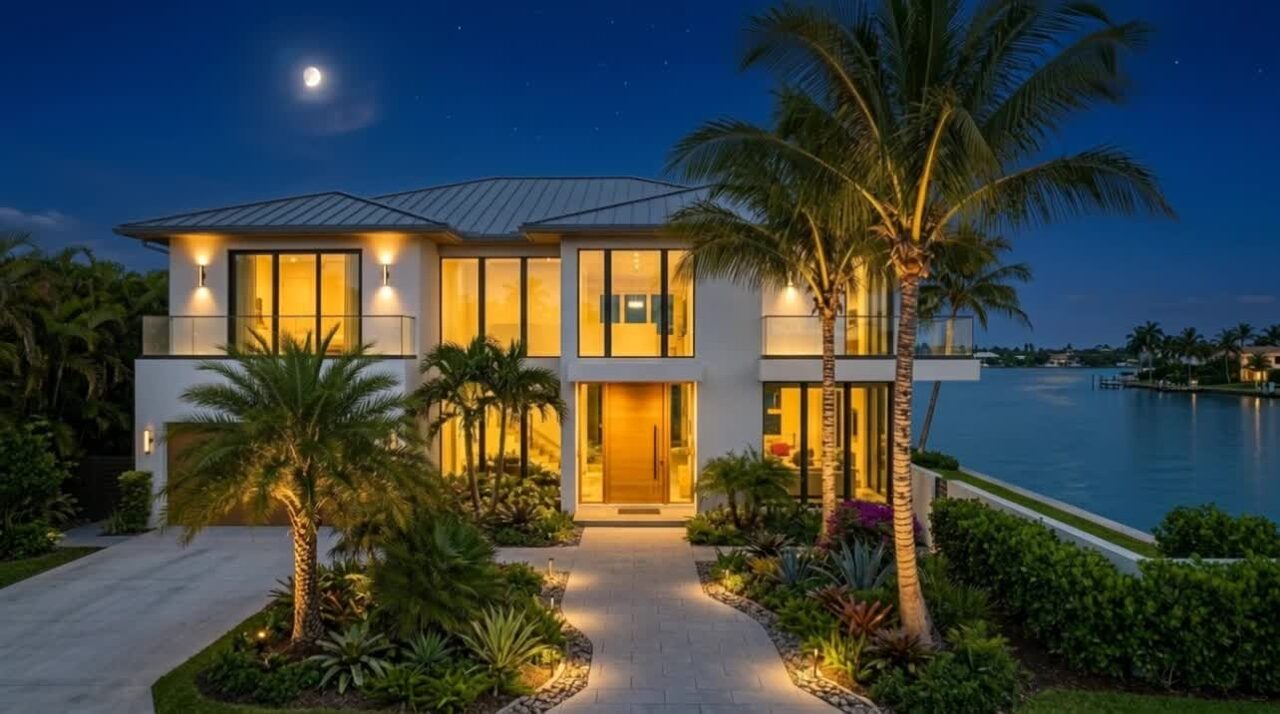
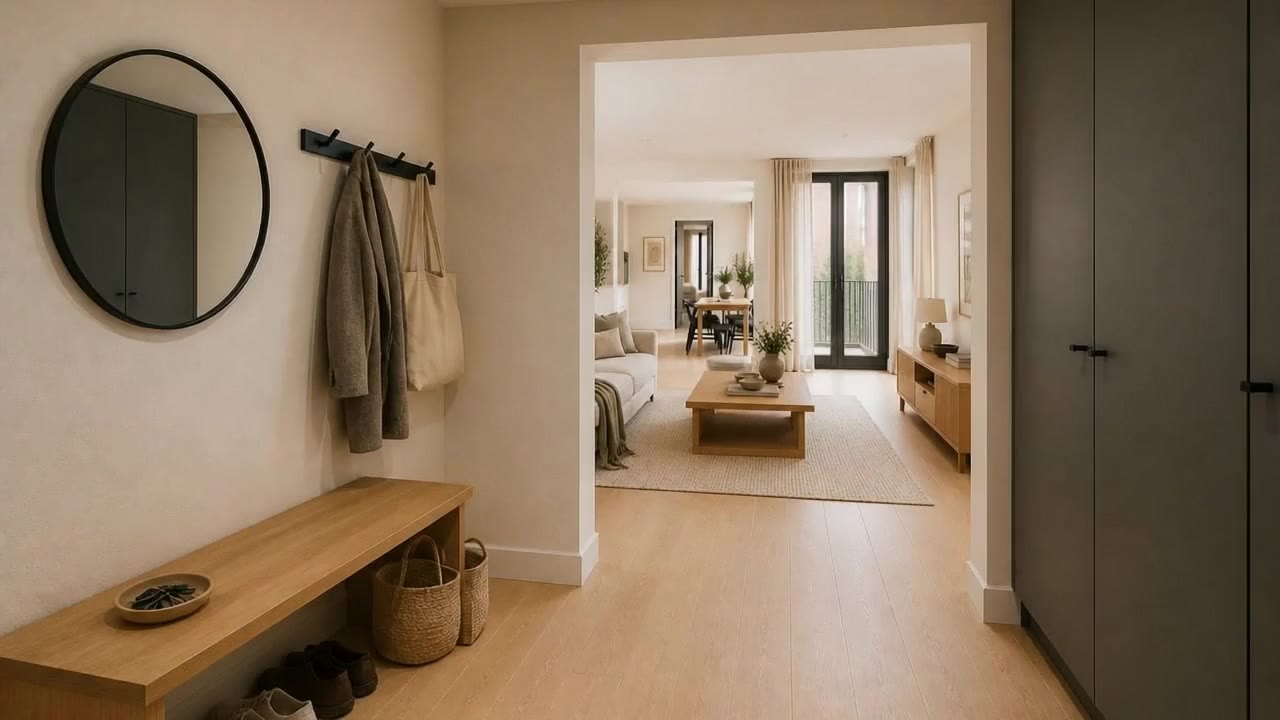
  • Each photo shows the doorway into the next room — the camera flies through it.
  • Shot standing in doorways at the same height, in the order you would walk.
  • All the same shape, ideally landscape: photos of another shape are cropped to the film's.
  • Bright, level and sharp. The camera move keeps what the photo has.

What to avoid

  • Jumps between rooms that cannot see each other: the model cuts instead of flying.
  • Generating every gap before you have watched the first clip — check one, then do the rest.
  • Photos with people or clutter in the doorway the camera has to pass through.
FAQ

Questions people ask

Make a video of your next listing

Start with three rooms and see the first clip in a couple of minutes.