LiDAR scan
iPhone 12 Pro and newer Pro models, iPad Pro from 2020
Point the camera at the room and walk slowly. The scanner measures walls, doors and windows as you go, and the plan draws itself.
Walk through the rooms with your iPhone and get a finished floor plan. On iPhone Pro models the LiDAR scanner measures the walls, doors and windows by itself. On every other iPhone you tap the corners. Scanning is free.

 On a computer? Point your iPhone camera at the code.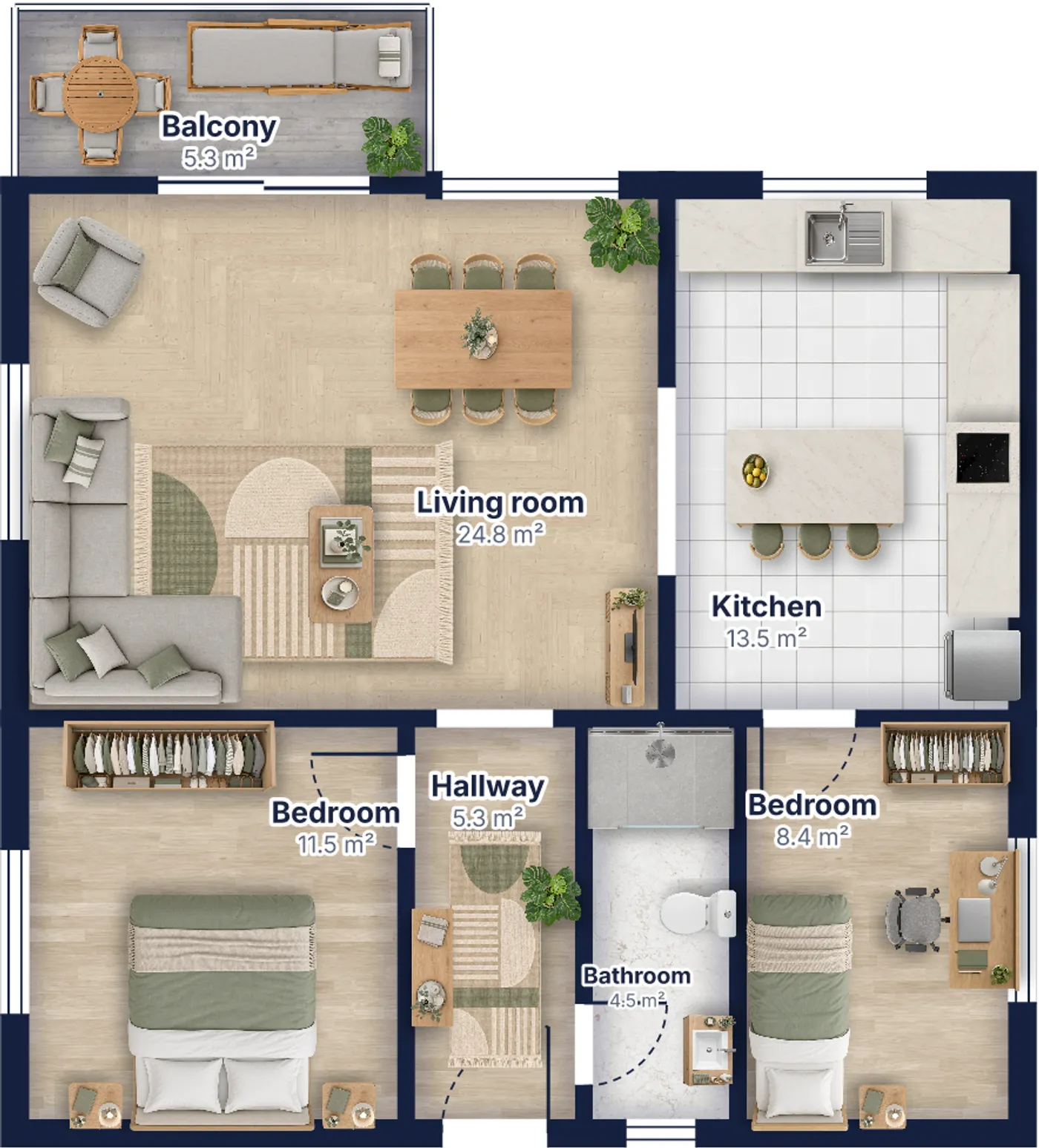
Download the free Pixly app and open Floor plan. You can scan without an account.
Scan one room after another. The app joins them into one plan, with the doors and windows in place.
Name the rooms, pick a look and share the plan as an image, or open it on pixly.app to finish it on a bigger screen.
iPhone 12 Pro and newer Pro models, iPad Pro from 2020
Point the camera at the room and walk slowly. The scanner measures walls, doors and windows as you go, and the plan draws itself.
Every other iPhone with iOS 18
Stand in the middle of the room, aim at each corner where two walls meet the floor, and tap. The app works out the walls from the corners.
The same plan in any of the app's looks, from a technical drawing to a realistic brochure style with real floors and furniture. Room names, sizes and the total area are on the sheet.
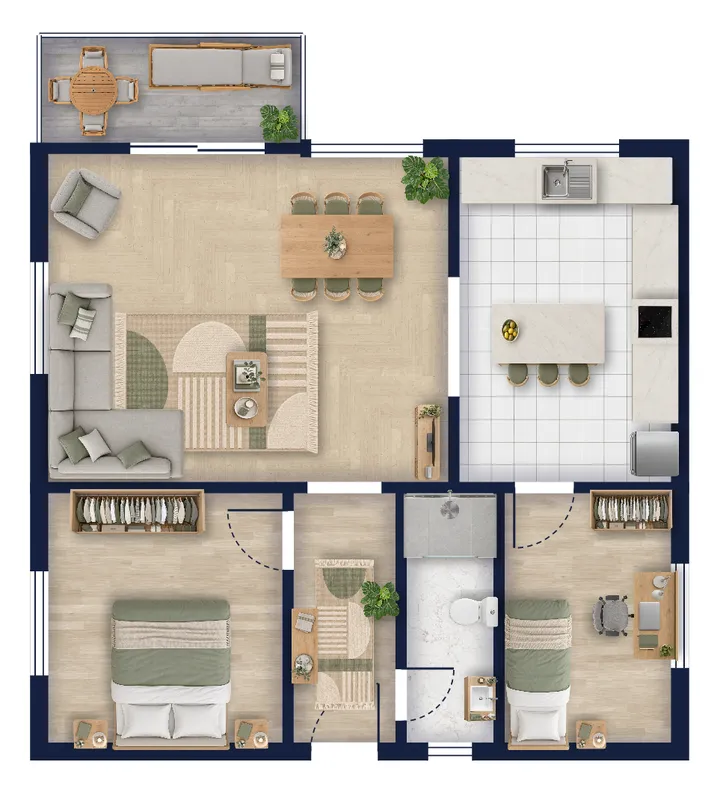
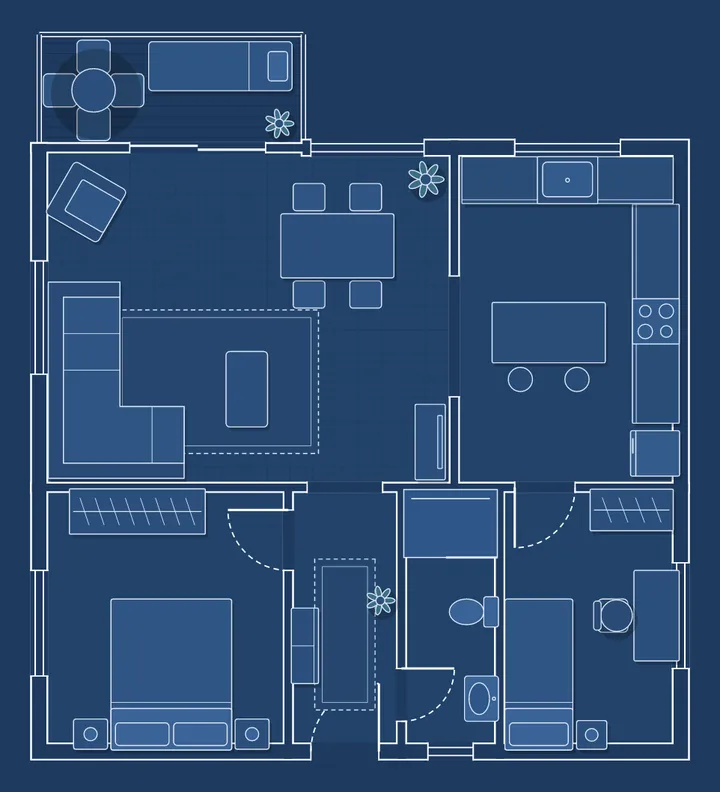
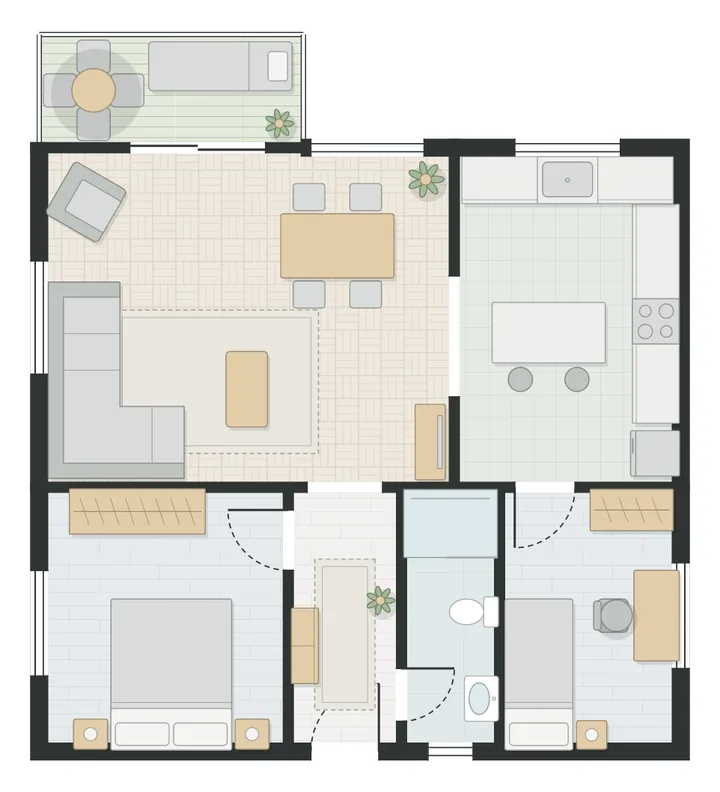
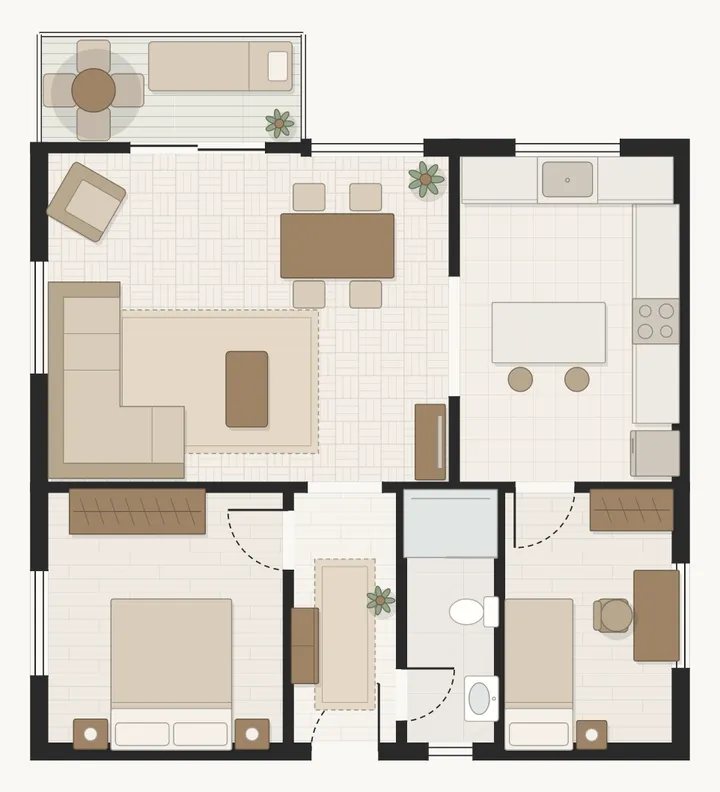
Every scanned plan opens in the free Pixly floor plan editor. Add rooms, type exact wall lengths, draw curved walls and stairs, furnish it, add the plot and garden, and download PNG, PDF or SVG.
Open the floor plan editor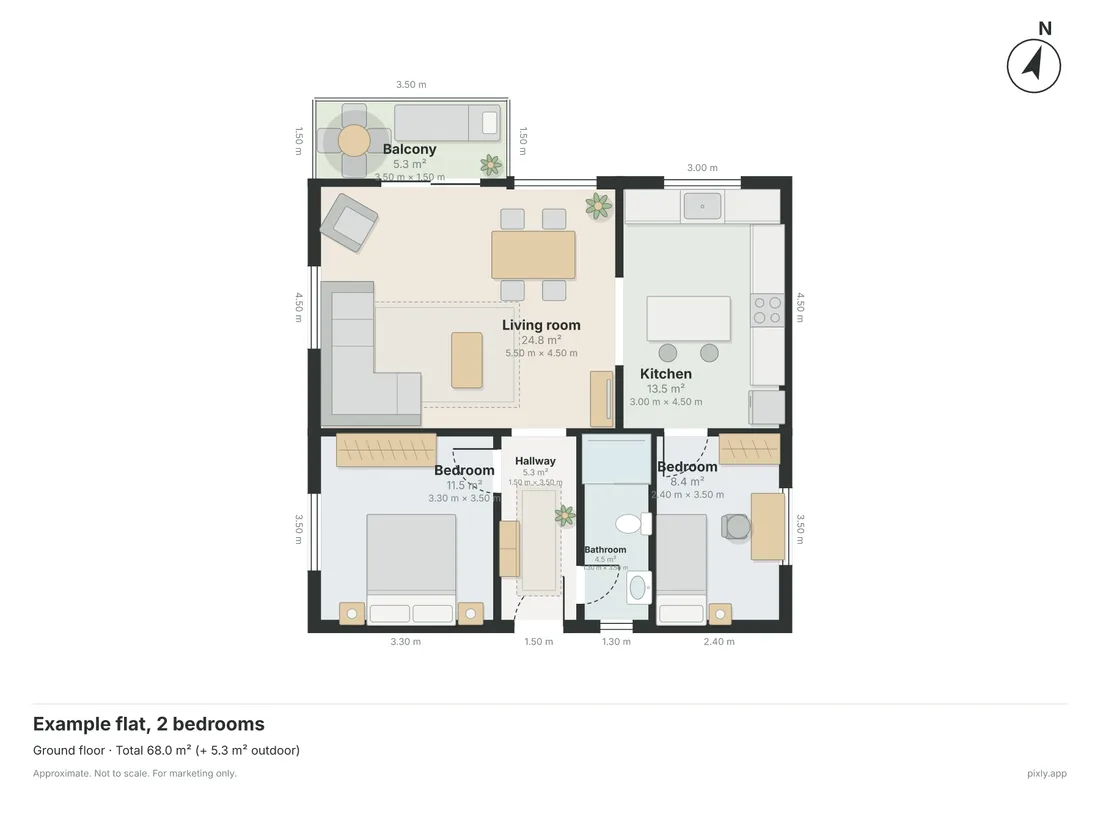
It takes a few minutes per room, and the plan is ready before you leave the property.