Editor Linee di Proprietà Video Drone
Carica le riprese del drone, disegna il confine del lotto, esegui il tracciamento automatico in coda di GPU CoTracker, correggi il risultato con keyframe modificabili, stilizza l'overlay ed esporta il video finito nel tuo browser.
Trascina un video drone qui
o clicca per sfogliare - MP4, MOV, M4V o WebM
Carica un video drone per iniziare a disegnare keyframe.
- vuoto
Aggiungi una linea per una strada o un sentiero e un'area per un lotto. Ogni livello mantiene stile, etichetta e tempi propri.
I keyframe manuali sono i tuoi ancoraggi di correzione. Trascina un angolo o premi il pulsante ◆ per salvarne uno alla posizione corrente; clicca su un diamante nella timeline per selezionarlo.
Clicca su un keyframe (rombo) sulla timeline per tracciare da esso
Posiziona il confine sul primo frame — si salva automaticamente come keyframe. Dopo il tracciamento, sposta il cursore e regola gli angoli ovunque il movimento del drone necessiti di un'altra correzione.
Perché aggiungere linee di proprietà al video del drone?
Le riprese aeree sono uno dei modi più chiari per mostrare terreni, superfici e siti di sviluppo, ma gli acquirenti devono comunque capire dove inizia e finisce il lotto. Il tracciamento automatico fa muovere il confine con le riprese, mentre le chiavi modificabili e i controlli di stile ti permettono di correggere, affinare e presentare chiaramente il contorno.
Domande frequenti
Strumenti gratuiti per immagini e video di Pixly
Trasforma le riprese di proprietà in media di listing rifiniti
Pixly crea staging virtuale AI, rivelazioni da giorno a notte, rivelazioni di costruzione e video di proprietà cinematografici - in pochi minuti.
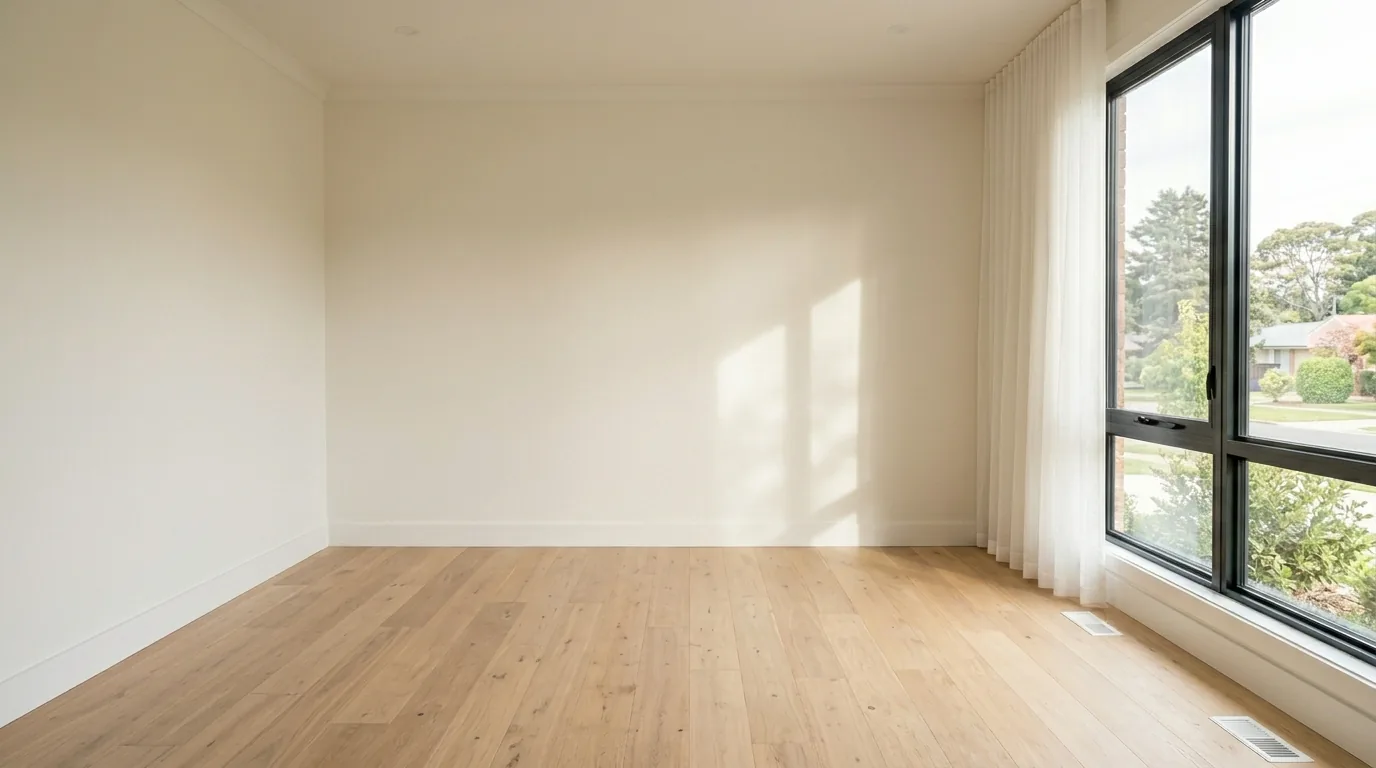
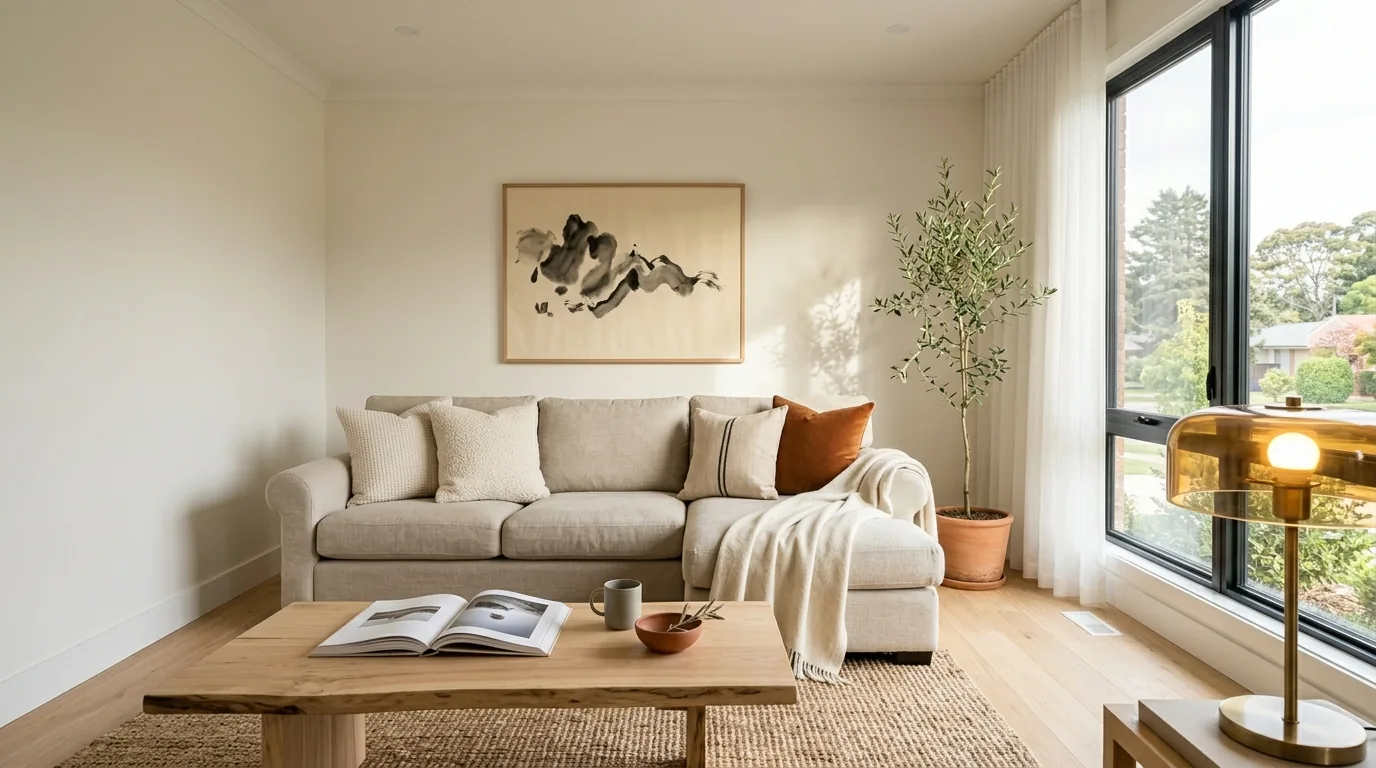 PrimaDopo