Bezplatný nástroj pro hranice pozemku a parcely
Nahrajte letecký nebo dronový snímek, obkreslete hranici pozemku, nastylujte čáry a přidejte štítek s rozlohou nebo cenou. Stáhněte si čisté PNG zdarma — nebo exportujte animované odhalení hranic do videí svých nemovitostí.
Sem přetáhněte leteckou nebo dronovou fotku
nebo klikněte a vyberte — JPG, PNG, WebP nebo HEIC
Nahrajte fotku a začněte kreslit hranici.
- prázdná
Přidejte čáru pro cestu nebo příjezd a plochu pro pozemek. Každá vrstva má vlastní styl i popisek.
Styl
100% soukromé — běží ve vašem prohlížeči
Vaše fotka při exportu PNG nikdy neopustí zařízení — kreslení i vykreslení probíhá lokálně ve vašem prohlížeči. Export animovaného videa vyžaduje účet a vykresluje se bezpečně na našich serverech.
Proč vyznačovat hranice pozemku na fotkách?
U pozemků a parcel jasná hranice okamžitě zodpoví první otázku kupujícího — co přesně kupuji? Čistý obrys na leteckém snímku dodá nemovitosti profesionální vzhled, odliší vaši parcelu od sousedních pozemků a animované odhalení zastaví scrollování na sociálních sítích i ve videích nemovitostí.
Často kladené otázky
Bezplatné nástroje pro obrázky a videa od Pixly
Proměňte jednu nemovitost v zařízené fotky, videa a reely
Pixly vytváří virtuální home staging od AI, přechody den–noc, odhalení staveb a filmová videa nemovitostí — během pár minut.
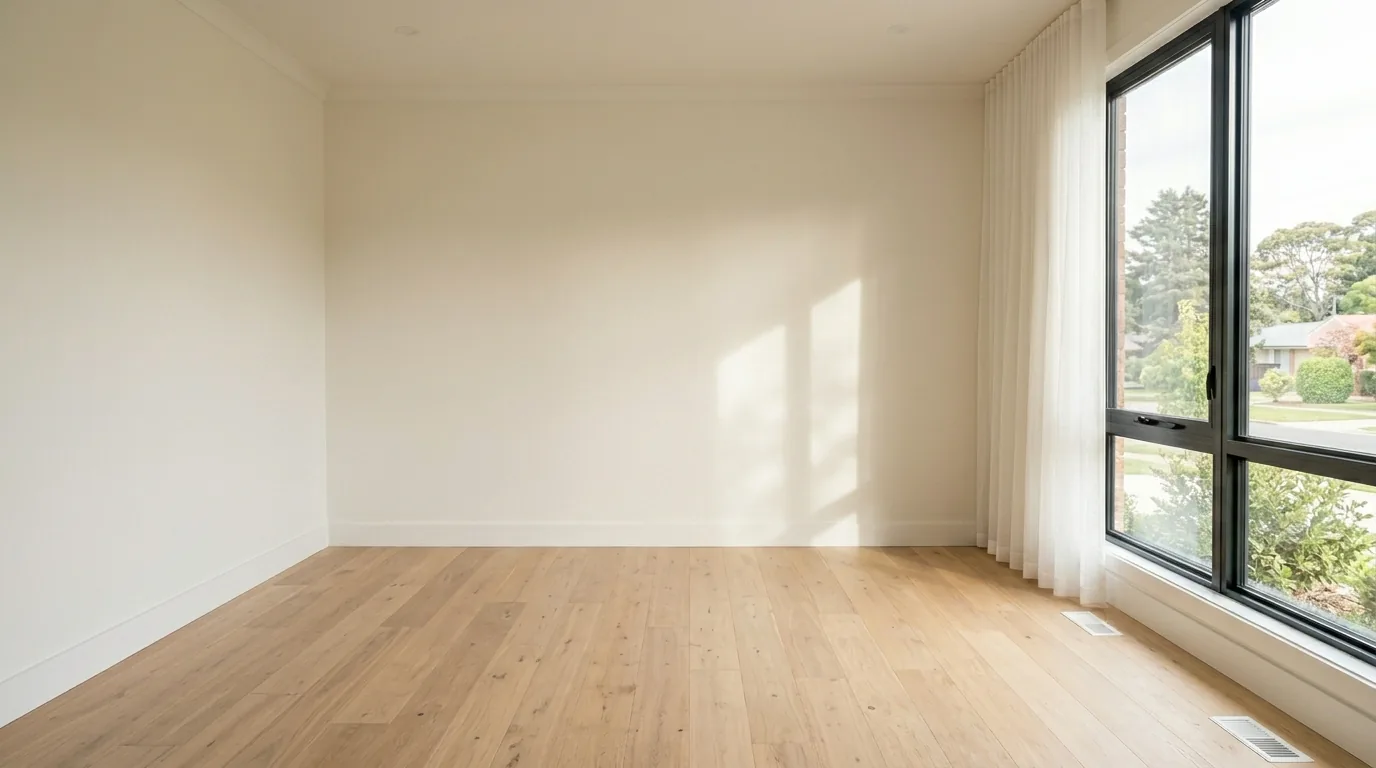
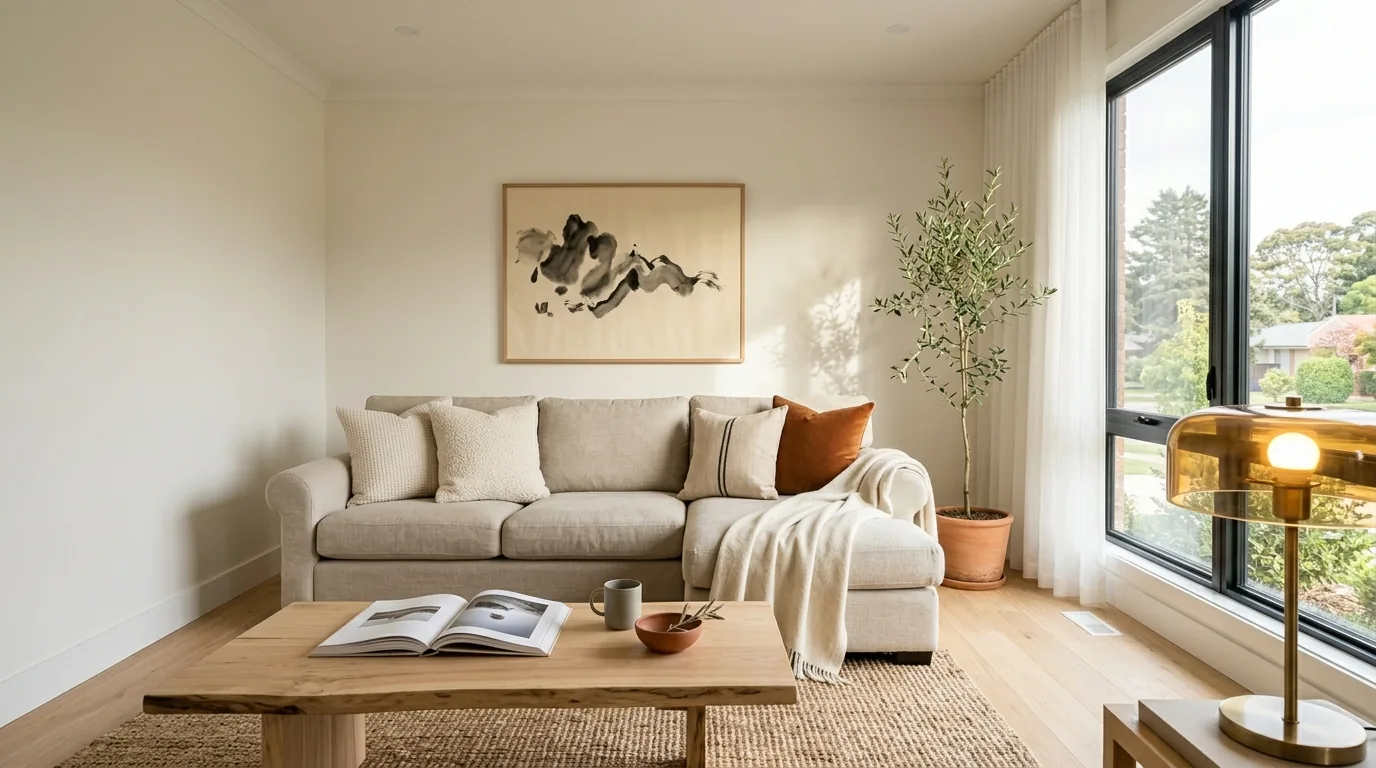 PředPo