Herramienta gratis de líneas y límites de parcela
Sube una foto aérea o de dron, traza el límite de la propiedad, da estilo a las líneas y añade una etiqueta de superficie o precio. Descarga un PNG limpio gratis — o exporta la revelación animada del límite para los vídeos de tus propiedades.
Suelta aquí una foto aérea o de dron
o haz clic para elegir — JPG, PNG, WebP o HEIC
Sube una foto para empezar a dibujar tu límite.
- vacía
Añade una línea para un camino o acceso y un área para una parcela. Cada capa mantiene su estilo y etiqueta.
Estilo
100 % privado — funciona en tu navegador
Para el PNG, tu foto nunca sale de tu dispositivo: el dibujo y el renderizado ocurren localmente en tu navegador. La exportación de vídeo animado requiere una cuenta y se renderiza de forma segura en nuestros servidores.
¿Por qué marcar los límites de la parcela en tus fotos?
Para propiedades de terreno y parcelas, un límite claro responde al instante a la primera pregunta del comprador — ¿qué estoy comprando exactamente? Un contorno limpio sobre una foto aérea hace que una propiedad parezca profesional, distingue tu parcela de los lotes vecinos, y la revelación animada frena el scroll en redes y en los vídeos de propiedades.
Preguntas frecuentes
Herramientas gratuitas de imagen y video de Pixly
Convierte una propiedad en fotos decoradas, vídeos y reels
Pixly crea home staging virtual con IA, día a noche, revelaciones de obra y vídeos cinematográficos de propiedades — en minutos.
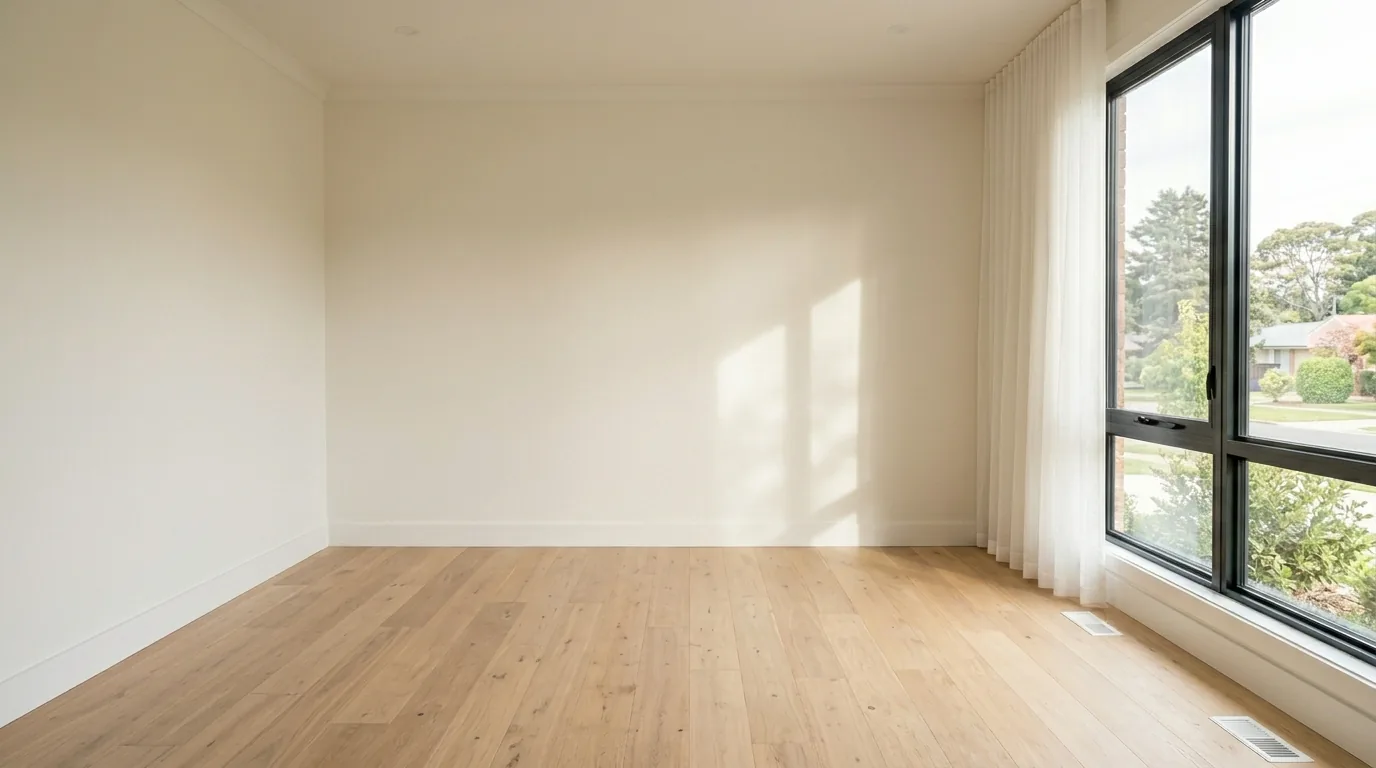
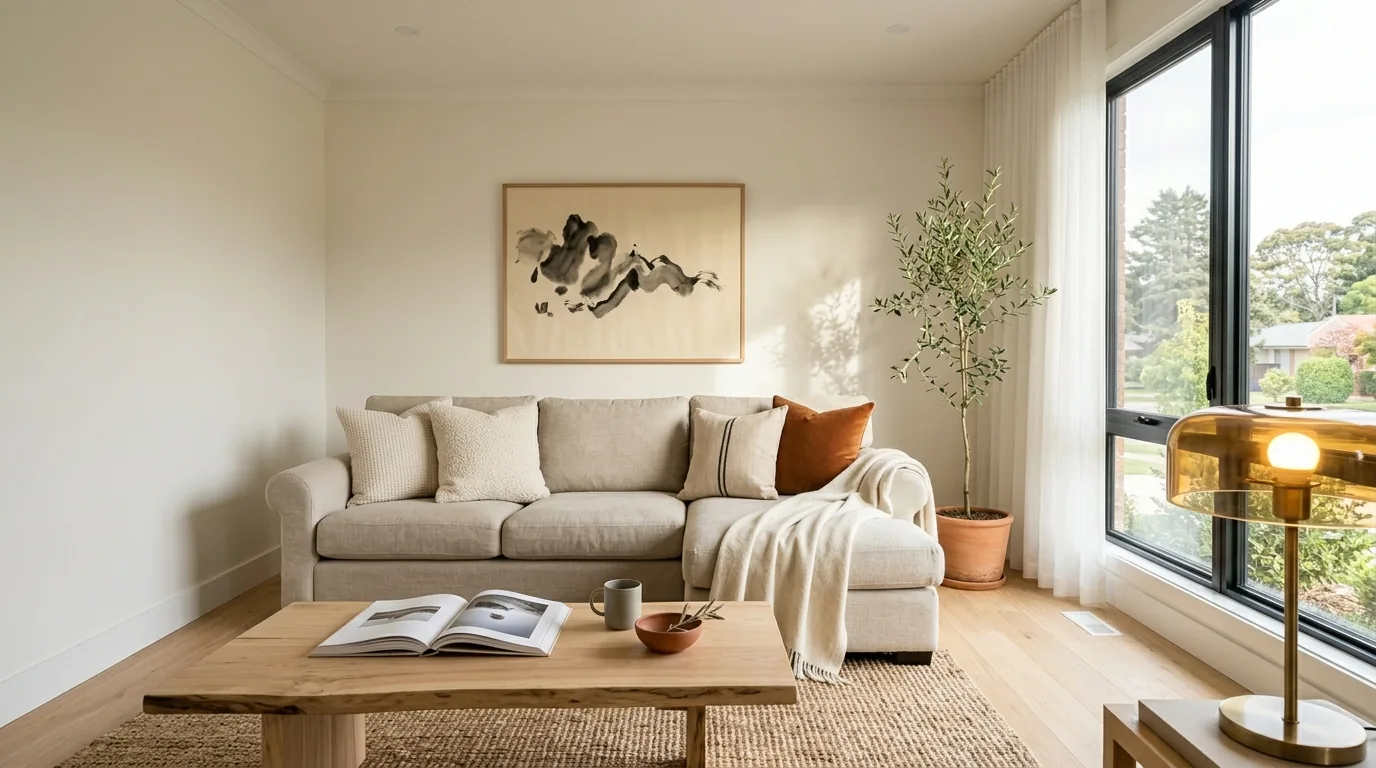 AntesDespués